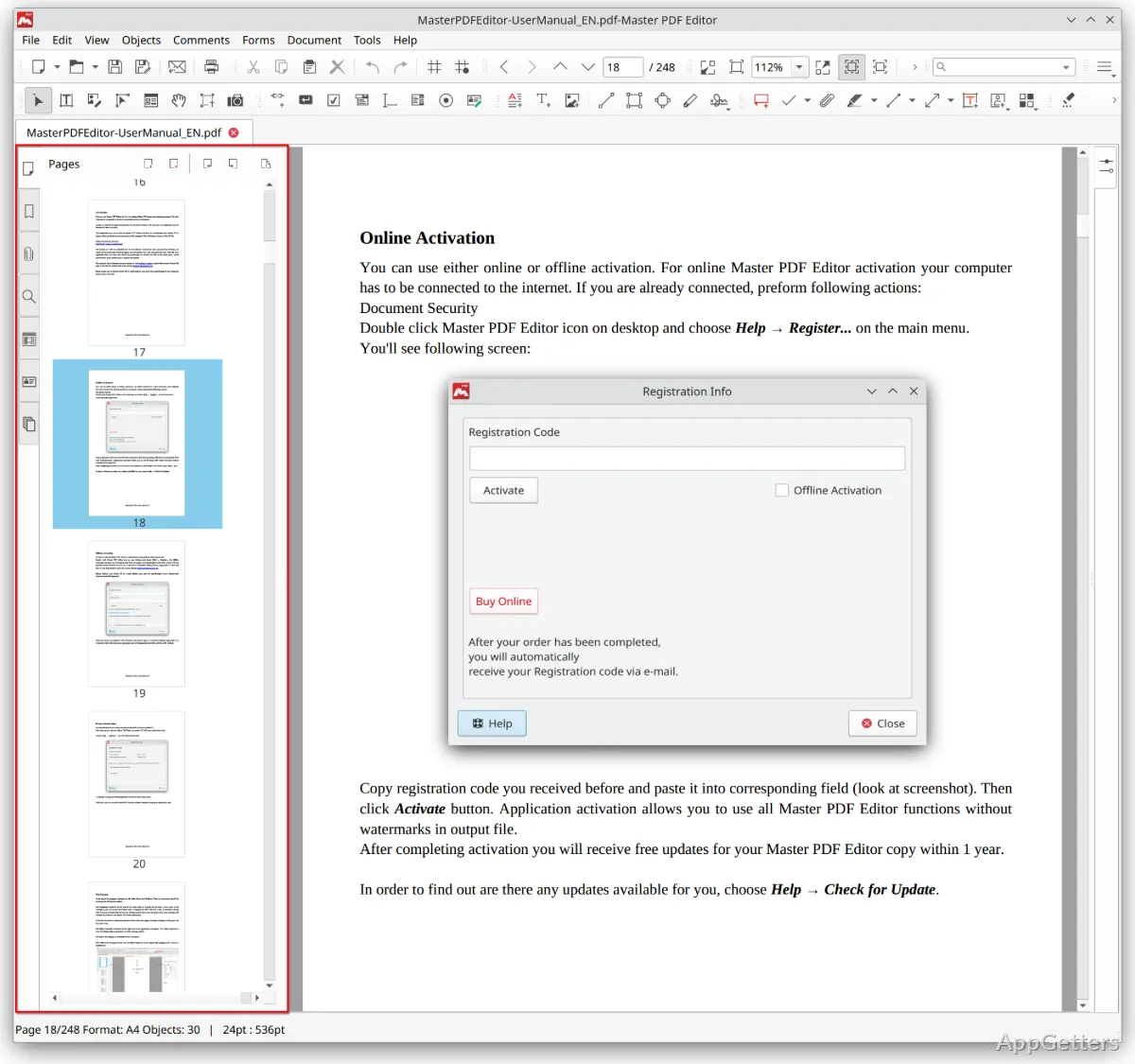
Need to fix text in a PDF, fill in a form or comment on a document? Master PDF Editor handles all three. It also covers page management, document creation, and digital signatures from the same editing workspace.
How can you edit text and pages in a PDF?
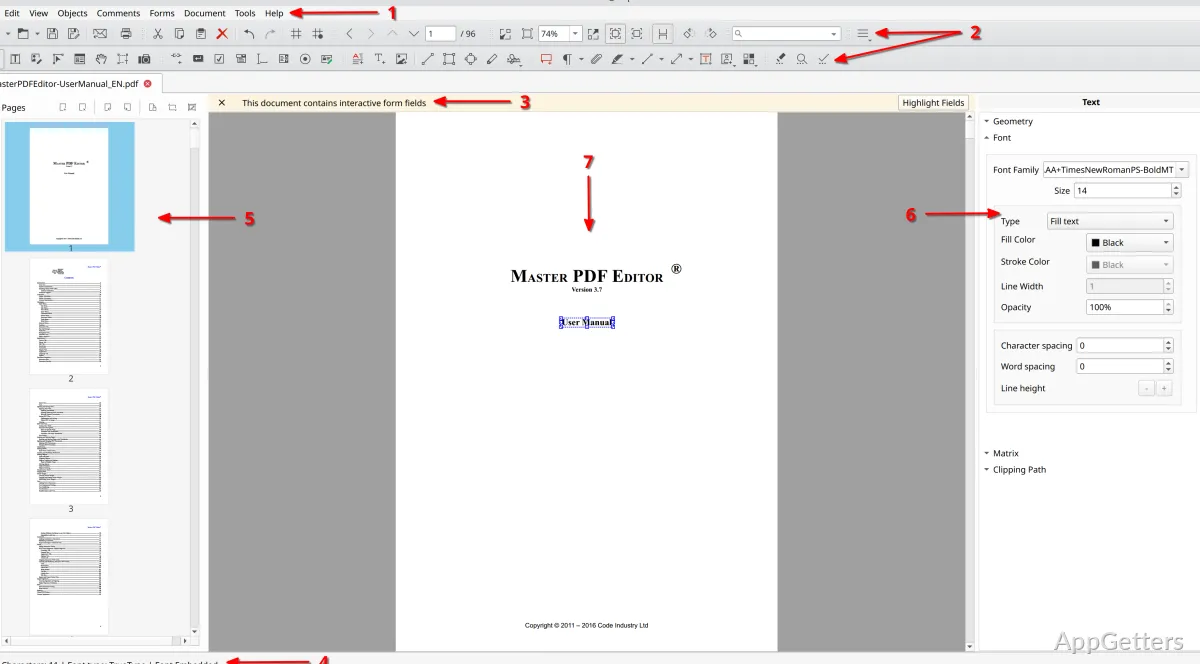
Open a document to change or add formatted text, insert images, and edit other objects. Text attributes such as font family, size, and color can be adjusted in the document. The page tools cover moving, inserting, deleting, replacing, and rotating pages, as well as splitting or merging PDF files.
For a new document, Master PDF Editor can create a blank PDF, combine existing files, or create a PDF from scanned pages. Its OCR feature recognizes text in scanned PDF documents. XPS files can also be converted to PDF.
What can you do with forms, comments, and signatures?
Fill existing PDF forms or build interactive forms with controls such as buttons, checkboxes, and lists. Form fields support validation and calculated values.
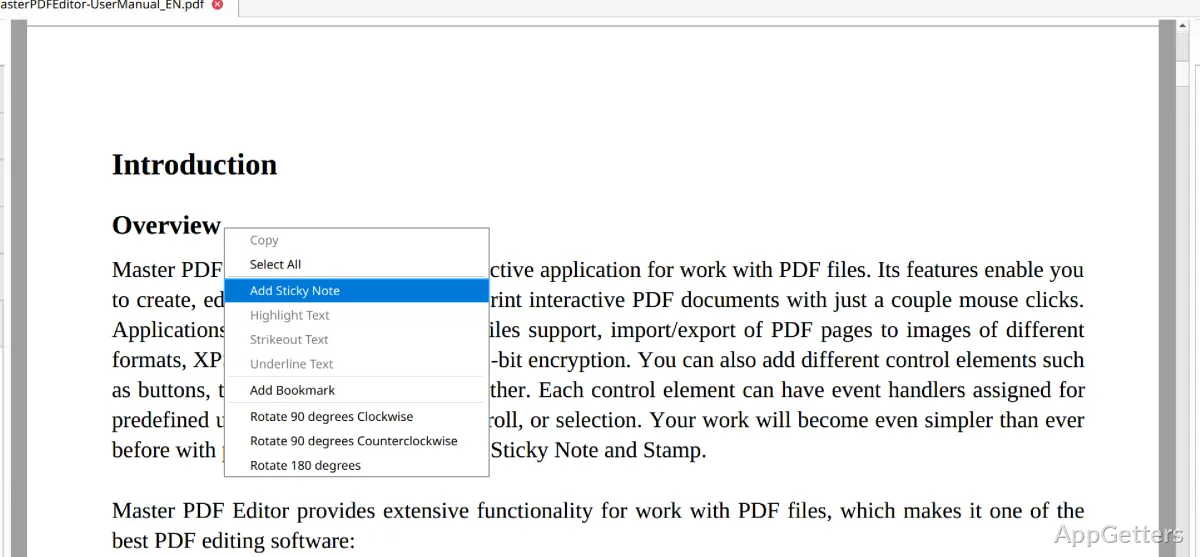
- Annotate documents with notes, stamps, highlighting, underlining, or strikethrough.
- Add and manage PDF bookmarks.
- Create digital signatures, sign documents, and validate signatures.
- Protect documents with passwords or certificates and set access permissions.
Which document and page tools are included?
The page export feature saves PDF pages as BMP, JPG, PNG, or TIFF images. Master PDF Editor can also export document content to formats including TXT, CSV, Excel, and Word. Printing, headers and footers, backgrounds, and watermarks are among its document-output tools.
The unregistered edition supports viewing, form filling, comments, and printing for personal use. Text and image editing, PDF form creation, and digital signing are among the functions reserved for the commercial edition.
Pros
- Edits PDF text, images, and other objects
- Creates and modifies interactive forms with validation
- Splits and merges PDFs and manages individual pages
- Exports PDF pages to BMP, JPG, PNG, and TIFF
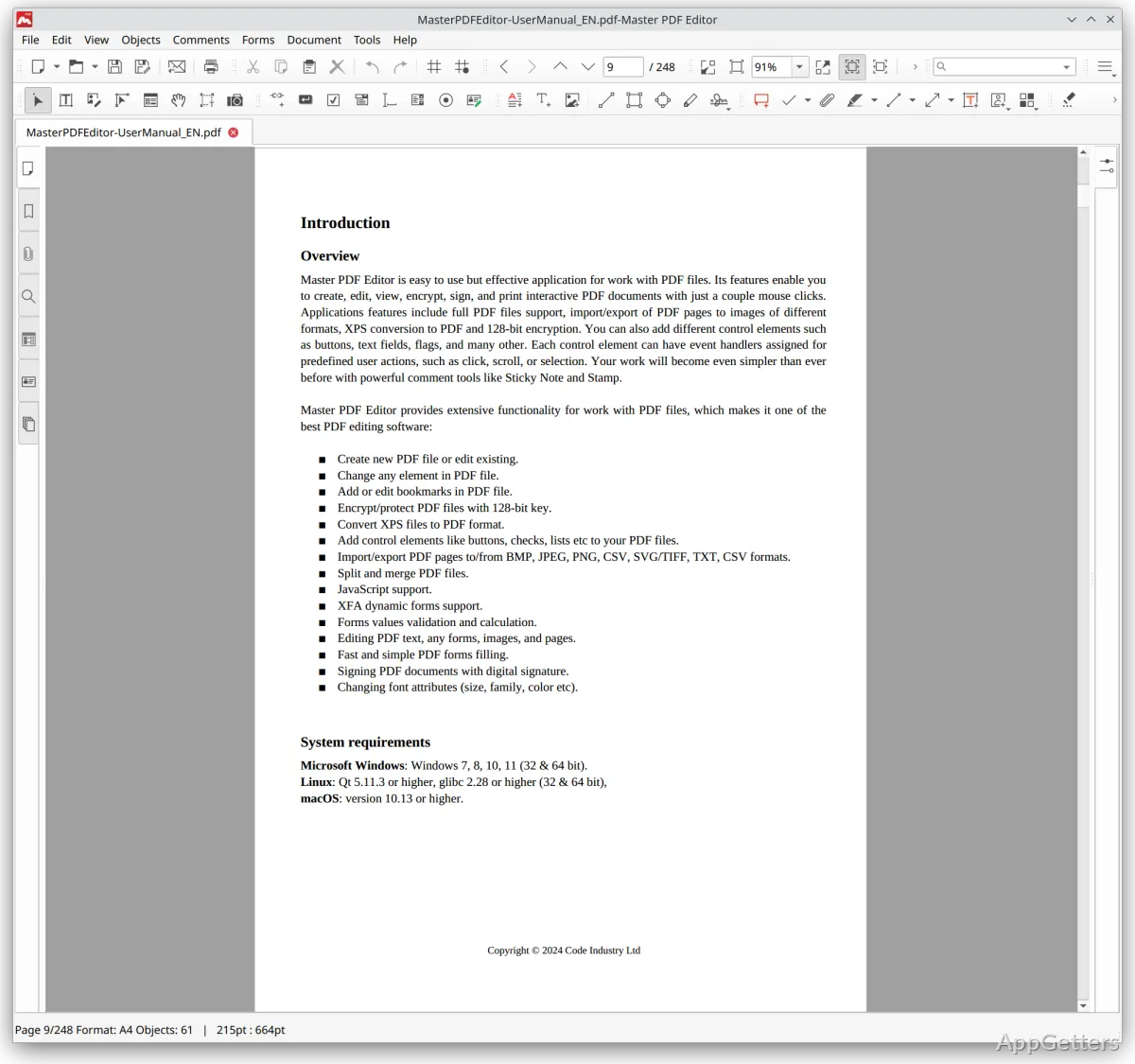
System requirements: Windows 7, Windows 8, Windows 10, Windows 11 · 32-bit and 64-bit
Can Master PDF Editor fill an existing PDF form?
Yes. It can fill PDF forms, including interactive forms with fields that support validation.
Can it create a PDF from scanned pages?
Yes. It can create PDFs from scanned pages, and its OCR feature recognizes text in scanned PDF documents.
Can it add a digital signature to a PDF?
Yes. It can create and apply digital signatures, and it can validate signatures in PDF documents.