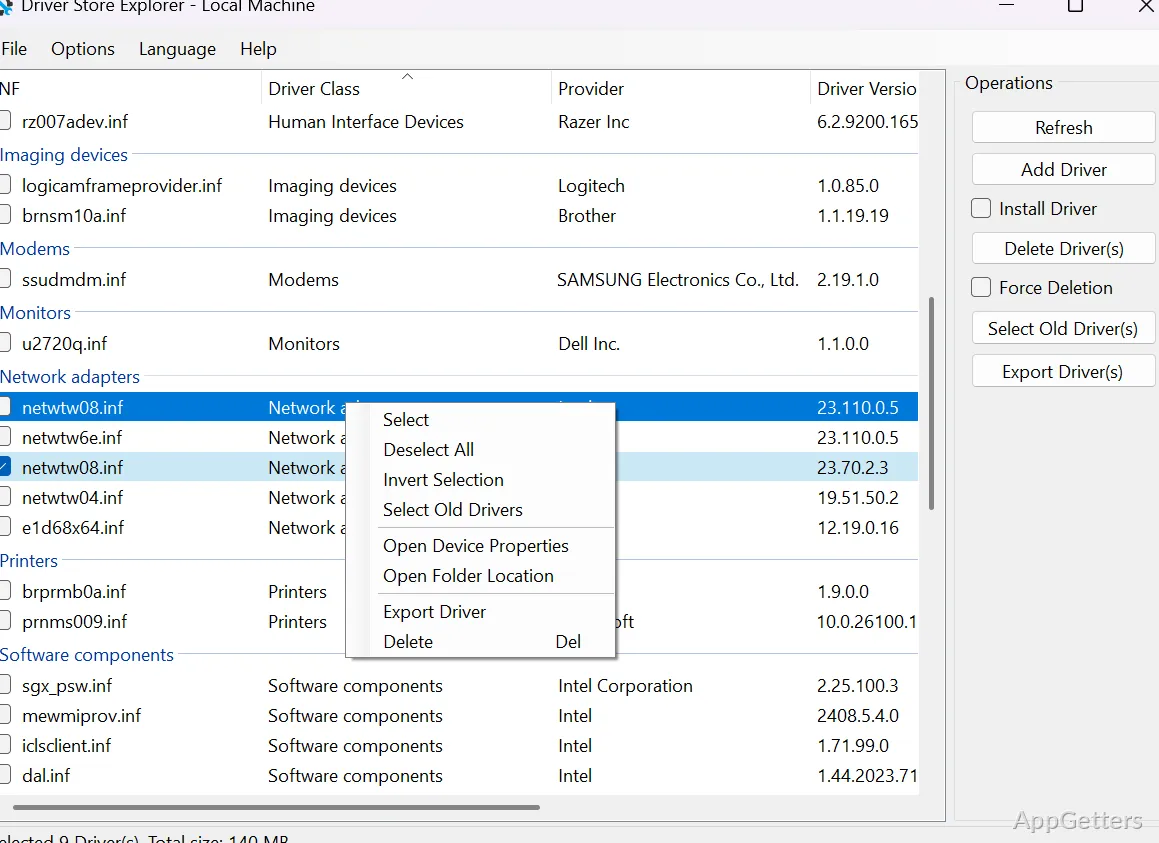
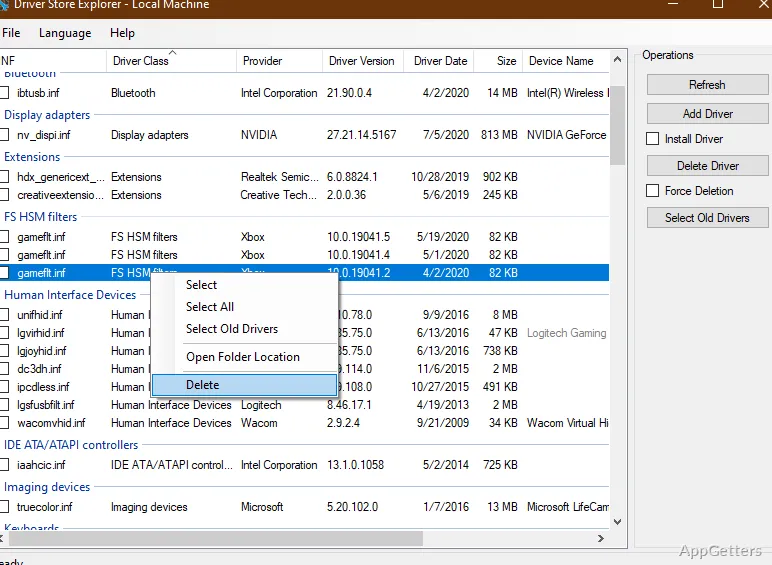
Windows keeps every driver version you ever installed, and they can fill gigabytes. Driver Store Explorer lets you search and inspect those third-party driver packages, then add, export or remove them. Driver Store Explorer (RAPR) also identifies older driver versions and shows whether associated devices are currently connected.
Driver package inventory
The main list displays third-party packages in the driver store with details such as package size, version, and date. Sortable columns, grouping, and live search help narrow the inventory; device association information indicates whether a package relates to hardware that is currently connected.
Names shown in gray indicate devices that are not connected at the moment. That distinction matters for hardware such as external drives, phones, or cameras, whose drivers may be needed again when the device returns.
Adding, exporting, and deleting packages
Driver Store Explorer can add and install a driver package, with an option to install it automatically to a device. Selected packages can also be exported into organized folders, providing a way to keep copies before making changes to the store.
- Select one or several packages for batch operations, with progress tracking.
- Remove individual packages or multiple selections; force deletion is available for packages currently in use.
- Use detailed logs and color-coded selection feedback to follow operations.
Old-driver cleanup
The “Select Old Driver(s)” command identifies packages with newer versions present and selects them for possible removal. The selection is an aid to cleanup, not a guarantee that every selected package is unnecessary: removing a package can affect hardware or compatibility, and forced removal carries additional risk.
Local and offline driver stores
The tool can work with the local Windows driver store or an offline Windows image. For offline stores, packages can still be selected and managed manually, but automatic selection of old or unused drivers is unavailable because the tool cannot determine device usage reliably.
Driver Store Explorer supports different management backends, including the native Windows API, DISM, and PnPUtil, with automatic backend detection. The inventory can also be exported as CSV for analysis.
Pros
- Shows package metadata, including size, version, and date
- Selects older driver versions for cleanup
- Exports selected packages to organized folders
- Can manage driver stores in offline Windows images
Cons
- Removing a driver can affect device operation or prevent Windows from booting
System requirements: Windows 7, Windows 8, Windows 8.1, Windows 10, Windows 11 · .NET Framework 4.7.2 or newer · Administrator privileges
What does Driver Store Explorer show?
It lists third-party driver packages and displays metadata such as size, version, and date, along with information about associated devices.
How does old-driver selection work?
The selection command identifies driver packages for which newer versions are present. Selected packages can then be reviewed and removed.
Can it manage drivers in an offline Windows image?
Yes. It can manage an offline image's driver store, but automatic selection of old or unused drivers is disabled for offline stores.