EXE
Home » Maintenance » MyASUS for Windows
MyASUS for Windows

MyASUS for Windows

  • By ASUS
  • Free
  • Version: 4.2.62.0
  • 159.99 MB
  • Security Report:

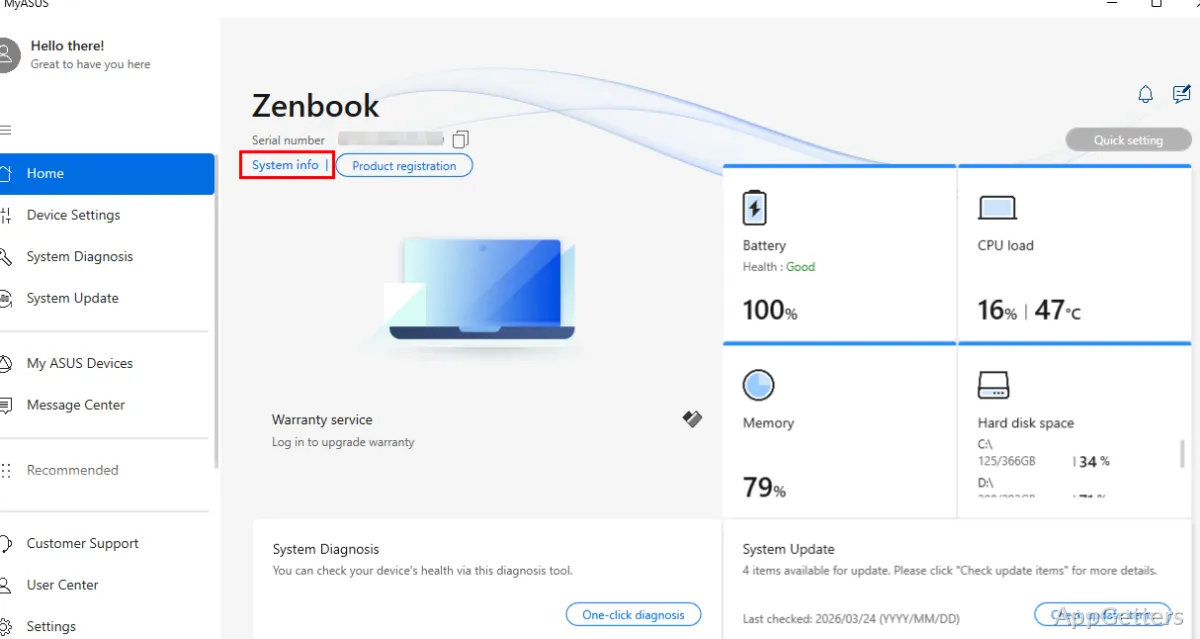
With today’s Windows laptops, managing updates, diagnostics, power configurations, and support tools is often a task of switching from one menu to another. Those scattered tools definitely make maintenance a hassle, especially for those carrying a brand in the device. With this in mind, MyASUS develops new solutions that integrate separate functions into one interface, thus giving users a centralized way of hands-on monitoring of health and device-specific features management without dependence on multiple utilities.

Everyday System Management Experience

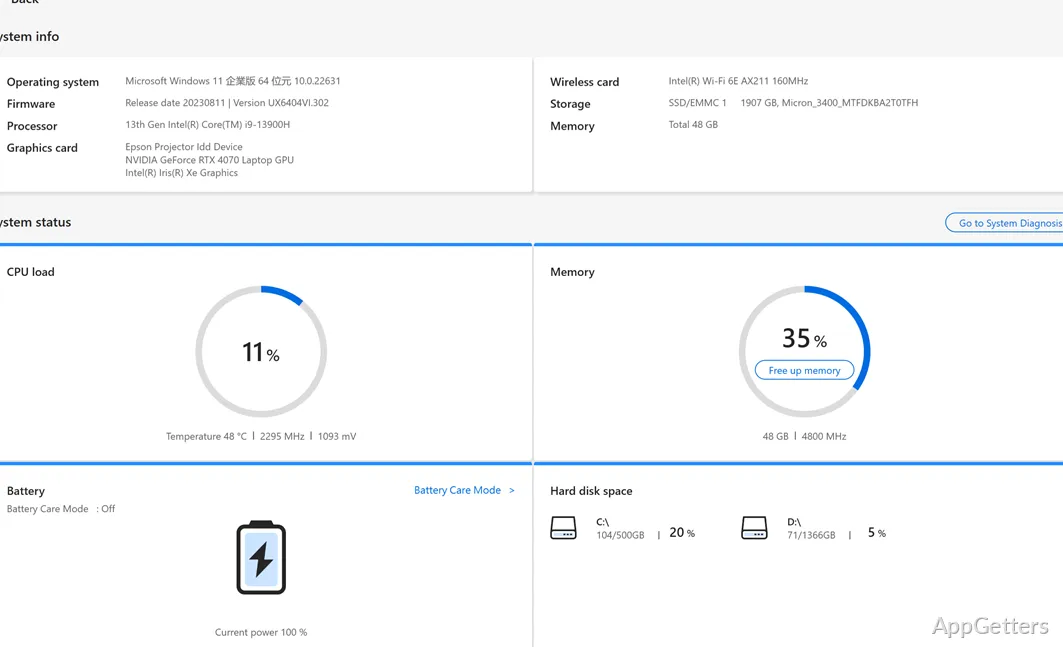
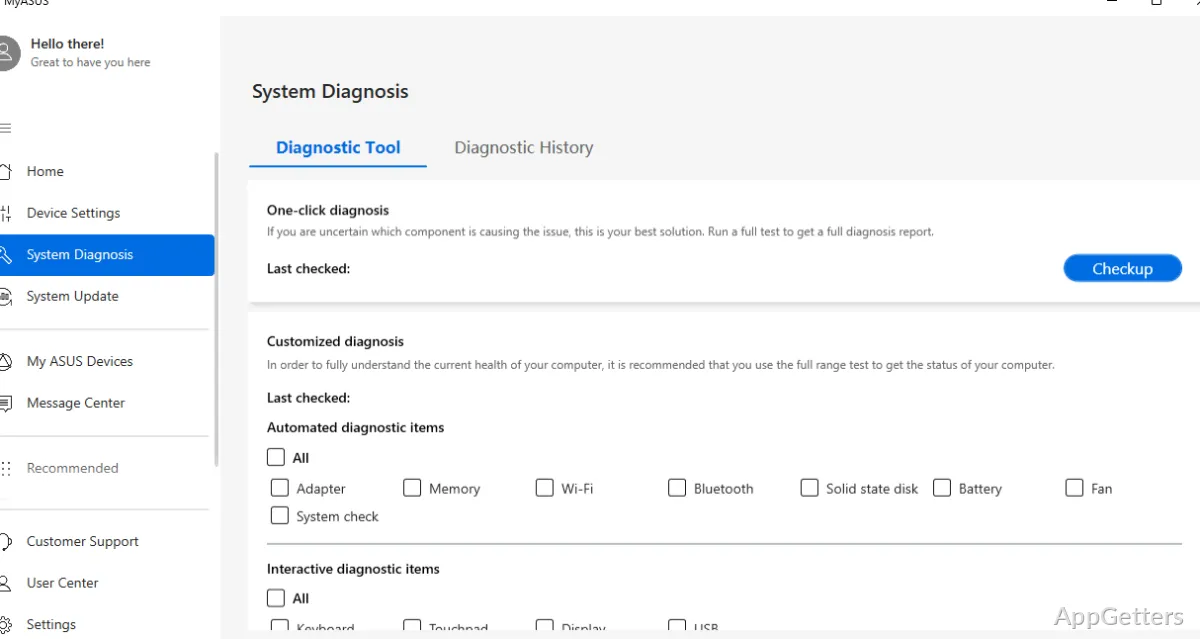
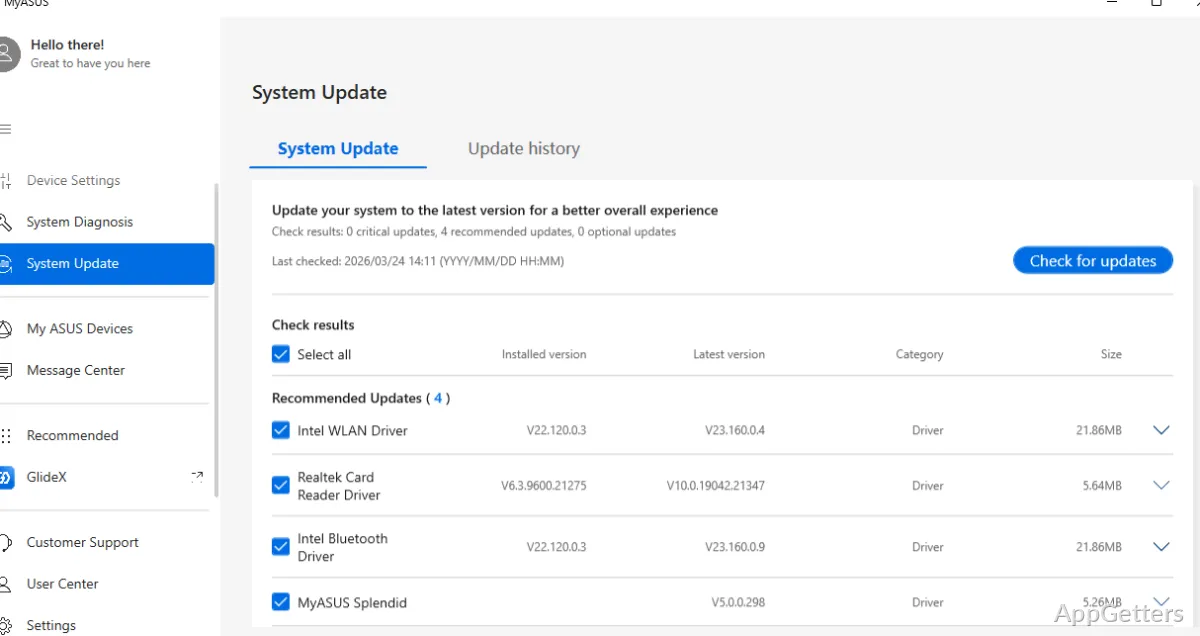
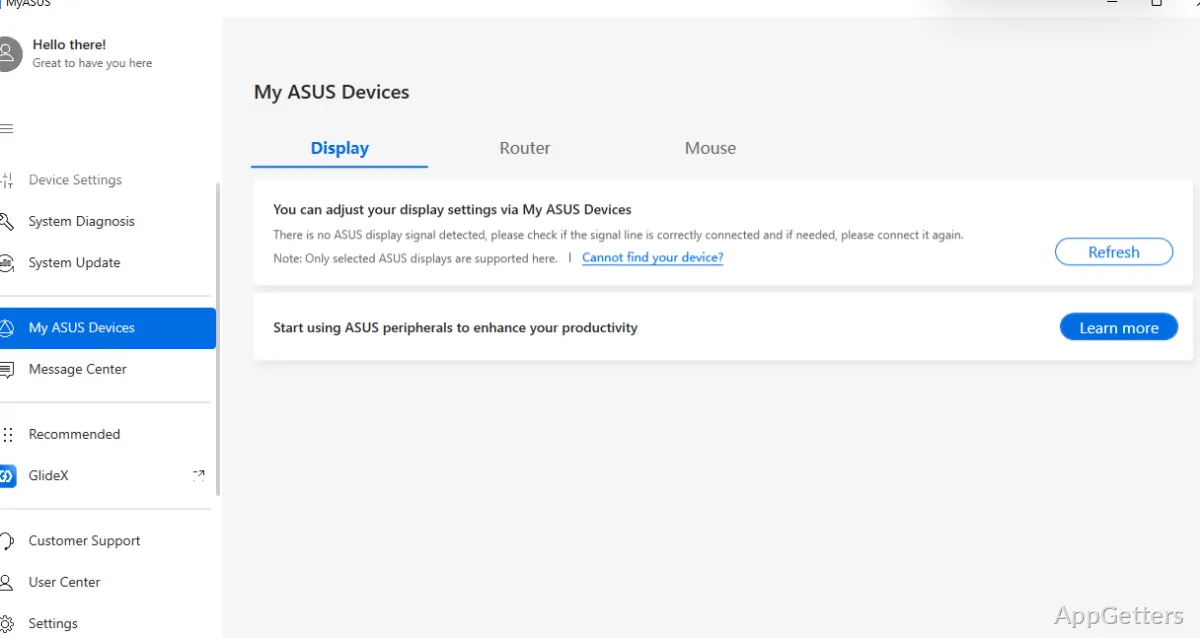
The software, through a well-planned single-location dashboard that includes system updates, hardware checks, and quick settings, is the first thing the user sees when opening the program. It is extremely helpful for those who want to be assisted in their experience rather than browsing through Windows settings and manufacturer websites. Opening the driver update checker, running a diagnosis, or changing the battery charging limits are some of the things that you will access with minimal effort.

The interface is mostly unintimidating and makes it the tool of choice for non-tech-savvy students and home users who are not familiar with technical details. It reduces their dependency on separate tools to get the job done, and instead creates a familiar environment for operations that are part of maintenance routines. All in all, the user is at ease with the tasks performed here being only a few clicks away.

Performance and Practical Gains

MyASUS utility is a great help in the accentuation of dependability in the system. It does so without causing a leap in the performance level. Management of updates and system diagnostics is aimed at the elimination of disruptions. By way of example, getting a timely alert of hardware faults or driver updates will be key. It reduces the number of slowdowns and other compatibility problems that the user will experience on a random basis.

As far as general usage is concerned, through different types of working, e.g., using the Internet for classes, undertaking office work, or gaming, the difference you feel is quite minimal, but it is there. It is not the kind of software that you have to deal with all the time. However, it is the one that will support your more stable environment situation while it is working in the background. Think about it as something that encourages convenience and prevention. It is not so much a means to performance tuning or system control.

Limitations and Hardware Dependence

This software practically works only on the hardware of ASUS. A lot of features are customized just for compatible devices. So, using the software outside that brand will be of almost no use at all. Even for the supported ones, there might be differences in the features on certain models. This will result in differences in the functions.

Another thing to consider is that you can only go so far from a simple interface. In fact, the UI is very suitable for the beginner level. However, if you want to extensively change the settings, you are out of luck. If you want to have detailed control of system parameters or do some high-level diagnostics, then you will probably find the features to be quite restricted. Besides, like almost every manufacturer’s software, it has running background operations. These can, in a way, be responsible for the overall resource usage, which is slightly increased.

A Central Utility for ASUS Laptop Owners

If you are an owner of a laptop that belongs to the ASUS brand, MyASUS might be the perfect consolidating tool. It is useful for support and management. MyASUS is especially suitable for students, home users, and professionals who lack time to explore system settings. It offers a straightforward way to keep devices updated and running reliably.

The actual day-to-day use will see you enjoy a reduction in the time you spend on troubleshooting. It also brings greater dependability in normal operation. As an ASUS laptop user, the software will be an additional layer of assistance. It will ensure the smooth running of your system with the least amount of exertion on your part.

Software Details of MyASUS 4.2.62.0

License
Free
Version
4.2.62.0
File Size
159.99 MB
Downloads
0
Language
English
Category
Op. System
Windows
Developer
ASUS
Last Updated
April 6, 2026

Version History

5 versions
4.2.62.0
Latest
159.99 MB
April 6, 2026
4.2.61.0
159.99 MB
March 28, 2026
4.2.59.0
135.96 MB
March 2, 2026
4.2.58.0
135.96 MB
February 10, 2026
4.2.56.0
135.91 MB
January 13, 2026

Leave a Comment

Your email address will not be published. Required fields are marked *

Software Icon
Security Report

Loading scan data...

Scroll to Top