When a PC’s temperatures rise or a component needs identifying, HWiNFO Portable can show what hardware is present and how it is behaving. It combines component details, live sensor readings, and reporting in a no-install package.
HWiNFO organizes component details by hardware
The main hardware view groups detected devices into a component tree, making it easier to move from an overview to individual parts. Select the processor, graphics hardware, motherboard, or memory to inspect the information HWiNFO gathers about that component. The details support tasks such as identifying installed hardware and checking system configurations.
A separate system summary presents key component information together, which is handy for a quick inventory. For deeper checks, the component categories expose more extensive technical details, including device and firmware information where available.
The Sensors view tracks changing system readings
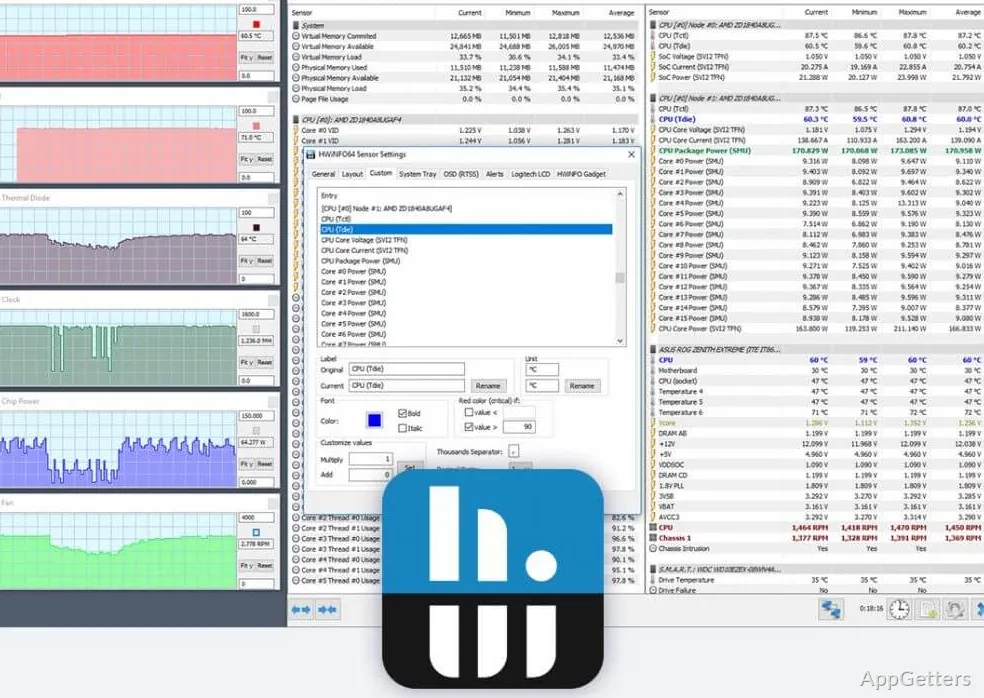
HWiNFO’s sensor monitoring shows current measurements as the system runs. Depending on the hardware, readings can include component temperatures, fan speeds, voltages, clock speeds, and utilization. This gives users a way to observe changes during everyday work or while a demanding application is running.
- Watch individual sensor values update in real time.
- Use sensor graphs to follow changes over time.
- Log sensor status for later examination.
Reports capture hardware and sensor information
HWiNFO can generate reports about the system and its components, while status logging records changing sensor data. These records provide a reference for diagnostics or for comparing a system’s readings across different operating conditions. The program also supports interfacing with other tools or add-ons.
The portable package runs without installation
The portable edition is intended to run without a conventional installation. That suits technicians who carry diagnostic utilities between PCs, as well as people who want to inspect a machine without adding a permanently installed HWiNFO application.
Pros
- Detailed inventory of processor, graphics, motherboard, and memory hardware
- Live readings for temperatures, fan speeds, voltages, and clocks
- Sensor status logging and report generation
- Portable format runs without installation
Can HWiNFO monitor temperatures while the PC is running?
Yes. Its Sensors view displays live readings, including temperatures and other hardware measurements supported by the system.
Can HWiNFO save sensor readings for later?
Yes. HWiNFO can log sensor status and generate reports for later reference.
Does HWiNFO Portable identify installed hardware?
Yes. It presents detected components such as the processor, graphics hardware, motherboard, and memory, with detailed information for each.