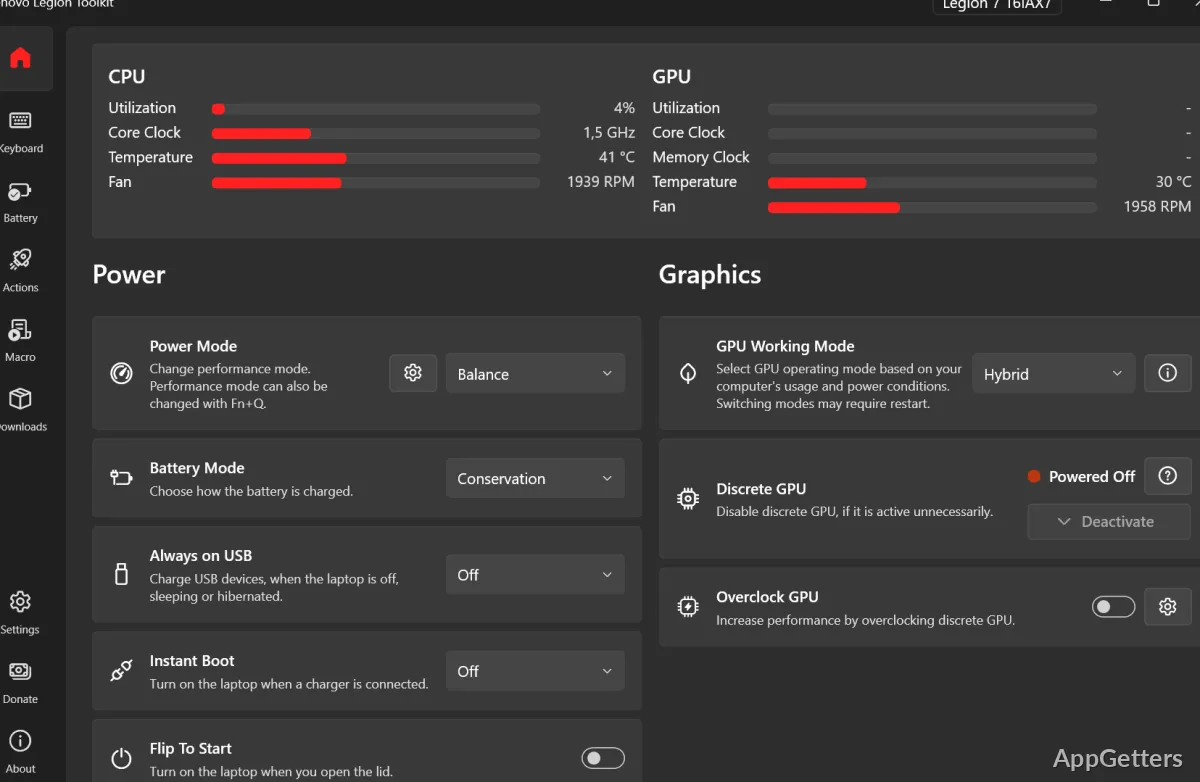
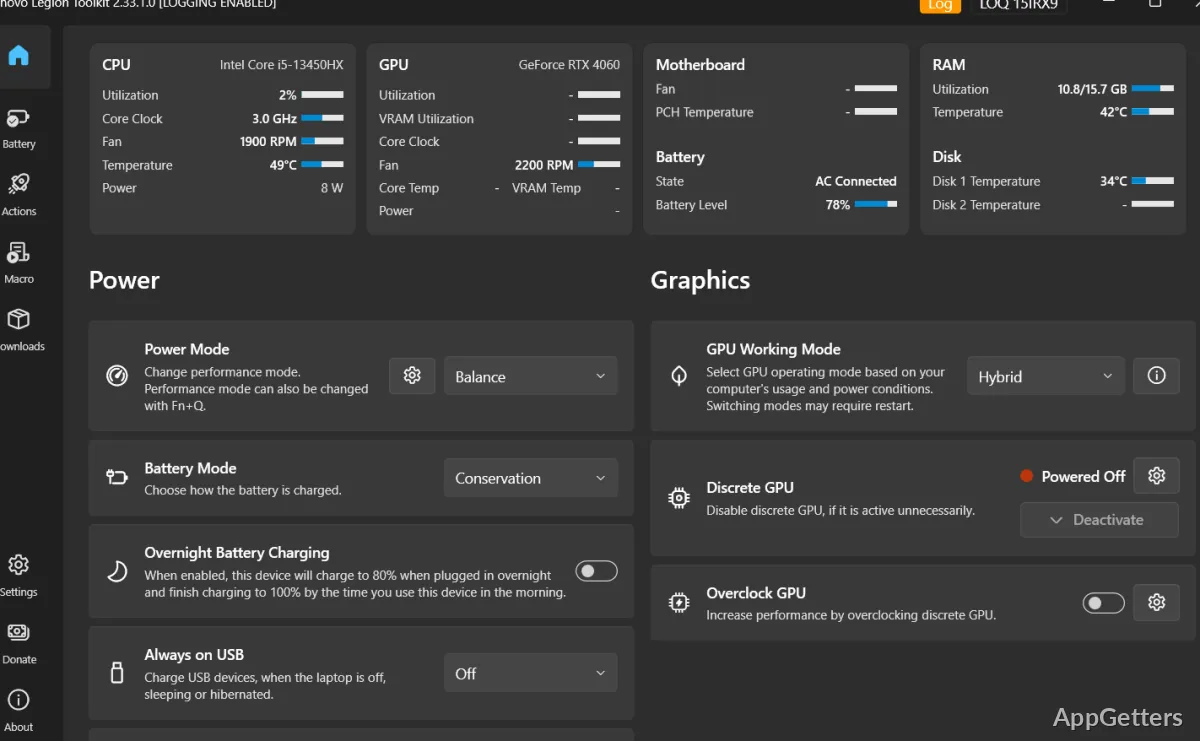
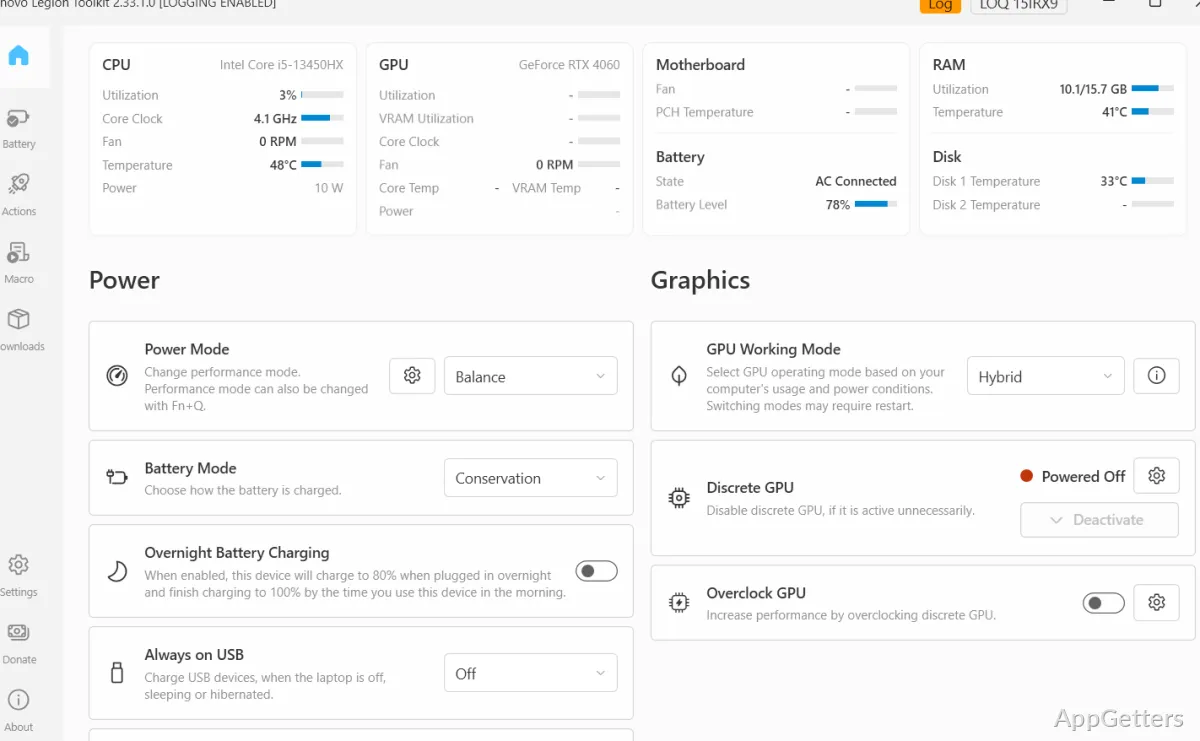
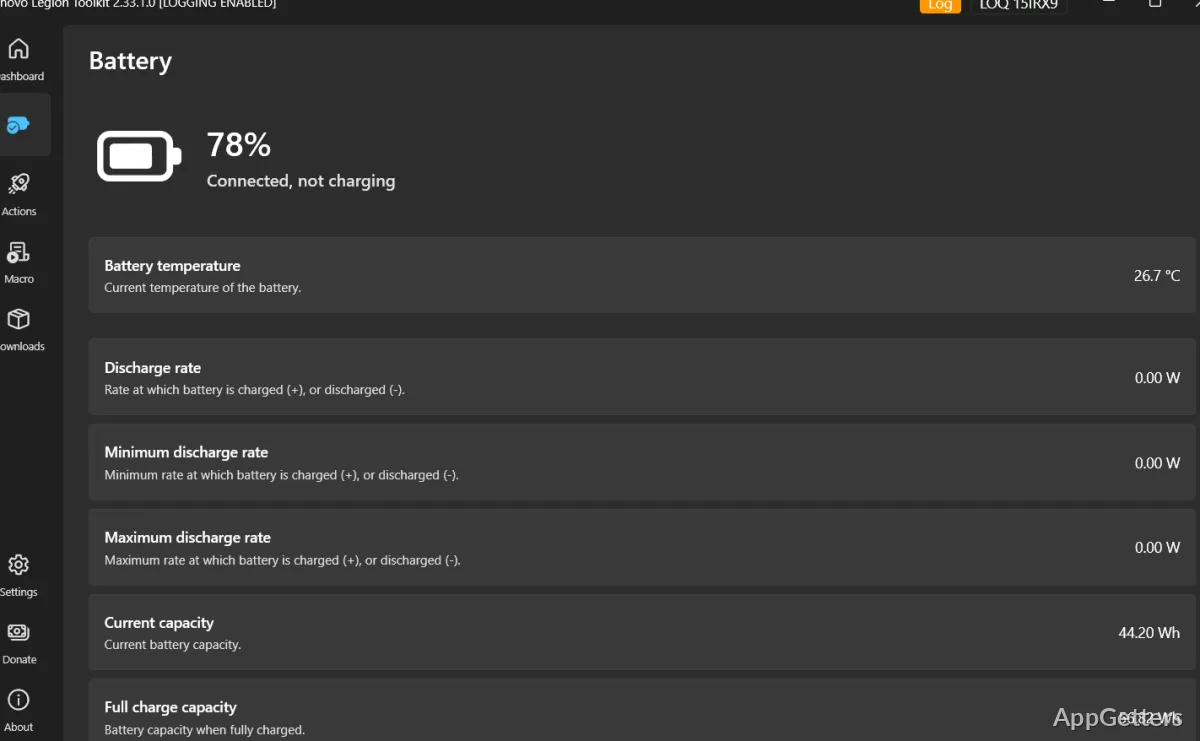
Power modes, battery charging, GPU settings, and keyboard lighting can be adjusted from one Legion-focused utility. Lenovo Legion Toolkit also offers battery statistics, hardware actions, and controls for selected Lenovo utilities.
Power modes include controls for fans and power limits
The main controls cover power mode and battery charging mode. On laptops that support Custom Mode, the Power Mode menu also offers adjustments for power limits and fans. Available controls depend on the laptop’s hardware.
Hybrid and GPU Working Mode settings control whether the laptop uses integrated graphics, the discrete GPU, or a hybrid arrangement. Switching these modes requires a restart. The toolkit can also show NVIDIA discrete-GPU activity and offer a way to deactivate the GPU in supported conditions.
Keyboard lighting and laptop actions have dedicated controls
Lighting options include Spectrum per-key RGB, four-zone RGB, and white keyboard backlighting. Some models also expose controls for the panel logo and rear-port lighting. Lenovo Vantage services may need to be disabled to avoid conflicts with lighting controls.
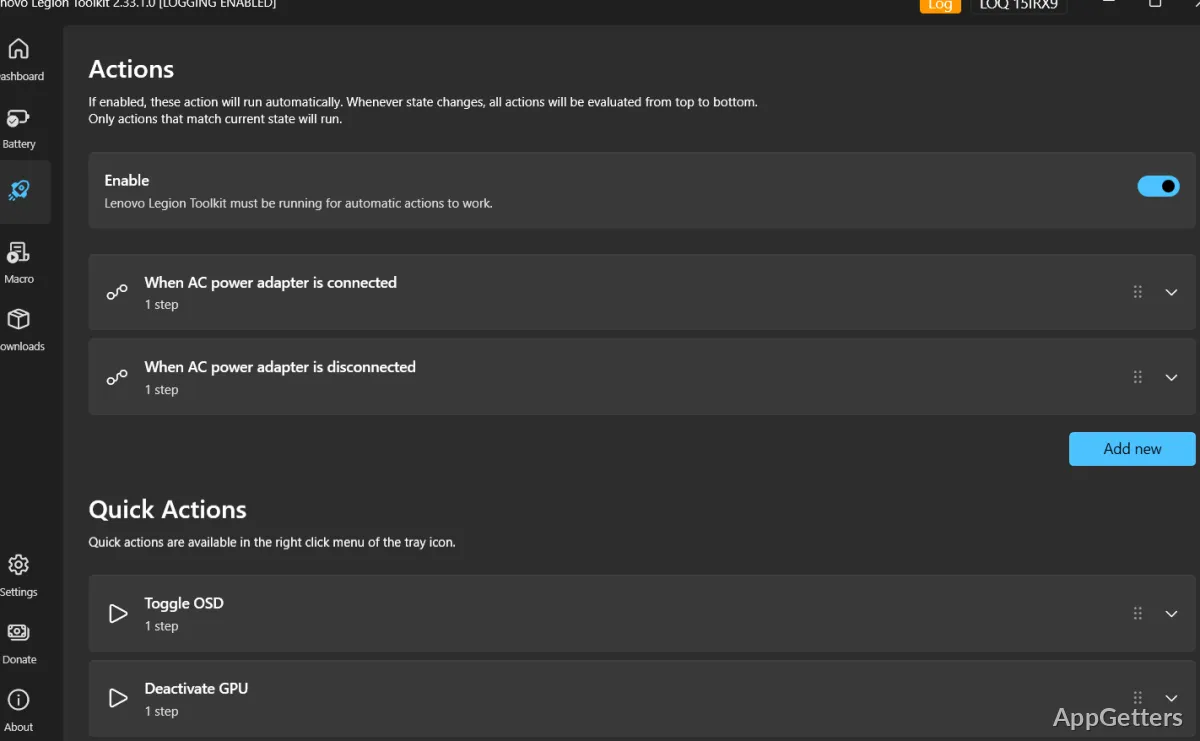
Actions can run when a laptop event occurs, such as connecting the AC adapter. The toolkit also includes a command-line interface for controlling laptop features, plus checks for driver and software updates and warranty status.
- View battery statistics from the toolkit.
- Enable or disable Lenovo Vantage, Legion Zone, and Lenovo Hotkeys services without uninstalling them.
Some features depend on the laptop and its drivers
Lenovo Legion laptops and similar Lenovo models are the intended devices, but feature availability varies by hardware and firmware. A clean Windows installation may need Lenovo drivers for some controls to appear. Running Vantage, Legion Zone, or Hotkeys alongside the toolkit can cause conflicts.
The project has been archived, so it is no longer actively maintained. The toolkit also does not run background services; some features that respond to Windows power changes or toolkit actions require it to remain running.
Pros
- Adjusts charging mode, power mode, and GPU working mode
- Supports Spectrum per-key RGB and four-zone keyboard lighting
- Can trigger actions when the laptop connects to AC power
- Includes battery statistics and discrete GPU activity monitoring
Cons
- The project is archived and no longer actively maintained
- Some controls need Lenovo drivers, and other Lenovo utilities can conflict
System requirements: .NET Desktop Runtime may be needed. · Administrator rights are required. · Some options need Lenovo Energy Management and Lenovo Vantage Gaming Feature Driver.
What can Custom Mode change?
On supported laptops, Custom Mode provides adjustments for power limits and fans.
Does changing GPU working mode require a restart?
Yes. Switching GPU working modes requires restarting the laptop.
Which keyboard lighting controls does it support?
It supports Spectrum per-key RGB, four-zone RGB, and white backlighting, with some additional lighting controls available on certain models.