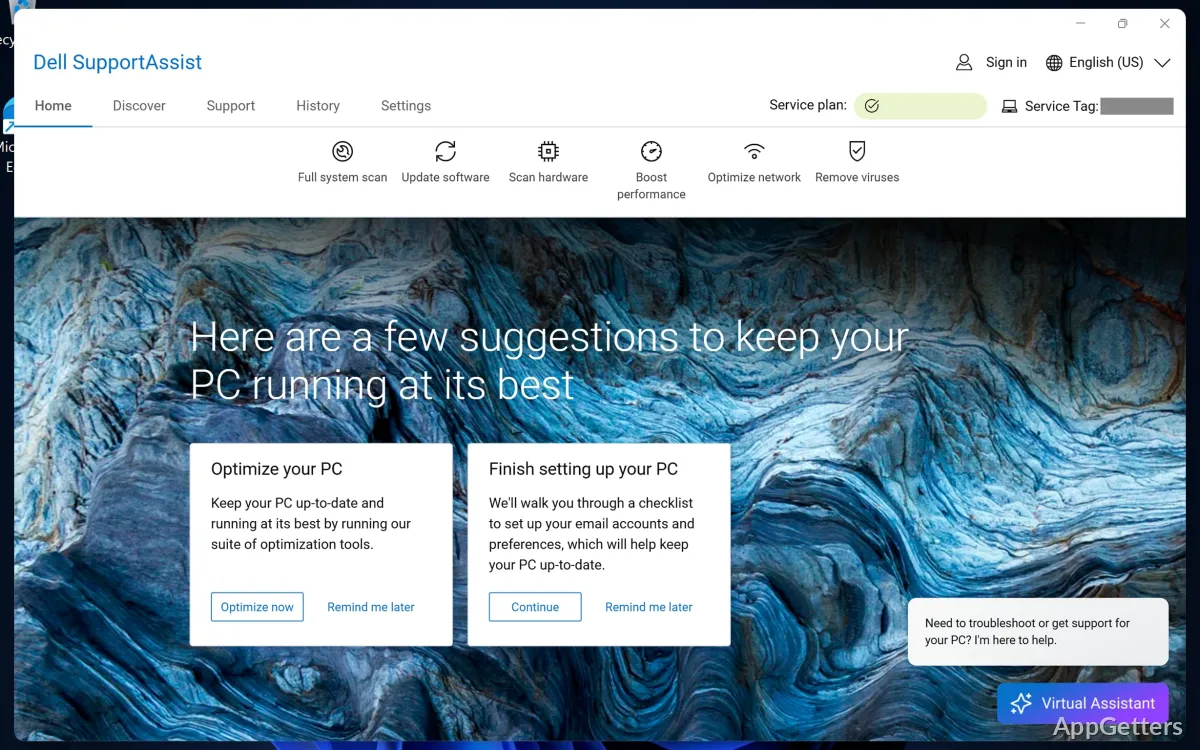
Usually, it takes users more than they expect to maintain a Windows PC smoothly in the long run. Drivers will get old, at times, hardware will break down without any clue. Also, the troubleshooting methods are definitely not a walk in the park for non-technical individuals. Basically, on a Dell system, a lot of these problems get solved by the pre-installed utilities. SupportAssist is like the main weapon in the arsenal of these tools. Its major idea is to make the upkeep easier by joining diagnostics, updates, and system checkups in just one interface. In fact, it acts like a silent helper in the background who is always trying to lessen the occasions when the user has to manually intervene and troubleshoot.
Automated Diagnostics and System Checks
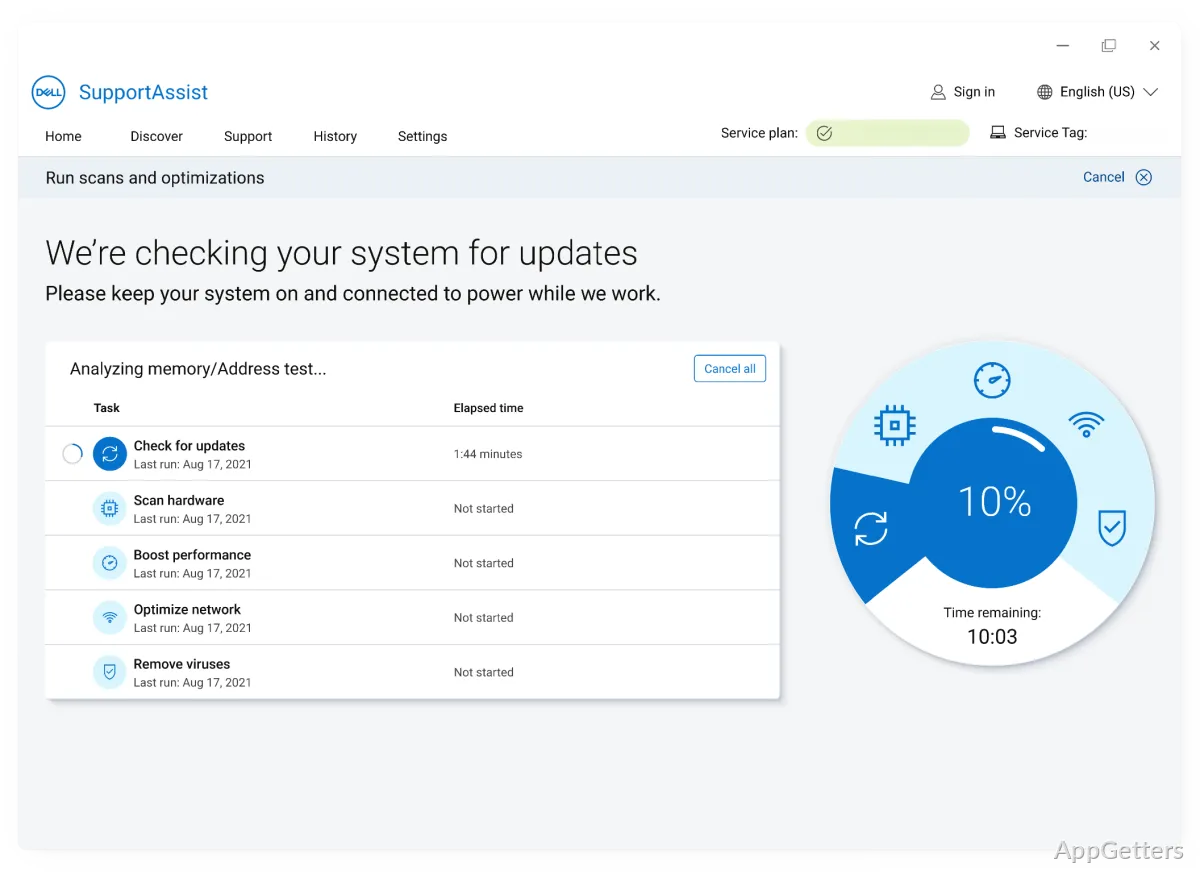
The thing that makes us realize that Dell SupportAssist runs our PCs in the most unobtrusive manner possible is definitely the automated system scans it performs. These automated system scans are always on the lookout for your hardware’s health by checking different parts of your computer, like the storage device, RAM, battery, etc. Once it finds something not quite right, it will signal you in a way, most of the time, not requiring you to be a techie to figure it out.
Having problems that are not instantly obvious is the kind of situation where these precautionary steps prove their worth the most. An example would be a computer that suddenly starts to lag and sometimes just shuts itself down. These two can actually be symptoms of hardware problems, and if you have such a tool, it will show you these hidden issues ahead of time. You don’t need to do anything at all, as the tool is pretty well equipped to spread the diagnosis results to you, which means no running of tests at all, and handling of some intricate system logs, and so on. At a student’s or a typical home user’s level, system maintenance would not be a source of stress anymore.
Driver Updates and System Maintenance
In fact, this feature of SupportAssist is responsible for most of the tool’s practical value. Every now and then, instead of relying on manual downloads from support pages, the tool independently finds out which parts have become outdated and brings to your notice the available updates. It is highly convenient since more often than not, you do not have to exit the application when installing these update packages. Hence, this lowers the risk of missing any of the crucial system improvements that usually come with the newer updates.
Installing updates also helps in keeping the laptop running in a consistent and expected manner, which is its primary function. This is especially considering that a lot of the performance and battery effectiveness depend on the quality of drivers. On the other hand, updates are sometimes held up for a while before release. This may leave users expecting the latest versions a bit disappointed. Nevertheless, the less risky version is what most of the time comes first.
Daily Consistency and Background Operation
While the plan is for SupportAssist to work quietly in the background without user intervention, different users might experience it differently. This depends on their computer setups. As a case in point, on numerous Dell (Windows) PCs, the utility is set up to automatically initiate system scans periodically. It does so without even getting the user’s permission first. If the system is functioning properly, these operations will probably remain unnoticed by you. On the other hand, if it is not so harmonious with your system, you might grow a strong impression of being continuously monitored without your consent.
So, when it does its scans or updates, of course, it will be using your system’s processing power and memory. And if you happen to own a less powerful device, you have every reason to complain. Apart from these normal, if not unavoidable, side effects, the choice is always yours to restrict its background operations. You might still go on getting help from it only when you specifically choose to.
It would be very hard to argue that its single tool approach covers a variety of upkeep duties. It can cut down the need for further utilities drastically. Especially when some users are more than happy to use one tool provided directly by their manufacturer for all their needs. In this case, Dell SupportAssist.
Where Dell SupportAssist Fits in Everyday Use
Dell SupportAssist really is made for people who simply do not want to bother. It handles diagnostics and updates for you. But still want to get some kind of support. It is quite suitable for students, ordinary home users, and small office environments. Methods that are easy and dependable are considered most important. Without requiring users to have deep knowledge of the system.
Basically, it’s like a layer of support that assures you that your Dell PC is functioning well. It will stay that way with hardly any user input. Of course, it is not a substitute for an advanced troubleshooting toolkit. It does come with features that are sufficient for optimal management of daily maintenance routines. For a user who doesn’t mind locking into the Dell ecosystem, this tool feels like having a personal assistant. You and your Windows PC stay in sync and run seamlessly.