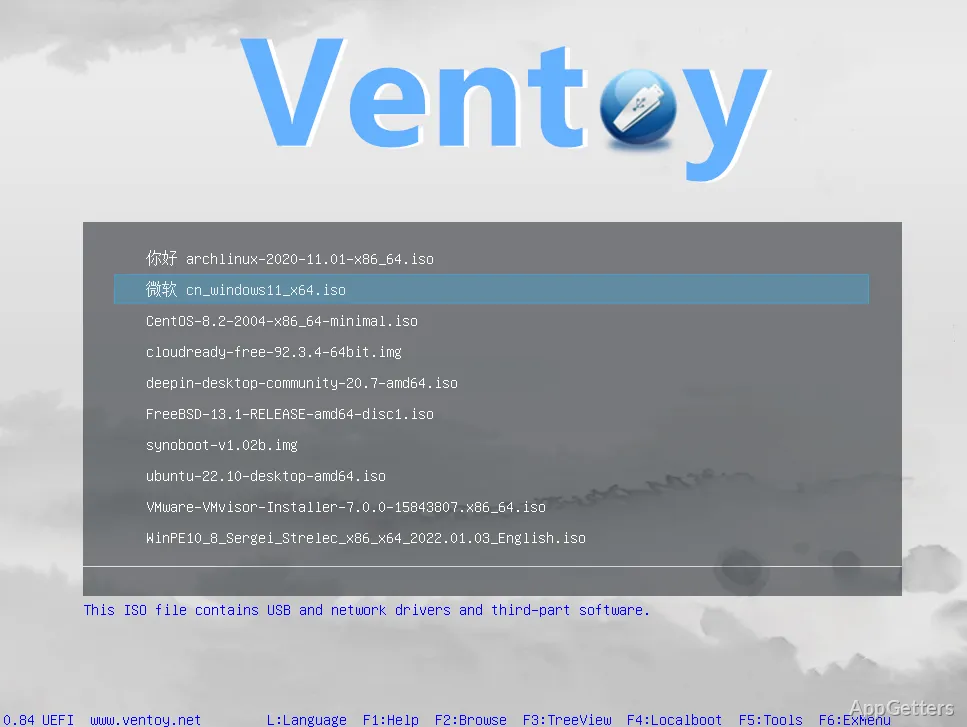
Tired of re-flashing a USB stick for every new ISO? With the free Ventoy, one drive holds many boot images and shows a menu to pick one at startup. After installing Ventoy on a USB drive, copy image files onto it and select one at boot; adding another image does not require rebuilding the drive.
Ventoy builds a boot menu from files on the drive
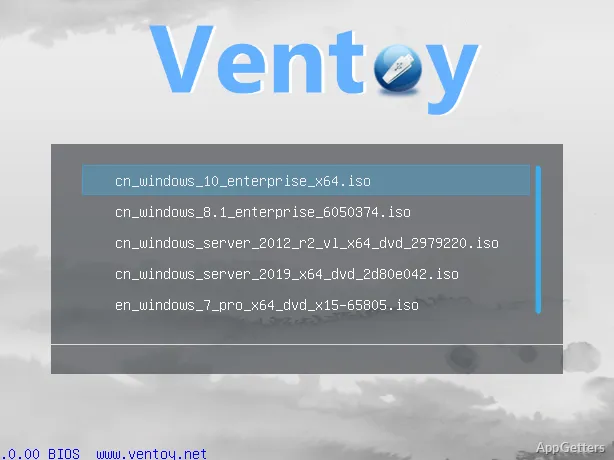
Install Ventoy on a USB drive, then copy ISO, WIM, IMG, VHD or VHDX, and EFI files onto its main partition. The files can sit in different folders; Ventoy finds them and displays choices at startup. It boots supported images directly, without extracting them first.
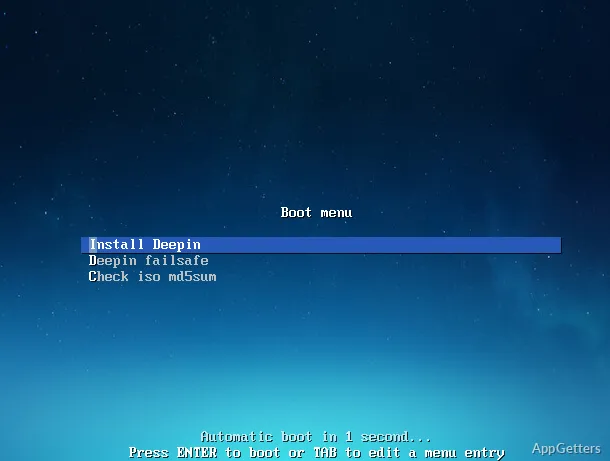
The same drive can hold operating system installers, live environments, and recovery images. When a new image is needed, copy it to the drive and select it from the menu on the next boot. The files remain available when you update Ventoy itself.
The boot menu works across BIOS and UEFI systems
Ventoy works with MBR and GPT drives, plus legacy x86 BIOS and several UEFI architectures, including IA32, x86_64, ARM64, and MIPS64EL. Secure Boot is supported as well. The image still needs to be compatible with the computer’s firmware and boot mode.
Menu presentation can switch between ListView and TreeView. A menu alias or tip message can provide a clearer label or short note for an entry, and themes can change the menu’s appearance.
Plugins add boot and installation options
Ventoy’s plugin framework includes options for Linux persistence, Windows and Linux unattended installation, and injecting files into the runtime environment. A GUI plugin configurator provides a way to configure plugins. Menu settings can also be adjusted through a configuration file, including replacing boot configuration dynamically.
- Browse image files on local disks and boot them without copying them to the Ventoy drive.
- Use password protection and USB write protection where those controls fit the setup.
- Boot Linux virtual disks in VHD, VDI, or raw formats.
Pros
- Boots ISO, WIM, IMG, VHD(x), and EFI files directly
- Stores multiple boot images in folders on one drive
- Works with MBR and GPT drives
- Offers Linux persistence and automatic installation options
Cons
- Initial USB setup formats the target drive
System requirements: Windows 7, Windows 8, Windows 8.1, Windows 10, Windows 11 · 32-bit and 64-bit
Which image file types can Ventoy boot?
It supports ISO, WIM, IMG, VHD and VHDX, and EFI files.
Do images need to be written to the USB drive one at a time?
No. Copy multiple supported files to the drive, including files in folders, and choose one from Ventoy’s boot menu.
Can Ventoy boot image files stored on a local disk?
Yes. Ventoy can browse supported image files on local disks and boot them directly.