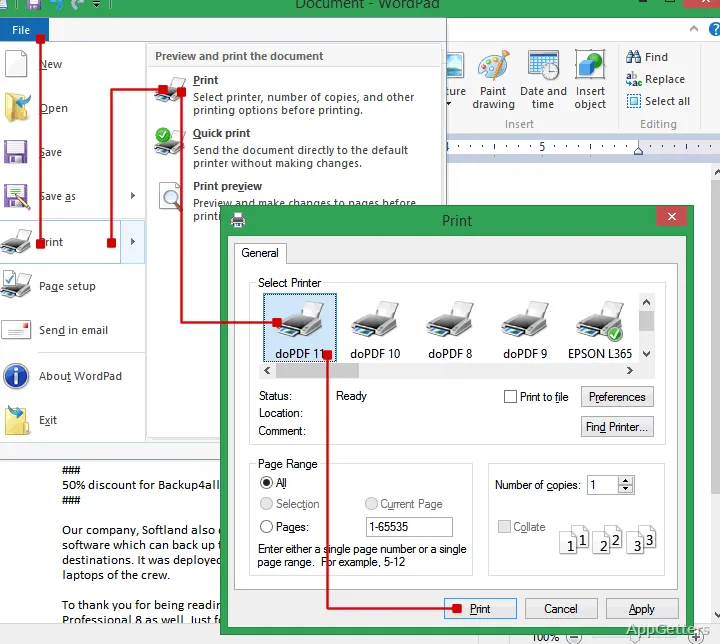
Need a PDF of a document, spreadsheet or web page from a program with no “save as PDF” option? doPDF adds a virtual printer to the Windows print workflow, so printable documents can be sent to a PDF file from familiar software.
Printing from any Windows app
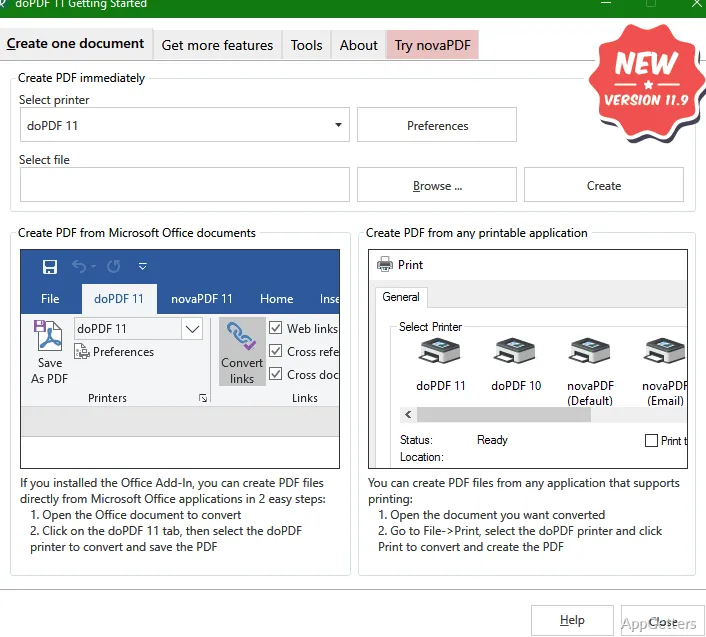
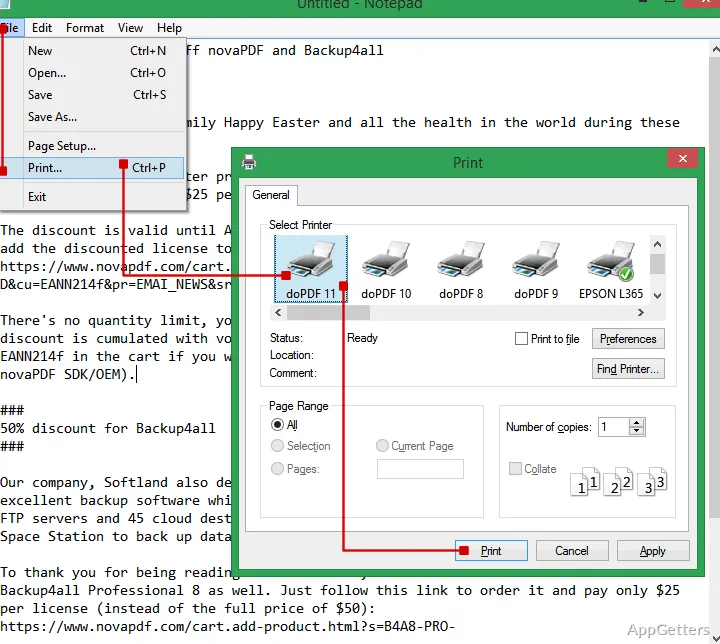
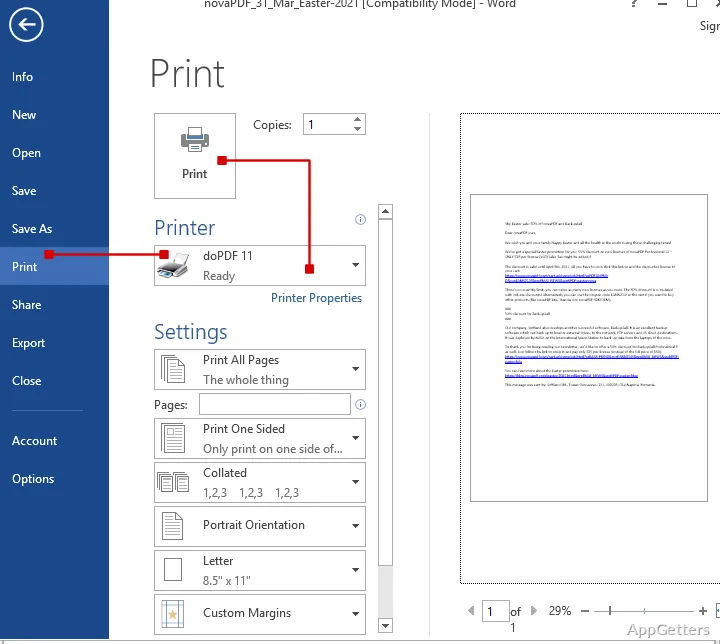
Choose doPDF in an application's print dialog to create a PDF instead of sending pages to a physical printer. The same approach works with printable documents such as text files, spreadsheets, presentations, and web pages. This makes the conversion workflow consistent across apps that have their own file formats.
A separate doPDF Startup window provides another route: open it to start a conversion wizard.
What do the Office add-ins add?
doPDF also installs add-ins for the main Microsoft Office programs. These provide a direct conversion action inside those programs. The add-ins can also carry hidden hyperlinks into the PDF and make document bookmarks easier to convert, preserving navigation details that may not be obvious on the printed page.
PDF size and font settings
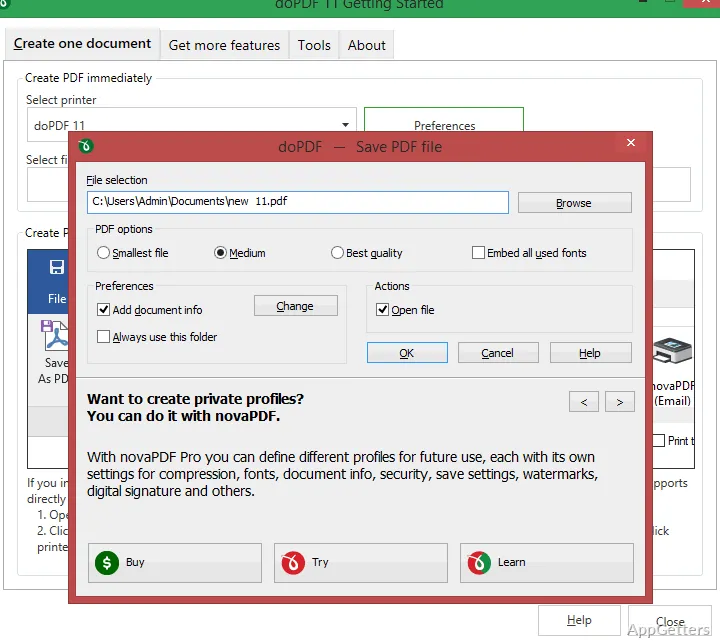
Output presets let you choose between higher-quality files intended for printing and smaller files suited to web sharing. Font embedding is available to keep the fonts used in the source document included in the PDF, which can help preserve its typography when viewed on another computer.
The result follows the printable output produced by the source application. Page layout and appearance therefore depend in part on how that application renders the document for printing.
Pros
- Prints PDF files from applications that can print documents
- Office add-ins convert Word, Excel, PowerPoint, Publisher, Visio, and Outlook files
- Output presets balance print quality against smaller web-ready files
- Can embed fonts and retain hidden hyperlinks and bookmarks through Office add-ins
System requirements: Windows 7, Windows 8, Windows 10, Windows 11 · 32-bit and 64-bit
How do you create a PDF with doPDF?
Select doPDF as the printer in the document's print dialog, then save the resulting PDF. You can also start a conversion from the doPDF Startup window.
Can doPDF convert files from Microsoft Office?
Yes. Its Office add-ins add a convert button inside Word, Excel, PowerPoint and the other Office apps.
Can I make a smaller PDF for sharing online?
Yes. Choose an output preset intended for web publishing; another preset prioritizes print quality.