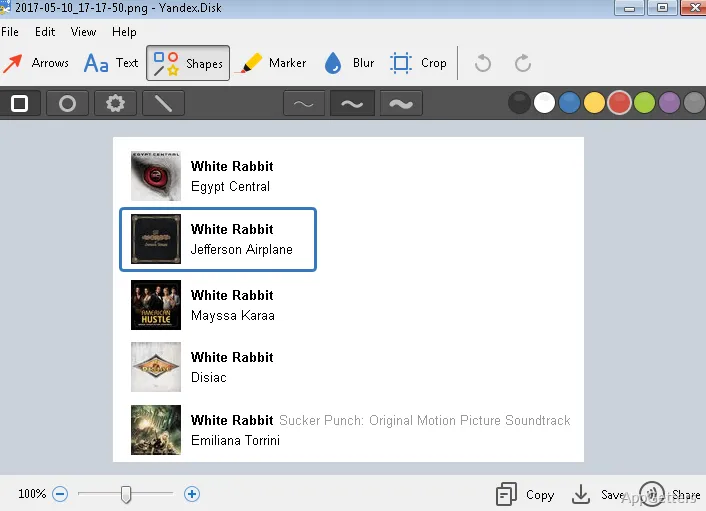
The desktop file list shows Yandex Disk files and folders available to the computer. Yandex Disk syncs selected items with the cloud, so changes can appear on other devices signed in to the same account.
Selective computer sync
Yandex Disk keeps a local copy of selected cloud files and folders on the computer. Other items can remain in cloud storage and become available when the computer is online. This lets you choose which material takes up space locally.
Add or change files in synced folders through the desktop app, then let the changes update across devices using the same Yandex account. Files chosen for offline access remain available when the computer has no connection; changes made offline sync after it reconnects.
Shared files and folders
Share a file or folder by creating a link and setting who can access it. Send that link to others to provide access to documents, photos, videos, or other stored items. Shared folders also let people access a common collection of files.
- Set access for a shared link
- Sync selected files across a computer, phone, and tablet
Photo uploads and file protection
Yandex Disk can automatically upload photos, keeping them in the cloud alongside documents and other files. The service transfers files over an encrypted connection and scans downloaded files with antivirus software. Account access is protected through Yandex ID security settings.
Finding and opening cloud files
Search the cloud collection by file name, contents, extension, properties, or folder name. Supported documents, images, archives, books, audio, and video can be opened directly in Yandex Disk.
Pros
- Choose which cloud files and folders sync to the computer
- Keep selected files available offline
- Share files and folders using access-controlled links
- Automatically upload photos
System requirements: Windows 10, Windows 11
How do I choose which files are stored on my computer?
Select the files and folders to sync in the desktop app. Other cloud items remain online and are available when the computer is connected.
Can I access Yandex Disk files offline?
Yes. Files selected for offline access remain available on the computer without a connection. Changes sync after it reconnects.
How do I share a file with someone?
Create a link for the file or folder, set its access, and send the link to the other person.