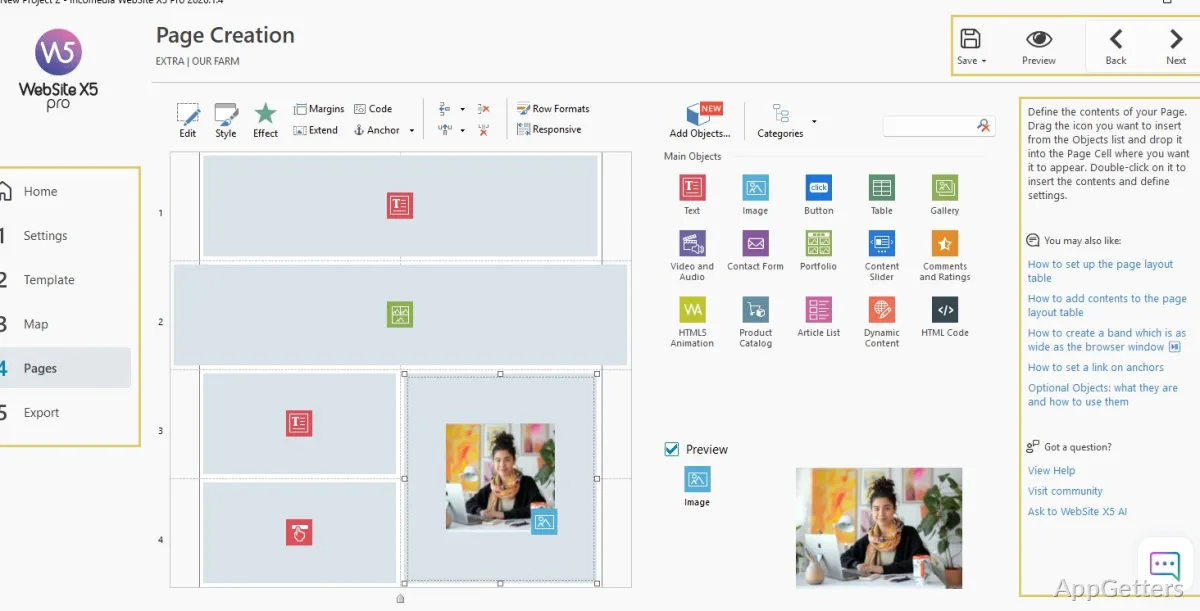
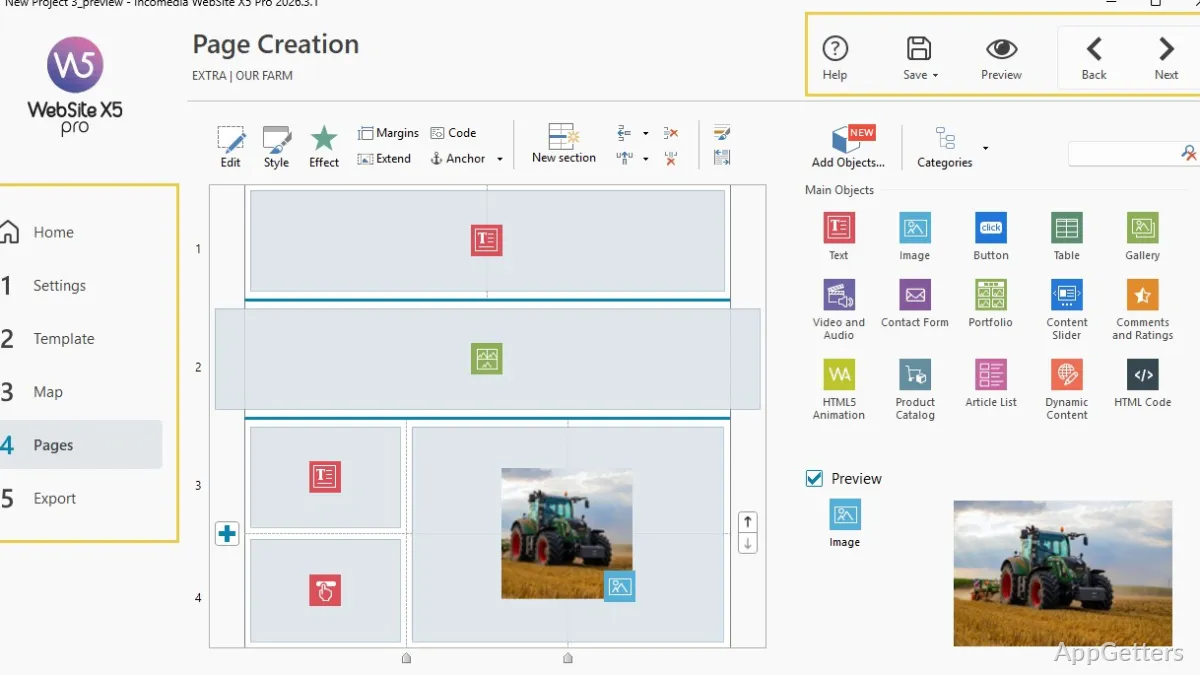
The visual drag-and-drop editor lets you arrange text, images, video, and other content on website pages. Website X5 Pro organizes the work into a project workflow that covers page structure, design, and publishing.
How do you build a site in Website X5 Pro?
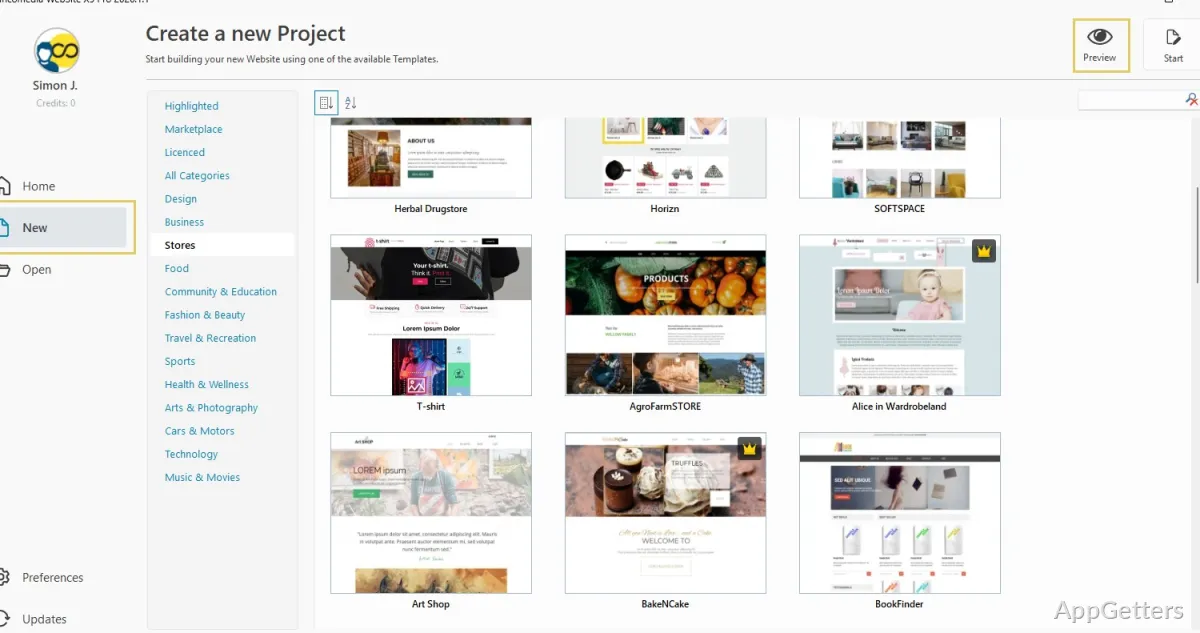
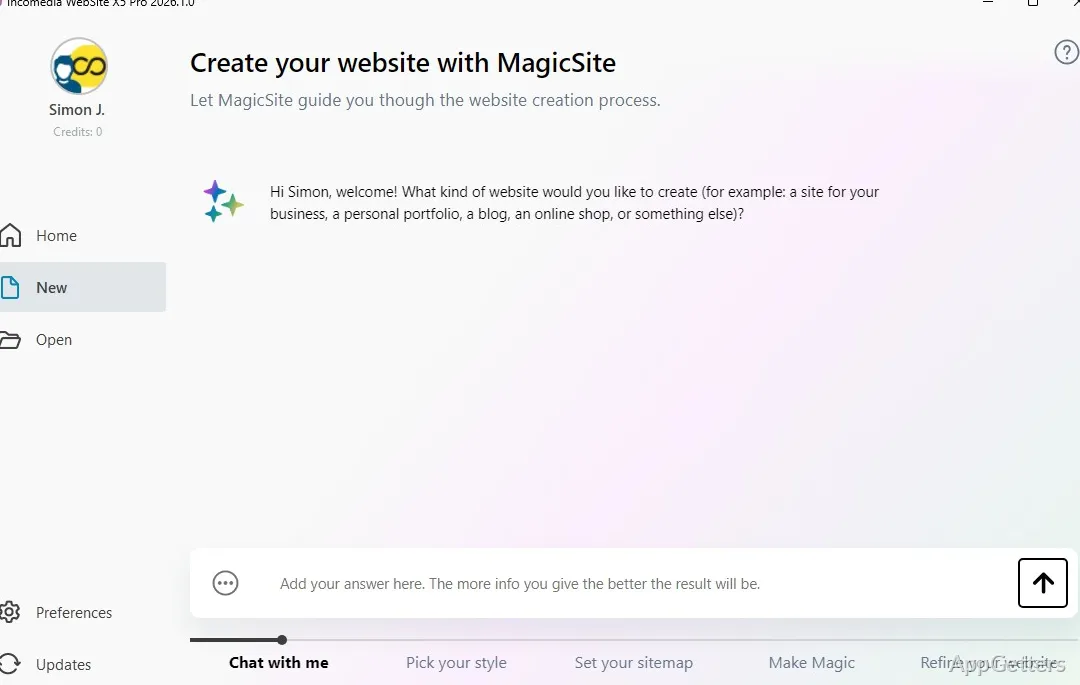
Start a project with a template, a blank design, or the AI assistant. The assistant can create a starting site with pages and content from a description; templates provide a design to customize. Add the pages you need in the sitemap, then use the editor to place and edit page elements.
The sitemap is where you organize the site's pages and navigation. When you change the structure, Website X5 updates the related links automatically. In the visual editor, drag in text, images, video, and forms, then adjust the page content and design.
What kinds of sites can you create?
Website X5 Pro includes tools for common site projects, from a business or portfolio site to a blog or online shop. A blog lets you publish articles, while galleries can showcase images or other work. Contact forms give visitors a way to send inquiries.
- Business pages can present services, staff, and contact details.
- An online store can organize products in a catalog, accept payments, apply discounts, and manage orders.
- Responsive design adapts the site layout for different screen sizes.
How does Website X5 handle SEO and publishing?
Set page titles, descriptions, and URLs, and add alt text to images. Website X5 can generate a sitemap and a robots.txt file for the site. These controls let you configure search-related details as you build individual pages.
- Publish the finished site to the included web space.
- Export the site files to upload them through another hosting provider.
Pros
- Drag-and-drop editing for text, images, and video
- Visual sitemap with automatic link updates
- Built-in tools for page SEO and sitemaps
- Online store catalog, payments, and order management
System requirements: Windows 10, Windows 11 · 64-bit only · Minimum screen resolution: 1024 × 720 · Internet connection and email account required for activation
Do you need to write code to build a site?
No. The visual editor supports building and editing pages with drag-and-drop controls. Custom code is optional.
Can a Website X5 Pro project include an online store?
Yes. Store tools include a product catalog, payment handling, discounts, and order management.
Can you publish a site with a different hosting provider?
Yes. Export the website files and upload them to your chosen hosting service.