The template-based editor lets you choose a starting design and change its text, images, and layout visually. Xara Web Designer combines that editing approach with drag-and-drop placement and graphics tools for building responsive websites without requiring HTML knowledge.
Templates provide an editable starting point
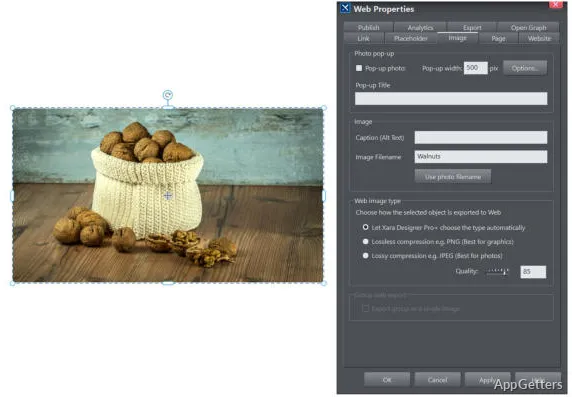
Choose a template, then adapt its content and appearance for the site being created. This keeps the initial work focused on arranging and designing the page instead of writing HTML. Drag-and-drop editing lets you position page elements directly in the visual workspace.
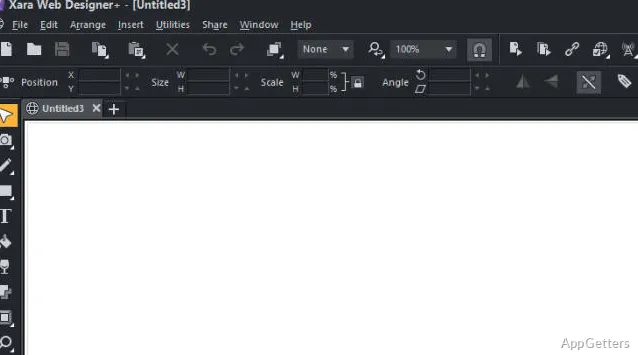
The editor is intended to show the design as it will appear on the published site. That makes changes to page composition visible while you work, without requiring a separate coding workflow for basic layout edits.
Graphics tools and responsive layouts shape the site
Xara Web Designer includes graphics tools alongside its web-page editing features, so page visuals can be worked on in the same design environment. Templates can be adjusted with the site's own text and images, giving each page a consistent starting structure while leaving its content open to editing.
The software supports creating responsive websites for viewing across different screen sizes. The published pages are intended to work with common browsers including Internet Explorer, Firefox, and Chrome, as well as iOS and Android devices.
Build pages by editing the design
A typical project begins with selecting a template and replacing its sample content with the material for the site. From there, page elements can be repositioned and the visual design refined in the editor. This workflow suits portfolios, business pages, and other sites where the main work is presenting information and graphics in a designed layout.
Pros
- Template-based starting points can be edited to fit a site
- Drag-and-drop editing places page elements visually
- Built-in graphics tools support page design
- The editor preview corresponds to the published website
System requirements: Windows 8.1, Windows 10, Windows 11 · 64-bit only · Internet connection required for initial installation
Do I need to know HTML to use Xara Web Designer?
No. Its template-based visual editing workflow is designed for creating and changing pages without HTML knowledge.
Can I make a responsive website with Xara Web Designer?
Yes. The software supports designing responsive websites for different screen sizes.
What happens after I choose a template?
You edit the template's content and design in the visual editor, including text, images, and page layout.