Need to edit a stylesheet, check its effect, and publish the change without juggling several tools? Rapid CSS Editor combines HTML and CSS editing with code checks, previews, and FTP access in a Windows workspace.
The editor handles HTML, CSS, and related code
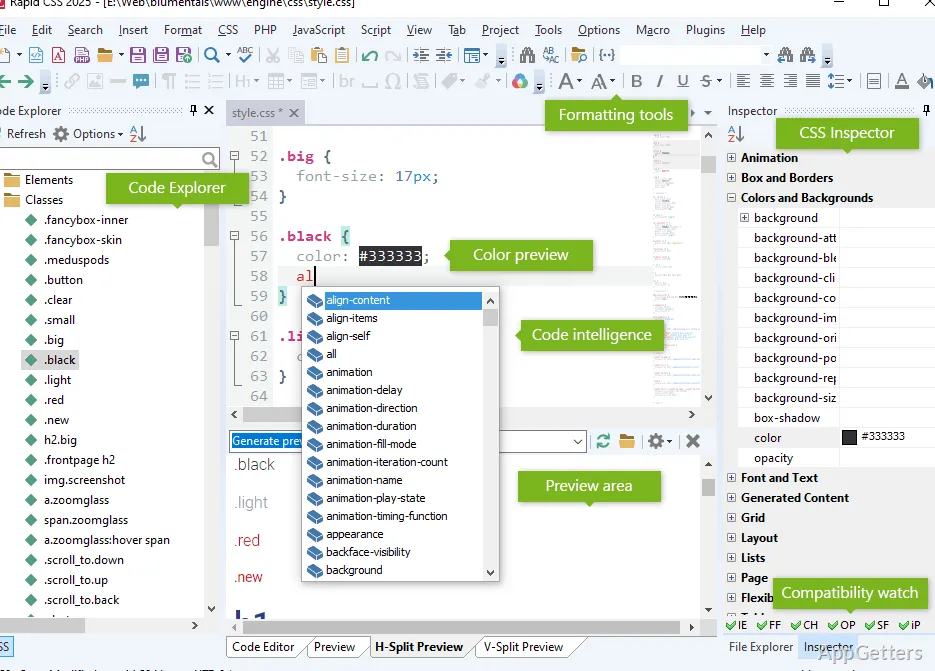
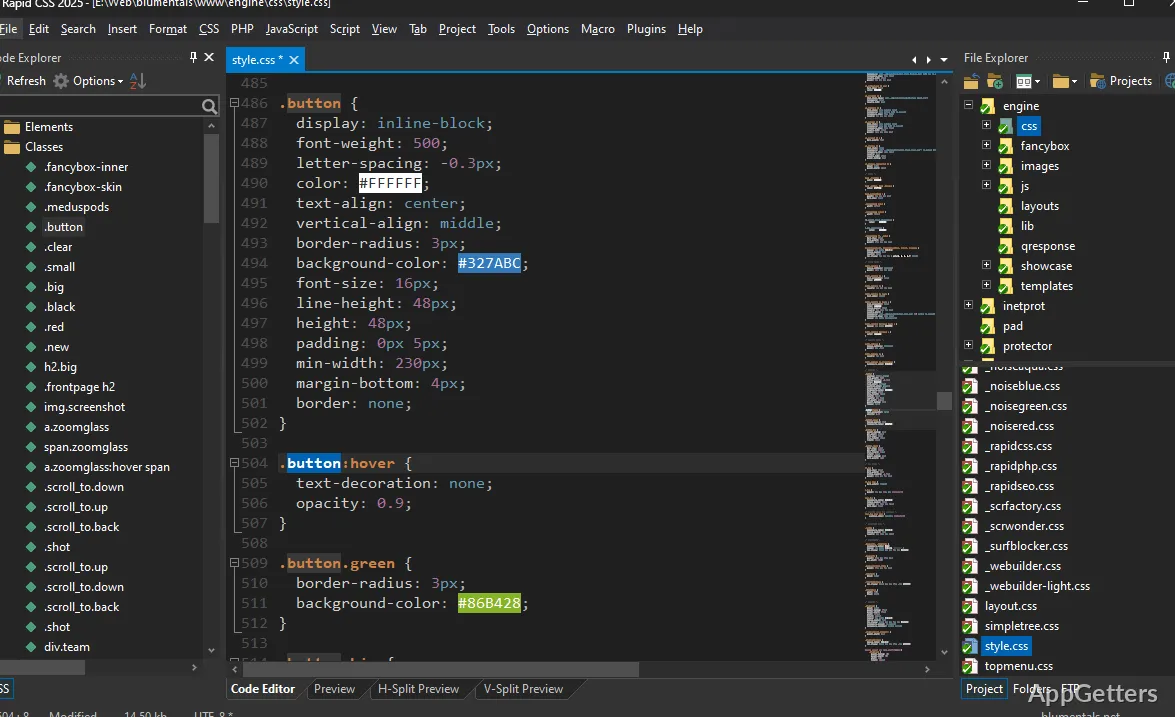
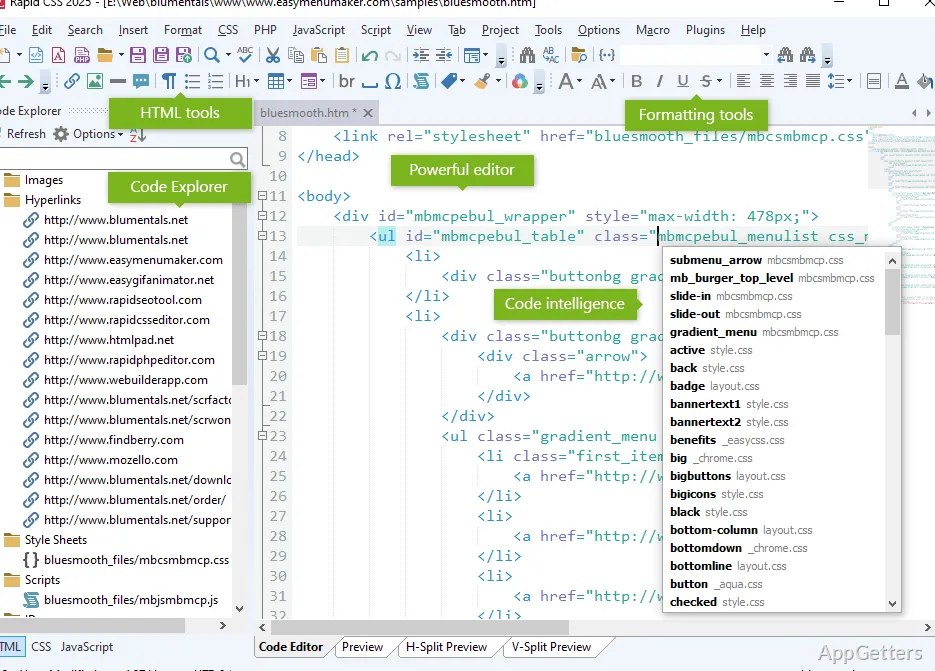
Rapid CSS Editor supports work on HTML and stylesheets alongside languages such as JavaScript, PHP, SASS, and LESS. Syntax highlighting, code completion, and navigation tools make it easier to locate and change tags, properties, and files as a project grows.
The HTML and CSS explorer provides a way to navigate page structure and styles. Code folding, line numbers, bracket and tag highlighting, and split editing are available in the editor. A snippet library and shortcut-based templates can store code that gets reused across files.
- Search across files, use regular expressions, or jump to a symbol, word, or line.
- Use the integrated CSS checker and HTML or CSS validators to find code issues.
- Format HTML and CSS or minify CSS from the editor.
Preview pages and adjust CSS in the same workspace
The built-in preview can show Chrome and Internet Explorer rendering, with split-screen viewing and screen-size testing for responsive layouts. XRay views expose HTML and CSS elements while inspecting a page. A page can also be opened in a browser or previewed through a web server.
CSS-specific assistants cover tasks such as creating shadows, gradients, and boxes, while the prefixer can add browser-compatible CSS prefixes. The color picker supports screen sampling, project color management, and common color models including RGB, RGBA, HSL, and HSLA.
Manage project files and publish changes over FTP
Create separate projects and use the built-in file and FTP browsers to work with local files or connect to an FTP, SFTP, or FTPS server. Rapid CSS Editor can edit files on the server directly or publish changed local files. Its one-click HTML publishing workflow also uploads files linked to a page, including images, CSS, and JavaScript.
Project search, file search, and integration with TortoiseSVN and TortoiseGit support common maintenance workflows. An integrated AI assistant can generate, modify, or explain code, and its project-wide tools can work across project files.
Pros
- Previews pages with Chrome and Internet Explorer rendering
- Includes CSS tools for prefixes, shadows, gradients, and boxes
- Edits files directly over FTP, SFTP, or FTPS
- Can publish linked page assets along with an HTML file
System requirements: Windows 10, Windows 11
Can Rapid CSS Editor preview responsive layouts?
Yes. Its built-in preview includes screen-size testing and split-screen viewing.
Can it publish a page and its linked files?
Yes. One-click HTML publishing can upload the page’s linked images, CSS, and JavaScript files.
Which server protocols can it use?
The built-in server tools support FTP, SFTP, and FTPS.