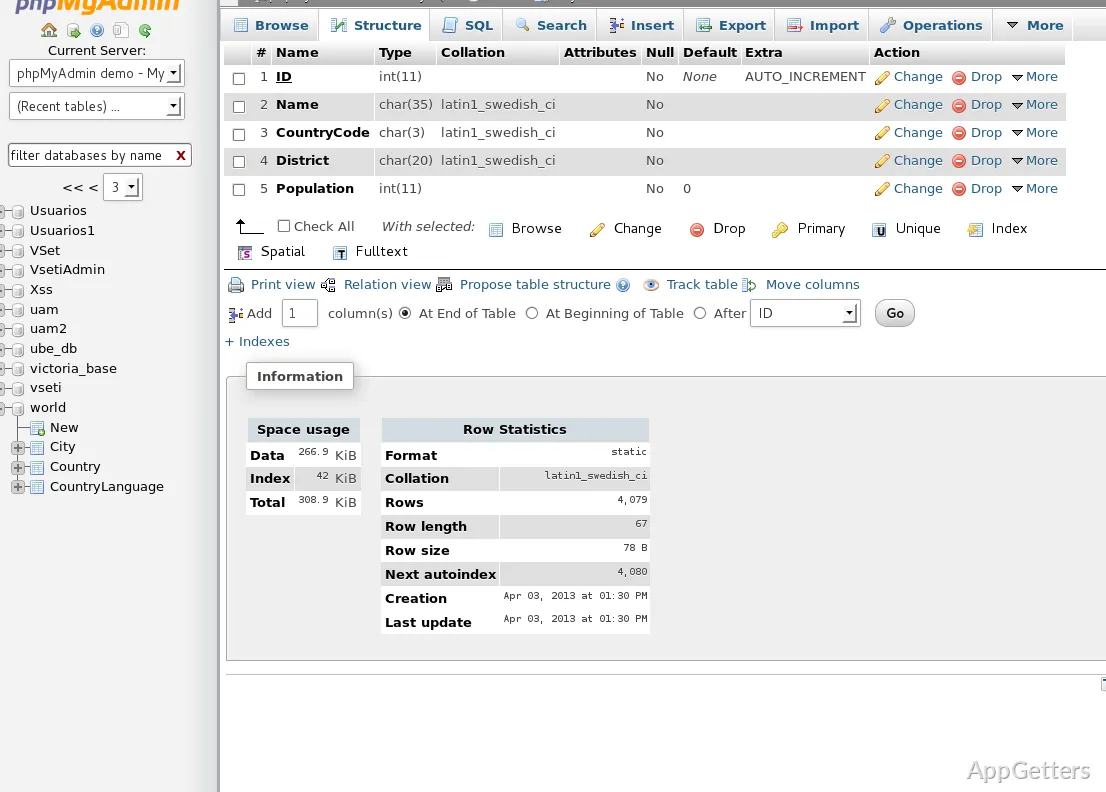
Need to manage a MySQL or MariaDB database without typing every command by hand? phpMyAdmin does it through a web browser. The PHP-based tool puts table browsing, SQL commands, account permissions, and data transfers in one interface.
Browse and alter database objects
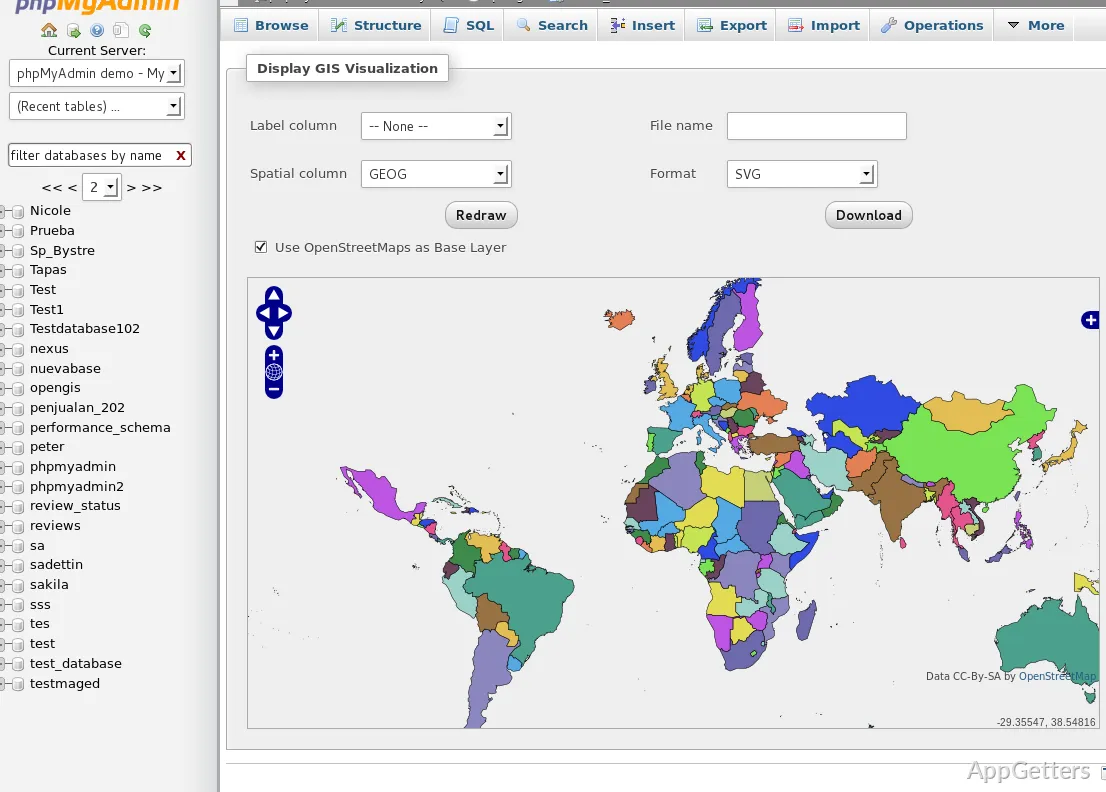
Select a database to inspect its tables, views, fields, and indexes. From the interface, users can create, copy, rename, modify, or remove database objects, then browse or edit table contents. Database relationships and indexes are available alongside the data, so routine structure changes can be handled in the same browser session.
The SQL workspace accepts custom statements as well as batch queries. Saved statements can be bookmarked for later use.
Move data and inspect query results
phpMyAdmin imports CSV and SQL data and exports database content in several formats, including CSV, SQL, XML, and PDF. Export choices also include document-oriented formats such as OpenDocument and Word.
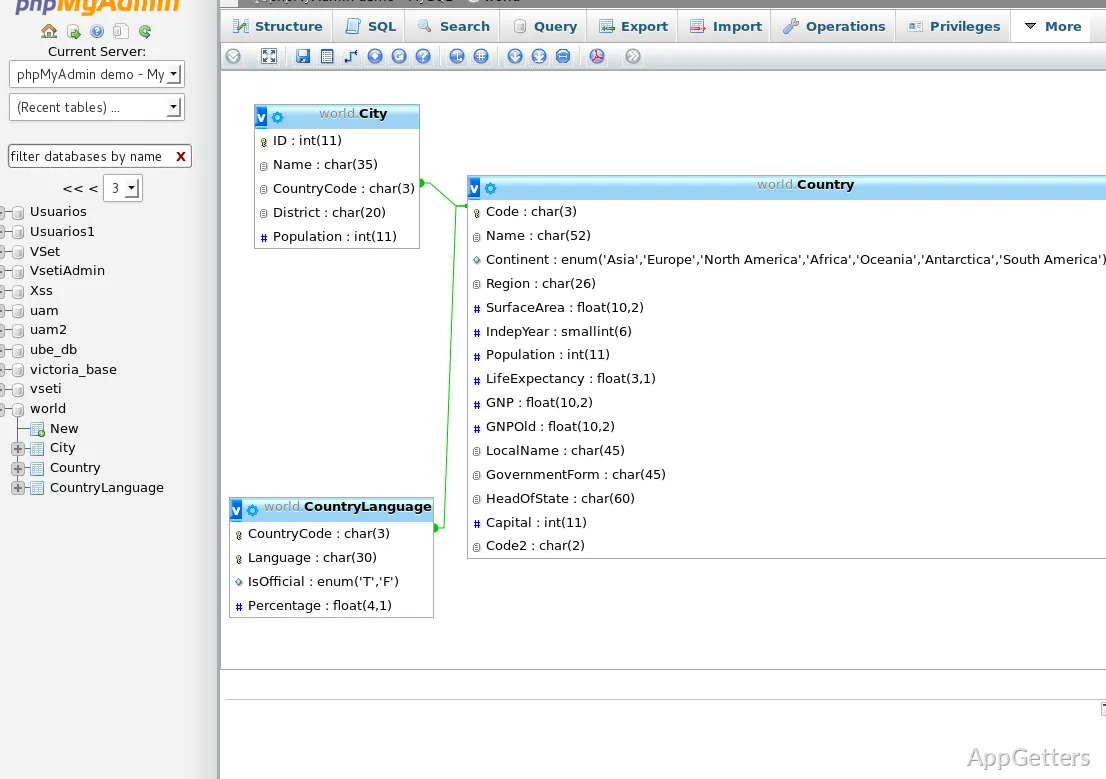
For query building, Query-by-example provides a graphical way to assemble requests. A schema visualization presents database structure graphically, while global search can look across tables, columns, or an entire database. Custom transformations can display BLOB values as images or download links.
Administer accounts and multiple servers
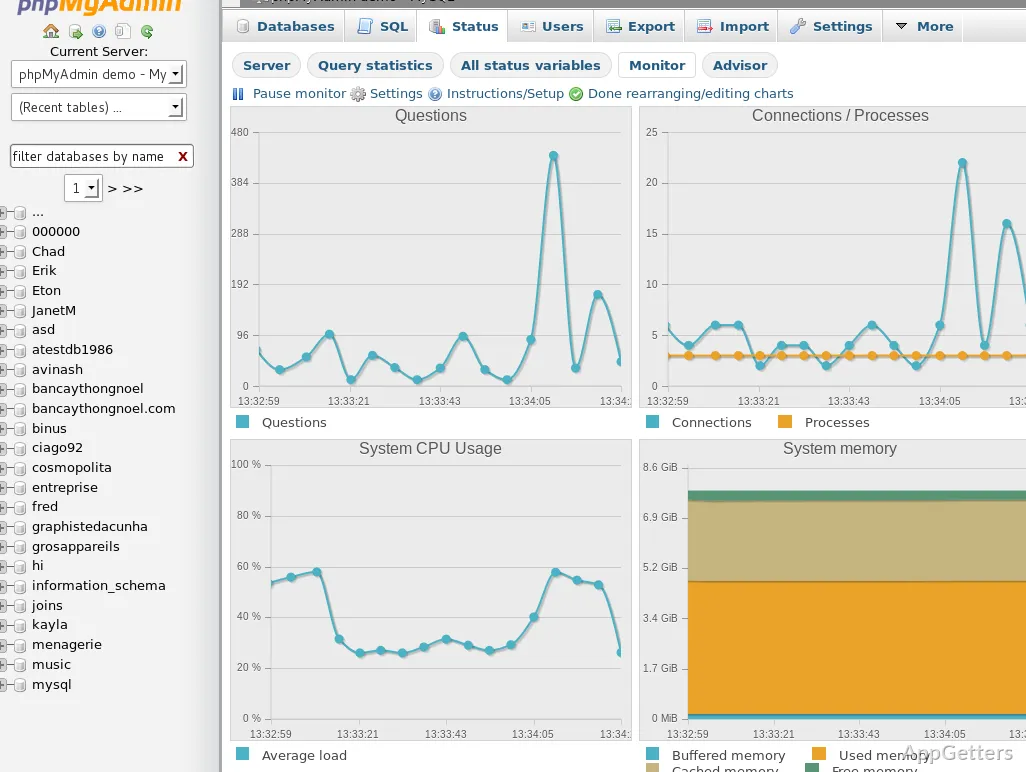
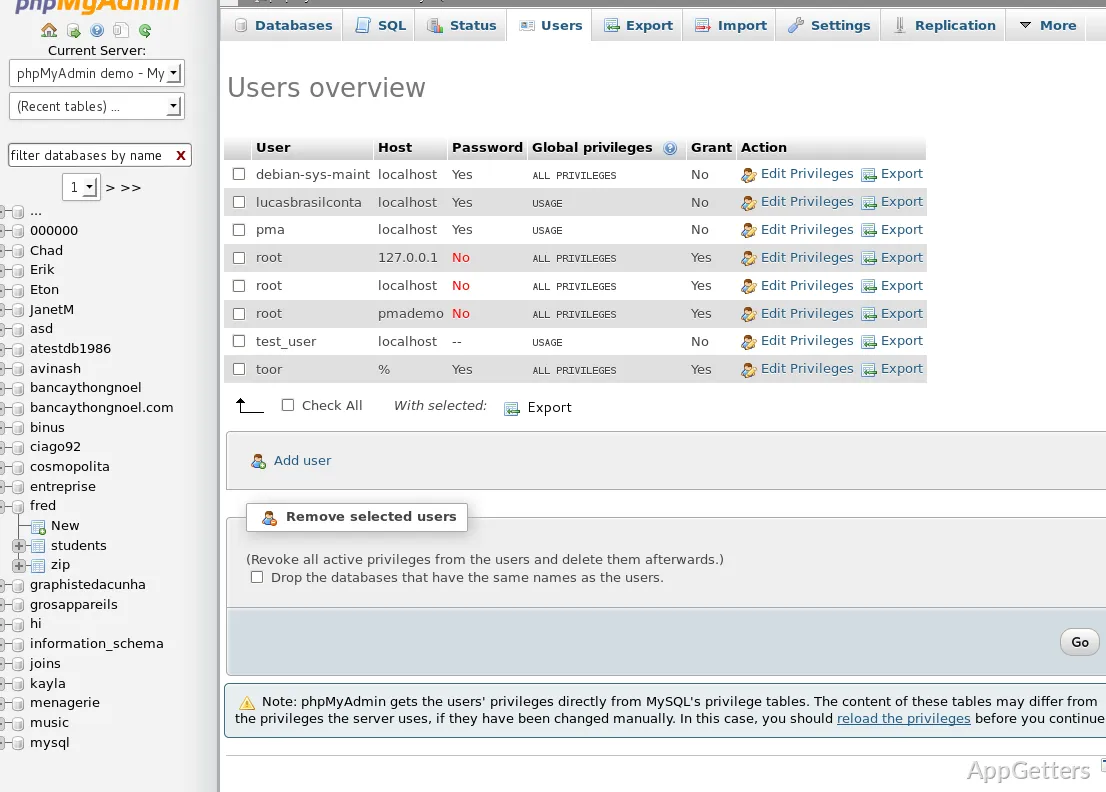
The administration screens cover MySQL user accounts and their privileges, along with stored procedures and triggers. Server maintenance options can show configuration suggestions. When a project uses more than one MySQL server, phpMyAdmin supports managing multiple servers through its interface.
Connect through a PHP web environment
phpMyAdmin is written in PHP and runs as a web application. It needs a PHP-capable web server and a MySQL or MariaDB database server; after it is configured to connect to the database server, database work takes place in a browser. This setup is common in local web-development environments as well as hosted server administration.
Pros
- Browse and alter databases, tables, views, fields, and indexes
- Run, edit, bookmark, and batch SQL statements
- Import CSV and SQL files; export to formats including XML and PDF
- Manage users, privileges, stored procedures, and triggers
Cons
- Not a standalone app; needs a local web server with PHP and MySQL or MariaDB
Does phpMyAdmin install like a normal Windows program?
No. It is a PHP web application, so on Windows it runs inside a local web server with PHP and MySQL or MariaDB, then opens in your browser.
Can phpMyAdmin run SQL queries?
Yes. Run single statements or batches, edit them, and bookmark the ones you use often.
Which file formats can phpMyAdmin import and export?
It imports CSV and SQL files and exports to CSV, SQL, XML, PDF, OpenDocument, Word and other formats.
Can phpMyAdmin manage more than one MySQL server?
Yes. Several servers can be configured and managed from the same interface.