EXE
Home » Software » Windows » Utilities » Wavosaur for Windows
Wavosaur for Windows

Wavosaur for Windows

  • By Wavosaur
  • Free
  • Version: 1.8.0.0
  • 2.52 MB
  • Security Report:

For editing audio on Windows, you can either get really complicated audio production software or very simple tools that aren’t powerful enough. But actually, most of the time, users just want to cut their recordings, clean the sound, or add some effects. They do not want to learn all the stuff about music production. And the difference is even bigger when you have raw audio that needs really accurate work. You do not want to learn an uphill curve. So, somehow, Wavosaur is caught in that gap and provides very light software that is mainly a waveform editor. It still works nicely and is easy to use.

Just Editing Audio

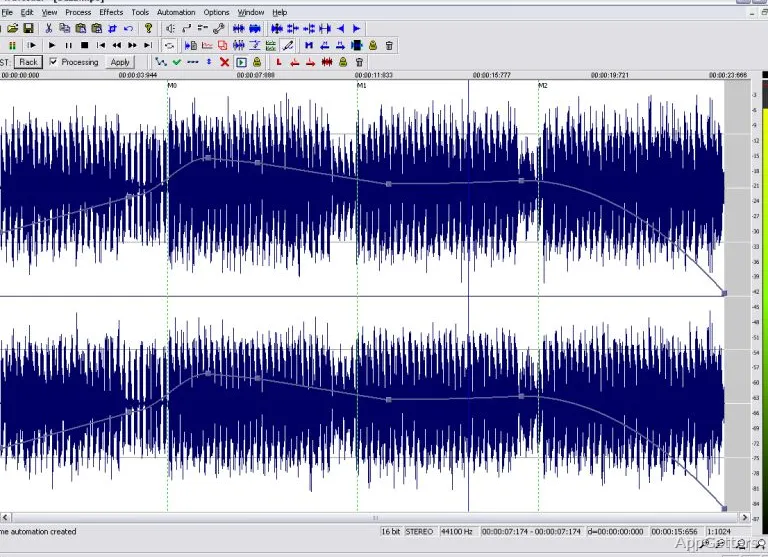
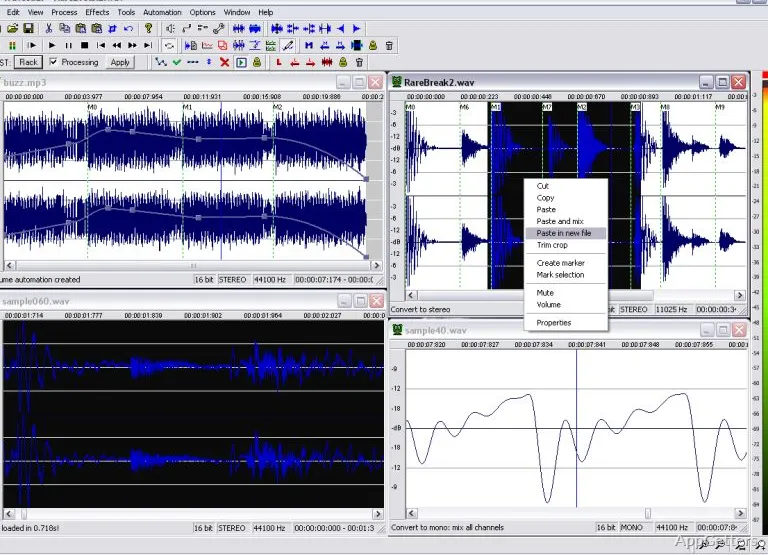
As Wavosaur is a waveform editor, it is handy to be used for simple tasks such as removing silence, leveling, and cutting segments in a long recording. The program looks like a waveform editor too, i.e., there are almost all the tools that you need just on the surface. So you can use them quickly, unlike many other programs that hide tools in very deep menus. If you know the basics of audio editing, you will be able to pay attention only to the features and will not be confused by the interface being so complex.

That is the way that I work daily, and it is quite good for me. I can open a file, do some edits, and save it without any problem, even on a quite old computer. The program can still deal with the usual audio formats. You will see the changes immediately in the file. That is helpful for very accurate adjustments. It doesn’t imagine itself as a full DAW. But if you want to get some very specific things done, that is why the program will still be very good.

Very Useful Features

Wavosaur also has one that a lot of people want in an audio editor. It can be extended by adding VST plugins. And so users can apply noise reduction, equalization, or compression while still in the app. If needed, the program can help you with the usual editing tasks such as cut, copy, paste, and fading.

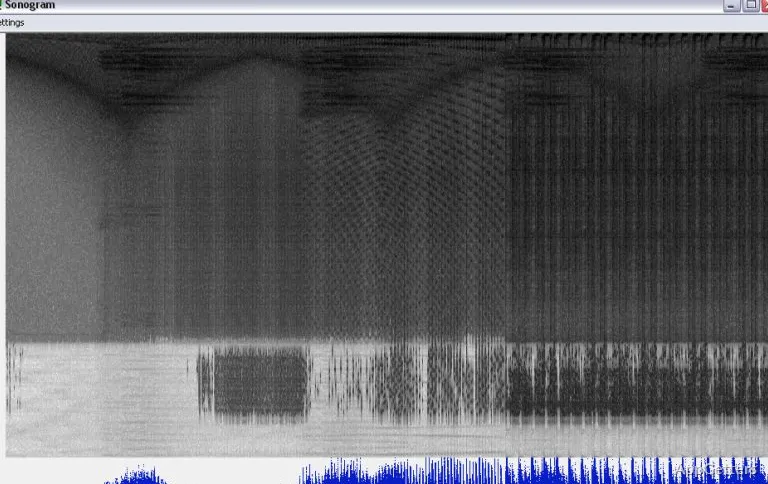
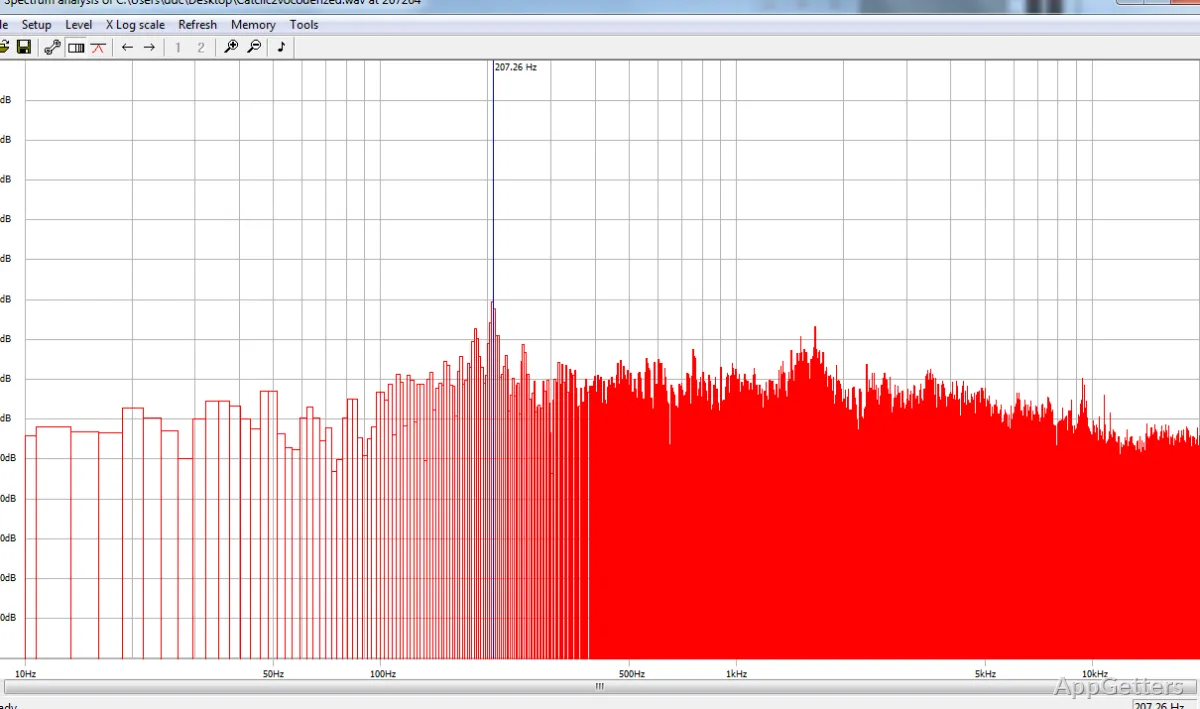
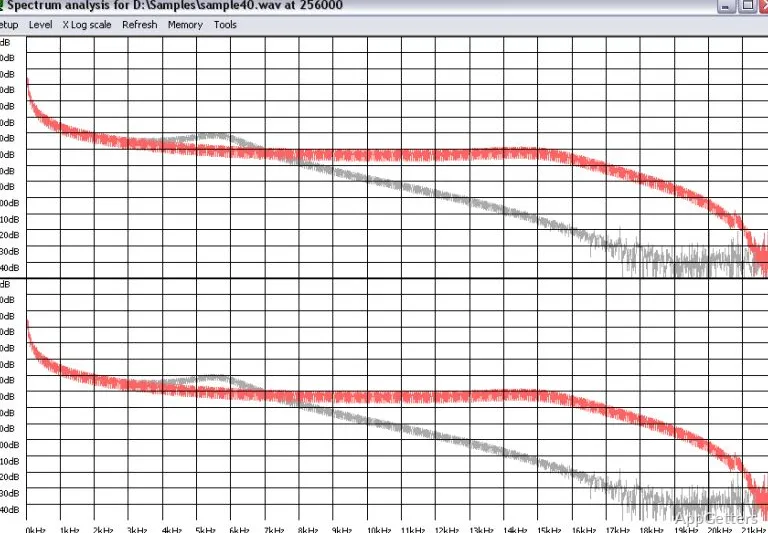
If you have to process several files, for example, parts of a podcast or samples you recorded, you can rely on Wavosaur again. In this case, you will be able to make the same changes to all the files, and therefore save some time. In addition, there are tools for getting the spectrum and monitoring the levels. So that’s a way of going one step further with your audio without adding a lot of complexity. These two combined give you more control over subsettings, which results in consistent and reproducible work.

Small Effect on System and Great Mobility

In fact, the cleverness of Wavosaur is a really good point. The program is able to run on even very old computers. Moreover, the computer is not required to have the software installed, which means it can be carried around on a flash drive. That is especially true for people who are using a few machines or a tool placed on an external hard drive for personal reasons.

At the same time, the lightness of the program has made simple editing sessions a stable environment for the users. The program is launched speedily. It processes file operations quite fast, not noticing any lag. At the same time, it stays away from the weight that is associated with big audio suites. For the users favoring speed and reactivity over features for advanced music-making, this is indeed a big deal in day-to-day workflows.

Of course, the other side of the coin is that it is not so powerful. The most important missing feature is multitrack editing. It obviously severely restricts the program for complex projects. So if you need to mix several audio layers or make compositions, you will need some other software, most probably a DAW.

Real Workflows Where Wavosaur Works

When it comes to Wavosaur, it is hardly surprising that it is most suitable for places where only the accuracy of editing is the priority, rather than the complexity of production. It can be a great tool for students in their audio assignments, people at home who only want to cut clips, or any person who is preparing clean clips for sharing. That can be done very nicely just with the set of tools that the editor has. Also, in the case where a user has a larger audio application, the use of the secondary Wavosaur to deal with quick edits can make running the heavier app less necessary.

Ever since it has not had a multitrack, a quite modern-looking interface has been kept. This may be a turn-off for users who are advanced. However, when it comes to simple waveform editing tasks and very good performance, Wavosaur is still very much on the scene. That is to be a handy instrument for those users who do not want to give up the full audio production environment. They still appreciate efficiency and control very much.

Software Details of Wavosaur 1.8.0.0

License
Free
Version
1.8.0.0
File Size
2.52 MB
Downloads
1
Languages
English English, Spanish
Category
Op. System
Windows
Developer
Last Updated
May 22, 2023

Version History

1 version
1.8.0.0
Latest
2.52 MB
May 22, 2023

Leave a Comment

Your email address will not be published. Required fields are marked *

Software Icon
Security Report

Loading scan data...

Scroll to Top