Is your music folder full of "Track 01" files with missing artists and albums? MusicBrainz Picard, the free open-source tagger from the MusicBrainz project, identifies songs by their sound or existing tags and fills in correct titles, albums and cover art.
How does Picard identify tracks?
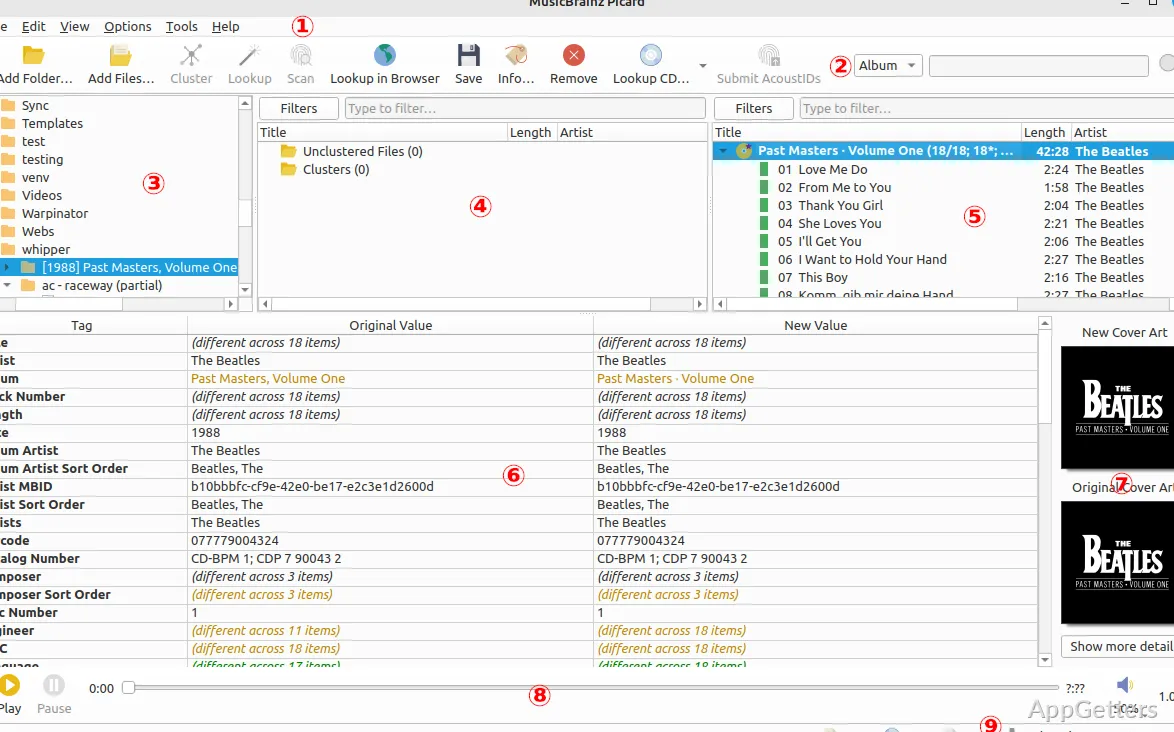
Picard has two ways to find MusicBrainz matches. Lookup searches using information already present in the files, such as existing tags. Scan analyzes the audio to create an acoustic fingerprint; Picard uses AcoustID to find a recording match even when the file’s tags are sparse or wrong.
After a match, Picard associates tracks with a MusicBrainz release, which supplies details such as track titles and album information. This release-based matching is handy when a folder contains loose tracks that need to be sorted into their album context.
From loose files to saved tags
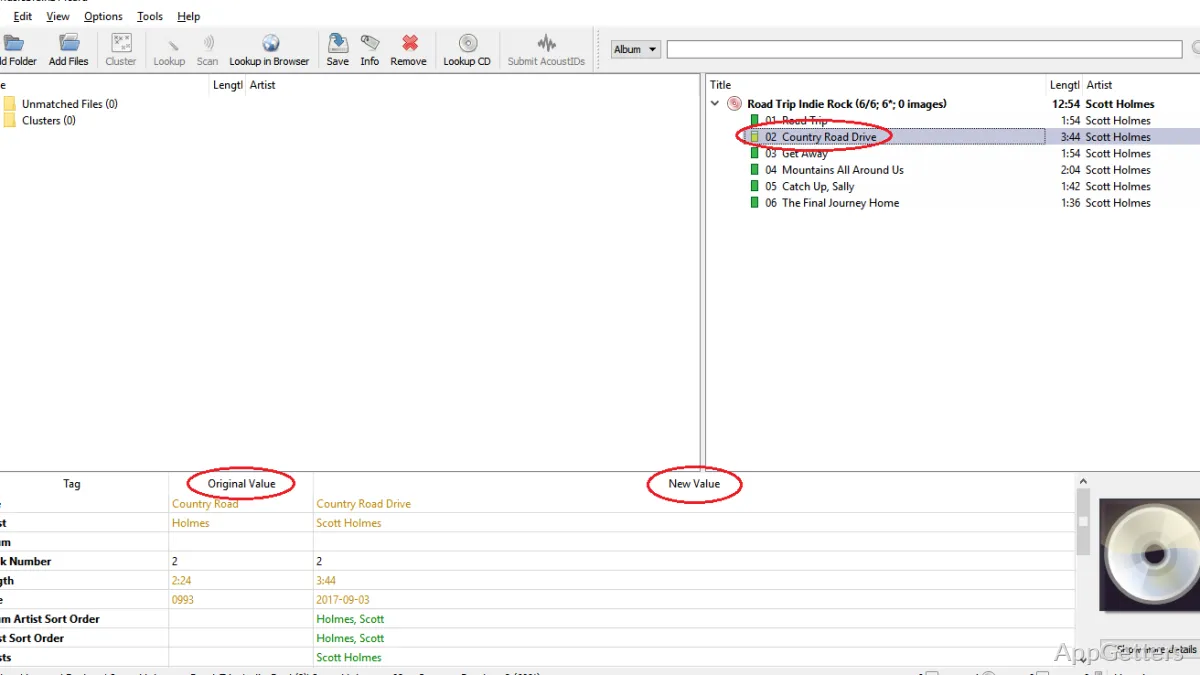
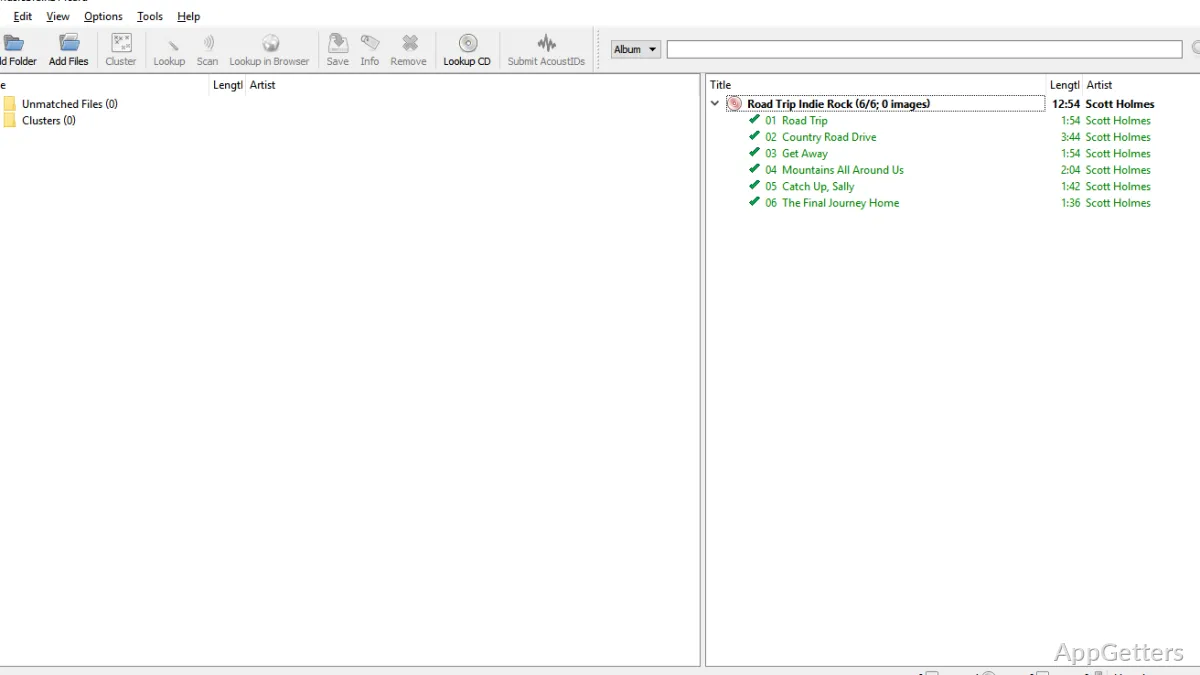
Add music files or folders to Picard, then use Lookup when their tags provide clues or Scan when the audio needs to be identified. Clustering can group files into album sets before matching. Once Picard finds a release, inspect the matched tracks and their metadata, then save the changes to the files.
- Download album cover art from the Cover Art Archive and embed it in the files.
- Set file-naming options to rename or arrange files as part of saving.
Tagging and organizing a collection
Picard is built around MusicBrainz’s catalog, so its workflow connects track identification with album-level organization. That is especially relevant for collections with inconsistent tags: a fingerprint scan can locate a recording, while the matched release supplies a structured track listing.
The result is more than a set of corrected titles. Once tracks are matched, saving writes the metadata into the audio files, and file-naming settings can apply a consistent folder and filename pattern. Tags can still be edited by hand, and plugins add extras such as lyrics, genres from Last.fm and ReplayGain values.
Pros
- Acoustic fingerprint scans can identify recordings with missing or incorrect tags
- MusicBrainz matches group tracks under album releases
- Tag fields can be edited manually
- File-naming settings can organize saved tracks into folders
Cons
- Needs an internet connection for lookups
- Album-based workflow takes time to learn
System requirements: Windows 10, Windows 11 · 64-bit only
Can Picard identify music with missing tags?
Yes. Scan creates an acoustic fingerprint and matches it through AcoustID.
Can Picard add album covers?
Yes. It downloads cover art from the Cover Art Archive and can embed it or save it beside the files.
Is Picard free?
Yes. It is free and open source, made by the MusicBrainz community.
Which formats does it tag?
MP3, FLAC, Ogg Vorbis, Opus, M4A/AAC, WMA, WAV and many more.
Can Picard rename files as well as tag them?
Yes. Naming scripts rename and move files into artist and album folders when you save.