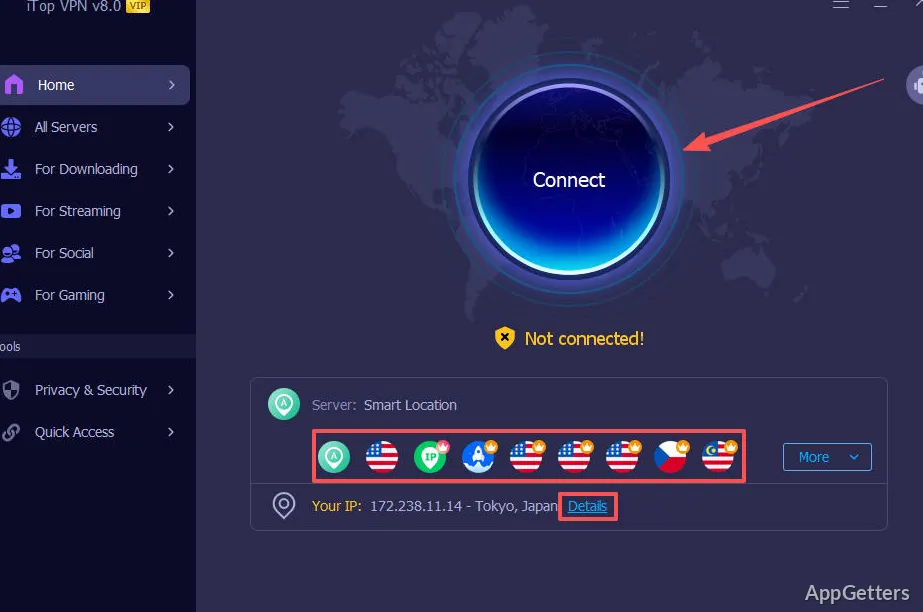
Using public Wi-Fi, or want a connection that appears to come from another country? iTop VPN routes traffic through a selected server and displays the virtual IP and location after connection.
Choose a server from the connection panel
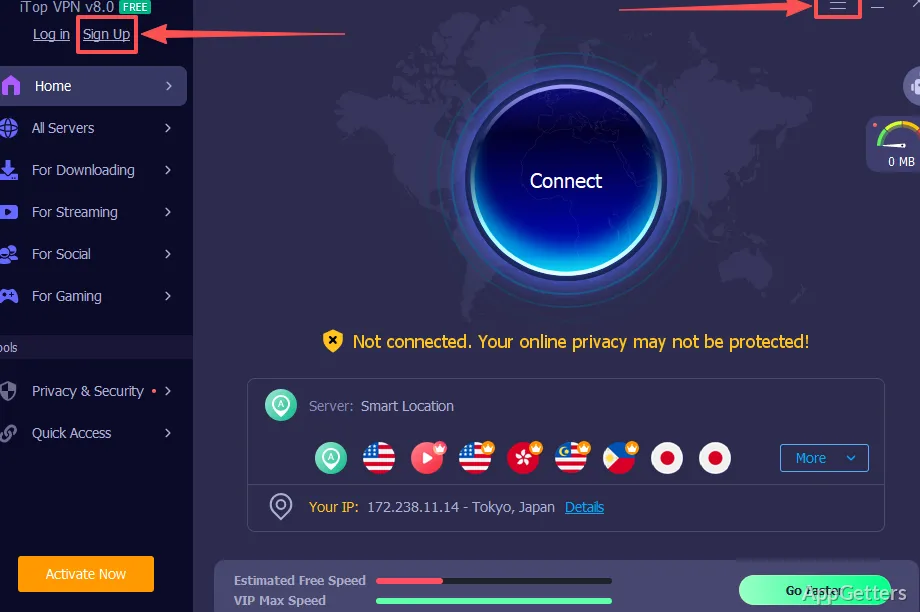
Click Connect to use the recommended location, or pick a different server from All Servers. The Connect Assistant can suggest a location; server details include distance and latency, and sorting options include recommendation, name, distance, and latency.
Search the server list by keyword or mark locations as Favorites with the star control. Dedicated servers are arranged in groups for downloading, streaming, social services, and gaming. After connecting, the main panel shows the virtual IP and location; use Change to switch locations or Disconnect to end the connection.
Use Double VPN and privacy tools
Double VPN sends the connection through two layers of encryption. The Privacy & Security area also includes a kill switch, DNS Protection, IPv6 Protection, Ads Block, Split Tunneling, and Browser Privacy. Some tools and server options require VIP access.
- Kill Switch: controls internet access if the VPN connection drops.
- Split Tunneling: choose which traffic uses the VPN.
- iTop VPN Mini: connect or disconnect, change servers, view Favorites, and see connection speeds, IP, and server name.
Set up account and connection options
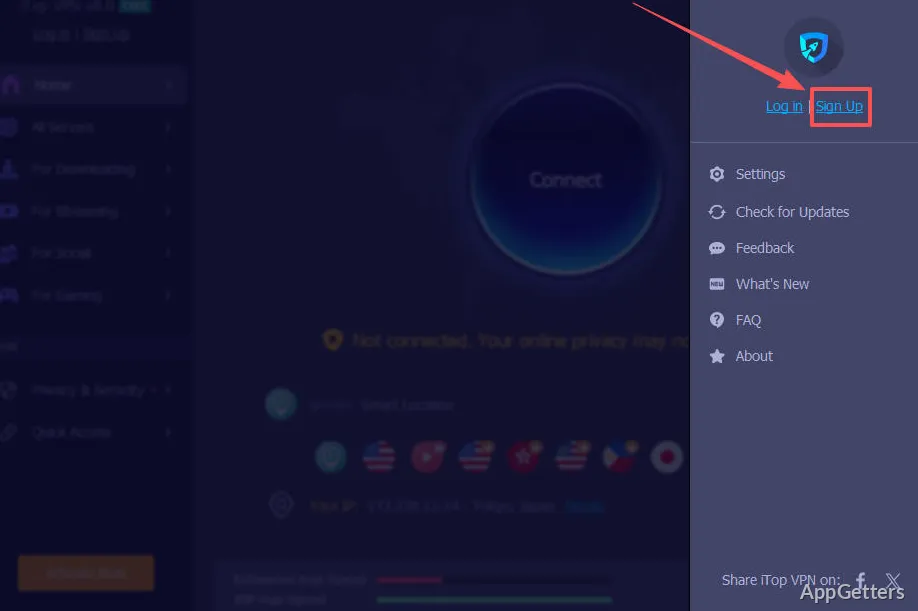
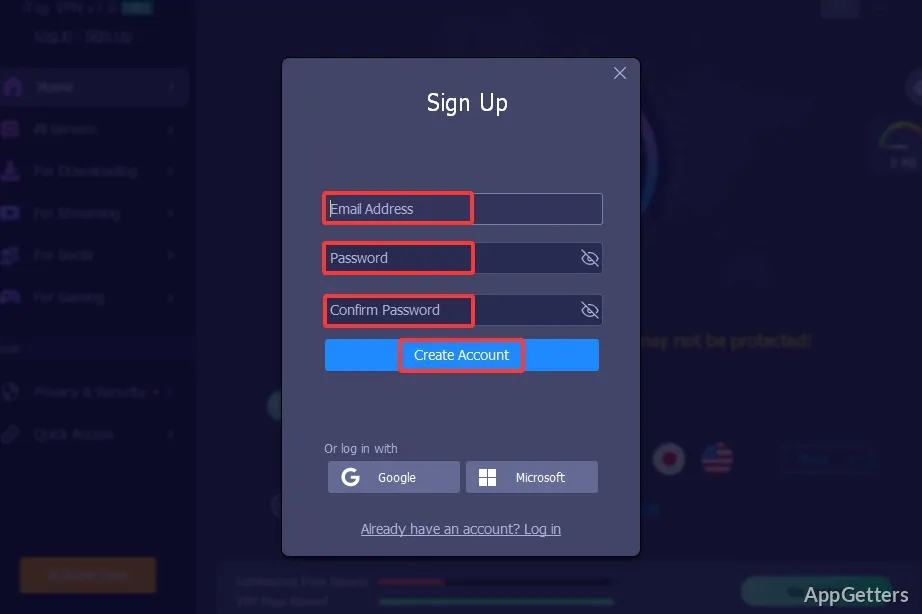
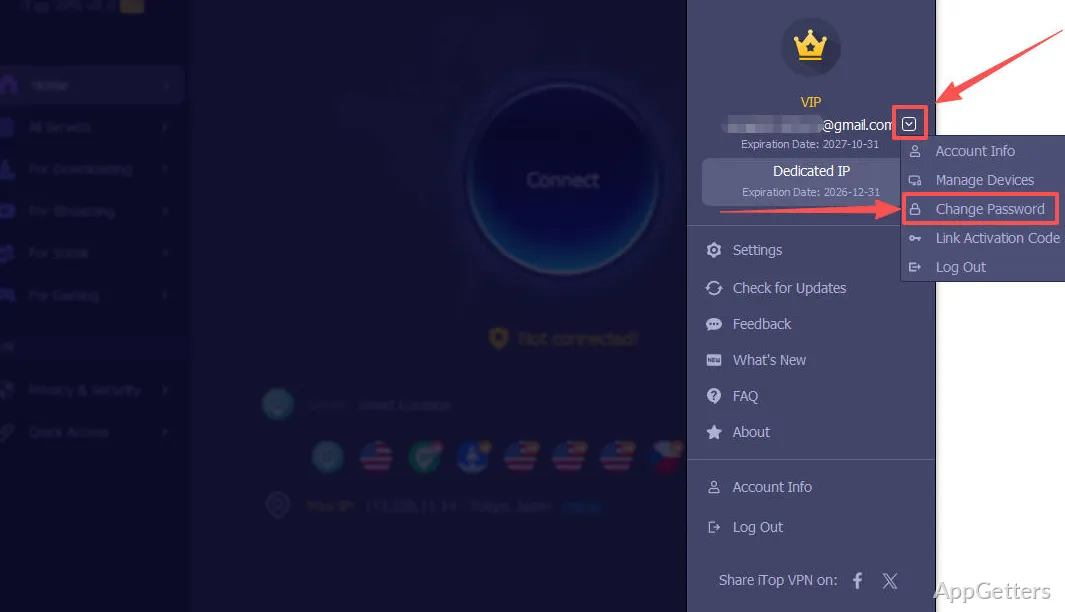
Sign up or log in from the account controls in the main window. The Settings menu includes Auto Connect options for different usage scenarios, while the Options menu also provides update checks, account details, and feedback.
Pros
- Server lists can be searched, sorted, and saved to Favorites
- Dedicated servers are grouped for downloading, streaming, social use, and gaming
- iTop VPN Mini shows connection details and network speeds
Cons
- Free accounts have a 700 MB daily data limit and access to only some servers
System requirements: Windows 7, Windows 8, Windows 8.1, Windows 10, Windows 11 · 300 MB of free disk space · Screen resolution of 1024 × 768 or higher
How do I connect to a particular location?
Open All Servers, choose a location, and click Connect. Save frequent choices to Favorites with the star control.
What does Double VPN do?
It encrypts the connection twice when you connect through a server in the Double VPN group.
What information does iTop VPN Mini show?
When connected, it displays the server name, IP address, and upload and download speeds.