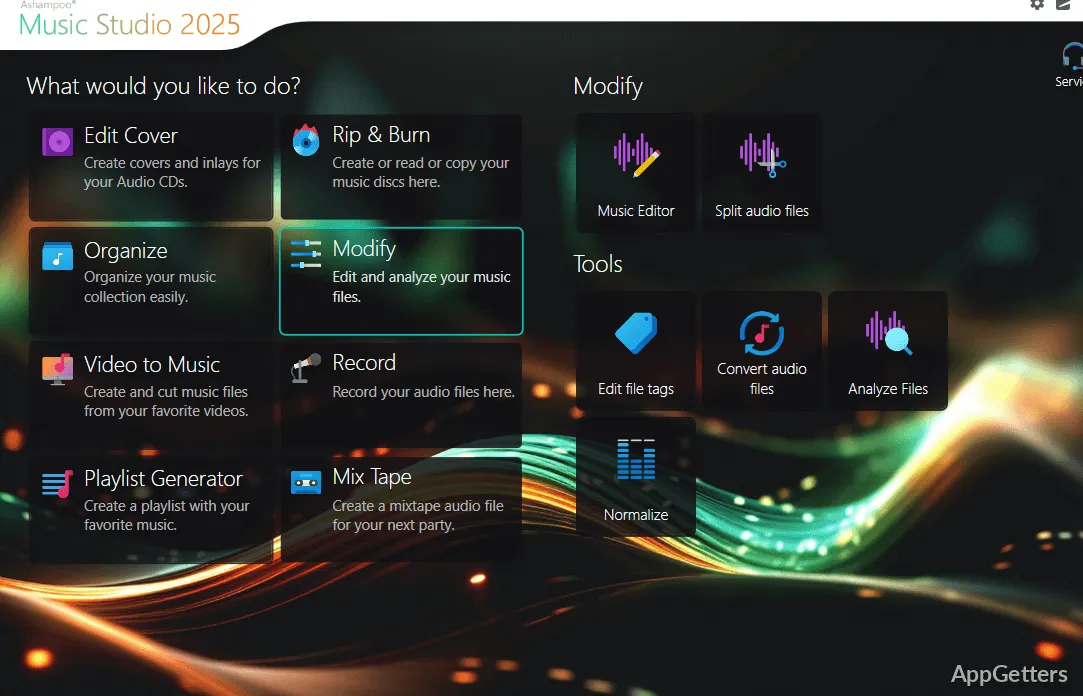
Want to tidy song tags, trim a track, or save audio from a particular app? Ashampoo Music Studio brings recording, editing, conversion, and music-library tasks together in one program.
Record audio from selected apps
Choose an app as the recording source to capture its sound without picking up audio from other programs. Ashampoo Music Studio can detect apps that are already running and ones opened while the program is active. Recording controls put the source, audio quality, file format, and save location together.
The recording mode monitors available audio devices, so a brief device interruption does not necessarily stop a recording. This is suited to capturing playback from supported music services or other audio apps.
Edit tracks with selections and looping previews
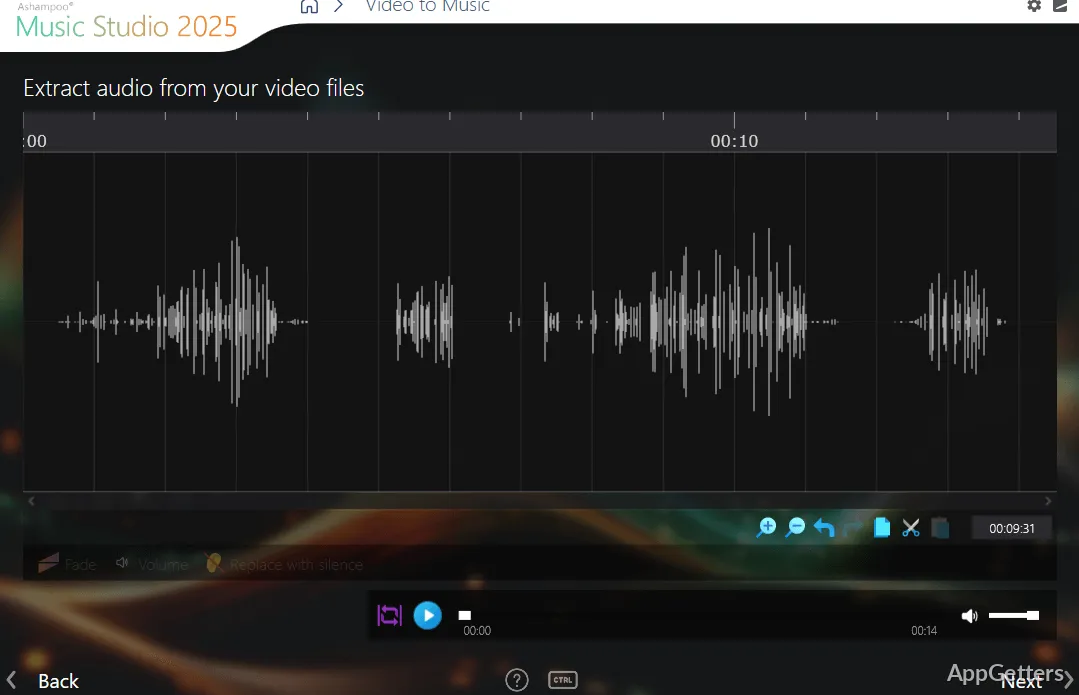
The editor handles practical track changes such as trimming, cutting, joining, mixing, and repositioning audio. Drag tracks into place, then use looping playback to hear a selected passage repeatedly while adjusting transitions or edits.
A selection can also define a three-part split: the material before it, the selected portion, and the audio after it. That gives you separate sections to edit, such as applying an effect to the middle passage.
- Use the context menu for commands related to the current editing task.
- Rearrange tracks with precise positioning when preparing a mix.
Organize tags, artwork, and audio formats
The tag editor works with 18 types of metadata, including details such as artist and genre. Edit information across multiple tracks and attach several images to a song, such as a cover, booklet, or band photo. Tagging by category supports focused updates to a collection.
Convert audio files into other compatible formats while retaining their existing tags. The program also includes CD ripping and burning, playlist creation, and cover printing, bringing common collection and disc tasks into the same set of tools.
Pros
- Records audio from selected apps, including Spotify and Deezer
- Splits a track into three parts around a selected section
- Edits 18 tag types and supports multiple images per track
- Converts audio while keeping existing tags
System requirements: Windows 10, Windows 11 · 64-bit only · Internet connection required for activation; some services also require internet.
Can Ashampoo Music Studio record audio from one app?
Yes. Select an audio app as the source; other program sounds are excluded from the recording.
Can I split a song around a selected passage?
Yes. A selection can divide a track into the audio before it, the selection, and the audio after it.
Does converting a file remove its tags?
The program can convert audio formats while preserving existing tags.