It is very common for users to underestimate the dangers of data loss on Windows systems until it really happens. A file may be overwritten. A hard drive stops working, or ransomware gets hold of you, and there is no warning. Most people who back up their data do it by manual copying or at most carry out regular backups. But, unfortunately, backups hardly ever save the day in such situations. It is the mere difference between what the user anticipates and what actually happens that makes backup software a must-have tool. So, Uranium Backup can be really quite helpful to you if you want to keep your backup records in order and carry them out regularly. Besides being a very basic backup tool, it is also capable of doing more complicated backup jobs. In fact, it gives users a lot more control than standard tools usually do.
Structured Backup Jobs for Steady Protection
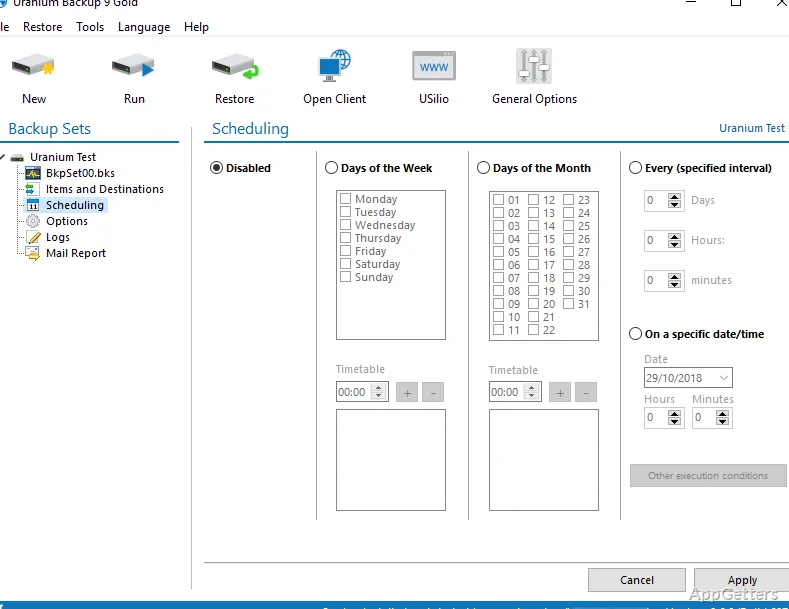
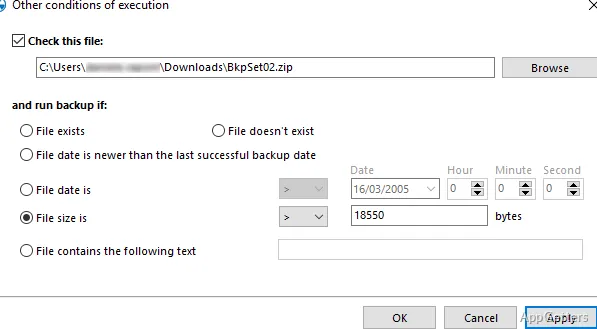
The main idea behind Uranium Backup is backup jobs, and it is quite a good way of bringing in a lot of order to what is usually a disregarded task. Rather than copies being done by hand, users prepare tasks that can be automatically initiated at scheduled times or by certain events. This approach makes it less likely that someone just forgets to back up an important file.
The procedure of creating the job does not take long at all in the normal scenario. Users pick the files, folders, or whole drives and then decide on the target location. When everything is set, the software simply does the same job over and over. This is especially handy for users who, for example, work on documents. The content of these documents changes regularly, or they have continuing projects. As time goes by, the regularity of scheduled backups probably becomes one of its most convenient features.
Flexible Storage Options Across Local and Cloud Destinations
Among the qualities of Uranium Backup that users really appreciate is its capability to operate with a variety of storage destination types. This lets people have a backup plan according to their environment. At the same time, they are not bound to a single method.
For instance, a home user may find an external drive a handy backup tool for quick recovery, and a cloud copy would be kept for safety. The program allows for such a multi-layer methodology. The user does not feel overwhelmed by the process. However, some advanced operations might demand a bit of backup knowledge. This is especially true when the items are remote servers or FTP connections.
Reliable Performance featuring Practical Features
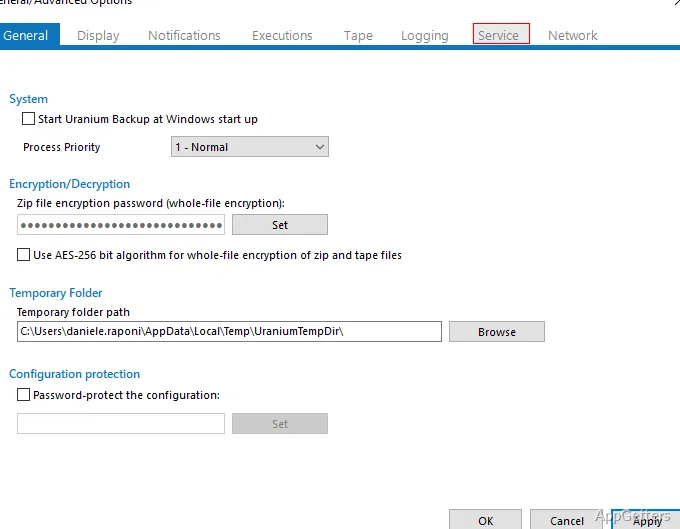
The great thing about Uranium Backup is that it does exactly what it says. It gives utmost importance to the ability to perform in an effective manner and not the looks. Support for incremental backups, compression, and encryption features has been integrated into the working of the app. They readily aid the users with the kind of tasks they deal with each day. Incremental backups are well-designed to use less storage space. They also speed up work, especially repetitive tasks.
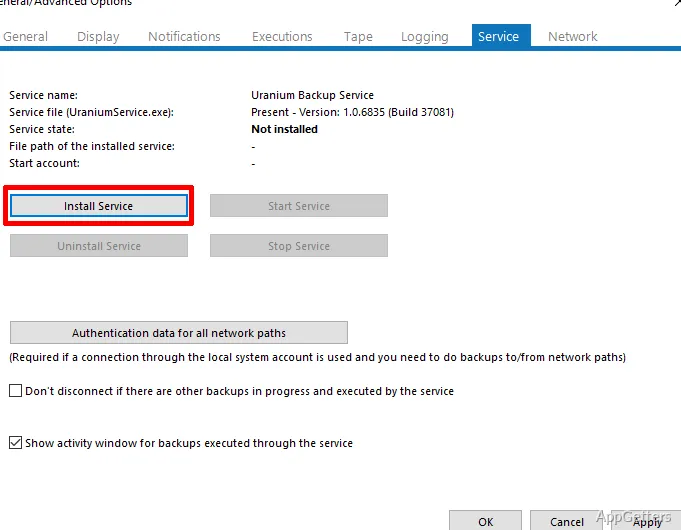
The interface is perfectly fine, but it is not very modern-looking. It chooses to focus on being clear rather than on the look and feel. This generally works in its favor. The operations are usually presented in a user-friendly way, and the progress can be communicated very clearly. First-time users may find the different types of backups a little puzzling. This applies particularly when restoration is involved.
In general, the product runs very smoothly, and backup jobs are finished correctly even when large files are involved.
Areas That Might Require Adjustment
Even though Uranium Backup delivers, it is not exactly the kind of tool a complete beginner can use without any difficulties. Some of the interface elements may cause a user to feel somewhat lost when trying to work out the use of advanced options or multiple backup jobs. Also, some backup-related terms might be unfamiliar to those who have never worked with dedicated backup tools before.
What is more, some feature sets are only included in certain editions. That may cause confusion at the stage of initial setup. So, the participant should definitely find out the possibilities that are provided by the version he/she has. The manual/documentation will come to your rescue, although it is not the one that one would reach for in emergency situations.
These drawbacks do not make it any less effective, though, and only mean that the user has to be willing to familiarize himself/herself with the basics.
A Practical Fit for Users Who Need Reliable Backup Routines
Users who are willing to stop making occasional copies of files only and who want to start a dependable backup routine can find Uranium Backup a good choice for them. Long-term project students, home users with personal data, and small office environments can all take advantage of its organized method.
The automation and multiple options are the features that make it very attractive. This is especially true for those who do not want to go into complicated enterprise solutions. It does take a bit of setup and getting used to. At the end of the day, you benefit from consistency and reduced risk.