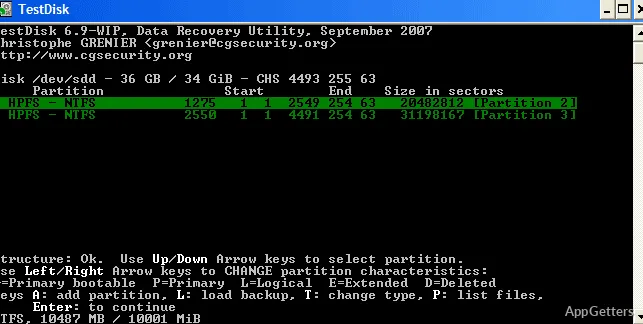
Did a disk lose its partition, or did important files disappear from a memory card? TestDisk and PhotoRec are two recovery tools: TestDisk works with partitions and file systems, while PhotoRec searches for recoverable files on storage media.
When should you use TestDisk?
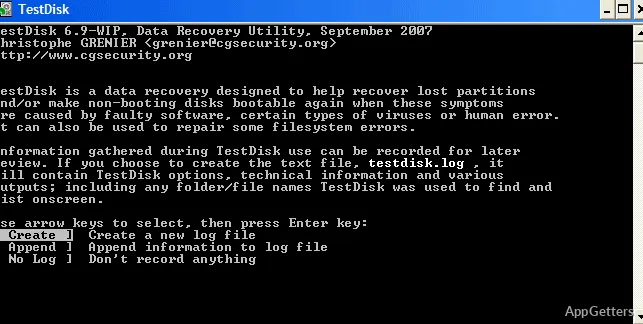
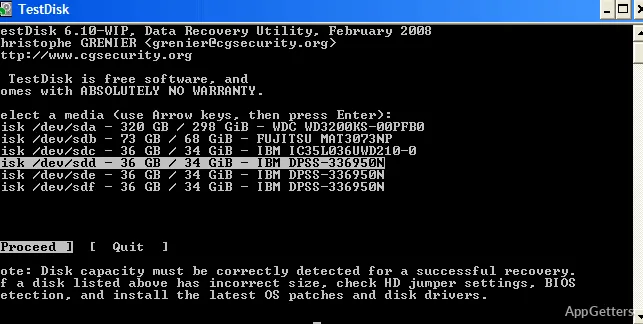
TestDisk focuses on disk structure. It can search for lost partitions, restore a deleted partition table, and address some boot problems that prevent a disk from starting. It supports partition and file systems including FAT, exFAT, NTFS, ext2/ext3/ext4, HFS+, and several Linux and BSD formats.
For file-system repair, its options include rebuilding FAT or NTFS boot sectors, restoring a boot sector from its backup, fixing FAT tables, and repairing NTFS MFT data from its mirror. TestDisk can also undelete files from FAT, exFAT, NTFS, and ext2, or copy files out of deleted FAT, exFAT, NTFS, and ext2/ext3/ext4 partitions.
How does PhotoRec find deleted files?
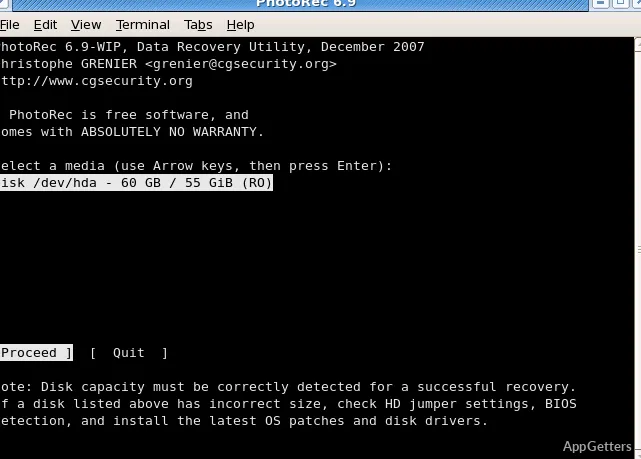
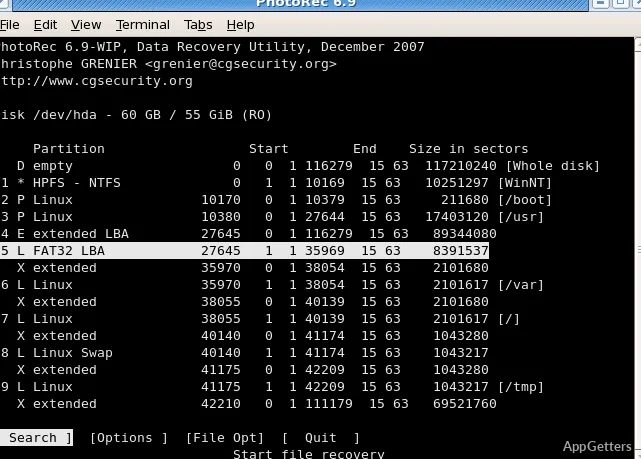
PhotoRec scans storage for file signatures, so it can recover files even when a file system is damaged or unreadable. Start the PhotoRec command, choose the disk or partition to search, and select a destination for recovered files. Save them to a different drive when possible, so writing recovered data does not overwrite more of the source.
- PhotoRec identifies files by their content and supported signatures.
- Recovered files may not retain their original names or folder paths.
Which tool fits the recovery problem?
Use TestDisk when a partition has vanished, a partition table is damaged, or a boot sector needs repair. Choose PhotoRec when the priority is retrieving files and the disk’s file-system records are unavailable. The tools address different parts of recovery: TestDisk works with disk and file-system structures, while PhotoRec searches for file data.
Pros
- TestDisk can recover deleted partitions and repair several boot-sector types
- Undeletes files from FAT, exFAT, NTFS, and ext2
- PhotoRec can find files by their contents when file-system data is damaged
Cons
- PhotoRec may recover files without their original names or folder structure
Can TestDisk recover a deleted partition?
Yes. It can search for lost partitions and recover a deleted partition table.
Can PhotoRec recover files from a damaged file system?
Yes. It searches storage for file signatures, so it can find files when file-system data is damaged or unreadable.
Will PhotoRec keep recovered files’ original names?
Not necessarily. Recovered files may lack their original names and folder paths.