Want a USB drive or NAS folder to stay identical to the one on your PC without copying files by hand? Synchredible keeps folders or whole drives in sync across local disks, network shares, external storage and cloud folders. It can copy or back up data as well as synchronize changes between locations.
Synchronization task setup
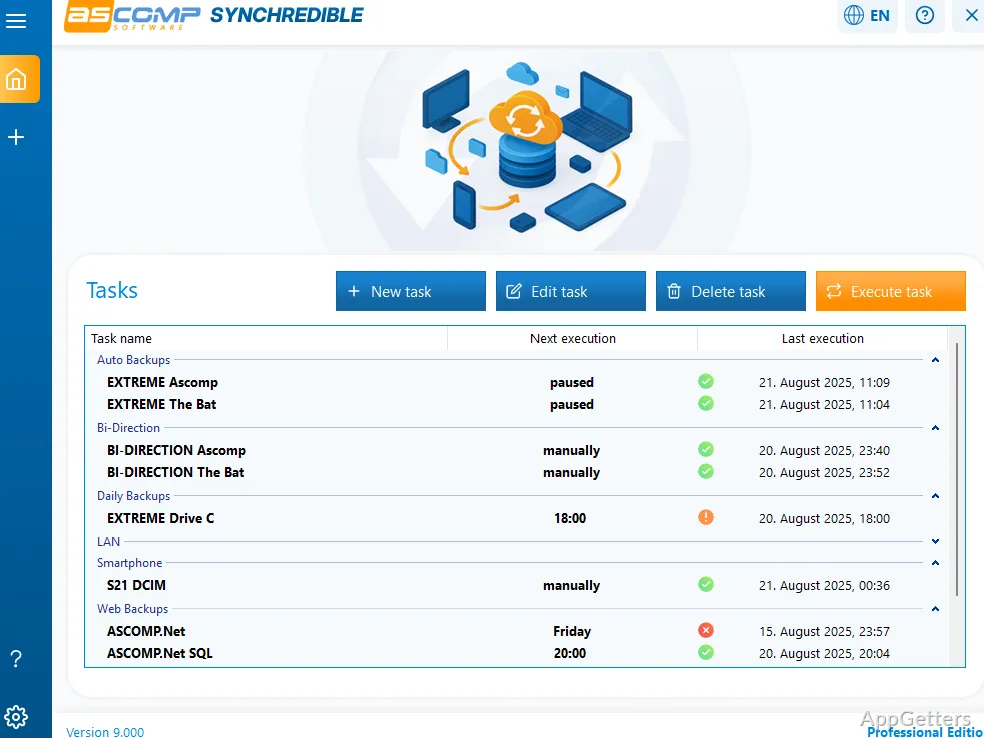
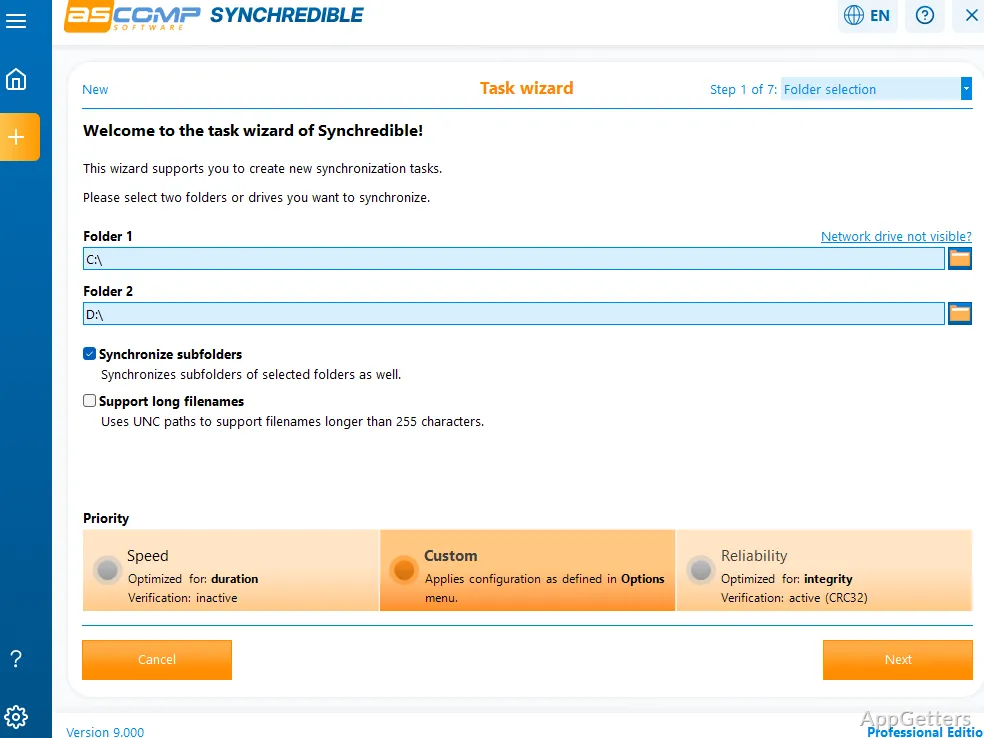
Synchredible organizes each synchronization as a task. Its assistant guides you through choosing source and destination folders, setting the direction of synchronization, and configuring when the task should run. Tasks can cover individual folders or entire drives.
Choose a schedule based on how the files change: run a task at a specific time, repeat it at an interval, or start it in response to a system event. Real-time monitoring can trigger synchronization when it detects file changes. The program can also start a task when an external storage device is connected.
Sync directions and changed files
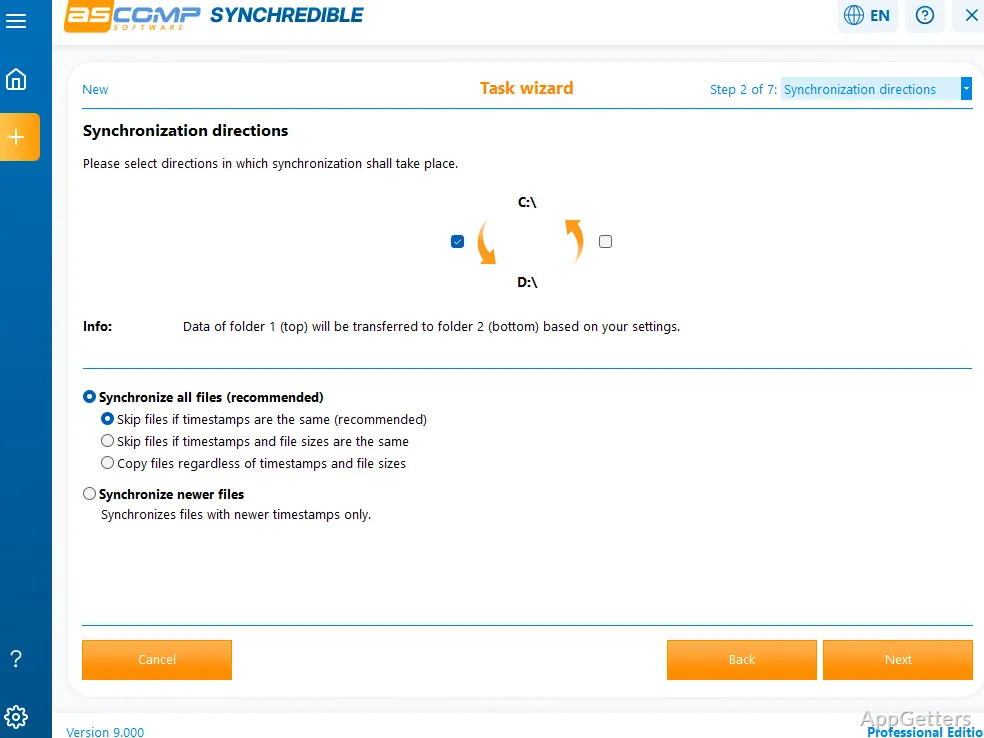
Tasks can copy or back up files in one direction, or synchronize data both ways. Synchredible detects new and modified files and uses duplicate detection to skip files that have not changed.
- Use local disks, external drives, USB storage, and network locations.
- For cloud folders, work through a provider's Windows app or supported WebDAV or SMB access.
Cloud and server locations
Cloud services such as OneDrive, Google Drive, and Dropbox can be accessed through their Windows apps, which expose cloud files as folders. WebDAV and SMB locations can also be selected when the service supports them. Synchredible does not connect directly to FTP or SFTP servers; a server mapped in Windows can be accessed as a drive.
Background task operation
Once configured, scheduled synchronization can run in the background. Synchredible can also run through Windows Task Scheduler when no user is logged in, with the task configured to start at system startup. In that mode, the tray icon is not shown; email reports are an option for receiving task results.
Pros
- Schedules tasks by time, interval, or system event
- Real-time monitoring can start a sync when files change
- Supports bidirectional synchronization and skips unchanged files
- Works with network, USB, and cloud folders
Cons
- No direct FTP or SFTP connection; the server has to be mapped as a Windows drive first
System requirements: Windows 7, Windows 8, Windows 8.1, Windows 10, Windows 11 · 32-bit and 64-bit · Intel-compatible processor · 2 GB RAM minimum (4 GB recommended) · 50 MB disk space
Can Synchredible synchronize cloud storage?
Yes. Use a cloud provider's Windows app to expose its storage as folders, or connect through WebDAV or SMB when supported by the service.
Can a synchronization task run automatically?
Yes. Set it to run at a time, interval, or system event, or use real-time monitoring to start it when files change.
Does Synchredible connect directly to FTP or SFTP servers?
No. Map the server as a Windows drive first, then select that drive as a task location.