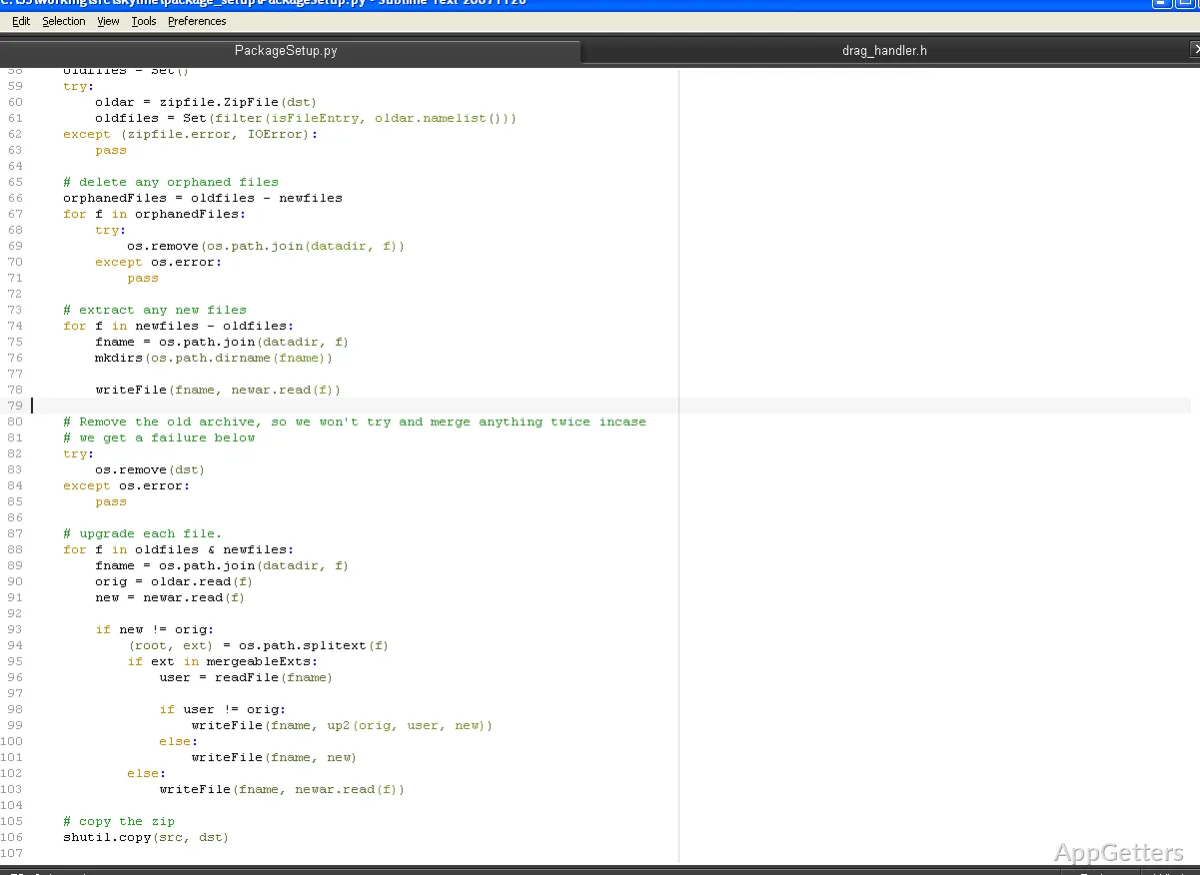
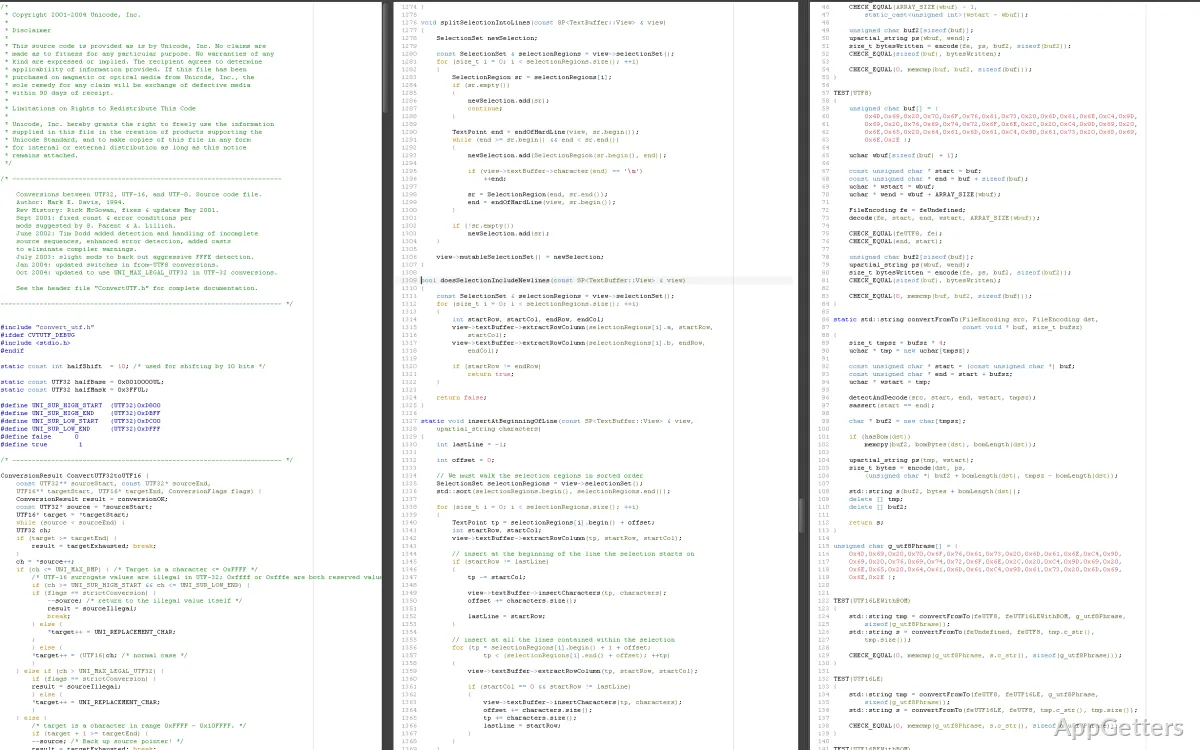
For a lot of Windows users, their issue with code editors is not about finding a feature-rich one but discovering one that keeps running fast, is predictable, and doesn’t get in their way. The problem is that nowadays many development tools are packed with heavy integrations, background services, and cloud dependencies. Even simple workflows may be slowed down. This is why Sublime Text chooses to be a bit different. Its main emphasis is on responsiveness and the least possible trouble. Users are provided with a lightweight editing experience that is much like a conventional desktop tool rather than a full IDE. Probably, most users’ main concern is whether such straightforwardness works well in real coding situations.
A fast, distraction-free editing experience
One of the main reasons why Sublime Text stays recognized on Windows is that it is really fast. It is capable of launching without any delay, even on low-end machines. It can open very large files without slowing down. Such swiftness is not simply a trivial feature. It really impacts the smoothness of your workflow if you are coding for hours.
Besides, the program is easy to use, and it does not overwhelm the user. When surrounded by more powerful software, you will certainly appreciate the fresh air brought by its bare interface. Multiple cursors, split editing, and rapid file navigation bring strength without creating huge distractions. Rather than forcing users into fixed paths, the editor remains very open. It gives you the freedom to decide how to organize your work. For persons who type for many hours, a frictionless environment becomes one of their main reasons for using it.
Customization and extensibility in daily use
Initially, Sublime Text doesn’t have a lot of things that you can use, but it is powerful enough not to make you bored. It is capable of taking a fantastic upgrade upon the use of its package ecosystem. Users will be given an option to add syntax support, linters, themes, and productivity tools. That is why it can easily go from being a mere text editor to a development environment with rich features.
However, a user who is highly dependent on customization is a person who always manages to get more productivity out of a tool. To do such a thing, orientation and assistance for beginners for installation are not built into this editor. Dealing with packages for the first time could be done after manual steps. After you know what you have to do, it will be very simple. For beginners, this can be a cause of some confusion the first time. But then that same editor becomes your best friend for all other tasks that come in through offering such high customization.
Durability and extended reliability
Stability is something that a lot of users tend to overlook in Sublime Text. The truth is that the program crashes only very infrequently. The updates are typically small in size and not very disruptive. Even after a long period of time, the speed remains constant. Especially for Windows computers, which tend to slow down if you run memory-intensive apps, it represents a very welcome change when things are predictable and running smoothly.
Since Sublime HQ develops the software, their style of work is mainly to spruce up things instead of throwing everything overboard. They avoid starting all over again. That gives users less time being surprised by changes, but on the other hand, it means a slower arrival of some modern IDE features. A user who is willing to sacrifice the latest integrations for a trusted editing environment will find this quite a good trade-off in the end.
Restrictions in modern development workflows
Because of its lightness, Sublime Text will definitely show the downside in some areas. It simply doesn’t facilitate work with debugging tools, integrated version control interfaces, and project management features that a full-fledged IDE provides. And although most of these functionalities may be added by using plugins, it’s not always the same effortless experience.
A developer who creates a complex application with multiple services will most likely feel the lack of such features as a disadvantage. Most likely, users will need to resort to external tools for carrying out their debugging or dependency management. Scripting, web development, and general-purpose coding are some of the activities for which the lack of capabilities won’t have a big impact on the user’s daily work.
Where Sublime Text fits in real workflows
Users who can focus by choice on control and capability instead of on automation will find Sublime Text most suitable. Additionally, it is great for students who are learning how to program, for developers who are working on small projects, and also for those professionals who want to have a simple tool working together with other specialty software.
Instead of trying to act as a standalone development environment, it is a companion. Many users consider it their go-to editor whenever they want to make a fast editing, configuration, or focused coding session where speed is the top priority. In this role, it performs without fail, quietly helping productivity without needing the user’s attention.