EXE
Home » capture » Screenpresso for Windows
Screenpresso for Windows

Screenpresso for Windows

  • By LEARNPULSE
  • Free
  • Version: 2.2.12.0+2b3c04edc3c7141f4715bafdadef2a00fdcf454e
  • 5.88 MB
  • Security Report:

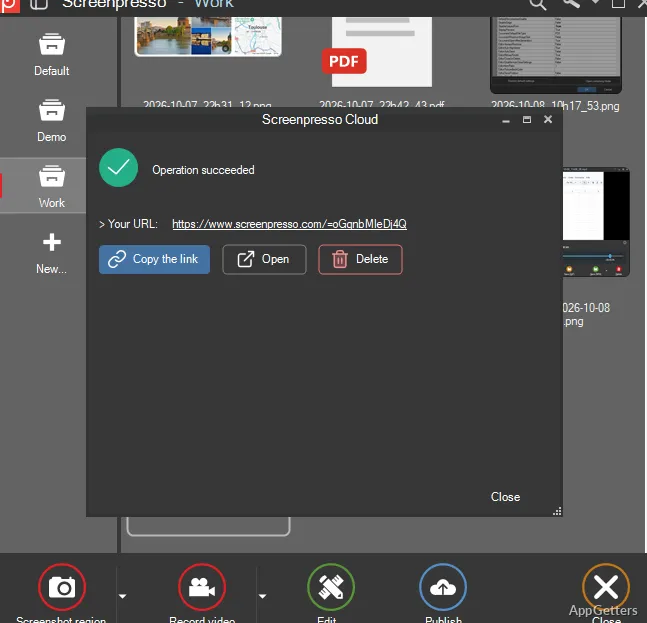
Doing a screenshot on Windows, generally, is easy only if the users want to explain something completely clear to someone with the help of a screenshot. That is when people start having trouble. A simple image capture is usually not enough. Users decide to annotate, organize their files, record their screens, and share their files, which eventually takes a lot of time. Screenpresso is a tool that was built keeping in mind this constant workflow rather than just capturing a screenshot.

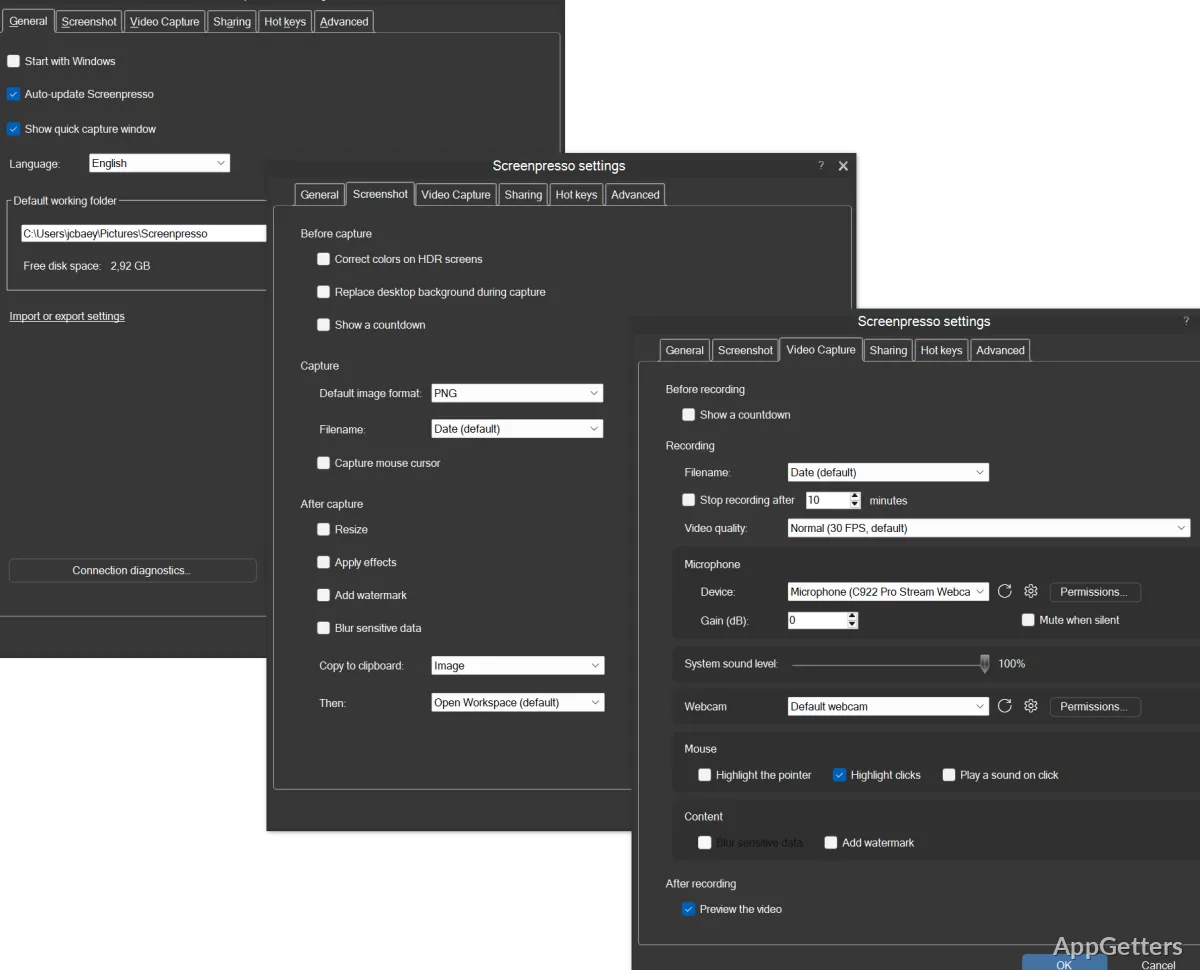
This tool allows capture, editing, and screen recording all in one place, giving the feeling that this tool is all about communication. Rather than confusing users with many technical settings, the software is able to offer hands-on usability on a large scale. Its visual organization capability is also one of its key features. That is why people who make tutorials, instructional videos, and other feedback document creations fall in love with this tool.

Quick Screen Capture Utility, but Built Around a Workflow

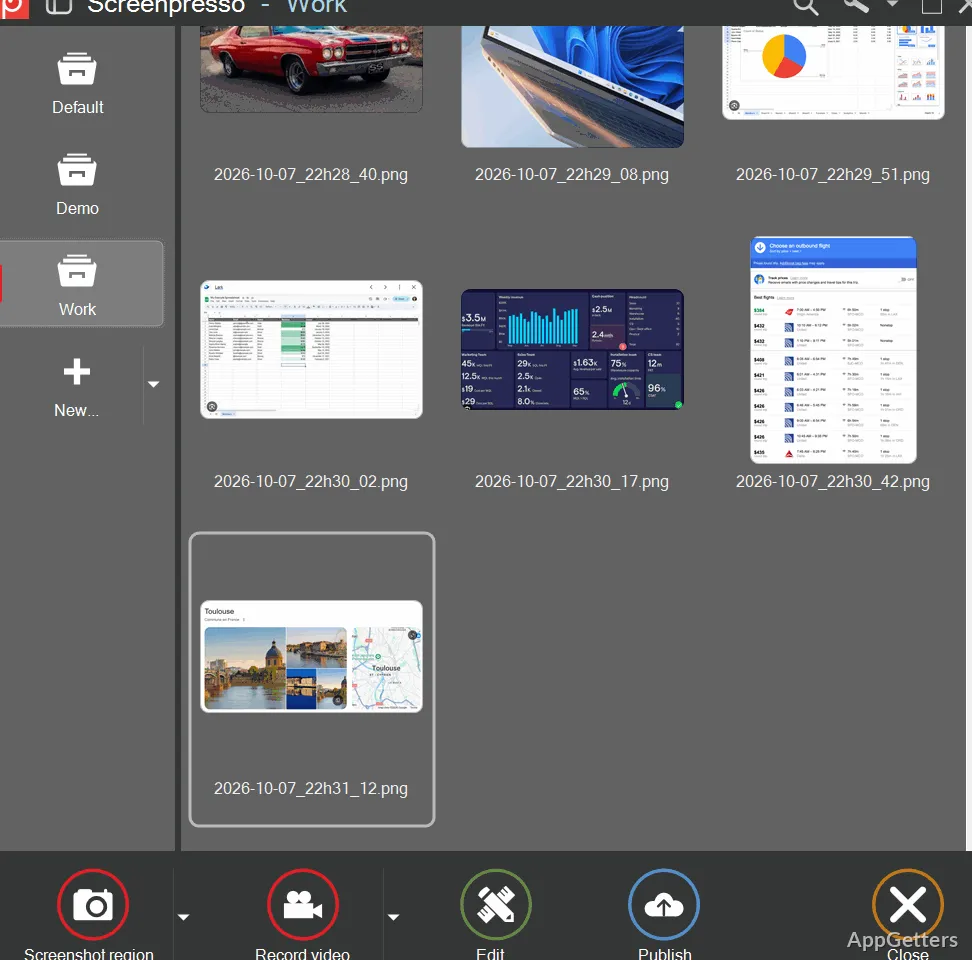
One thing that can really impress a user about Screenpresso is the way it almost invisibly integrates with the desktop work. The app is still readily available with keyboard shortcuts and a mini workspace panel, where the latest screenshots are automatically organized. Doing several screenshots can save users the normal trouble of going to the folder.

Whether it is capturing a selected portion, scrolling a window, or the entire screen, the process in general is quite fast and responsive. In research, software documentation, or online reporting, the scrolling capture feature is especially excellent for webpages and long documents.

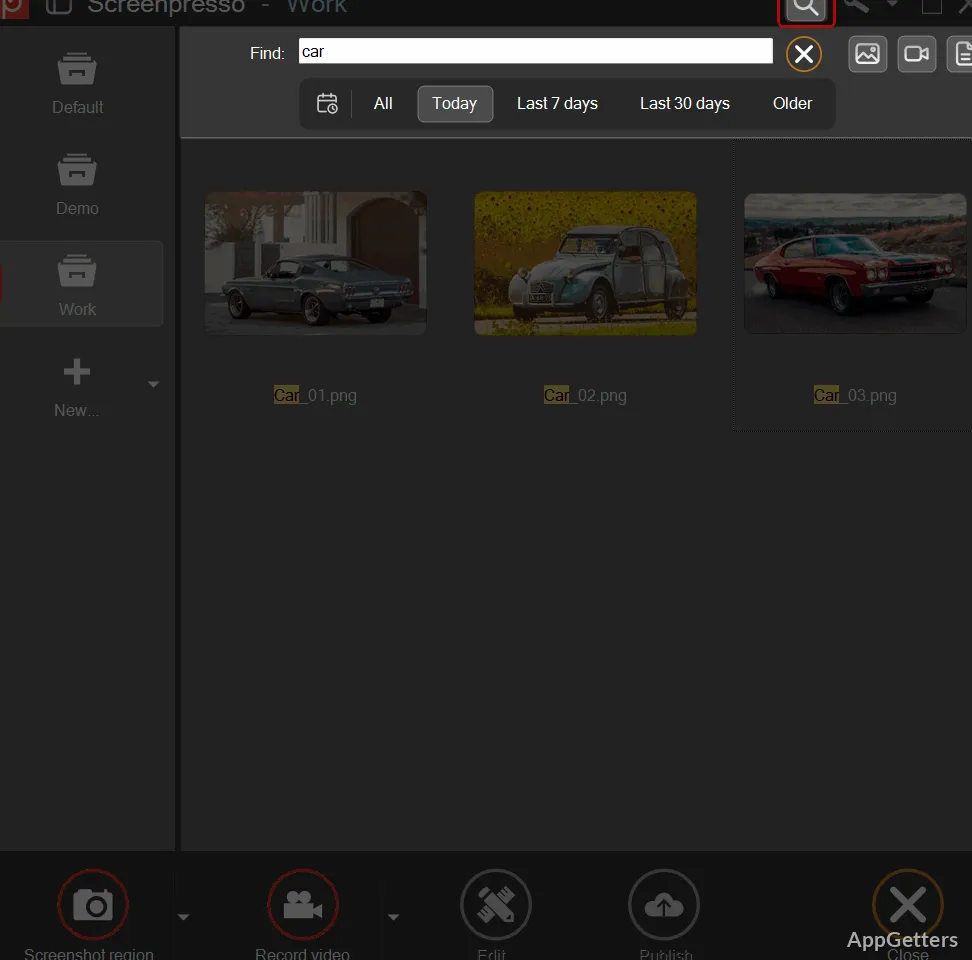
Besides that, the workspace plays a role in not only distinguishing the experience from that of other simple screenshot apps but also making it much richer. Captures are taken off their shelf as lone items and become a visual journal that one can always browse with a very bright look. People who are working with multiple captures during the day will find that this small change to the workflow can lead to a big time saving. This becomes more noticeable over longer periods of time.

Editing Suite Created to Improve Communication

The editing suite of Screenpresso embodies the company’s philosophy of visual communication. Users can have a choice of annotation tools (arrows, step-by-step numbering, text, blurring, highlights, etc.) to improve their communication. They do not have to switch to another software program. This is ideal for technical support, training, and office settings where screenshots need to be used as the basis of presenting instructions in a plain and simple manner. The editor is simple, friendly, and intuitive for users, especially beginners, which serves to lower the learning curve in contrast with larger image editing applications.

The annotation toolset comes as a refined and elegantly orchestrated set of tools. It not only supports creating step-by-step, detailed visual instructions or troubleshooting guides. It also enhances the online collaboration experience by bringing more clarity to communications.

On the other hand, it is quite obvious that highly experienced users may see the limits of these tools. Sooner or later, they may notice them. The program is not meant to be a professional graphic design program. It does not support layered compositions. It does not have extensive visual effects capabilities. Screenpresso is all about getting the job done quickly rather than replacing full-featured editing software.

Tutorials and Demonstrations Through Screen Recording

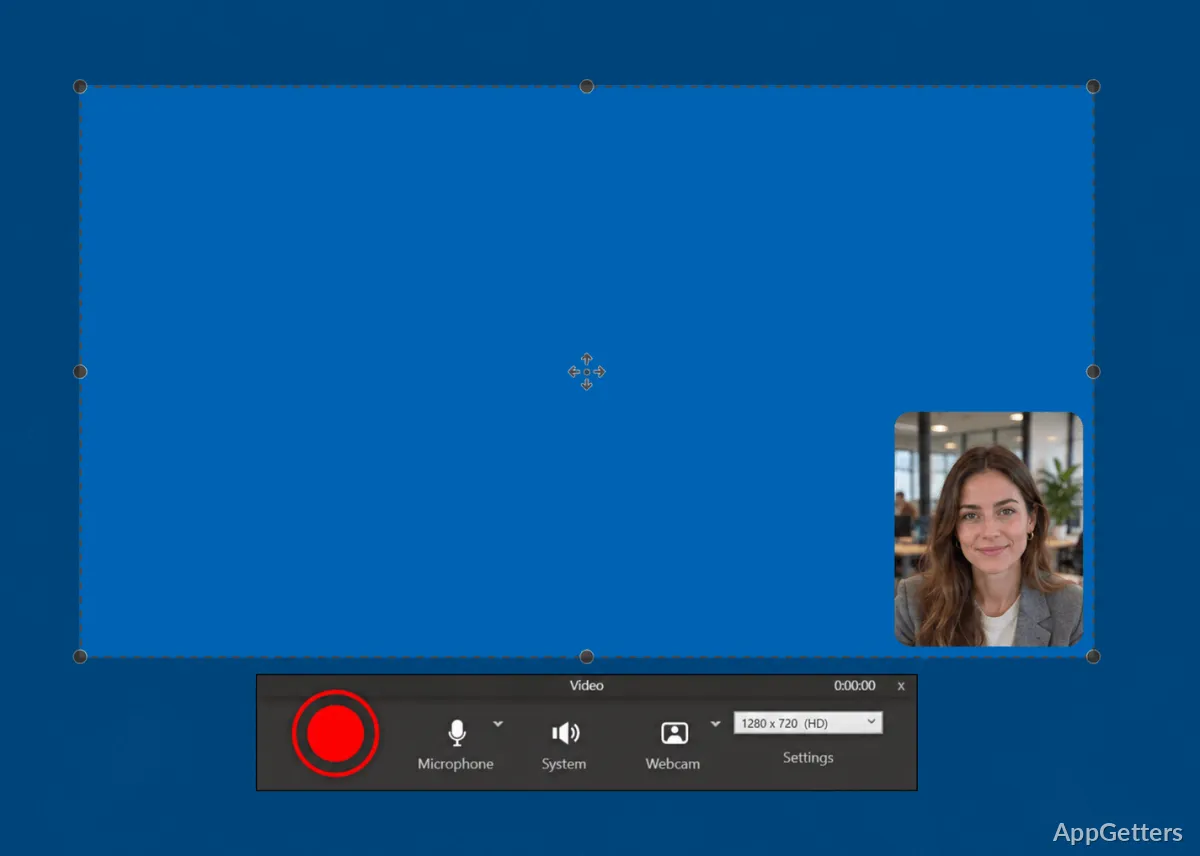
Screenpresso does not simply capture static screenshots; it can also record videos resembling a simple recorder application. The software is capable of recording screen activities meticulously in the form of demonstrations, software walkthroughs, or training videos. There is no requirement for third-party software.

The recording operation remains minimalistic. The interface and functionalities are straightforward, almost to the point of being naive. Users can just hit the record button. Then they can directly export their clips without having to go through various production screens or complicated editing steps. This feature will be a delight for those who do not need full production equipment. It still offers functional recording features. Examples include teachers, support personnel, and home users.

Software Details of Screenpresso 2.2.12.0+2b3c04edc3c7141f4715bafdadef2a00fdcf454e

License
Free
Version
2.2.12.0+2b3c04edc3c7141f4715bafdadef2a00fdcf454e
File Size
5.88 MB
Downloads
0
Language
English
Category
Op. System
Windows
Developer
Last Updated
May 20, 2026

Version History

5 versions
2.2.12.0+2b3c04edc3c7141f4715bafdadef2a00fdcf454e
Latest
5.88 MB
May 20, 2026
2.2.11.0
45.87 MB
May 17, 2026
2.2.10.0
45.87 MB
May 10, 2026
2.2.9.0+a3fdd39727d757a82ccf6df5d21fffea1c328df0
45.83 MB
April 6, 2026
2.2.8.0
45.83 MB
March 23, 2026

Leave a Comment

Your email address will not be published. Required fields are marked *

Software Icon
Security Report

Loading scan data...

Scroll to Top