Downloading from Usenet and tired of repairing and unpacking every file by hand? The free, open-source SABnzbd checks, repairs, extracts and files each NZB job automatically, and manages the work through a browser interface, with controls for its queue and download settings.
From NZB to completed files
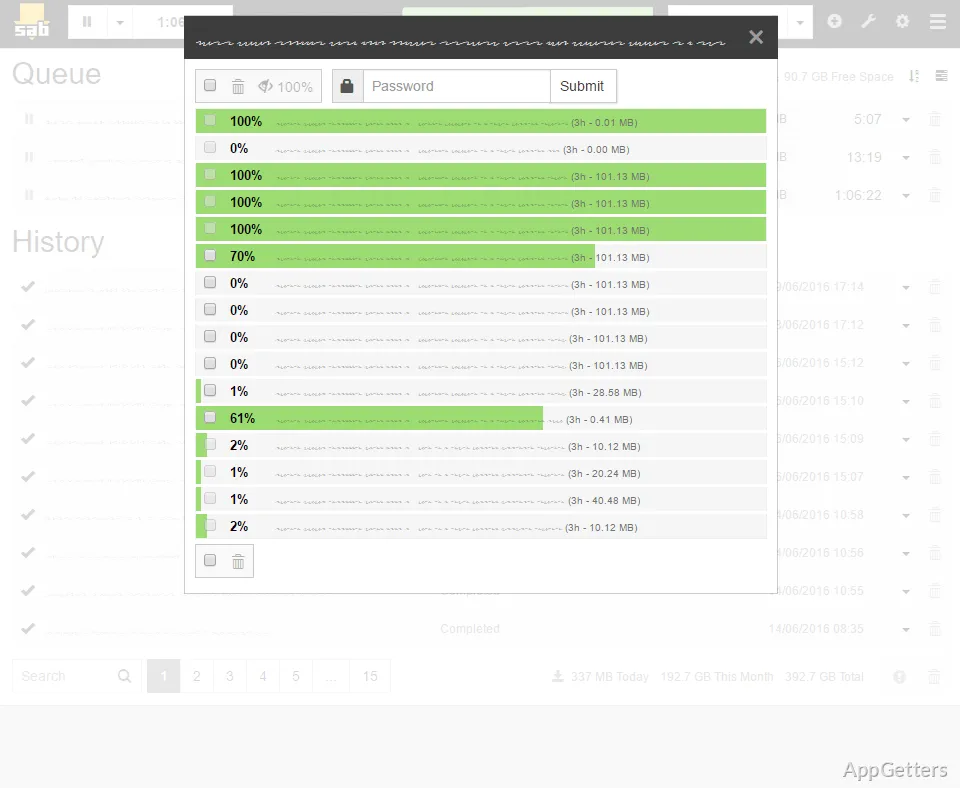
An NZB file describes the Usenet content to retrieve. Add one to SABnzbd, and it manages the job through downloading and verification. If repair data is available, SABnzbd can use PAR files to repair damaged or incomplete downloads, then extract and file the finished content.
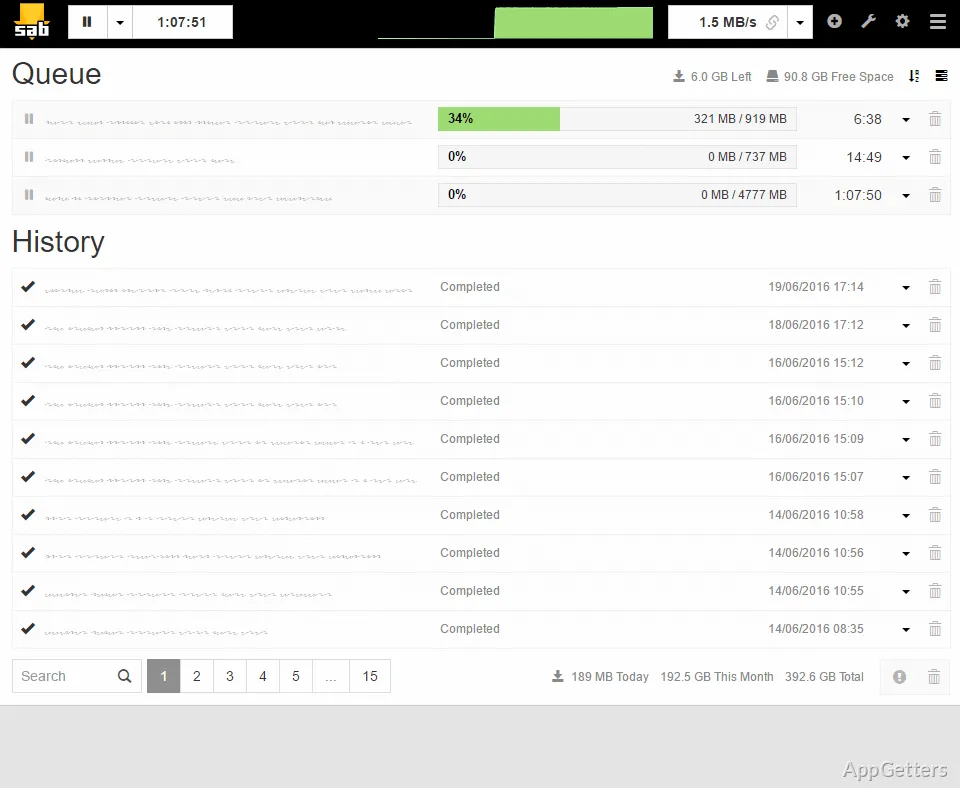
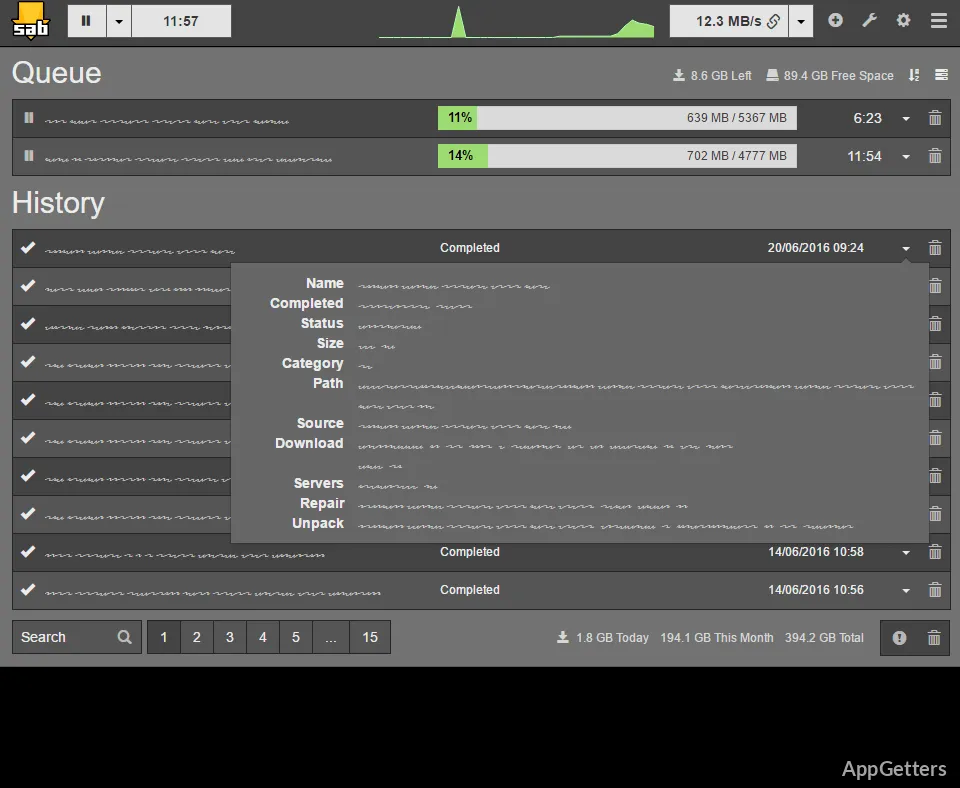
The queue shows active jobs, while the history keeps details of completed activity. SABnzbd also provides controls for pausing downloads and limiting their speed, so the transfer schedule can be adjusted from its interface.
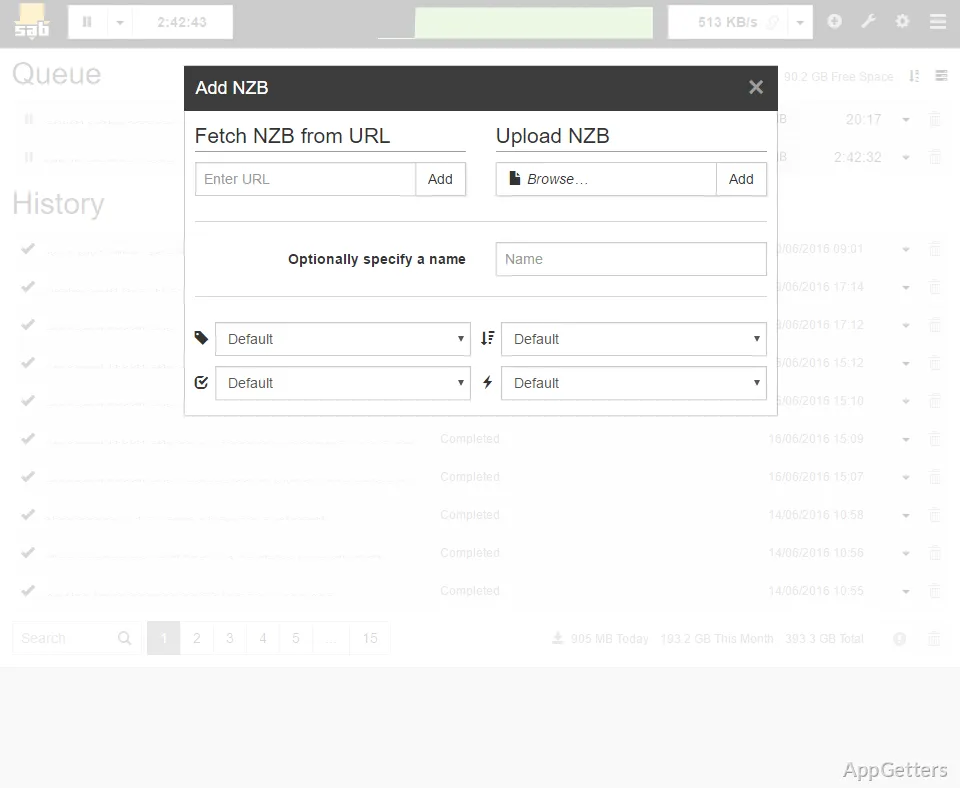
- Add NZB files directly or drag and drop them into the interface.
- Use categories and folder settings to organize how jobs are handled.
How does the browser interface handle a queue?
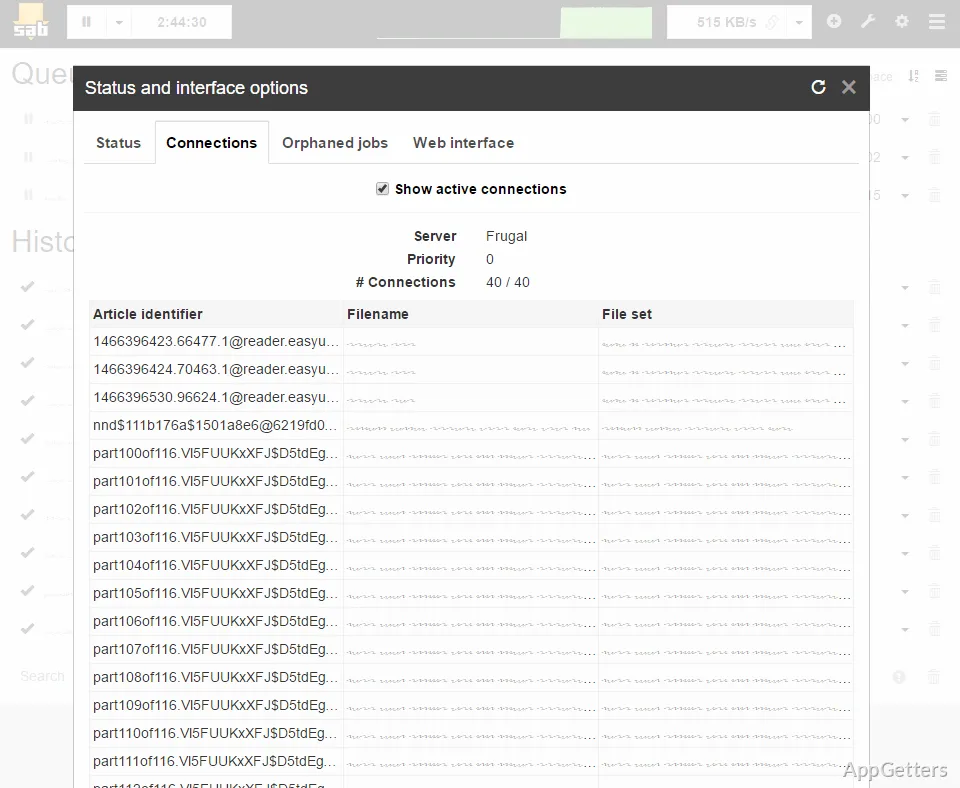
SABnzbd presents its controls in a browser-based interface that adapts to desktop, tablet, and phone screens. The Glitter interface includes queue and history views, connection status, settings, and a night mode. A tabbed layout is also available.
A first-run setup wizard covers the initial configuration, including the Usenet server and download folders. Everything can be adjusted afterwards on the configuration pages. This browser interface also allows the download queue to be managed from another device on the network when it can reach SABnzbd.
Automation beyond individual jobs
RSS processing can monitor feeds and bring matching NZB items into the download workflow. Custom scripts and notifications extend what happens around a job, while integrations with applications such as Sonarr, Radarr, Lidarr, and SickChill let those tools coordinate downloads with SABnzbd.
The Windows package offers installer and portable forms. The installer can associate NZB files with SABnzbd, so opening an NZB can send it to the download manager.
Pros
- Automates NZB downloads, verification, PAR repair, extraction, and filing
- Accepts NZB files by adding them or dragging and dropping
- Reads RSS feeds and supports custom scripts and notifications
- Other apps can send jobs to it automatically
System requirements: ARM64 and x64
Do I need an NZB file to start a download?
NZB files define Usenet downloads. Add an NZB to SABnzbd, or use an integrated application or RSS workflow to supply jobs.
Can SABnzbd repair and extract downloads automatically?
Yes. It verifies downloaded data, uses PAR files for repair when needed, and extracts completed archives.
Can another application send downloads to SABnzbd?
Yes. SABnzbd integrates with tools including Sonarr, Radarr, Lidarr, and SickChill.