When a computer needs a fresh operating system or recovery media, a bootable USB drive can make the setup process straightforward. Rufus writes ISO images to USB drives and offers controls for choosing a partition layout and target system.
ISO image and USB selection
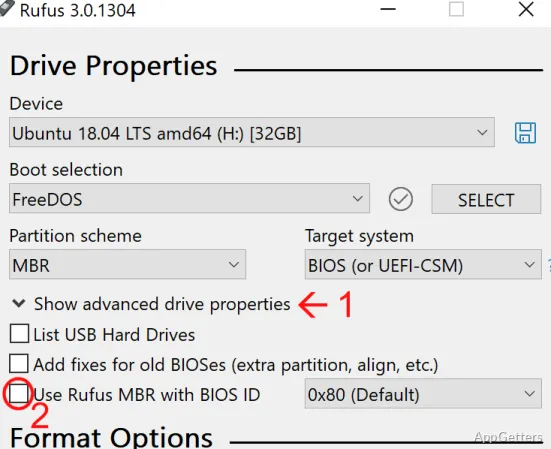
Rufus’s main workflow pairs a USB device with an ISO image. The selected image supplies the files for bootable installation or recovery media; supported uses include Windows and Linux systems, as well as FreeDOS. Rufus can also format a USB drive as part of preparing it.
Choose the intended USB device carefully: formatting or writing an image removes its existing contents. This matters especially when more than one removable drive is connected.
Partition scheme and target system
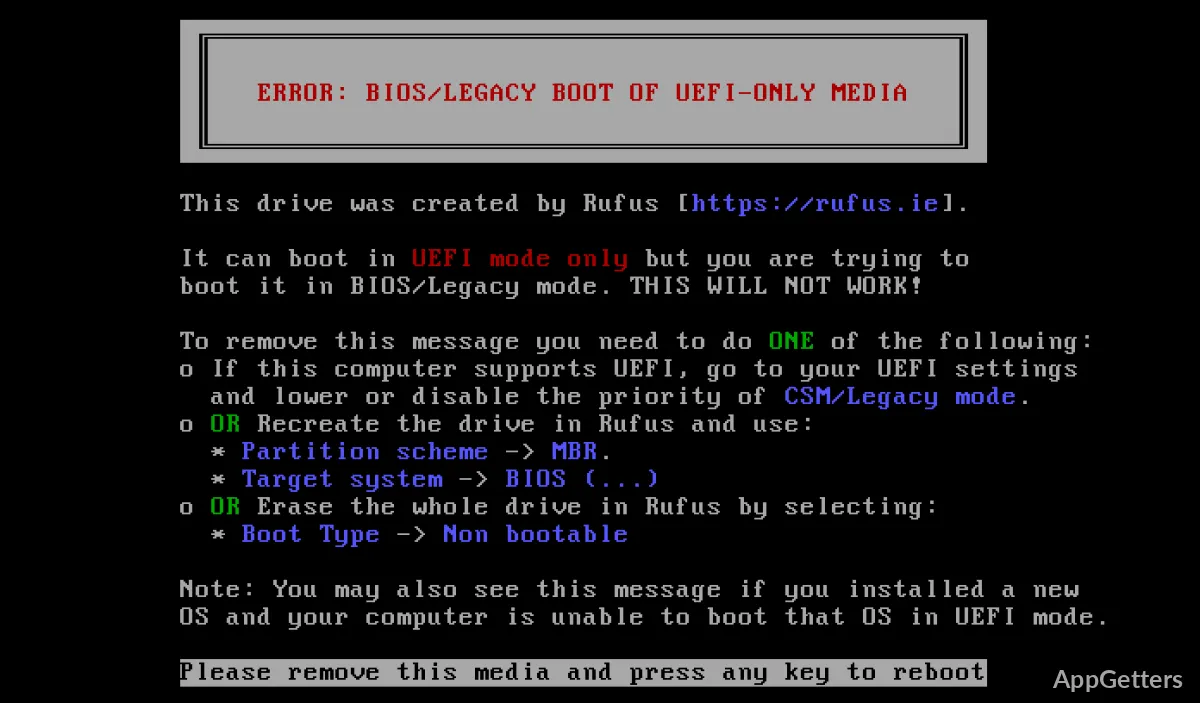
The partition scheme setting lets you prepare media using MBR or GPT. Rufus also supports target systems using traditional BIOS or UEFI firmware, so these options can be set to match the computer that will boot from the drive.
- MBR and BIOS support covers traditional boot configurations.
- GPT and UEFI support covers newer system configurations.
Portable media preparation
Rufus runs as a portable application, so it does not need a separate installation step. Its controls bring the drive, image, partition scheme, and formatting choices into one media-preparation workflow. Once written, the USB drive starts an installation or recovery process on a compatible computer.
The tool is focused on creating bootable drives from disk images. For example, a user preparing Linux installation media selects a Linux ISO and the destination USB drive, then configures the boot layout for the intended machine. Windows and FreeDOS images fit the same general workflow.
Pros
- Creates bootable USB media from Windows, Linux, and FreeDOS images
- Supports MBR and GPT layouts for BIOS and UEFI targets
- Can format a USB drive while preparing media
- Runs as a portable executable without installation
Cons
- Formatting or writing an image erases existing contents on the selected USB drive
System requirements: Windows 8, Windows 8.1, Windows 10, Windows 11
What image types can Rufus use to create bootable USB drives?
Rufus creates bootable media from ISO images, including images for Windows, Linux, and FreeDOS.
Does Rufus support both BIOS and UEFI systems?
Yes. It supports MBR and GPT partition schemes and targets traditional BIOS and UEFI systems.
Will preparing a USB drive remove files already on it?
Yes. Formatting or writing an image erases the existing contents of the selected USB drive.