If your system drive died tomorrow, could you get Windows back as it is today? R-Drive Image creates full images of disks or partitions to restore from. The program also supports disk cloning, image-based recovery, and deployment of a prepared system to other computers.
Create an image of a disk or partition
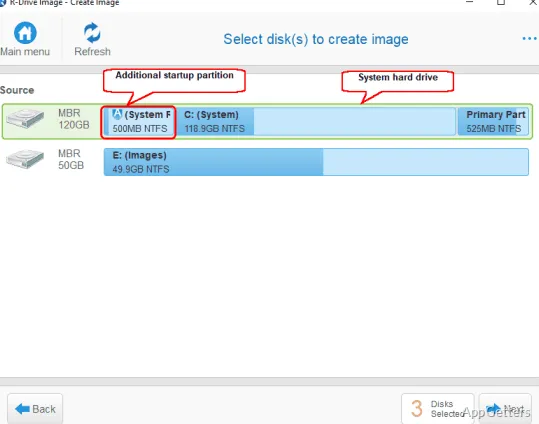
Choose a whole hard drive, a particular partition, or other disk objects to include in an image. R-Drive Image captures data while Windows is running, using volume snapshots to create a consistent point-in-time copy. Compression levels can be selected, and image files can be password-protected, encrypted, split across multiple files, or given comments.
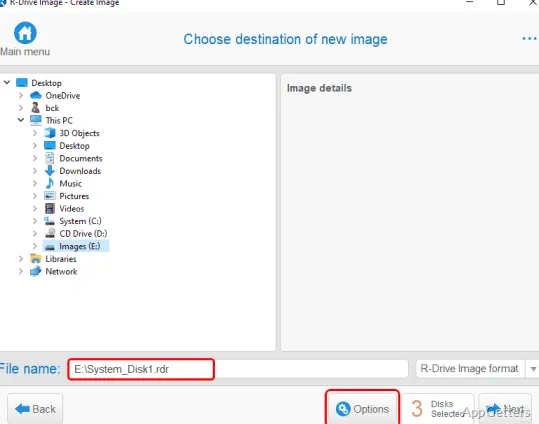
Images can be saved to storage visible to the computer, including removable and network drives. The program can check an image for errors after creating it or verify an existing image.
Restore an image or clone a disk
Restore an image to its original drive, another drive, a partition, or available disk space. Recovery can include an entire disk, selected partitions, or individual files and folders. Partition sizes can be adjusted during restoration, including when moving a system image to a larger or smaller drive.
For a direct migration, copy one disk to another or transfer selected partitions between drives. R-Drive Image can resize copied partitions as part of that operation.
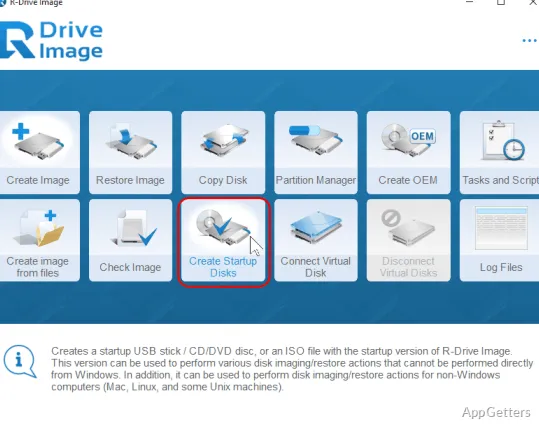
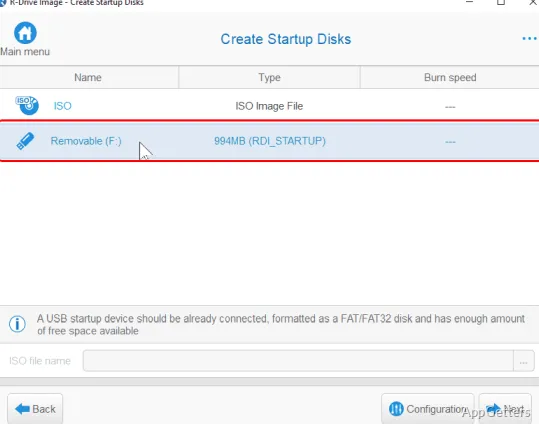
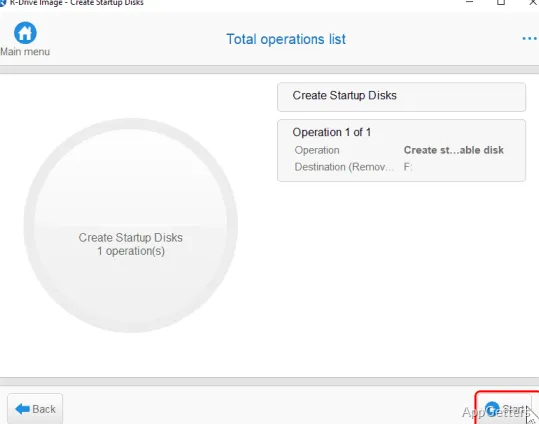
- Create a startup USB drive or CD/DVD to restore system disks when Windows cannot start.
- Use the startup version to work with locked disks that cannot be restored from within Windows.
Schedule repeat backups and access image files
Set disk-imaging tasks to run on a schedule, such as outside working hours. Repeated operations can also be scripted for command-line or command-file execution. Supported script actions include creating or appending to an image, restoring data, checking an image, and connecting or disconnecting one as a virtual drive.
- Mount an image as a read-only virtual drive to browse and copy files without restoring the full disk.
- Use the partition manager to create, resize, delete, or wipe partitions.
Prepare systems for deployment
After setting up one computer, create its disk image and deploy that image to other machines.
Pros
- Creates images while Windows is running using volume snapshots
- Mounts images as read-only virtual drives for file access
- Supports scheduled tasks, scripts, and image integrity checks
- Can clone disks and resize partitions during copy or restore
System requirements: Windows 7, Windows 8, Windows 8.1, Windows 10, Windows 11 · Intel-compatible platform · Administrator privileges required · Also supports Windows Server 2003, 2008, 2012, 2016, 2019, 2022, and 2025
Can R-Drive Image restore only a few files from a disk image?
Yes. It can restore individual files and folders, or you can mount an image as a read-only virtual drive and copy files from it.
How can I restore a system if Windows will not start?
Create startup media, such as a USB drive or CD/DVD, and use the startup version to restore the system disk.
Can R-Drive Image copy a system to a different-size drive?
Yes. During copy or restore, it can resize partitions, and a complete disk image can go onto a different drive, with its partitions resized to fit.