EXE
Home » Software » Windows » Image-Viewers » PhotoStage Pro Edition for Windows
PhotoStage Pro Edition for Windows

PhotoStage Pro Edition for Windows

  • By NCH Software
  • Trial
  • Version: 12.15
  • 3.74 MB
  • Security Report:

There are many people who accumulate heaps of photos, short videos, and music files. Yet they are totally at a loss concerning how to turn them into something neat and fun to watch. A very simple slideshow tool might not be enough for them. Jumping into fully-fledged video editors can lead to a very steep learning curve. It might seem quite unnecessary for the sake of personal projects. The PhotoStage Pro Edition is somewhat of a compromise between the two.

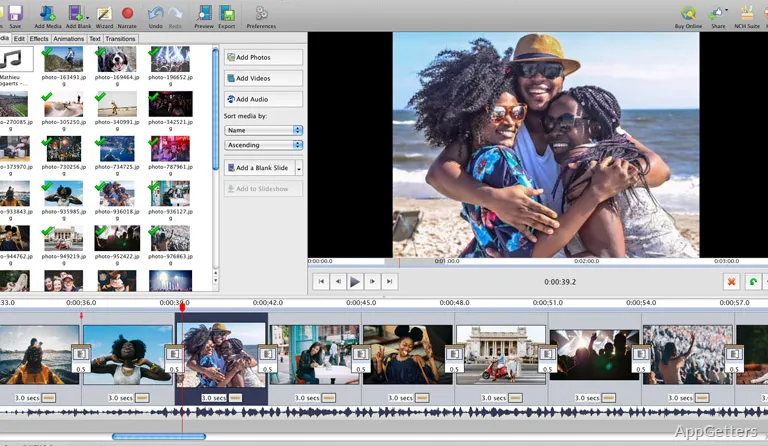
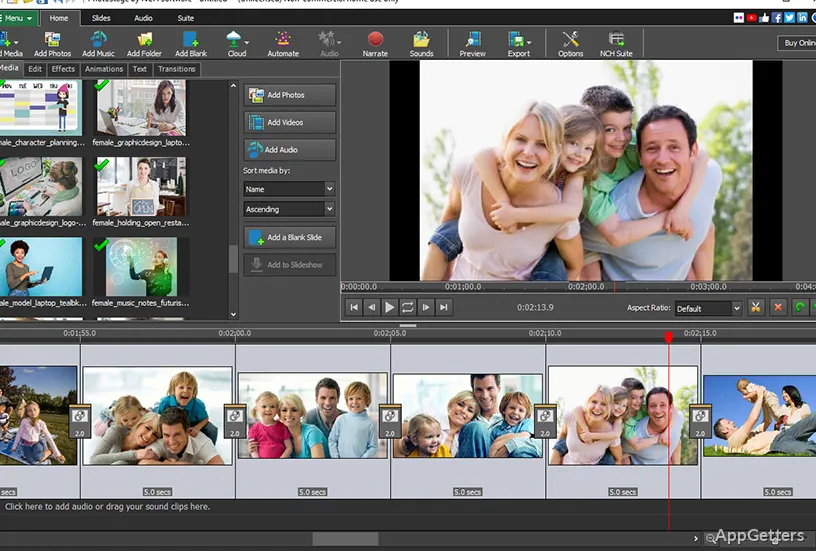
First of all, PhotoStage Pro Edition is tailor-made for slideshow creation on a timeline, rather than conventional video editing, at least on Windows. This is a very practical decision. It makes the program very user-friendly and comfortable to use, even for home users, students, teachers, and small office users. They can keep their presentations nicely structured, but without the additional hassle of learning editing workflows. Though the interface is simple enough, newbies may still end up spending some time learning transitions, timing controls, and media arrangement.

Speedy Workflow at the Expense of Complexity

PhotoStage Pro Edition’s workflow can be briefly described as super-fast. A project can be taken from a raw pile of media to a finished presentation very quickly. Dragging photos, adding short clips, inserting music, and applying transitions is basically the workflow. It works in a very predictable manner.

Creating a family slideshow, a classroom presentation, an event recap video, or a memorial video becomes simpler because of this straightforwardness. It can be done with minimal setup time, and it is very hard to get lost in advanced editing menus.

The only explanation that can be given is that the software does not aim to provide a complete video production tool. Users looking forward to very deep cinematic editing controls, advanced color grading, or complex motion design may be quite disappointed. Its editing environment is simply quite limited. Production of a guided slideshow remains the point of the whole thing, rather than the opportunity to experiment broadly with creativity.

Capable Customization Without Heavy Technical Skills

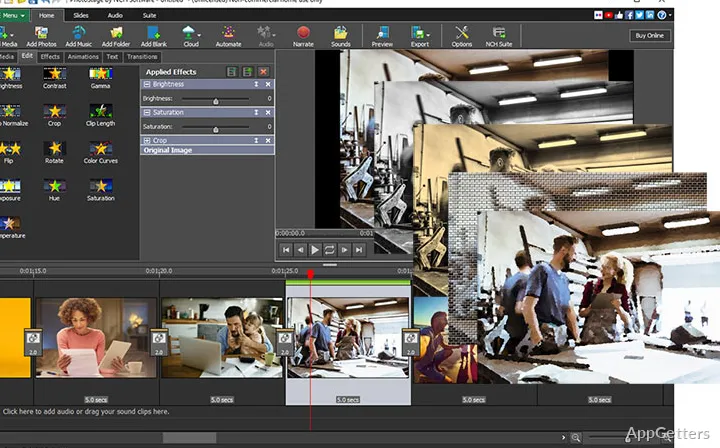
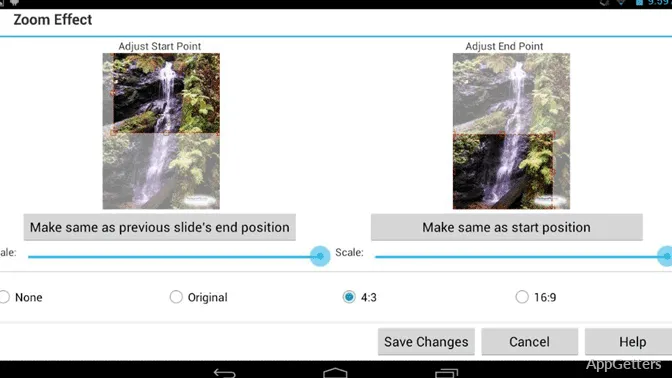
There are a great many program features in PhotoStage Pro Edition that will let users personalize their projects without rendering them too technically complicated. Even novices will be taking control of transitions, captions, narrations, timing, visual effects, and soundtrack laying out.

For the very reason that it strikes this great balance, it is quite handy, mostly to non-professional users. By using PhotoStage, a student getting ready for a presentation can quite successfully produce results of a professional level. A family member who wants to put together vacation memories can do the same. They can do so without even opening tutorials.

Actually, reliability is something that is very important in this type of software. Workflow consistency is the feature that becomes more important than an endless list of features during long-term work with a large number of images or mixed media files. PhotoStage, in general, intends to have reliable project handling and exporting options flexibility. These are things that can be vital when a due date or the date of an event is involved. Anyway, even then, for bigger projects, lower-powered Windows machines are going to require some patience from the users.

Windows User’s Guide to PhotoStage Pro Edition

PhotoStage Pro Edition is a good match for anyone who doesn’t really like complicated and time-consuming video production. They may still regularly need to be able to do organized multimedia presentations. It’s a nice, reasonable compromise between simple slideshow makers on the one side and complex, professional editing suites on the other.

It is quite easy for its target user group to quickly figure out the value and benefit of the software. Those are teachers who make lesson visuals and families who want to keep the memories of their events. They also include community organizations that are preparing presentations and casual content creators. It is not about being creatively deep with software. One of its biggest selling points is the ability to swiftly and smoothly take on a very common task, turning scattered media into a coherent presentation.

Being a Windows user, if you just want a slideshow-making program with the flexibility of customization, this software can be very well in tune with your needs. Professional-level editing features or full-blown editing capabilities might be too much for the users who necessarily need them. They will see this software as a specialized product rather than a comprehensive one.

Software Details of PhotoStage Pro Edition 12.15

License
Trial
Version
12.15
File Size
3.74 MB
Downloads
2
Language
English
Category
Op. System
Windows
Developer
Last Updated
May 18, 2026

Version History

1 version
12.15
Latest
3.74 MB
May 18, 2026

Leave a Comment

Your email address will not be published. Required fields are marked *

Software Icon
Security Report

Loading scan data...

Scroll to Top