EXE
Home » Software » Windows » Image-Viewers » WildBit Viewer for Windows
WildBit Viewer for Windows

WildBit Viewer for Windows

When you are handling huge collections of photos, screenshots, and downloaded images on your Windows, it becomes really frustrating if the default image viewer limits you a lot or runs very slowly. Most of the time, we need to have a program that can open files quickly. It should allow folder browsing with ease and support different image formats. It should do this without turning into a very powerful and complicated editing suite. This is exactly where WildBit Viewer comes in. It is just the right kind of tool for image viewing and organizing without being a heavy program. It is intended for those who work with visual files quite often.

Looking at a Big Set of Images the Fast Way

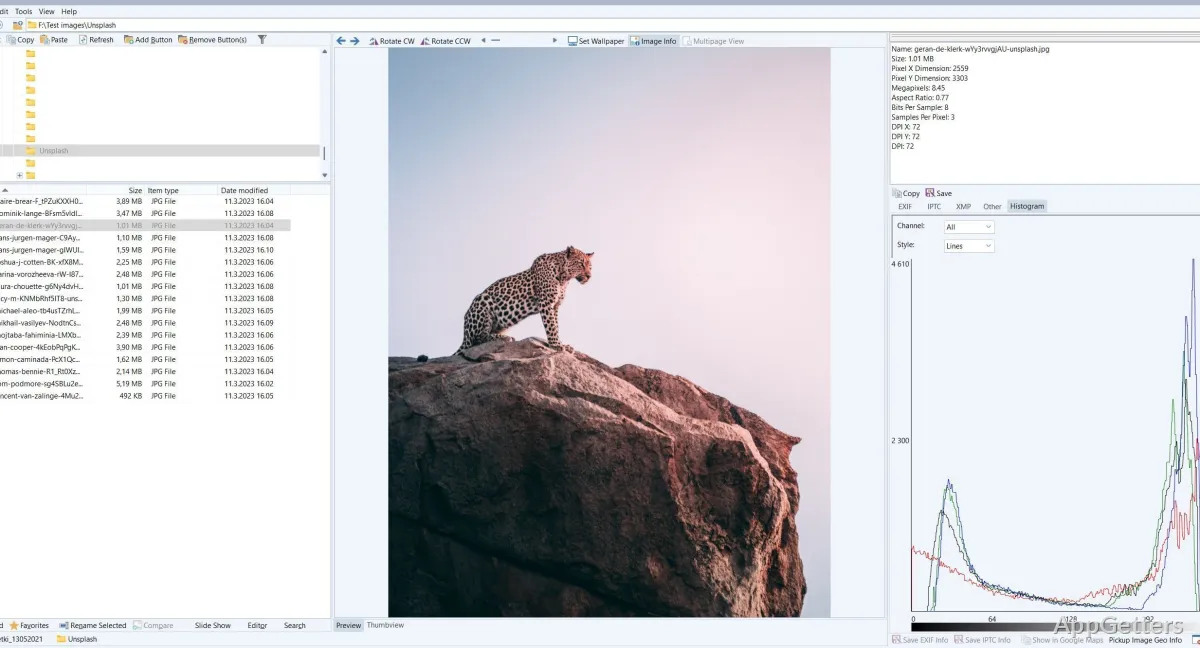
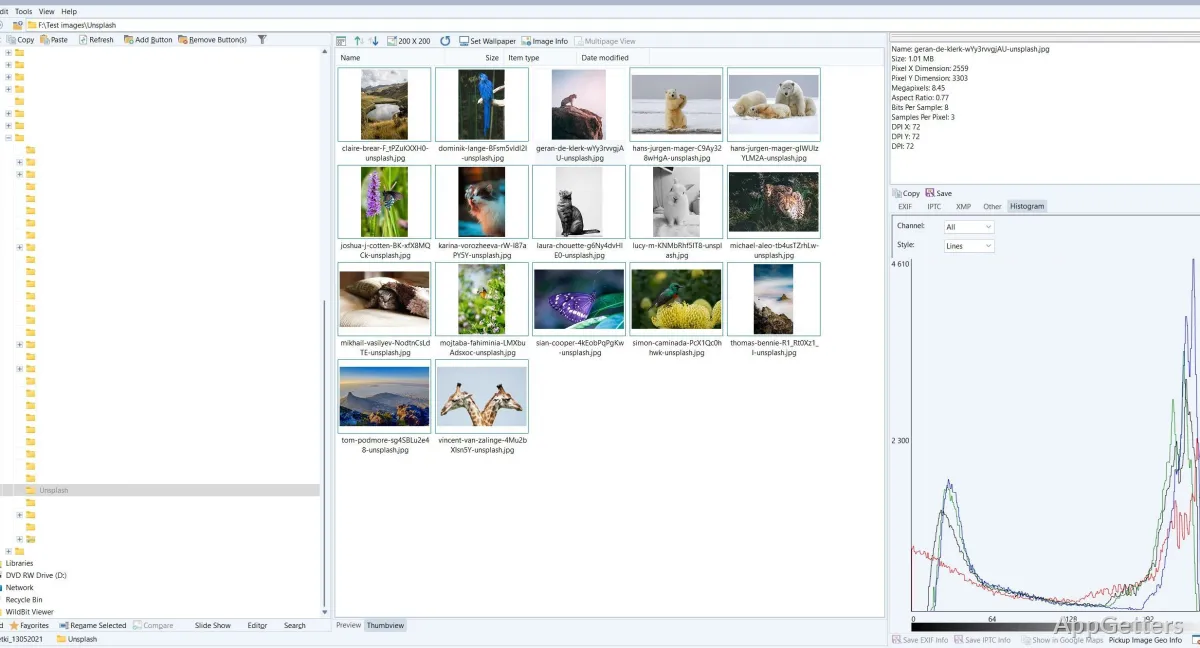
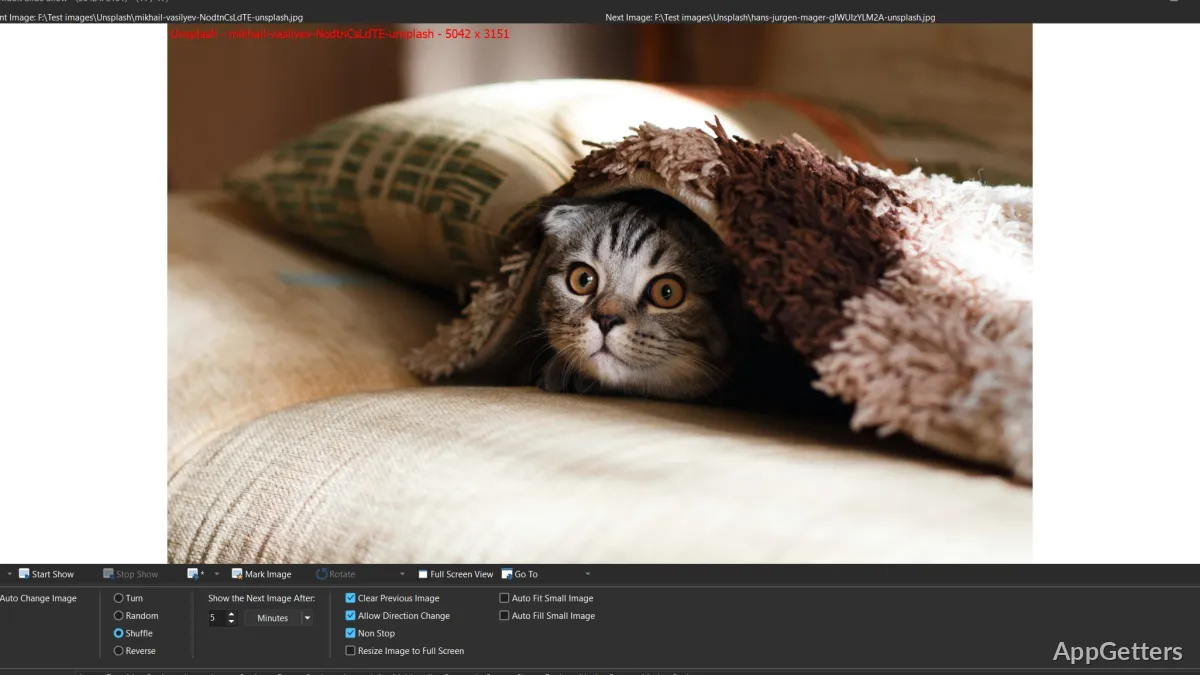
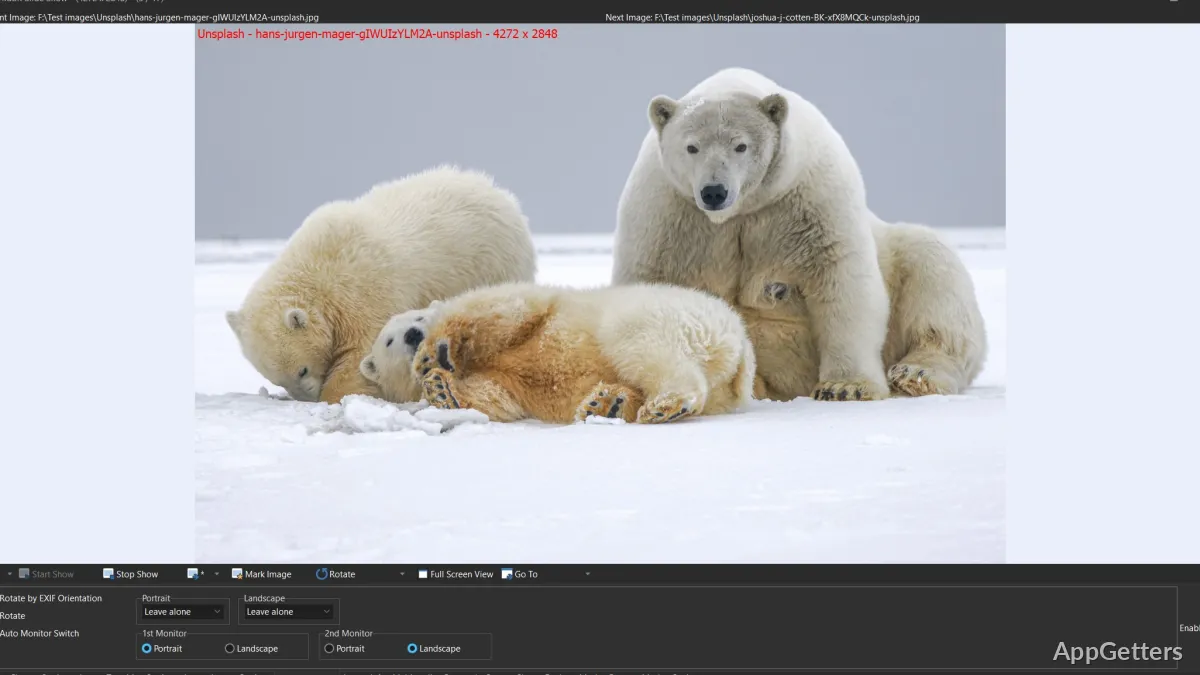
Basically, WildBit Viewer is not really engineered for the creativity of the artist, but rather for speed and the user’s command. Opening a folder with a huge number of images can be done quite instantly. This is especially true if the user compares WildBit Viewer to those that are very dependent on cloud integrations or feature-simplified interfaces only. The job is done quickly. The users interact with the thumbnail browser, the slideshow feature, and the full-screen viewing modes rather than individually handling the images one by one.

Therefore, this is a good option for home users who need to organize their family photos. It also suits students working on their visual material and professionals going through their screenshots and design exports. The software’s design is more functional than it is aesthetically pleasing. This can make the program look old-fashioned at first sight. However, such a design decision mostly results in the software being responsive on the older Windows systems.

Nice Viewing Features That Do Not Turn You Into an Editor

WildBit Viewer has enough features to handle images to stop users from unnecessarily switching among different software programs. Users are able to rotate, resize, compare, or simply view images. They can do this all the while without the need for a dedicated editor. What is more is that for the majority of everyday tasks, that is probably more than enough, rather than the mere availability of an extensive list of features.

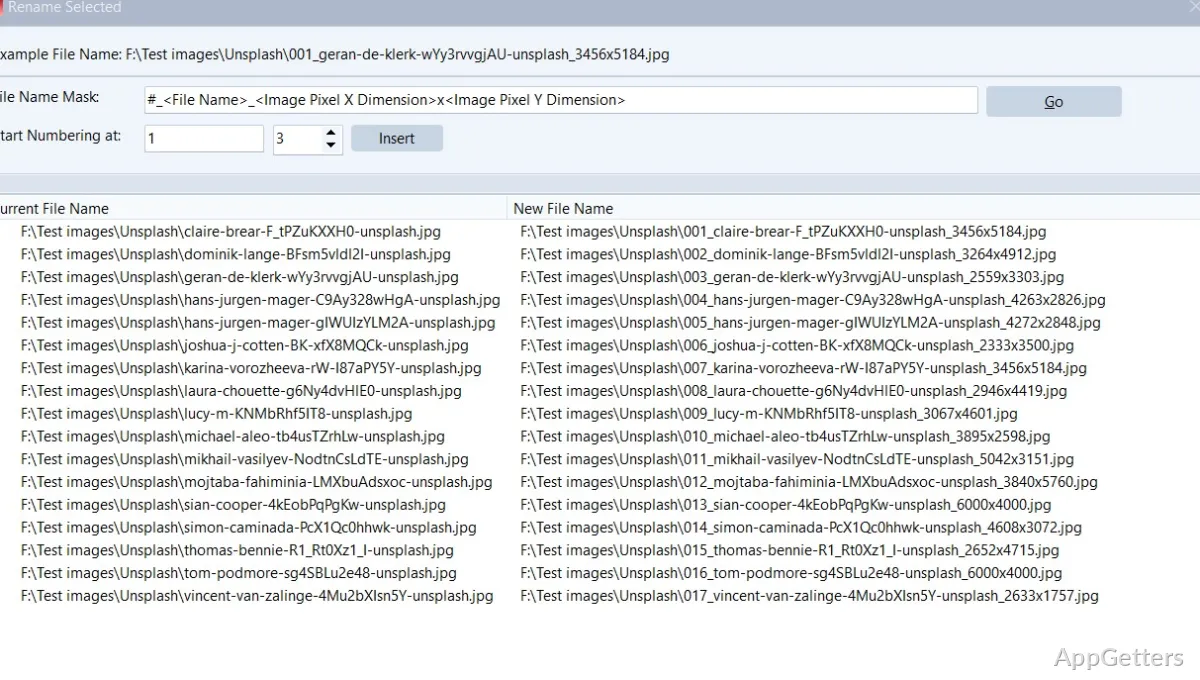
The actual workflows get a lot of help from the little handy things: viewing image data, switching between formats, and having image slideshows that are customizable to a certain degree. Users can still be dealing with mixed content folders collected from cameras, downloads, scanned documents, or work projects. The software will be able to support a good part of the file types from those sources.

On the contrary, users looking for a comprehensive photo management ecosystem may find themselves disappointed here. In fact, WildBit Viewer does not rely on features such as AI tagging, cloud libraries, or collaborative workflows. Instead, it is best for local file management and excellent desktop performance.

Dependability, Difficulty of Learning, and Wishful Impact on Daily Workflow

The predictability is, in fact, one of WildBit Viewer’s useful advantages. It acts like a classic Windows tool: menus are clear, items are at hand, and in general, the tool keeps close to what the users expect. Such a feature is very useful to people who want their software to simply do the job. They do not want an account to be created, subscriptions to be signed up for, or background services to be running.

Unfortunately, it turns out that beginners may have to start off with a bit of a struggle. This viewer is far from being a minimalist one, as it shows many controls. Some features are even similar to old-style Windows software design. The users who are regularly engaged in image organization, on the other hand, are usually the ones who find extra visibility more than welcome. It means fewer tasks are hidden behind simplified menus.

Also, from the point of view of daily workflow effectiveness, the lightweight quality of the software can come in handy on a low-resource machine. It can also help on a device that is run as a secondary PC or used offline.

How WildBit Viewer Complements Windows Image Workflow

WildBit Viewer is a perfect match for the folks who are really only concerned with features for image browsing locally. These features also allow them to quickly access their images and rely on their desktop to behave without fail, rather than with a nightmare of modern features and ecosystems. There are practical values in the way it operates. Students who handle reference materials and photographers who go through image folders prior to editing all find them. The usual Windows users who have to deal with the library of mixed images find them too.

The program is not suitable for those who look to have cloud sync integrated or expect advanced media cataloging. Yet this is what a good photo viewer aims at being: a proficient and easily understandable environment for organizing and viewing images. It does not depend on heavy system requirements.

WildBit Viewer is thereby less a star of the show type app and more a trusty tool, sorta the class of software that you usually keep installed. It’s a quiet helper that makes your usual file-handling tasks easier without you even noticing.

Software Details of WildBit Viewer 6.19

License
Free
Version
6.19
File Size
35.52 MB
Downloads
2
Languages
English English, Spanish
Category
Op. System
Windows
Developer
Last Updated
December 29, 2025

Version History

1 version
6.19
Latest
35.52 MB
December 29, 2025

Leave a Comment

Your email address will not be published. Required fields are marked *

Software Icon
Security Report

Loading scan data...

Scroll to Top