EXE
Home » Software » Windows » Image-Viewers » IrfanView for Windows
IrfanView for Windows

IrfanView for Windows

  • By IrfanView
  • Free
  • Version: 4.75.0.0
  • 4.29 MB
  • Security Report:

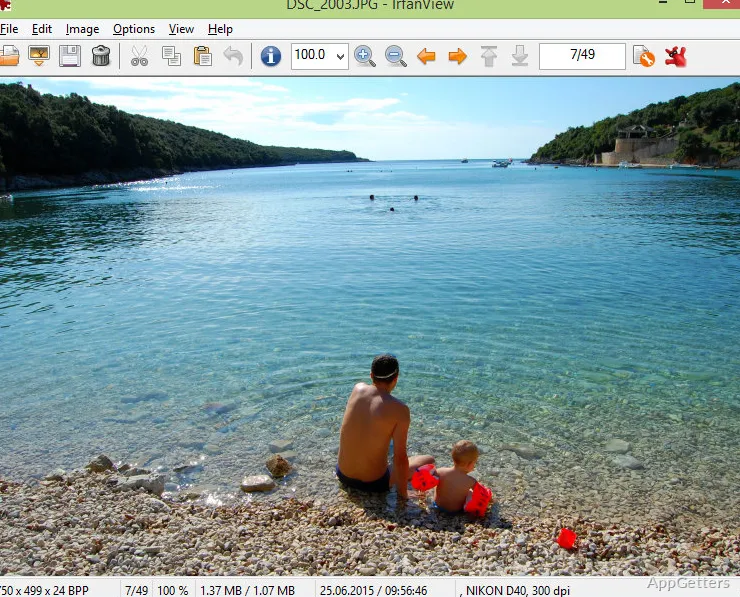
Images, for many Windows users, are the domain of the most demanding graphics software. However, such image software can be tough on computers. Opening, editing, cropping, and converting photos come with bigger feature sets and slower launch times. Generally, feature overload is encountered. IrfanView takes a different approach: it is a fast, great, and pretty much daily-use image viewer. It is oriented towards convenience, speed, and workflow productivity only. It is no wonder that on Windows, among those who favor quick access to pictures without installing a full creative suite, it has been a well-known, beloved program for a very long time.

Fast Image Handling Without the Extra Weight

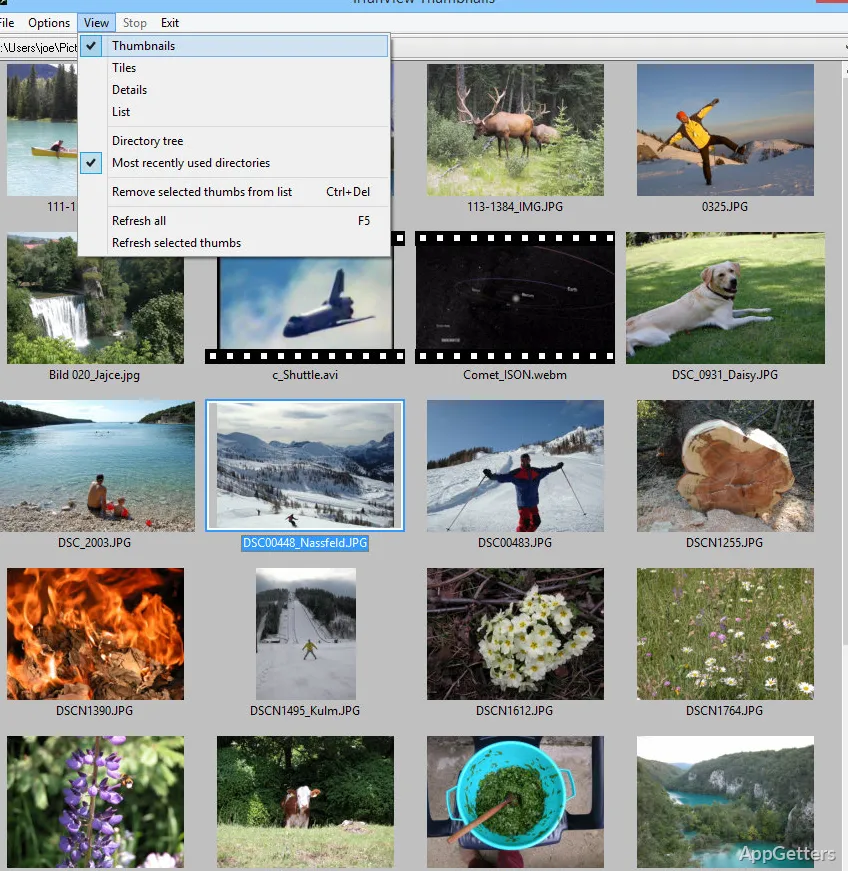
Things one can really notice when using IrfanView are the amazing speed of launching and opening the files. It feels like it happens instantly. The promptness of the app shell subsequently leads to the exploration of folders full of images. This is what users who frequently deal with a huge amount of pictures or scan documents, or those who take multiple shots during a day, really, really work with.

The look & feel is pretty basic, quite old-school actually. One would see this as a plus or minus depending on what is good visually for him/her. Newbies, at first, might think the menus are rather packed with options. But the most commonly used features, cropping and resizing the picture, rotating it, and changing the format, will be the usual tasks right after the first few tries. Users who just want a deed to be done, not obsessing over it, successfully getting the desired result, so to speak, call this pure and simple approach a win quite often.

Practical Tools for Everyday Windows Workflows

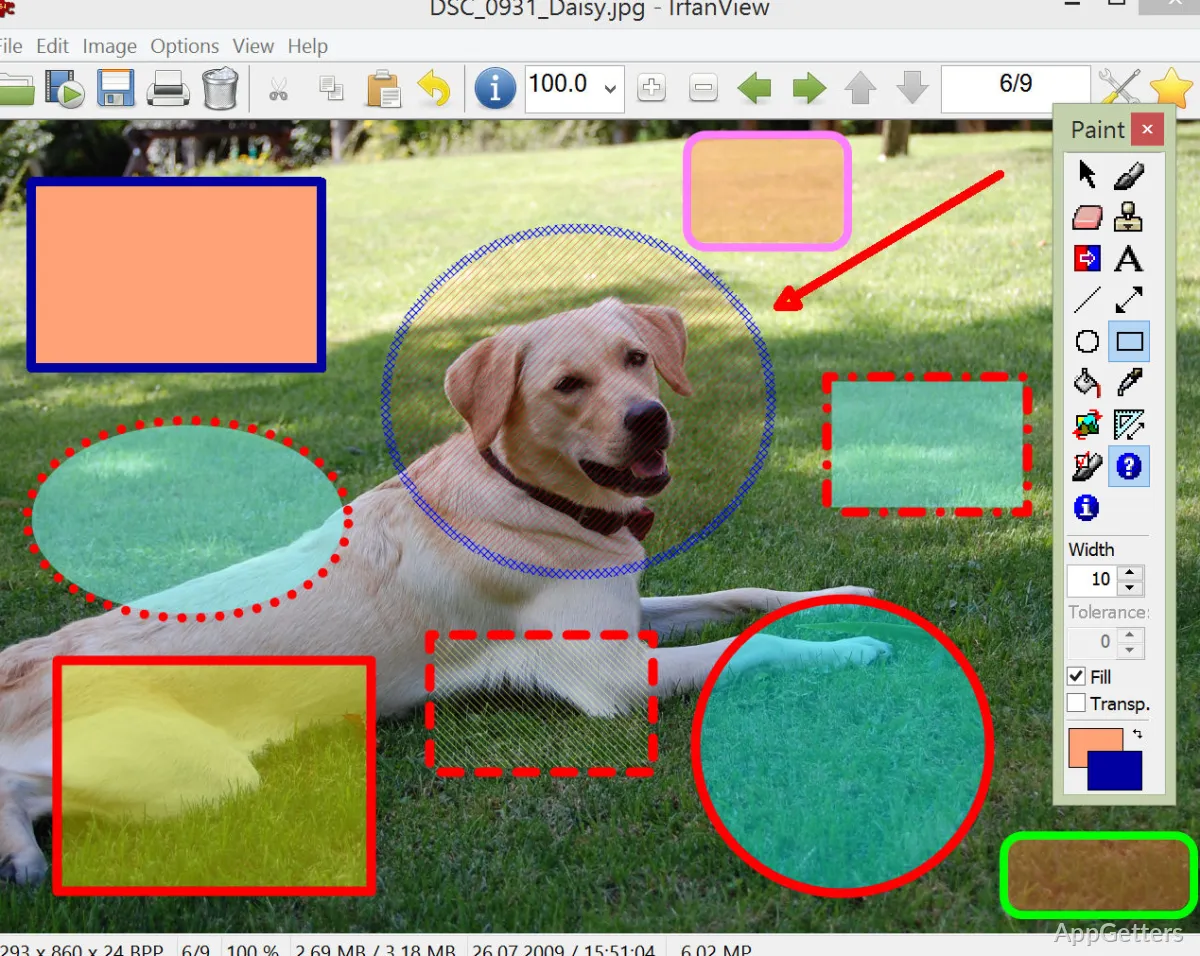
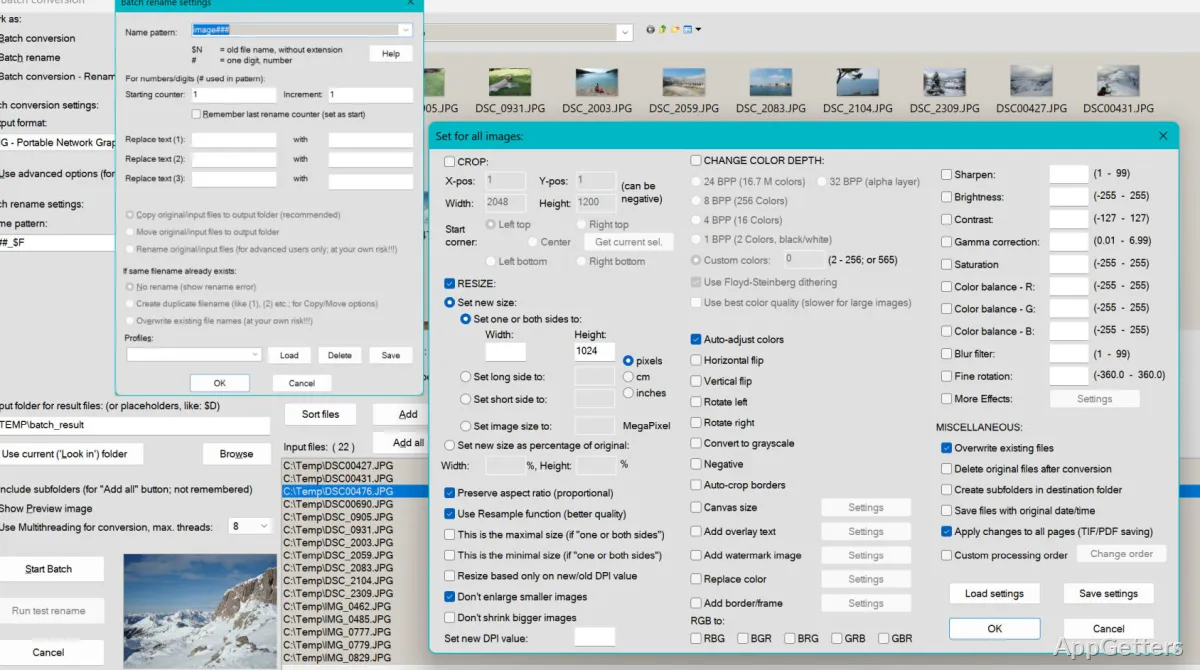
Being a good image viewer is just one of the things that IrfanView can do. Presenting itself rarely in this form is perhaps what is going to make this tool the most usable to you. Once you start using it for a while, it is going to be very clear how good it really is. Turning a bunch of pictures into another batch, renaming several files the same way, making a slideshow from the photos, or taking screenshots during the work are things that may come true with a significant reduction in manual operations. This applies especially to students, office workers, bloggers, or anyone organizing large quantities of files.

If you come across unusual pictures, then the chance that you won’t be able to open them due to the lack of format support is next to zero. Plugin support only helps to make this already quite a bit better, one step further still. But if users want to do layer editing, advanced retouching, or professional design controls, then they may find the software very limited for this purpose. The application can do light editing, but it is not meant to be a replacement for dedicated creative software.

Reliability Above Visual Polish

This is one among many reasons why IrfanView keeps attracting users who use the app for a long time, i.e., it is their software of choice. Usually, this is how it operates. Most of the time, the software is seen as a consistent one from a task standpoint, such as opening photo folders or making bulk exports. Such consistency is a feature for practical user environments such as classrooms, home offices, or IT support workflows.

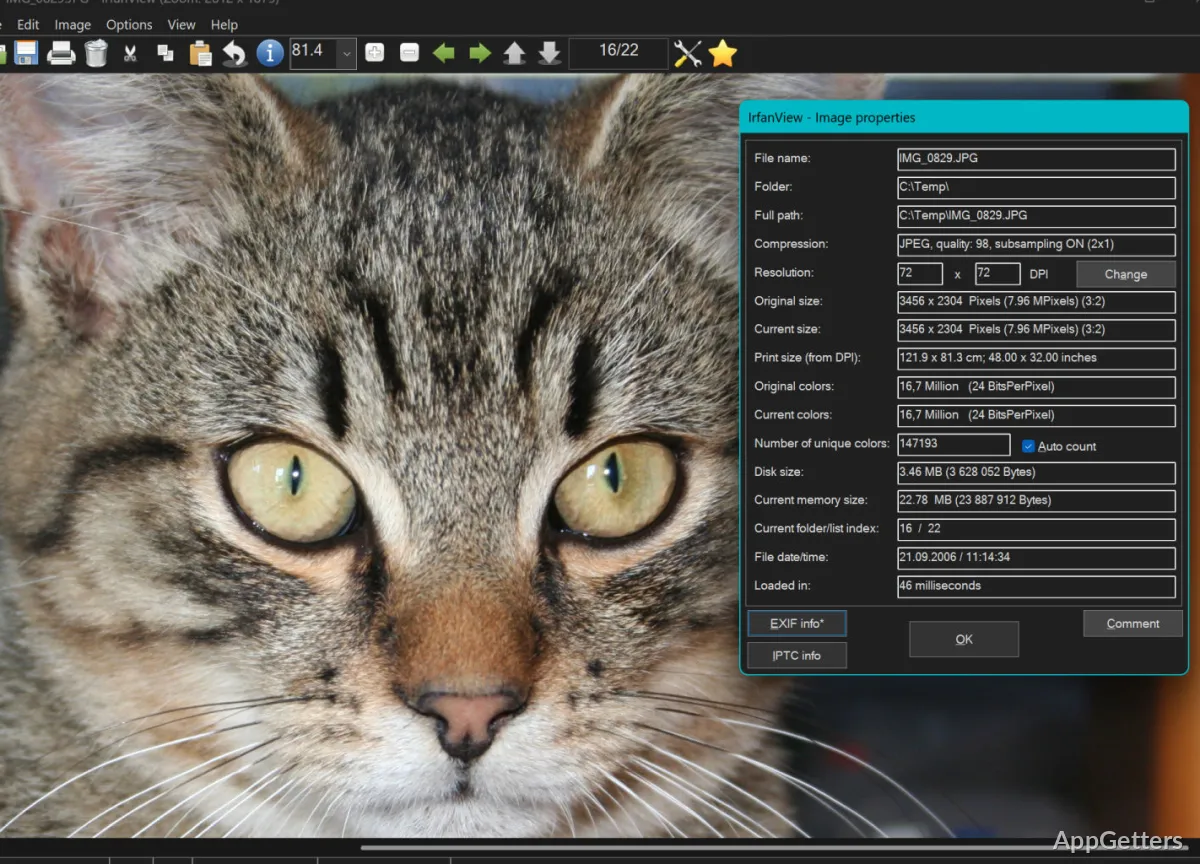
At the same time, the interface is still faithful to the history of its development. Compared to the latest Windows applications, it isn’t merely visually old. It is also less intuitive sometimes. In some cases, you will need to dig into the menus to find parts of the functionality. Some of these advanced options might be a surprise to you. Still, the “trade-off for me” is what many experienced users see in this pre-modern look — low resource consumption and performance reliability as the main advantages in a utilitarian layout.

Where IrfanView Fits Best in Daily Use

To Windows users who want a quick and effective image utility without taking up a lot of physical and intellectual resources, the power and compactness of IrfanView initially can be a good match. Many home users take photos just to view and make quick adjustments. Fourth-grade students can use batch tools and options for file conversion. For people in the early technical stage, the wide format support is one of the reasons they like it. It is one of the smallest out there.

Another type of users are creators who carry out high-degree graphic editing or who are in love with certain levels of polished visual interfaces. To them, this program might not be good enough. On the other hand, people who care about speed, efficiency, and handling of files in a practical way do not find it any less relevant. That’s not its primary function, of course. However, if you think about it, it definitely leads to simplification of those routine image tasks that many repeated users perform on their Windows systems.

Software Details of IrfanView 4.75.0.0

License
Free
Version
4.75.0.0
File Size
4.29 MB
Downloads
7
Languages
English English, French, Italian, Portuguese, Spanish
Category
Op. System
Windows
Developer
Last Updated
May 18, 2026

Version History

6 versions
4.75.0.0
Latest
4.29 MB
May 18, 2026
4.73.0.0
4.25 MB
November 14, 2025
4.72
3.78 MB
May 12, 2025
4.70
3.75 MB
October 14, 2024
4.67
3.26 MB
April 5, 2024
4.66
4.17 MB
December 28, 2023

Leave a Comment

Your email address will not be published. Required fields are marked *

Software Icon
Security Report

Loading scan data...

Scroll to Top