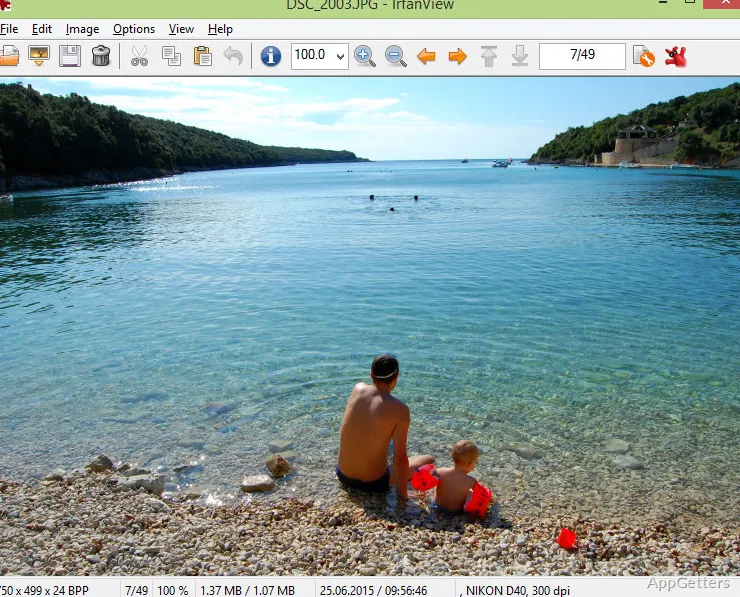
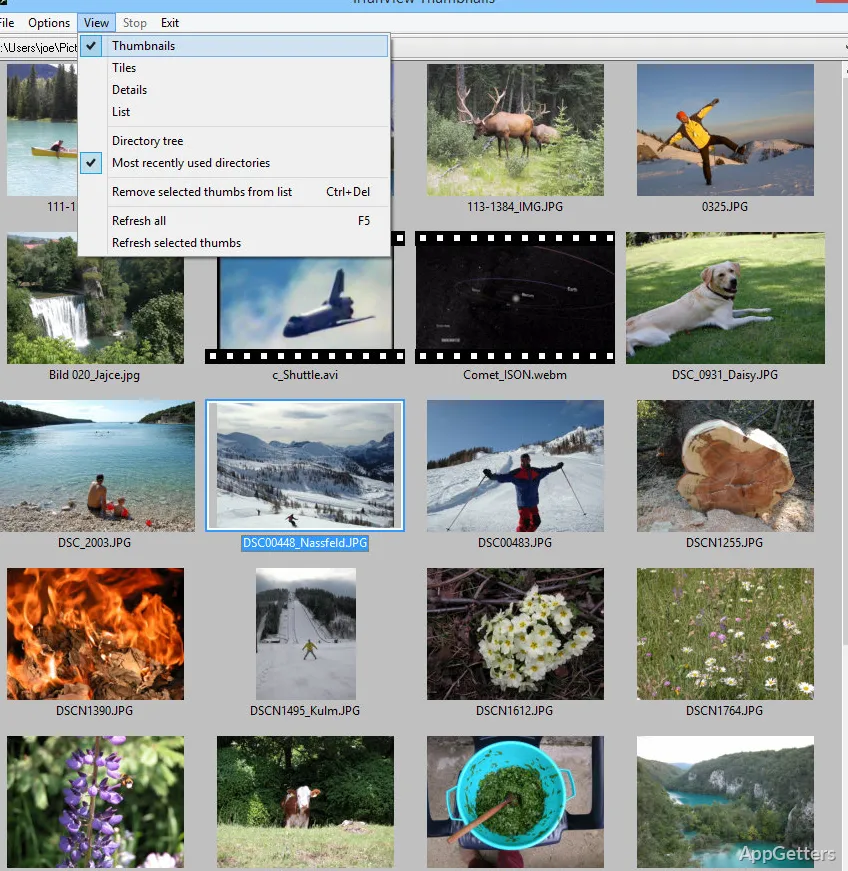
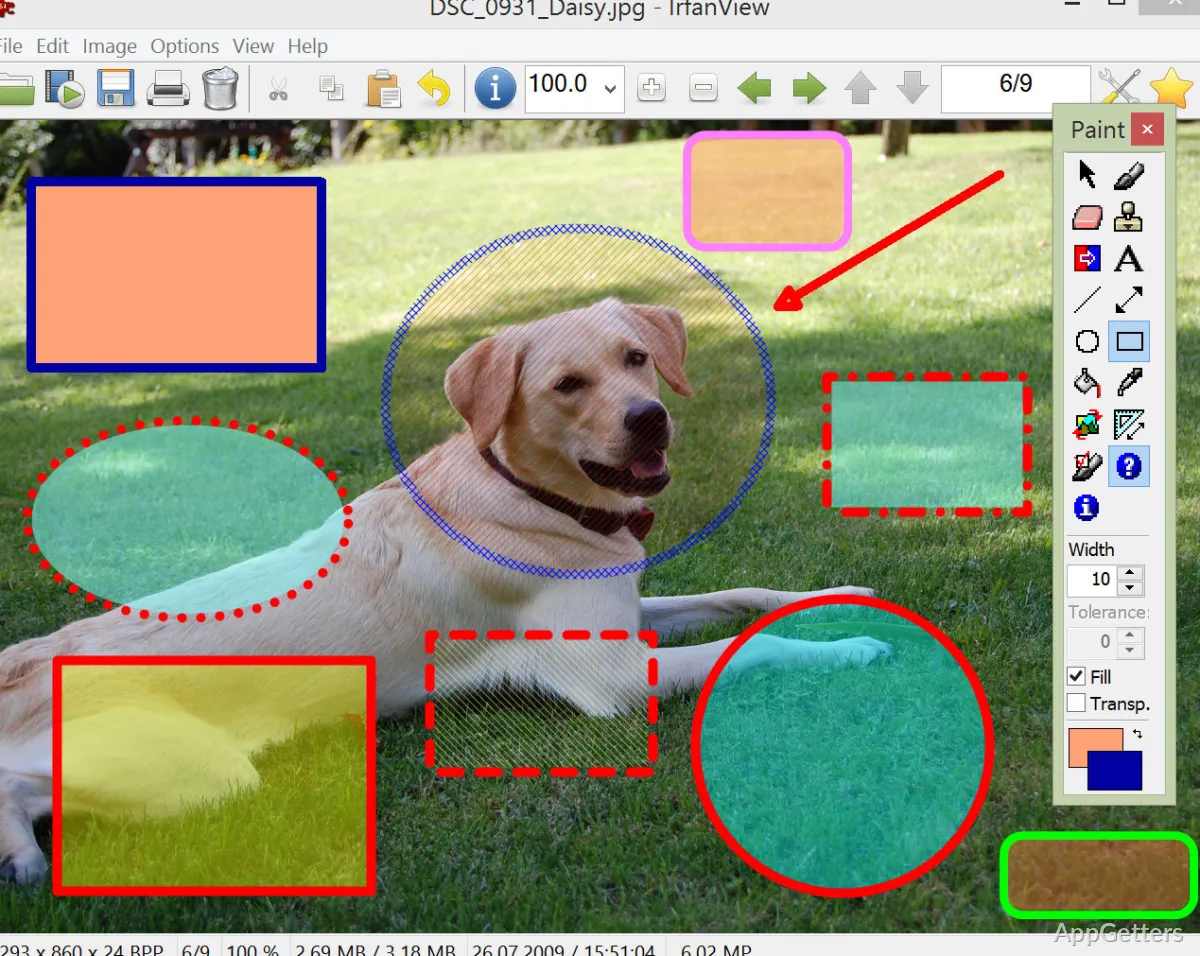
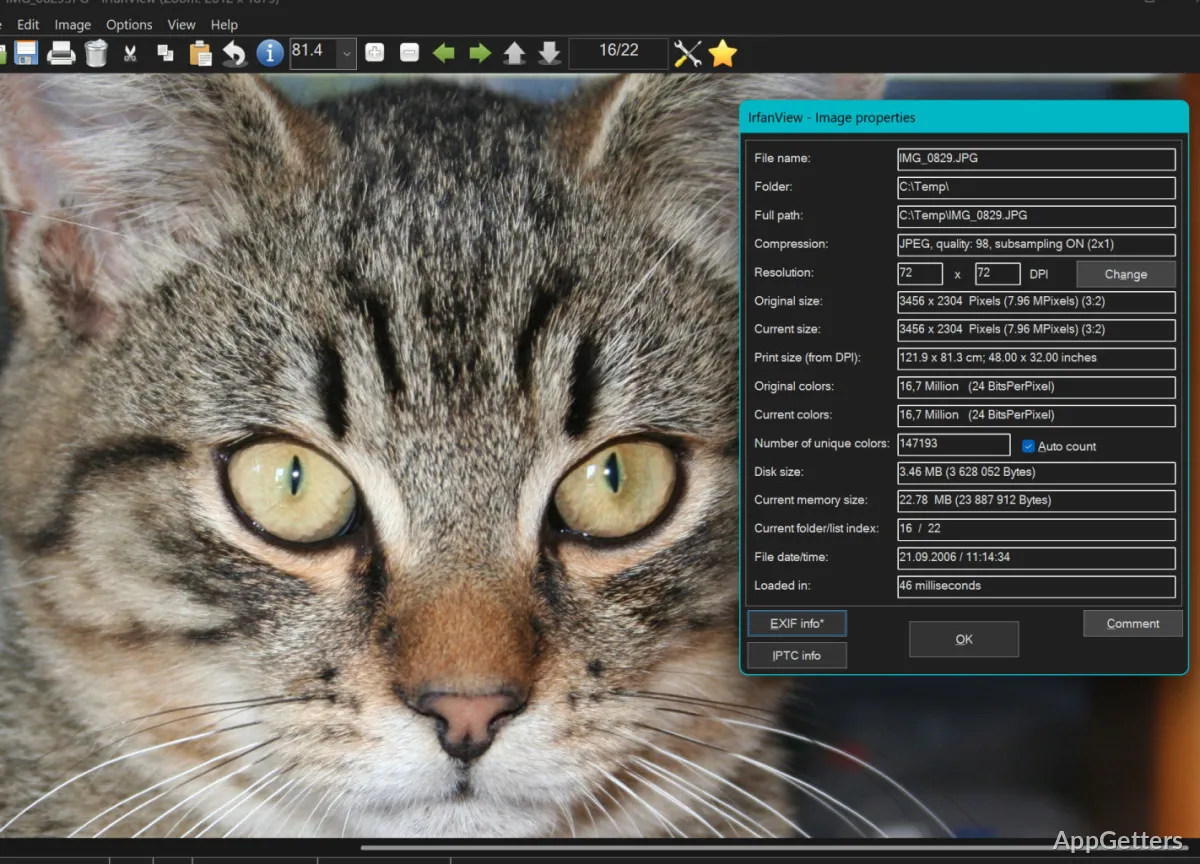
A lot of simple image viewers are quite capable of opening the most commonly used photo file formats. However, users commonly experience serious limitations when they deal with less common file types or large media collections. That is exactly the case when the IrfanView Plugins system becomes really handy. Instead of making the main application big and slow, the plugins only extend its features when necessary. If you are a Windows user who frequently handles image archives, camera RAW files, multimedia formats, or OCR work, then the plugins could greatly increase the capabilities of the software. They do this without losing the lightness of the software.
Going Far Beyond Simple Viewing with Plugins
The biggest practical reason for installing the plugin package is the ability to open many rare and exotic formats. This is a limiting factor of most image viewers. Even without plugins, IrfanView supports a huge number of image formats. However, once you add the plugins, you get a much greater extent of supported formats. You will especially notice the difference when you need to work with professional camera RAW files or very uncommon graphics formats. The same applies when dealing with older multimedia formats that recent viewers sometimes do not recognize.
Practically speaking, this is most relevant to people who have been collecting media from different sources over a very long time period. Archivists, students with piles of scanned documents, or photographers with big mixed image folders are examples of such users. They generally benefit a lot from extended format support. Instead of going through the hassle of separate utilities, the plugins will make it possible to open most of those files within the very same user interface. This is the interface that the user is already familiar with. The whole operation is fast and simple, which is definitely one of the main strengths of this software.
Helpful Features for Batch Operations
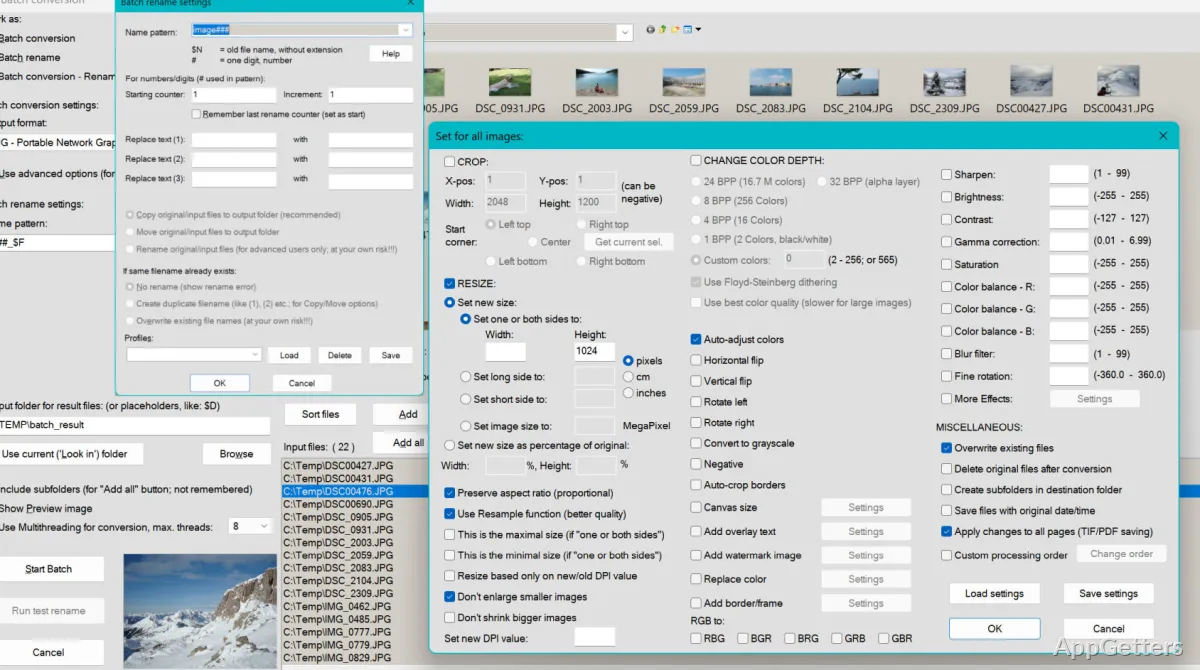
The plugin set also adds to the practicality of IrfanView. It transforms the software into a more useful tool for batch-related workflows. The software only supports batch conversion, exporting to various formats, and handling metadata in a somewhat basic manner. However, when you add modules from here, you will get plenty of flexibility. Processing large folders with images can be a lot of fun with this setup.
Besides batch processing, one more good point of these tools is that they remain quite user-friendly even for the technically illiterate. For example, those who only want to resize their photos for email are considered home users. They can easily do this with just one click. Then again, office workers usually have a different goal, such as converting document images. They should be able to do that with two clicks as well. Last but not least, small business users can also be seen in this scenario. They regularly face the task of organizing scanned records. It is important to point out that the software does not try to be a Photoshop-like editor. That is why it benefits from that decision so much. What the plugins do is boost changes that would help users work easily within the everyday environment. Instead of turning them into pros, they avoid getting users overwhelmed by an extremely complex system.
Yet, they are not free of their disadvantages. Some formats that require advanced features may not be fully supported without external codecs, and certain plugin functions might seem slightly outdated when compared to the latest commercial software options. Nevertheless, for unpretentious image management on Windows, the overall performance level is still quite high.
Small Resource Consumption Even on The Oldest Computers
Another important benefit that comes with the plugin system is that it manages to keep the lightweight aspect of IrfanView that the program is famous for. Unlike many desktop media apps that drain your memory just by letting you browse files, IrfanView, with plugins installed, will generally run without any delays on the least powerful hardware. Thanks to this, the program is very suitable for users who want to keep their secondary computers, office machines, or good-for-nothing laptops in use.
Since plugins are individually packaged, you are far from being overwhelmed by the number of files installed at once. To the end-user, this simply means that the program can continue being very fast to open even after you add a ton of new file extensions. This very expediency is the main contributing factor to the software continuing its faithful Windows user base over several years. This remains true despite the old-timer look of its graphical user interface.
In fact, some of the new generation users find the whole thing visually somewhat boring and not at all intuitive. This is especially true after using a number of modern Windows applications with their very easy and simple ways of moving around. Nevertheless, people get used to it very quickly once they find the location of plugin-enabled instruments. After that, they can easily and quickly carry out their daily work.
Who Sees Good Results With Plugin Pack
The collection of IrfanView plugins is mostly a win-win for Windows users who have a straightforward mindset and a down-to-earth approach when it comes to practicality, simplicity, and capability. Therefore, the product is perfect for people who continuously come across a certain level of diversity in file formats. It is also suitable for people who keep, play, or use old and usually unrecognized media archives. In addition, it works well for users who need lightweight batch-processing tools without having to first install an entirely new editing suite.
If you are expecting the software to replace highly specialized professional tools for photo editing or color-managed workflows, then you will definitely be disappointed. Honestly, that is not at all what the program developers had in mind. On the contrary, what these plugins really do is make IrfanView a trusty helper in day-to-day media-related activities. Due to its size and level of functionality, students, office workers, hobby photographers, and even longtime Windows users find that, with the extended features, their software is actually much more powerful than it would seem at first glance.