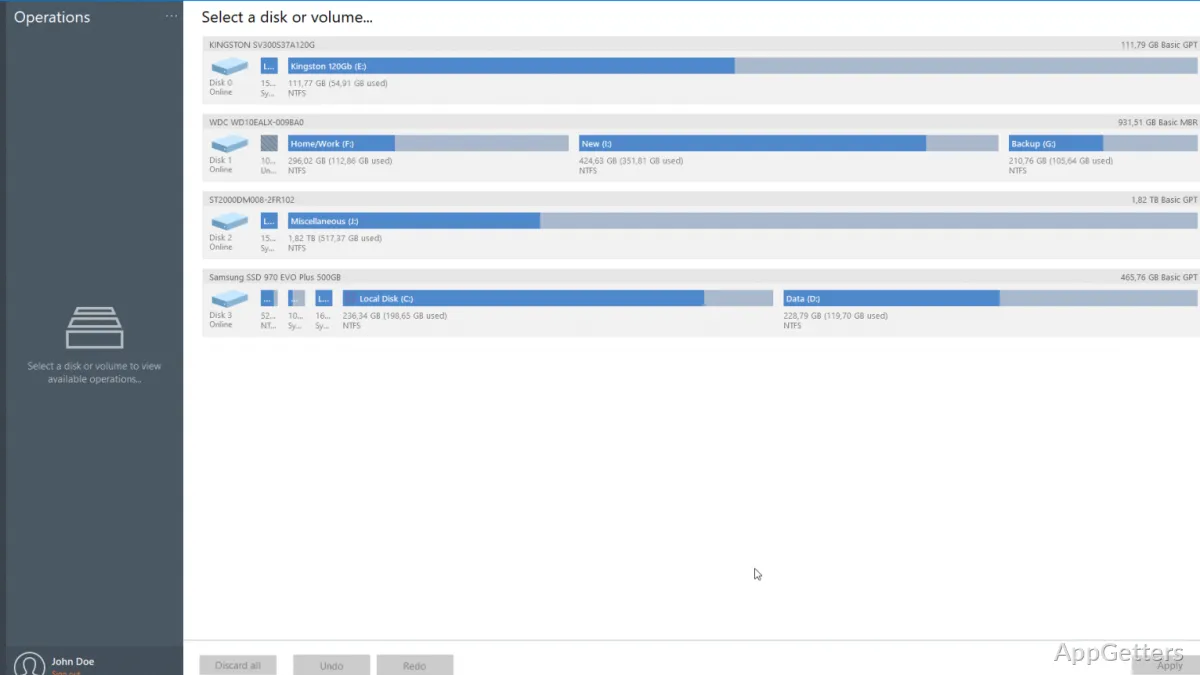
Need to reclaim space on a partition, prepare a new volume, or check a disk for errors? Paragon Partition Manager provides graphical controls for changing partition layouts and working with HDDs, SSDs, USB drives, and memory cards.
How can you change a partition's size?
Choose a partition and adjust its boundaries with the resize and move controls. The size can be set by dragging the partition or entering a specific value. To expand a volume, the program can allocate unassigned disk space or available space on a neighboring volume.
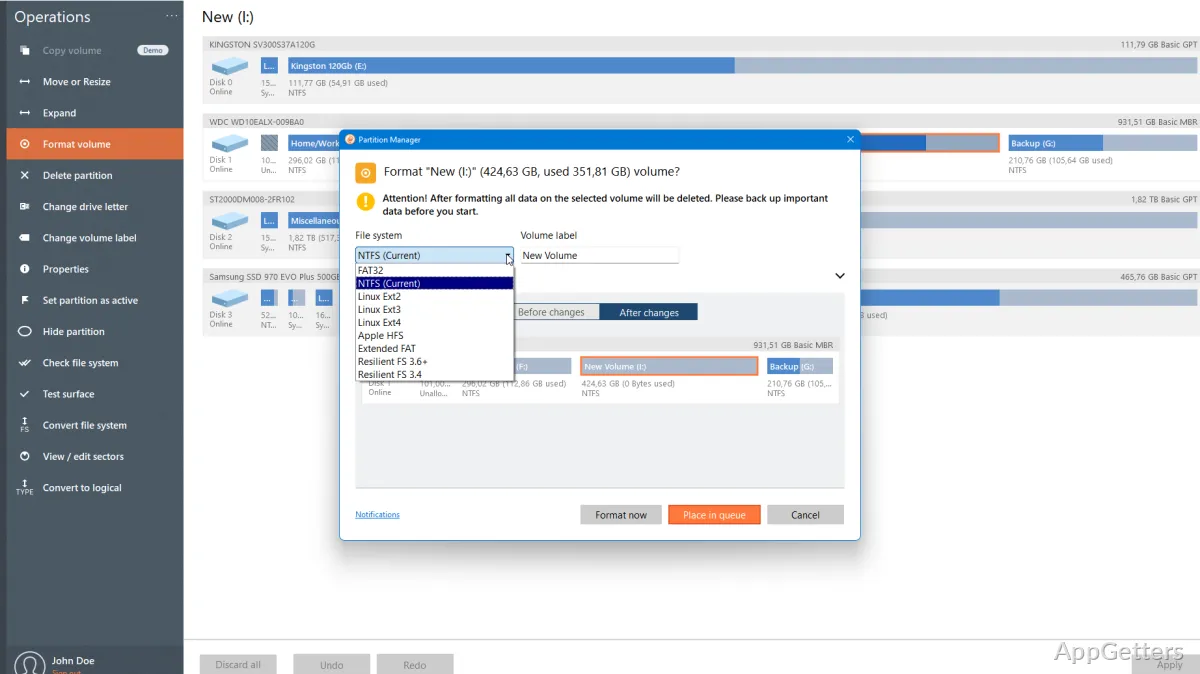
Partition tools also cover creating, deleting, and formatting volumes. You can change a partition label or drive letter to make volumes easier to identify. These operations apply to supported storage such as HDDs, SSDs, USB drives, memory cards, and SD cards.
Can Paragon recover a deleted partition?
The undelete feature is intended for recovering a volume removed by accident, along with its data. For disk-layout changes, the program also converts an MBR disk to GPT or GPT to MBR, and changes a logical partition to a primary partition or the reverse.
- Check a selected partition's surface for errors and repair detected issues.
- Convert an HFS volume to NTFS without reformatting.
Which filesystems can it work with?
Supported filesystems include NTFS, FAT32, Ext2, Ext3, Ext4, Linux Swap, Apple HFS+, Btrfs, and XFS. ReiserFS and HPFS are view-only: other operations on those filesystems are limited to a one-to-one mode.
Pros
- Resize or move partitions by dragging or entering a target size
- Recover accidentally deleted volumes
- Convert disks between MBR and GPT
- Check selected partitions for errors and attempt repairs
System requirements: Windows 10, Windows 11 · ARM64 and x64 · 64-bit processor running at 1 GHz or faster · At least 2 GB RAM · 800 MB of available disk space
Can Paragon Partition Manager change a disk from MBR to GPT?
Yes. It can convert in either direction: MBR to GPT or GPT to MBR.
Does it support recovering deleted volumes?
Yes. Its undelete feature can recover accidentally deleted volumes and their data.
Can it check a partition for errors?
Yes. The surface test checks a selected partition for errors and can fix them.