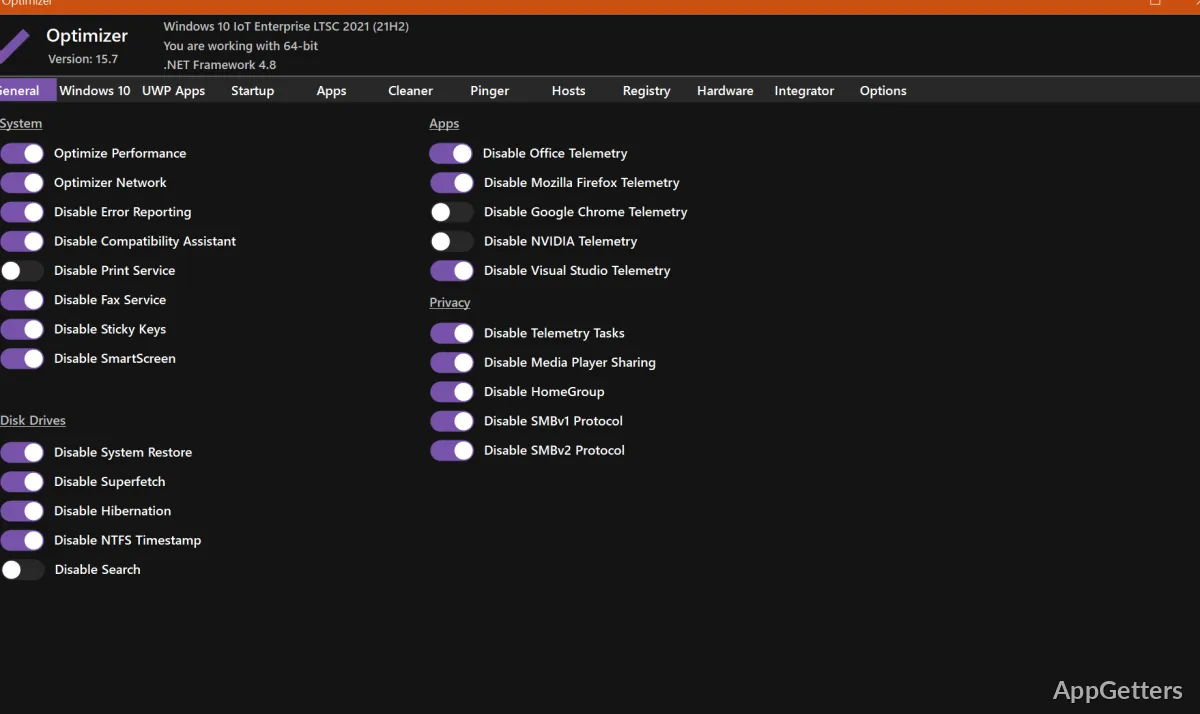
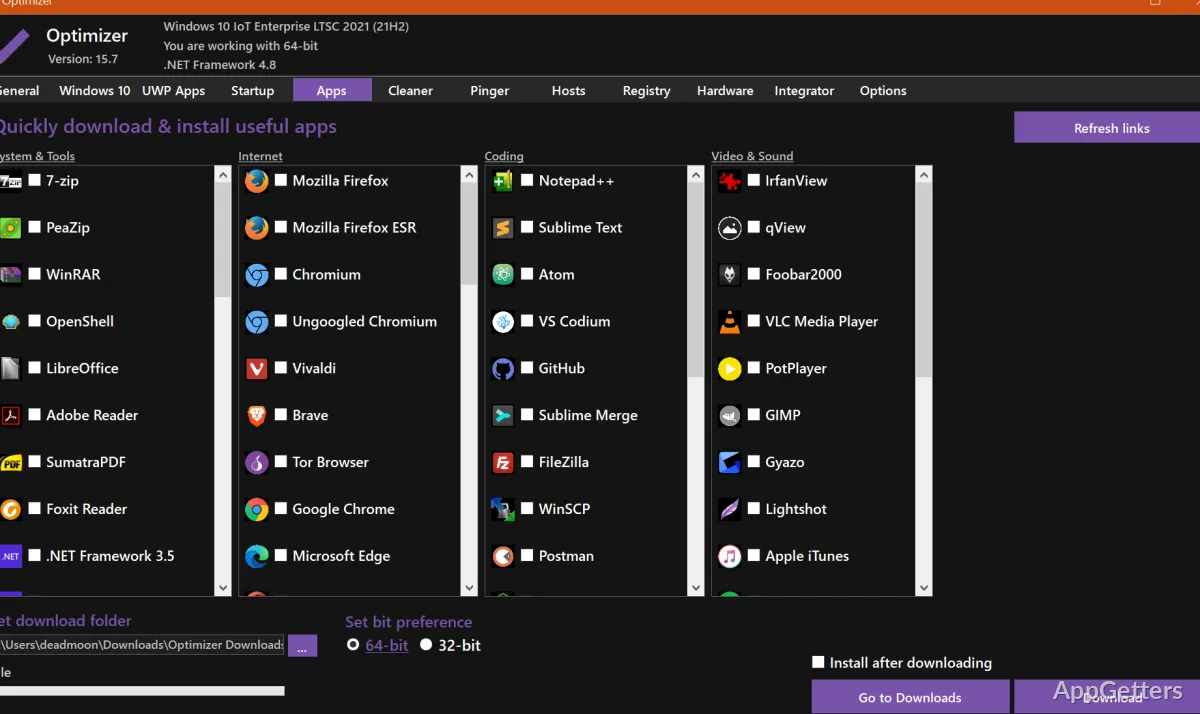
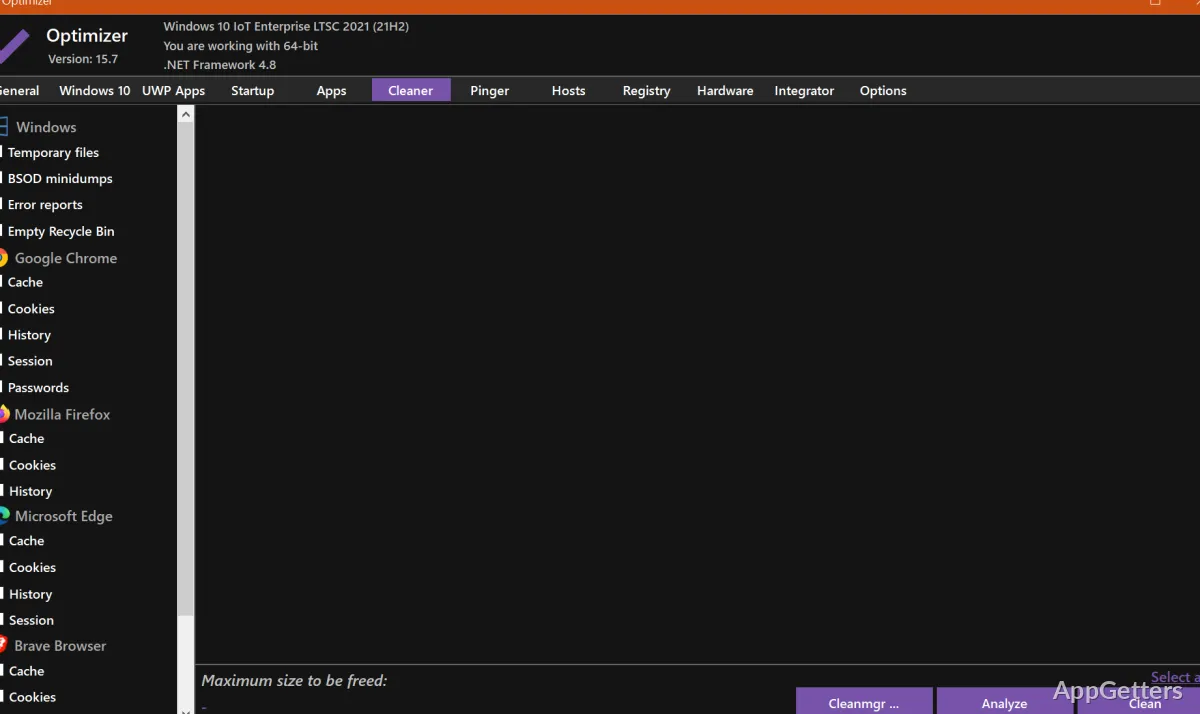
Cleaning junk files, removing unwanted startup entries, and changing Windows privacy settings are among the tasks Optimizer brings together. The utility also includes controls for services, DNS, and common system tweaks, so changes can be made from one Windows tool.
Startup, cleanup, and system tuning
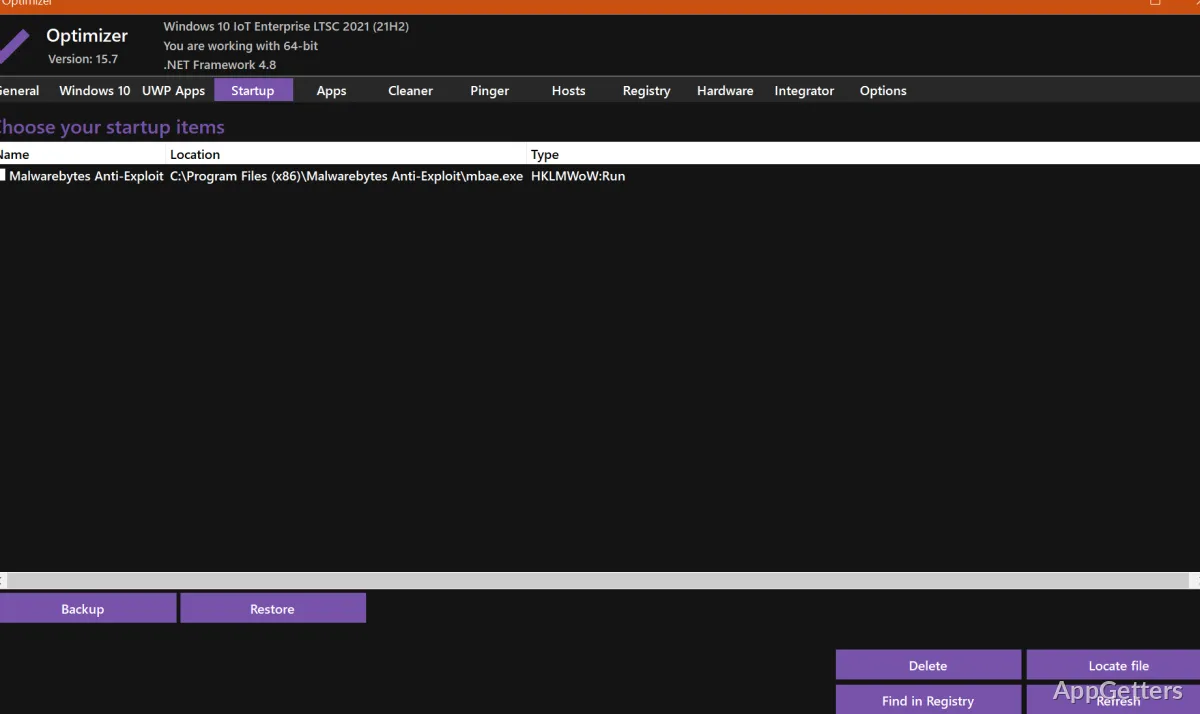
Optimizer can remove unwanted startup programs and clean files from the system drive and browser profiles. It also provides controls for disabling Windows services and adjusting performance-related settings. These options give users a way to reduce automatic background activity and clear selected files without relying on separate utilities for each task.
Privacy controls cover Windows telemetry and Cortana, while additional options address Office telemetry and automatic updates on Windows 10 and 11. Other system tweaks include settings related to OneDrive and HPET. Since these controls alter Windows behavior, select changes according to what the computer needs; disabling a service or update feature may affect functions that depend on it.
What can you do in its network and maintenance tools?
The included tools extend beyond cleanup and startup management. Optimizer can change DNS servers from a prepared list, flush the DNS cache, and ping IP addresses to check latency. An IP lookup can search SHODAN.io, and the utility also provides a way to edit the HOSTS file.
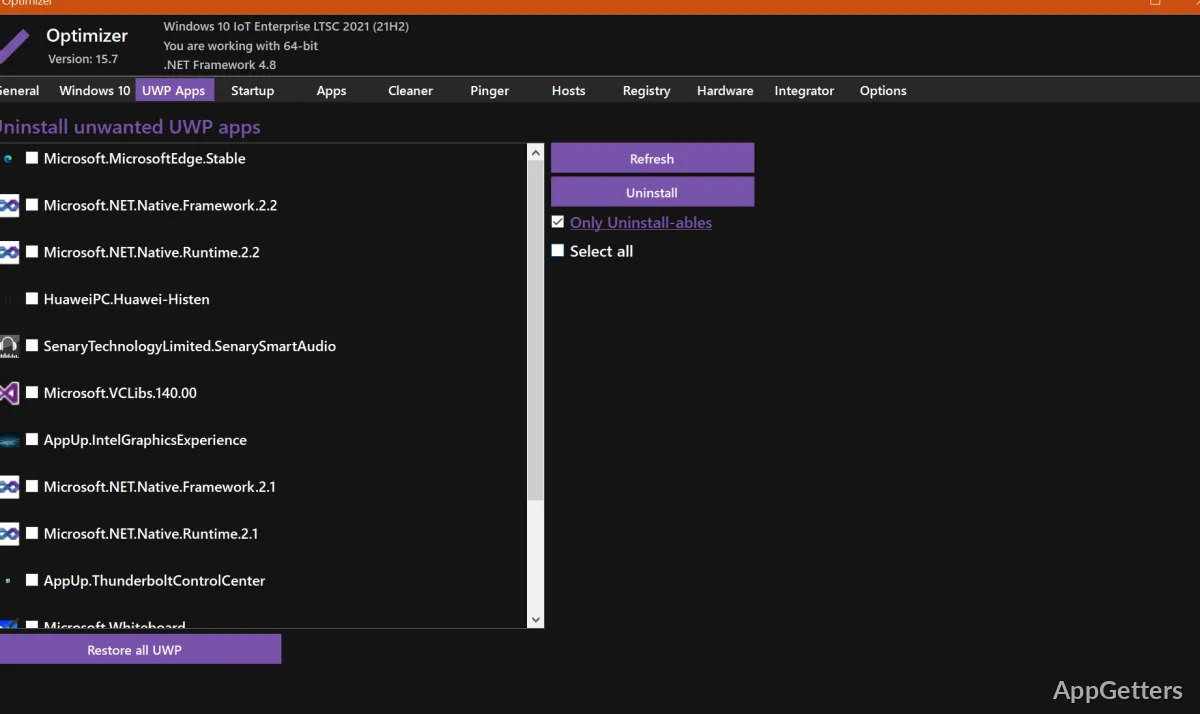
For other maintenance tasks, Optimizer can remove UWP apps, address common registry issues, and identify processes holding file handles. It can also edit system variable paths and add entries to the desktop context menu. These functions make the program relevant when troubleshooting or configuring a Windows installation as well as when removing startup items.
Automation and command options
Optimizer supports silent runs configured with a template file, allowing selected tasks to be automated. Command-line switches provide another way to run specific actions. The program also includes a utility for setting custom commands in the Run dialog, giving administrators and experienced users additional ways to reach their chosen tools.
Pros
- Cleans the system drive and browser profiles
- Manages startup items and Windows services
- Includes DNS selection, cache flushing, and IP ping tools
- Can edit the HOSTS file and system variable paths
Cons
- Some options change Windows services, telemetry, or update behavior
System requirements: Windows 7, Windows 8, Windows 8.1, Windows 10, Windows 11 · .NET Framework 4.8.1
Can Optimizer manage Windows startup apps?
Yes. It can remove unwanted startup programs.
Can it change DNS settings?
Yes. Optimizer can select a DNS server from a prepared list and flush the DNS cache.
Does Optimizer include privacy controls?
Yes. Its options include controls for Windows telemetry, Cortana, and Office telemetry.