Making PDF documents from everyday files sounds straightforward, but often that is far from the case. A lot of Windows PCs still have problems with formatting getting changed, incompatibility issues, or needing several tools just to convert files in a reliable way. Yes, the built-in options are getting better, yet they still don’t deal very well with advanced layouts, custom settings, or batch workflows. At that point, dedicated PDF printer software such as novaPDF is introduced as a solution. It makes the document conversion process a sure and consistent one without introducing excessive complexity.
A print-to-PDF workflow that is already familiar
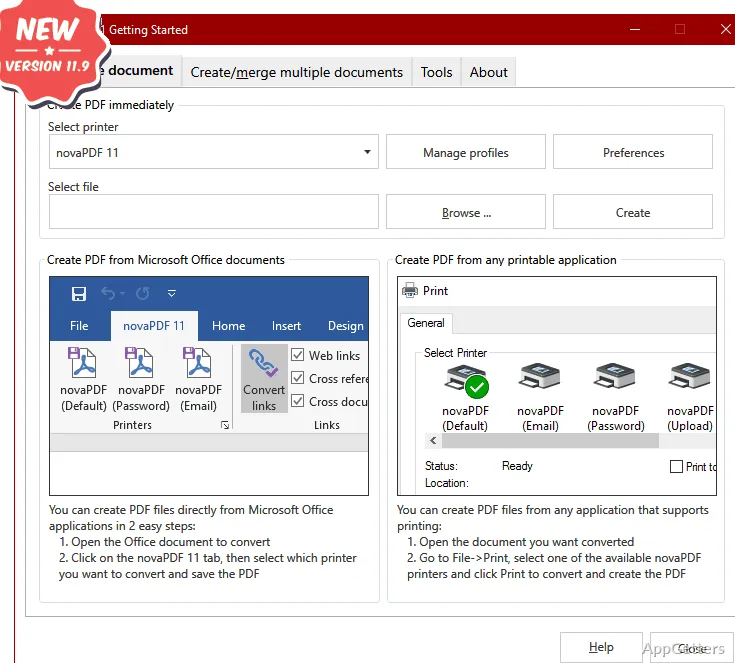
Directly from the Windows print system, novaPDF installs itself as a virtual printer instead of a program that runs separately and only edits. In actual practice, this feels very natural: you browse your document in any program, print it, and select NovaPDF as your printer. You get a PDF that is almost exactly like the printed copy. This method is especially good for people unwilling to go through the trouble of learning another program. Exporting files from Word, saving a web page, or converting a spreadsheet, no matter what the case is, the process is the same. It also diminishes the use of the export function specific to a file type. That function may be of very different standards from one application to another.
Output control that is simple
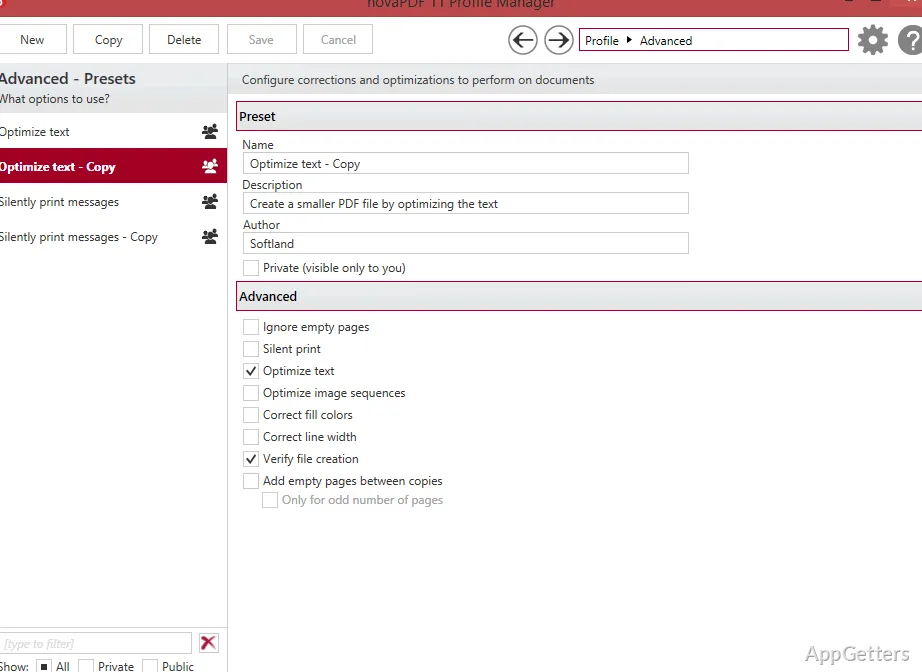
Many a time, we focus on control and forget about the user friendliness. It is here, at least partly, that NovaPDF shines in the real balance between control plus usability. Without too much technical gibberish, users can change resolution, compression, page size, and security settings. For example, simply changing a file size to be sent by email or adding a password can be done in no time with preset choices. Yet the need for this type of flexibility is only revealed when dealing with assortments of materials: deeply textual documents as well as picture-based files. Even if it is not a PDF editor, it is still extensive enough to be capable of most everyday tasks. There is no denying that advanced users would really like more fine-tuning. But to the general user, the configurations available satisfy quite well the most common needs.
Dependability in repetitive work
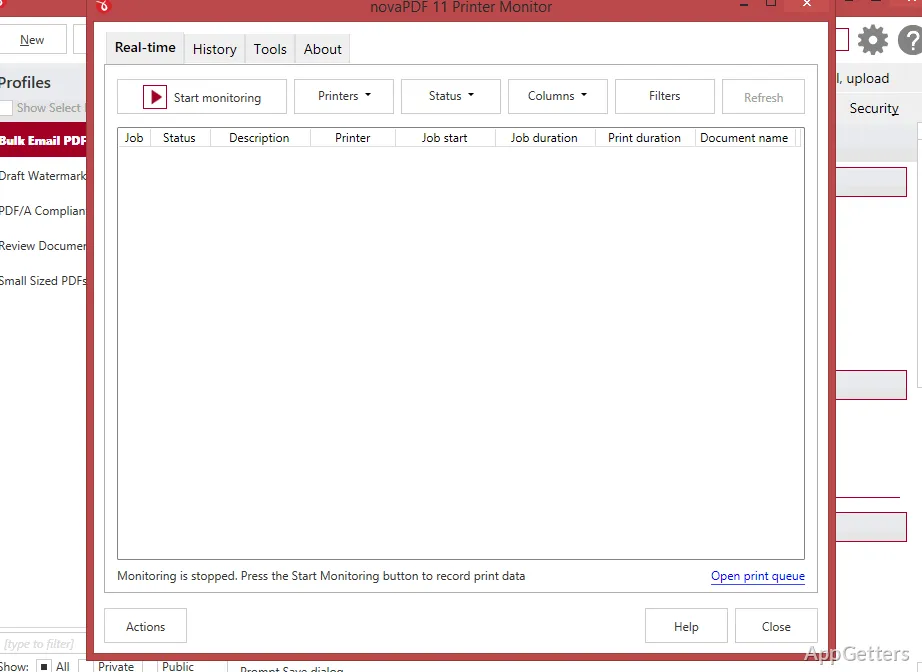
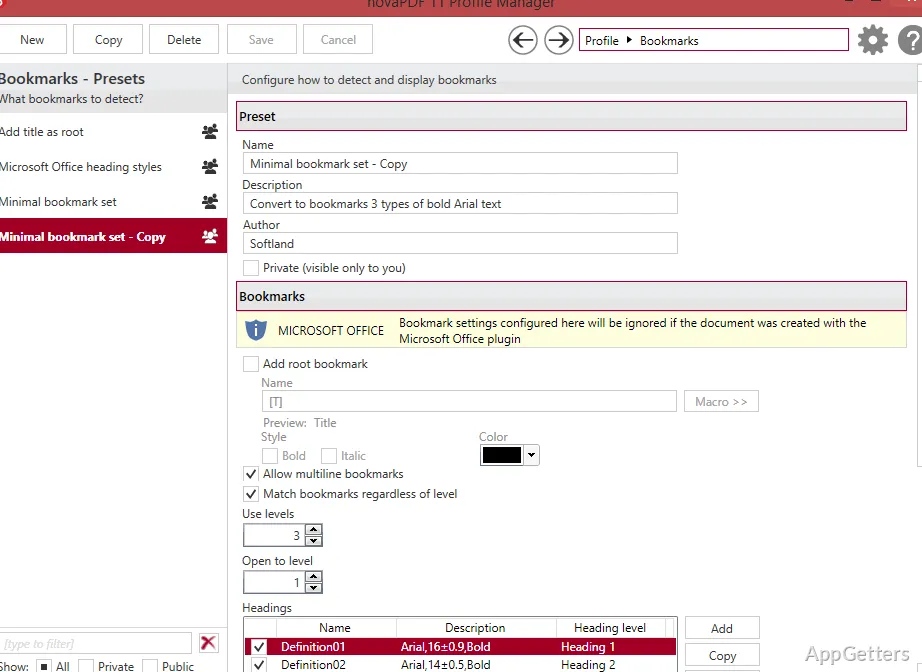
novaPDF appears to be reliable when used frequently. For people who often convert documents, such as students submitting homework, office personnel producing reports, or small firms documenting, the quality/character of the finish is more of a concern than the features of an advanced nature. Automated conversion and using output profiles can facilitate work in sequences. Once output rules have been set, a user can perform image creation for multiple files without changing the settings each time. So, this way, time is saved. Also, the chance of formatting errors (that will slow down the work) is minimized. That notwithstanding, depending on the factors, performance might differ a bit. Graphics-intensive files are naturally the ones creating the most problems. Normally, it is stable; however, very large conversions may take longer than more resource-intensive PDF tools.
Disadvantages that we should take into consideration
Clearly point out the main differences, focusing on conversion only and not editing. After the creation of a PDF, it doesn’t offer very robust modification tools, such as changing the order of pages or editing the text content. Those who are in need will have to get a distinct PDF editor. At the same time, the interface is a bit in the technical design. It enjoyed a good design base when first made and has mostly remained the same. This shows through its simplicity and clear layout. Right now, it is a lightweight tool. However, the lack of cloud-based integrations is a negative point worth mentioning. This is a major feature among new tools of this kind. However, having a narrow focus allows it to keep a better balance between stability and simplicity. Both of these are things many users appreciate more than having a wide set of features.
Typical scenarios for the use of NovaPDF within Windows
In a nutshell, people desiring a risen PDF creation tool minus a ridiculous steep learning curve will be pleased with novaPDF. It can be deliberately targeted at a market that frequently converts documents but hardly ever edits them afterward. Examples include academic work, paperwork, and basic business documentation. An easy-to-standardize PDF format for different applications is potentially a home and small office user’s main concern. The advanced ones may put it in the background along with their other conversion software, or they may use one for conversion and another for editing. Simply put, NovaPDF does not deviate from the known printing-paper analogy. It especially does not exceed the level of difficulty to gain feature-richness. But that, for a good many Windows users, is exactly the very thing needed to keep the document workflows simple and predictable.