Need to turn a stack of paper into a searchable PDF? NAPS2 scans from a flatbed or automatic document feeder, then lets you arrange, adjust, and export the pages in one workflow.
How do you set up a scan?
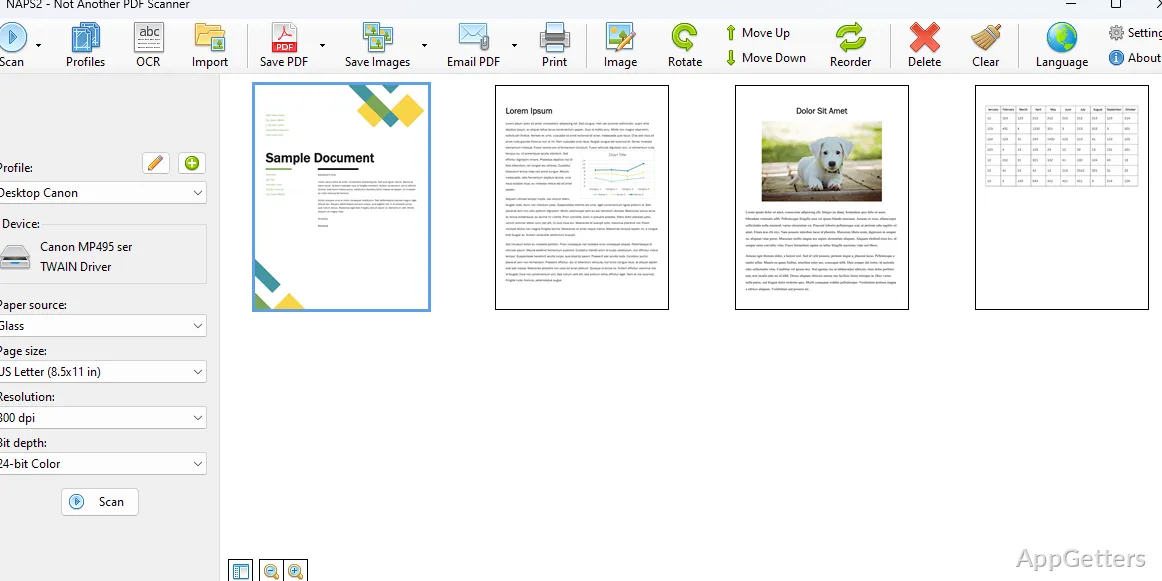
Choose the scanner driver that works with the connected device: NAPS2 offers WIA and TWAIN options. Scan settings include DPI, page size, and bit depth, and the job can use a flatbed or an automatic document feeder (ADF). Duplex scanning is supported for feeders that scan both sides.
For a two-sided document scanned manually, interleave the front and back pages to put them into reading order. NAPS2 also supports scanners shared by other computers on the local network, so a network-connected scanner can be reached from another device.
How can you organize and adjust scanned pages?
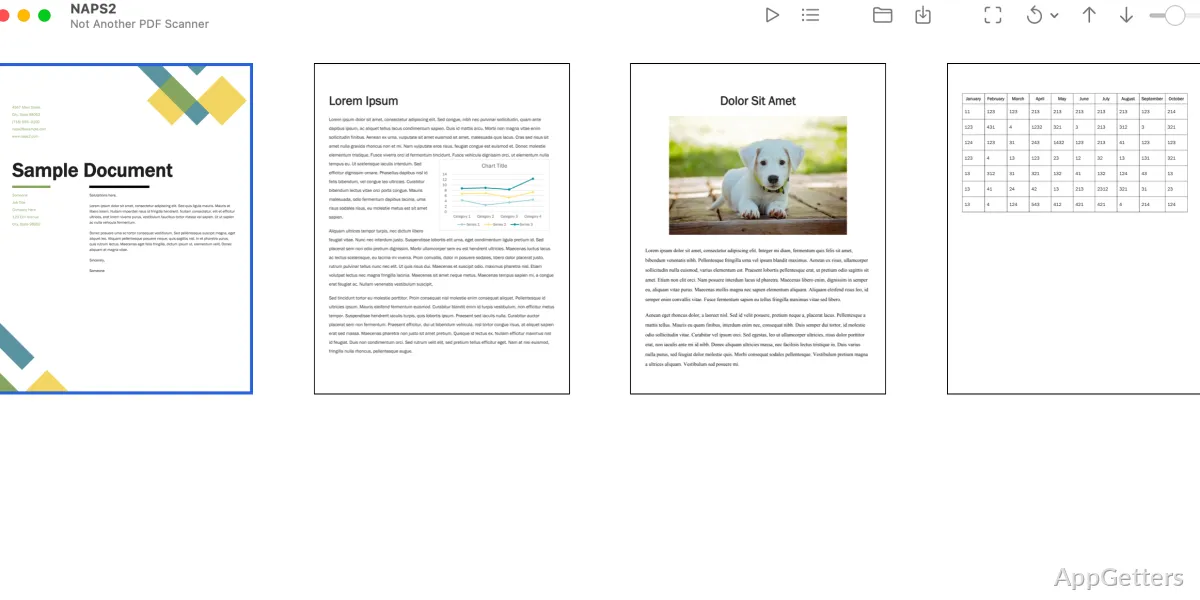
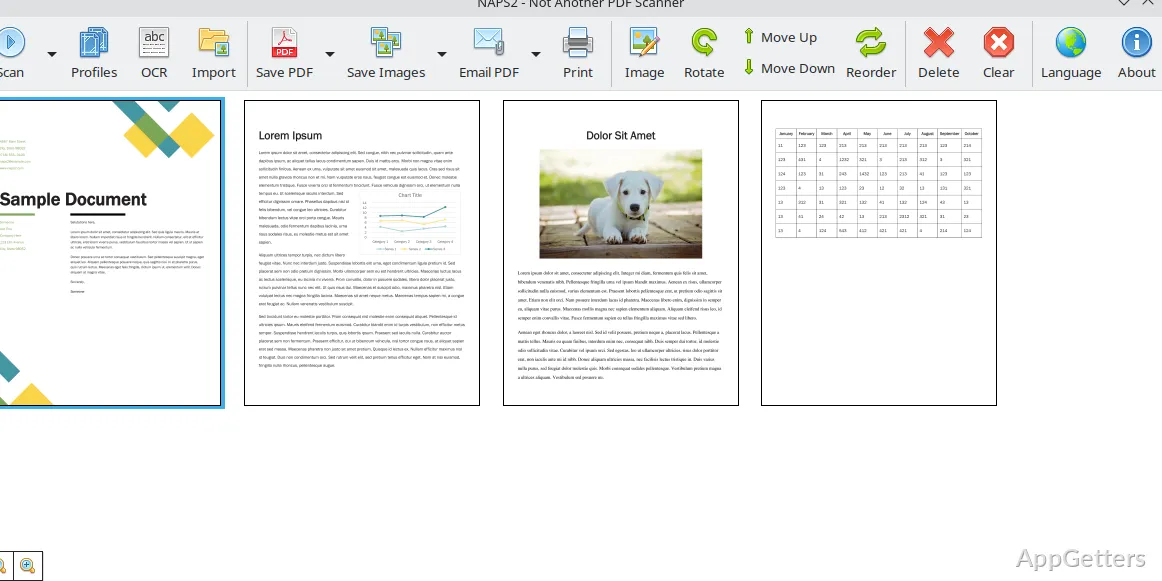
After scanning, drag pages into the desired order. Rotate pages by hand or use automatic deskewing to straighten a tilted scan. Cropping and brightness or contrast adjustments are available for basic image cleanup.
- Rearrange pages by dragging them into place.
- Interleave pages from a manual duplex scan.
- Rotate, deskew, crop, or adjust brightness and contrast.
How do you make a searchable PDF?
Run optical character recognition (OCR) on scanned pages to recognize printed text and include it in a searchable PDF. NAPS2 supports OCR in more than 100 languages. For scans that do not need searchable text, export pages as PDF, TIFF, JPEG, or PNG.
Can NAPS2 automate scanning tasks?
An optional command-line interface supports scripted scanning workflows. Developers can also use the NAPS2.Sdk library for .NET applications. For organizations deploying the program across managed computers, an MSI installer and application-level configuration are available for Group Policy.
Pros
- Choose WIA or TWAIN drivers and set scan details such as DPI
- Reorder pages and interleave scans for manual duplex jobs
- Save scans as PDF, TIFF, JPEG, or PNG
- Run OCR in more than 100 languages for searchable PDFs
System requirements: Windows 7, Windows 8, Windows 8.1, Windows 10, Windows 11 · ARM64 and x64 · On Windows 7 and earlier, .NET Framework 4.6.2 or later may be needed.
Which file formats can NAPS2 save?
Scans can be saved as PDF, TIFF, JPEG, or PNG.
Can NAPS2 create searchable PDFs?
Yes. OCR recognizes text in scanned pages and adds searchable text to PDFs; more than 100 languages are supported.
Does NAPS2 support two-sided scanning?
Yes. It supports duplex scanning with an ADF and page interleaving for manual duplex scans.