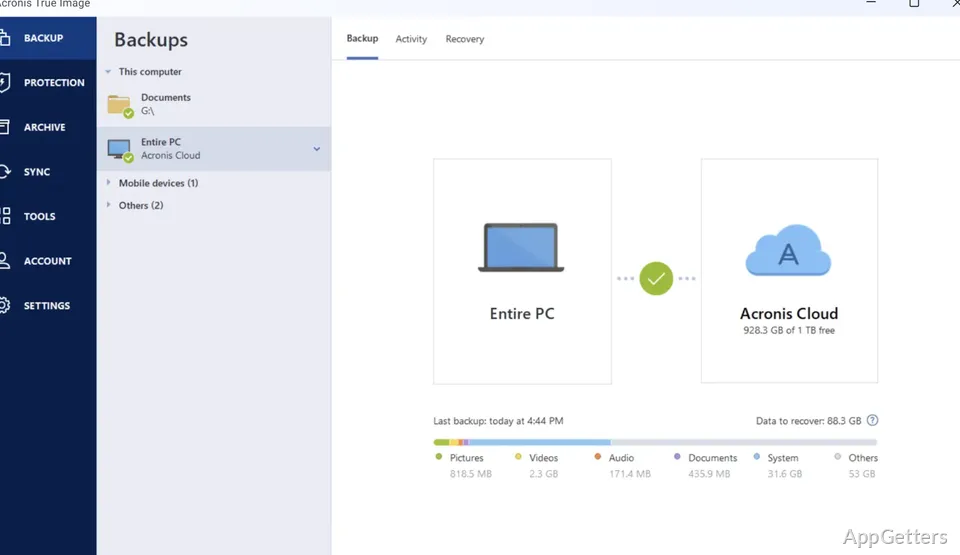
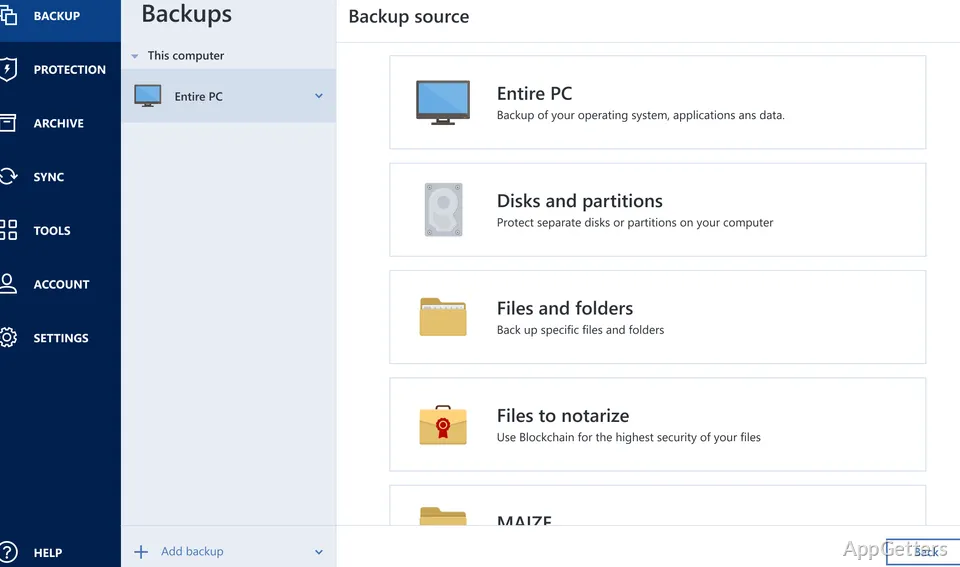
If your drive failed or ransomware hit today, how much would you lose? Acronis True Image backs up the whole Windows setup, chosen files, or both, and restores them after data loss. It also includes disk cloning and security tools such as ransomware detection.
What can a full-machine backup preserve?
A full-image backup captures a drive or the entire computer, including its operating system, applications, settings, and data. That image gives you a way to restore a working system after a drive failure or other data-loss event. For a smaller backup, choose specific files and folders instead.
Backups can be scheduled and saved to an internal or external drive, a network share, or Acronis Cloud.
When should you clone a disk?
Disk cloning creates a complete copy of one drive. It suits drive replacement or moving data to a new computer, while an image backup provides a recovery copy to restore later.
- Use a clone when transferring a drive’s contents to another drive.
- Use an image backup to keep a saved recovery point for a machine or selected data.
How do the security tools work?
Active Protection monitors activity for malicious behavior, including ransomware, and can block detected threats. If ransomware changes files, the recovery feature can restore affected files. On-demand antivirus scans check the system for malware; vulnerability assessment runs in the background and identifies security weaknesses in the system and applications.
Some security features depend on the plan you choose.
Can you manage backups for other devices?
A web-based console shows protection status across devices and provides remote backup and recovery management. This lets you check protected systems and run backup tasks without being at each computer.
Pros
- Backs up a full machine or chosen files and folders
- Stores backups on local drives, network shares, or Acronis Cloud
- Clones a disk to support data migration
- Includes behavioral ransomware detection and recovery
System requirements: Windows 10, Windows 11 · 64-bit only
Can Acronis True Image back up only selected files?
Yes. You can select files and folders, or create a full-drive or full-machine image.
What is the difference between cloning and an image backup?
Cloning makes a complete drive copy for migration or replacement. An image backup is a saved copy for later recovery.
Where can backups be stored?
Supported destinations include internal or external drives, network shares, and Acronis Cloud.