Today’s PDF editing software for Windows can sometimes introduce unanticipated challenges. Basic programs let the user only view and do some minor annotation. Trying to do a bit more, like changing text, modifying layout, or converting docs, results in the need to switch between different apps or to deal with very limited interfaces. Those who work with docs regularly, namely students and office staff, get their pacing slowed down by doc fragmentation. This could have been time-saving if the tasks were simple. Wondershare PDFelement aims at providing a solution somewhere in between: better than the light viewers. It does not make the user experience complex with tons of features like enterprise-level editors do. For regular usage, it promises to ease common PDF-related procedures quite significantly. It does this without requiring lots of installation efforts or hands-on sessions.
A user-friendly UI for everyday work
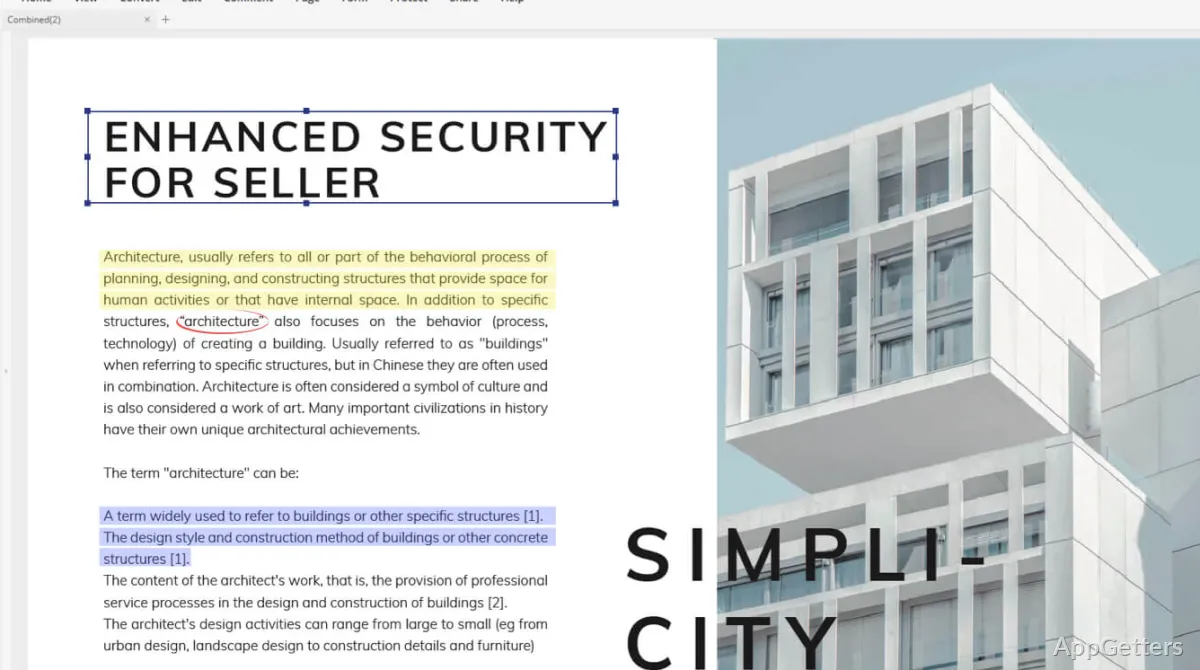
Wondershare PDFelement mostly impresses with its look. Its layout is heavily inspired by Office’s ribbon-style one. For Windows folks, finding your way around is quite a breeze. Besides the fact that opening, editing, or saving work correctly can be done without surprises, tools are also pretty much where your instinct would place them.
As a matter of fact, this results in lowering the amount of headaches one generally encounters. This happens when changing text or annotating within PDF files. In no way do you have to “reinterpret” your working method in terms of another system. For those users who, from time to time, only need to modify documents, like changing data or fixing errors, this sense of the known is substantially more appreciated. It is more appreciated than an extensive list of capabilities that is hidden inside complex menus.
Actual editing and conversion
What makes PDFelement a great helper is that it does more than what normal PDF readers can do. Text editing, photo manipulation, and page rearrangements are quite typical cases with no or very minor formatting troubles. To a certain extent, it fails, but it is good enough. This applies when one is dealing with ordinary types of files, for example, academic papers, charts, and bills.
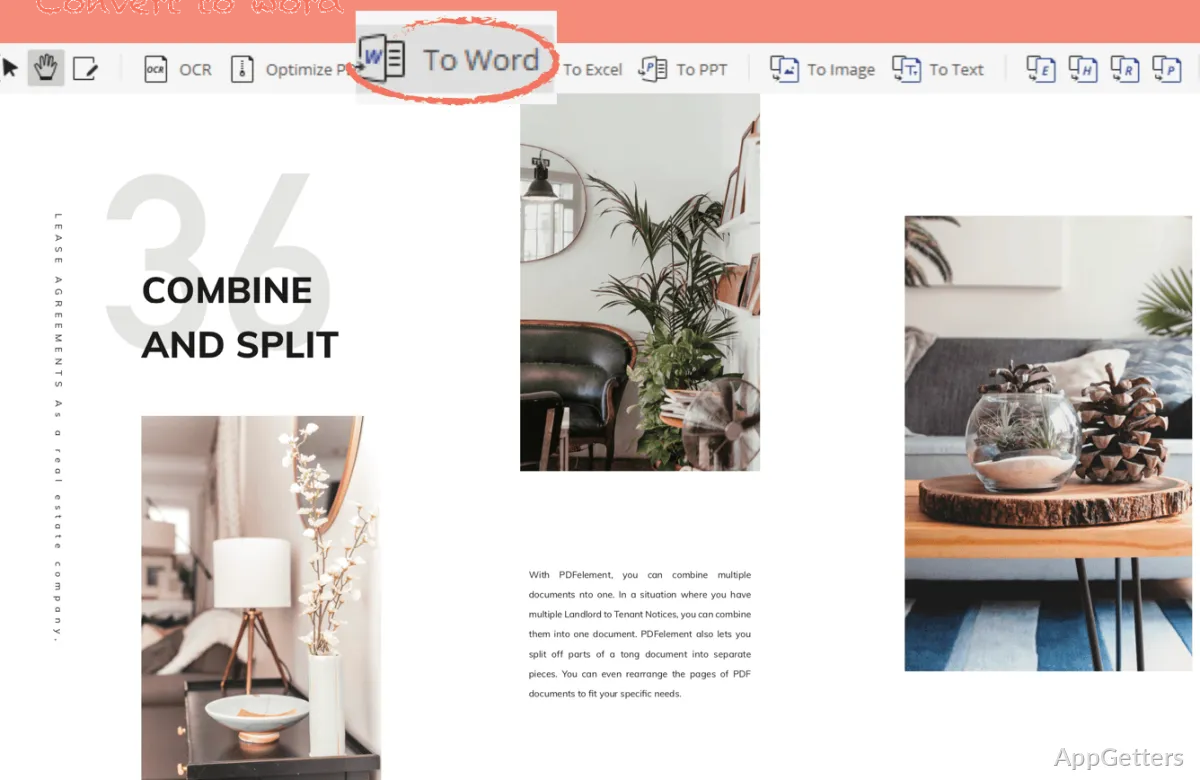
When it comes to file changing, here also, the program becomes handy. Changing PDF files into Office (Word, Excel) files is commonly a must-do in offices. PDFelement does this quite accurately. Very complicated files with different layouts still need some fixing. But, for most daily purposes, the resulting files are pretty much good enough to avoid a total rewrite of the content.
Various tools to accompany your routines
Besides working on editing, PDFelement packs some tools that can step into usual doc-related tasks quite easily. OCR means scanned PDFs can be edited immediately. That is a huge plus when working with printed paperwork to be digitized. In these situations, working with hard copies or old documents may take much less effort.
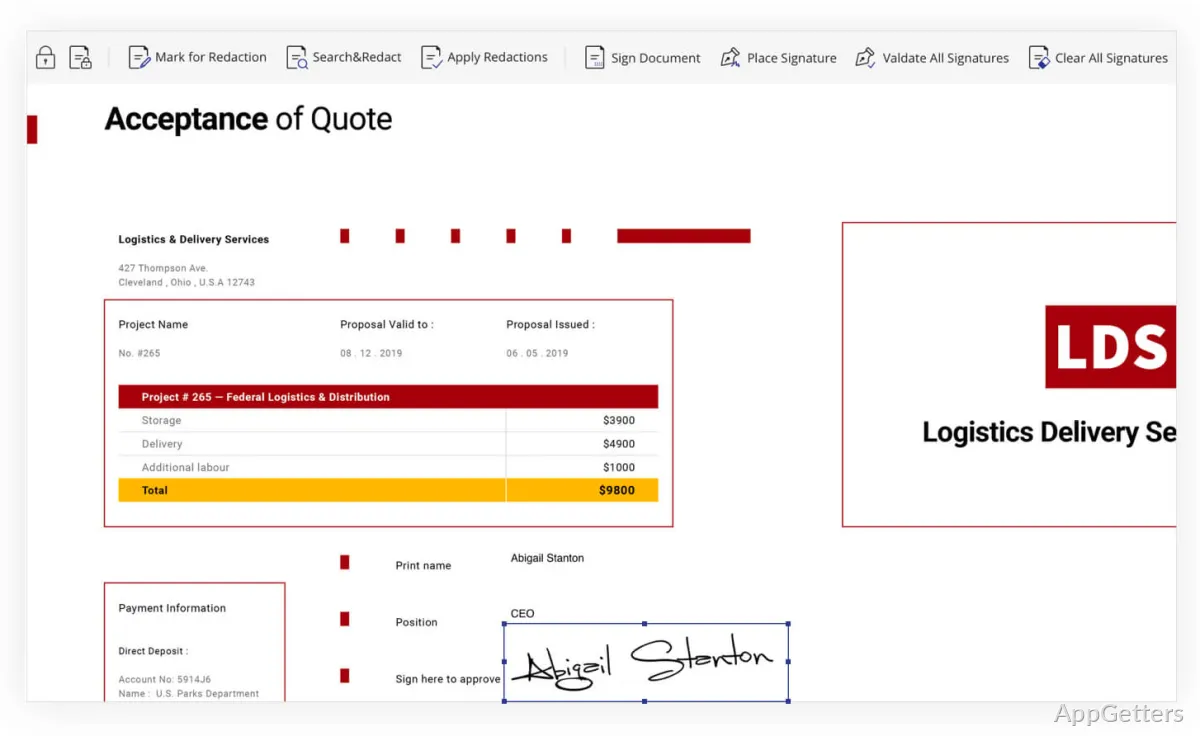
There are also utilities like batch processing or form building, but they seem more incidental. So it is quite logical as to why not everyone will turn to them daily. The good thing, though, is that these tools don’t feel like extras thrown at the user. They are always in the same footprint. Even when changing from one task to another, one doesn’t have to adapt the experience.
Realistic limitations to keep in mind
Although PDFelement is fine at doing the job, there can be upsides and downsides. For instance, opening and processing PDF files may take longer. This happens if you have a mid-range system to run on a multi-page and heavily formatted file.
Users get hung up on PDFelement only occasionally. When the output is not identical, they associate it with complicated docs (such as those made with other advanced editors). This is the main thing that causes issues. These problems do not come up often to the user, but are immersive enough to prompt double-checking. They may even require reprocessing highly structured formats.
Not to mention that, depending on what you require, the use of particular features may be limited to the payment of additional licenses.
Where it fits in a typical Windows setup
Wondershare PDFelement, without doubt, is the most applicable one-stop PDF solution. It replaces several less powerful ones for the majority of Windows users. It is still a good idea for student bodies for assignment management, home users who are planning document keeping, and some professionals who want an editing PDF tool. Wondershare PDFelement is simple and lacks unnecessary and complex features.
It simply doesn’t want to be the most powerful PDF editor of all time, and certainly, that reluctance works in its favor. Its main point is to get the daily tasks, editing, converting, and annotating done in a handy and harmonious way. If you handle straightforward PDF-related work on a regular basis, this package smoothly fits into a standard Windows setup. It does this without bringing in heavy, unwanted parts.