Old CD or DVD that Windows refuses to read, or a USB stick that suddenly looks empty? IsoBuster is a recovery tool for optical discs, hard drives, USB storage, memory cards, and disk images.
Scan a drive for missing files
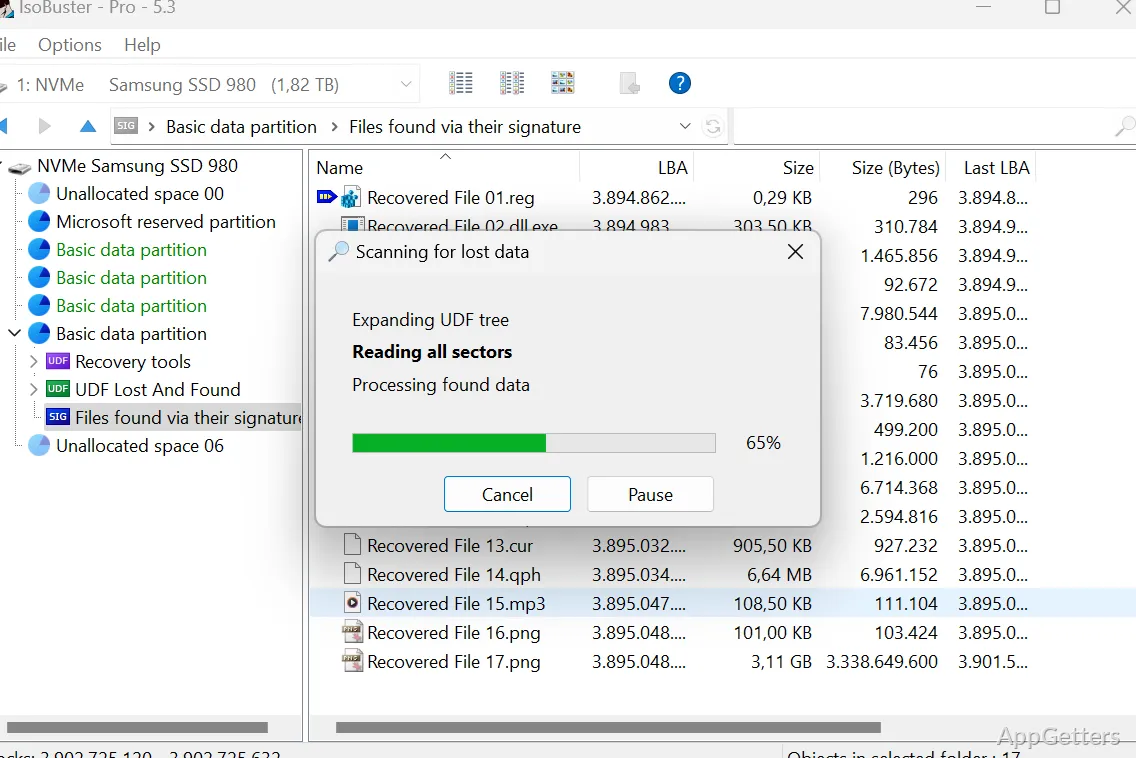
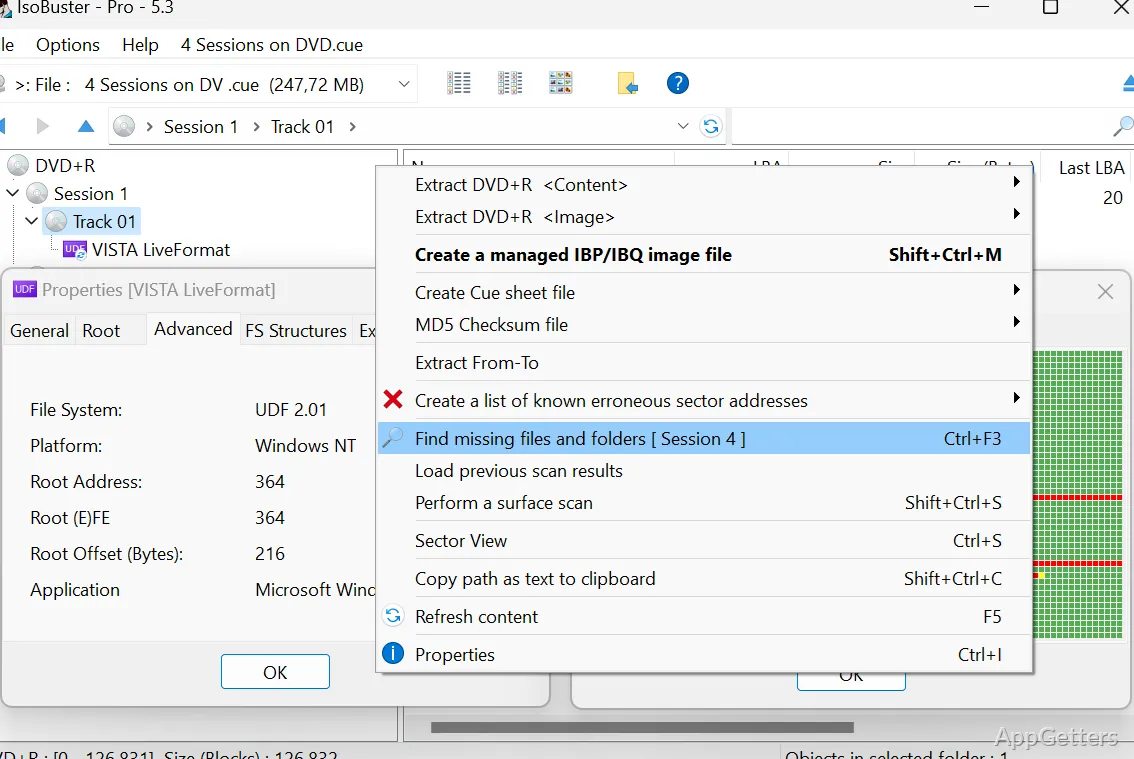
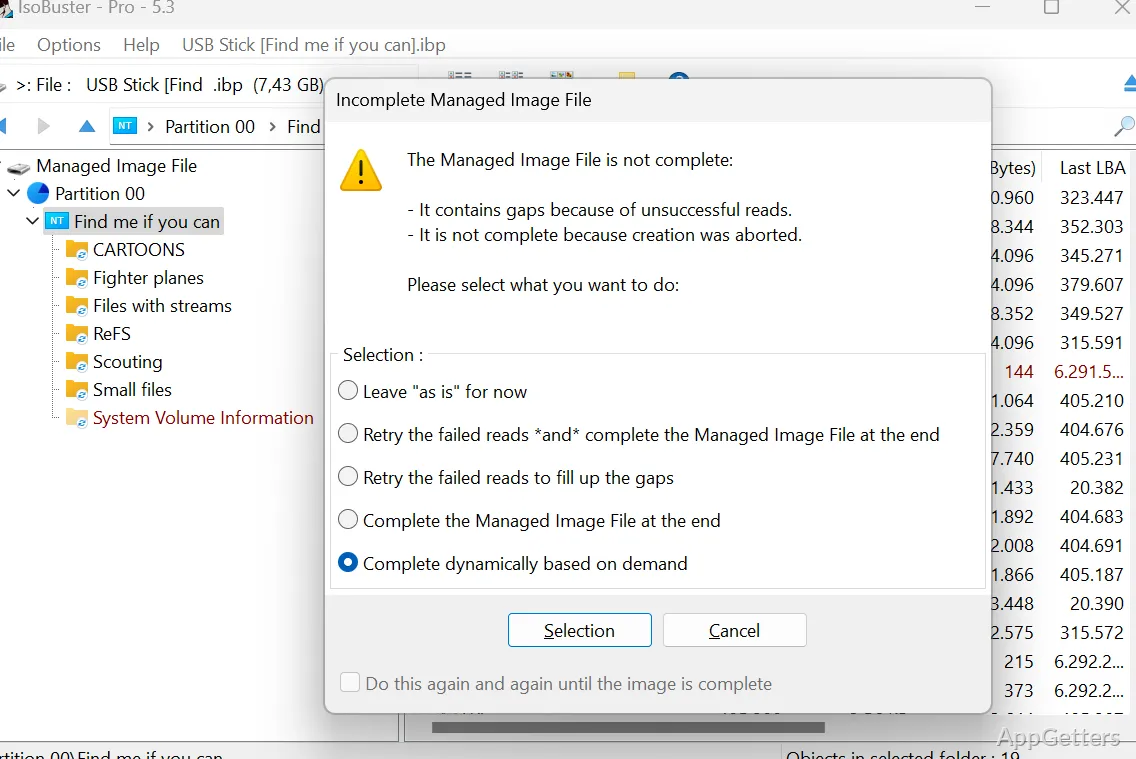
Select the problem disc or drive and inspect the files IsoBuster finds. If the files you need do not appear, right-click the top icon in the left pane and choose “Find missing files and folders.” The full scan searches for missing folders and files, including items recognized from their data signatures.
This workflow applies to damaged or unreadable media as well as drives that still open but appear to be missing data. A scan can reveal recoverable items, though the results depend on what data remains readable.
Read different file systems and media
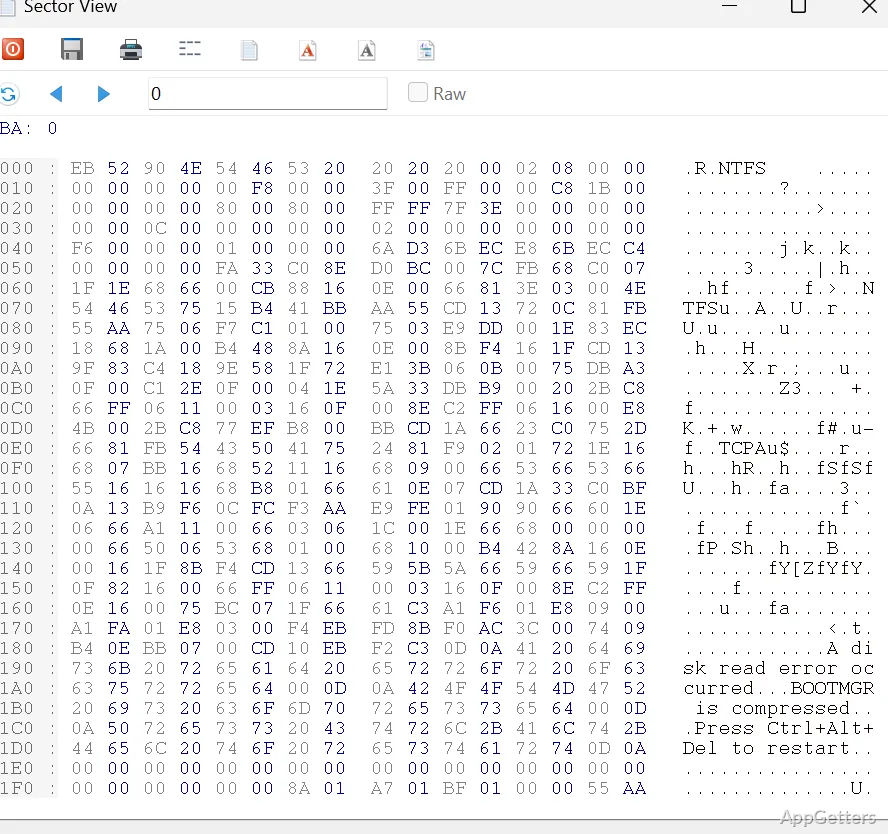
IsoBuster works with CDs, DVDs, Blu-ray discs, hard drives, USB and flash drives, and memory cards, including SD media. It handles data associated with several file systems and disc formats:
- NTFS, FAT, UDF, HFS, and ISO
- IFO and VOB video files
- Files identified through their signatures
Recover files from a damaged disc
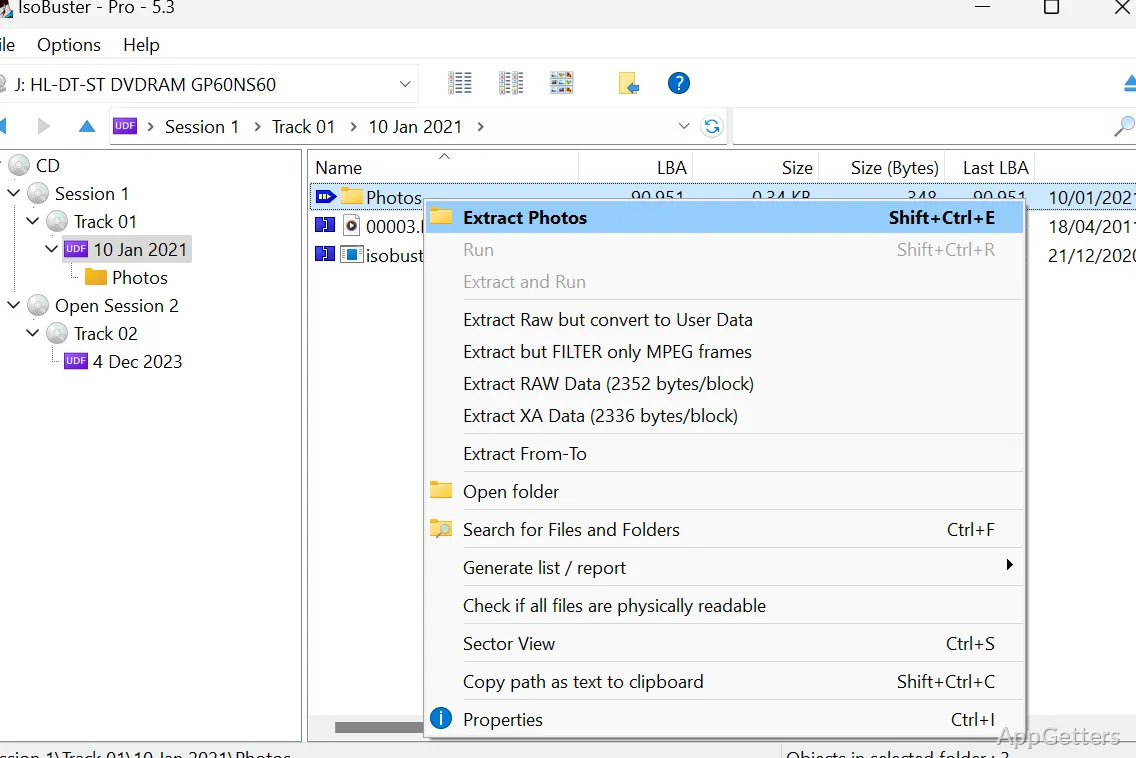
When a disc or drive is readable only in part, IsoBuster can attempt to retrieve the files that remain accessible. Choose the source, locate the wanted items in the results, and recover them to another location. The program is intended for cases such as a disc that Windows cannot read normally or files missing from a disc listing.
IsoBuster can also inspect disk images, so recovery work does not have to start with a physical disc or drive.
Pros
- Scans for missing files and folders on selected media
- Recognizes NTFS, UDF, FAT, HFS, and ISO file systems
- Can search for files by signature
- Supports video data including IFO and VOB
System requirements: Windows 7, Windows 8, Windows 10, Windows 11
What should I do if the files do not appear in the first listing?
Start the full scan from the context menu of the topmost entry in the tree on the left (“Find missing files and folders”).
Which file systems can IsoBuster read?
It supports NTFS, UDF, FAT, HFS, and ISO, as well as IFO/VOB data and file-signature searches.
Can IsoBuster work with USB drives and memory cards?
Yes. It supports USB and flash drives, memory cards, and SD media, along with optical discs and hard drives.