EXE
Home » Software » Windows » Image-Viewers » IrfanView Portable for Windows
IrfanView Portable for Windows

IrfanView Portable for Windows

  • By Rare Ideas
  • Free
  • Version: 4.72
  • 35.68 MB
  • Security Report:

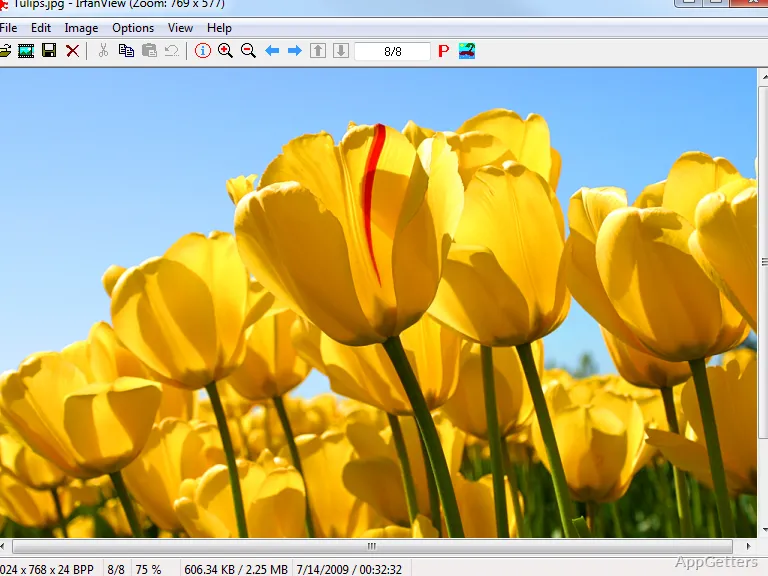
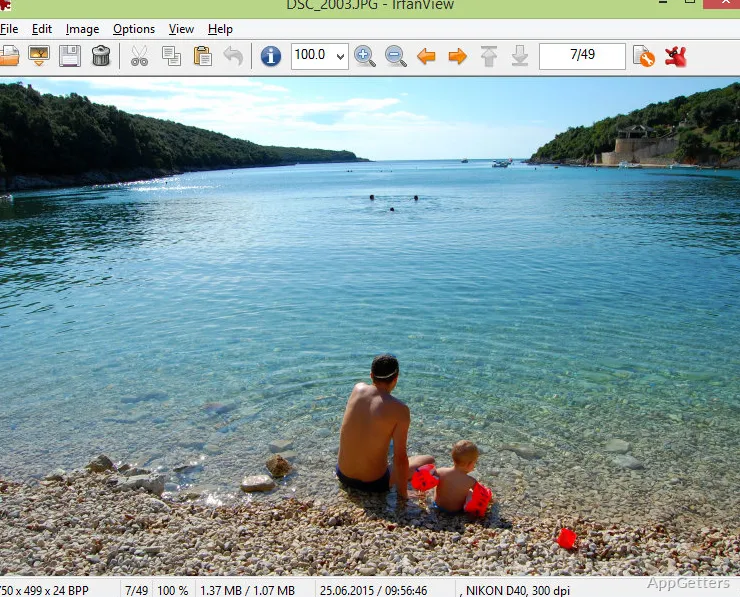
It doesn’t take long for image management on a Windows PC to get pretty complicated. Screenshots, downloaded resources, scanned papers, and personal photos keep accumulating. What most users need is just a light tool. It would open, check, resize, or convert the files without having to install a whole editing suite. And this is where IrfanView Portable is different. It is a convenient, fast, and simple image viewer and utility. It can be loaded from a USB flash drive or run without the traditional process of installation, rather than being a complete photo editor.

A Lightweight Tool for Everyday Image Tasks

The core philosophy of IrfanView Portable is rapidity and ease of use. On Windows platforms, it is so fast and light that it can be used even on old computers. The users who want their images immediately will find it useful. They won’t be kept waiting for loading the big programs. Even the most usual image-related things, such as opening the rare image formats, cropping the screenshots, resizing the pictures, or converting batches of files, can be done very quickly and easily here.

The portable version is even more handy. Students who use different computers, technicians who carry troubleshooting tools, and office people who have to work with the restrictions of the admin permissions will be the main beneficiaries of the software. It can be run without affecting the host system. It is more useful than pretty, but often practicality is the key.

Practical Workflow Benefits Beyond Basic Viewing

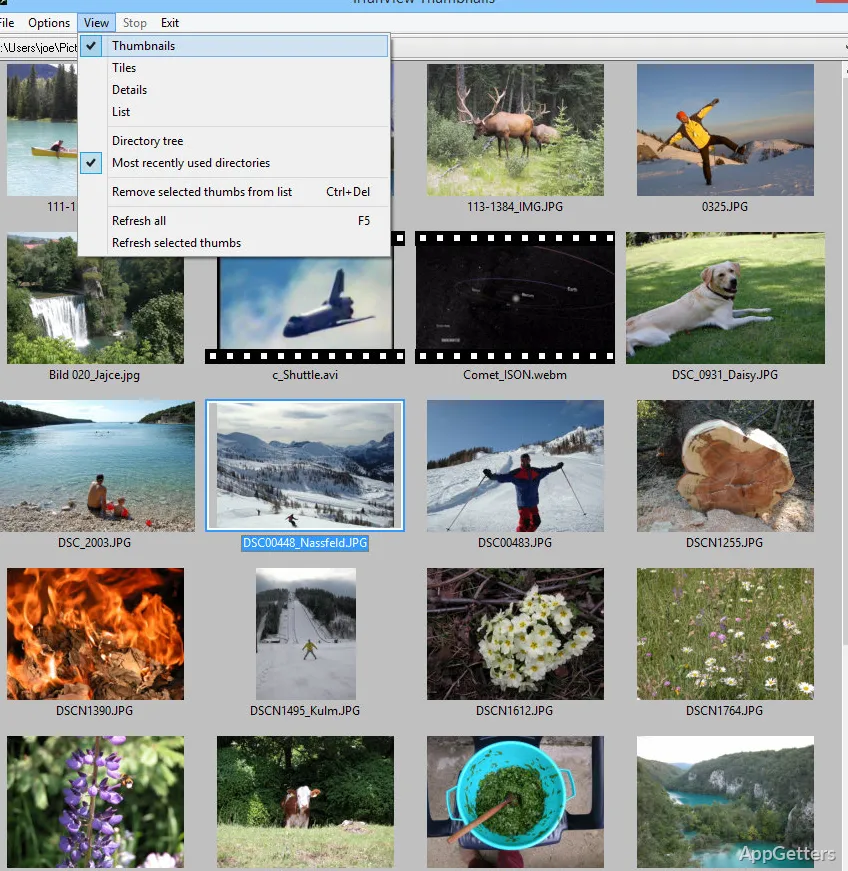
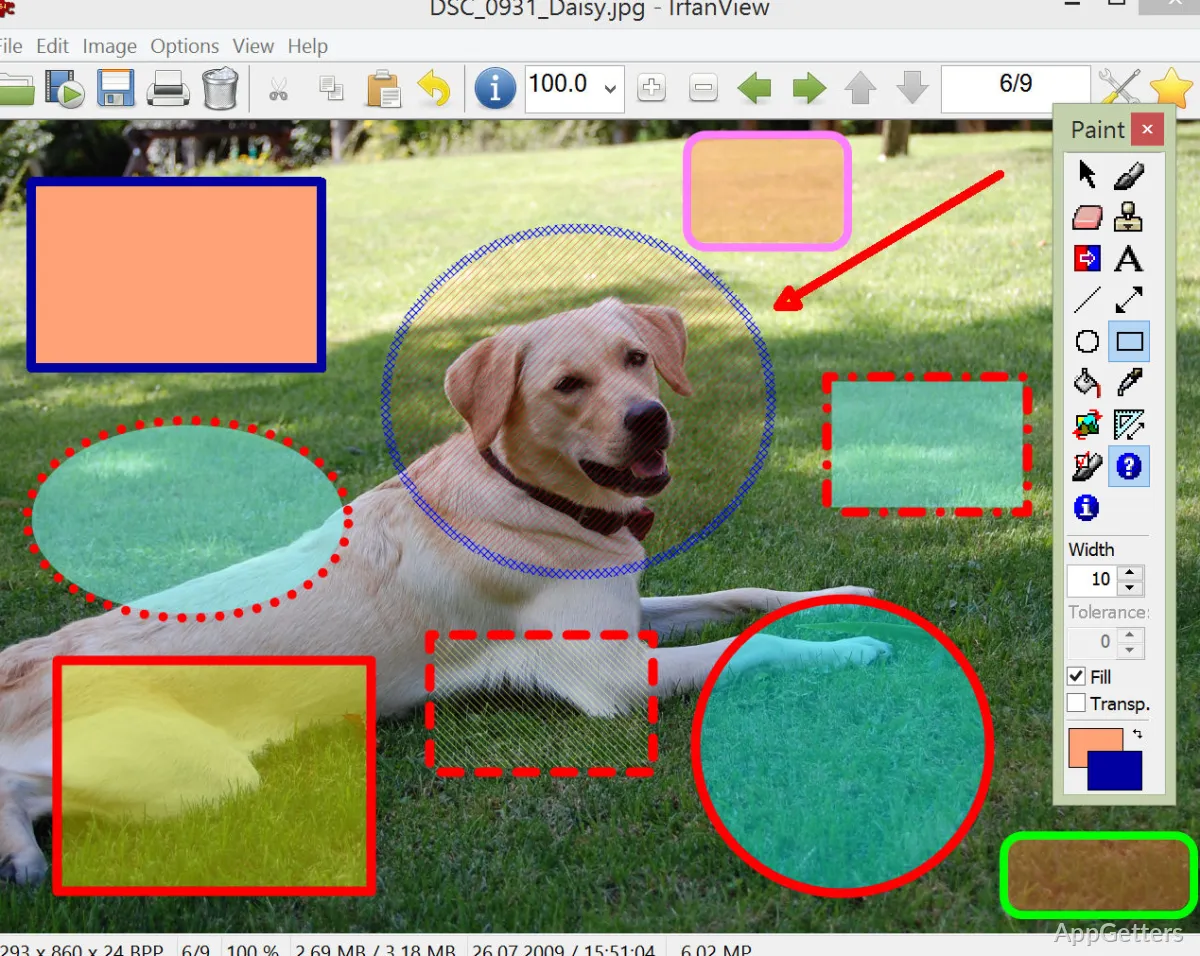
Even though it is mostly considered just an image viewer, IrfanView Portable, to some extent, does function in users’ real workflow. It is possible to quickly view images. It is also possible to rename, resize for the web, and carry out light editing activities. This makes it a one-stop shop. It integrates multiple operations to the users’ benefit.

Its extension through plugins makes it even more compatible. This feature allows it to handle a great variety of file formats, which most simple Windows image viewers cannot match. That is the main reason why it is the first choice of so many users all over the world. In addition, batch processing features can free users from troublesome situations and, at the same time, help save time.

On the other hand, first-time users may find it hard to orient themselves and get used to the long menus, numerous options, and settings. Functionality has been given more importance than a fashionable design.

Where Its Limitations Are Noticeable

As long as one sets their expectations properly, IrfanView Portable will be able to serve them well. Although it is great at quick editing, format conversion, and image inspection, it cannot be a substitute for professional creative software. People who want editing with layers will probably find the tool inadequate. The same applies to those who want the output without damaging the source works or the processing features of the professionals.

Moreover, even though portability is really handy, plugins or personalized settings that one would like to have on different computers can cause a little bit of a headache. The same goes for the interface. It is seen by some as old-fashioned in comparison with the latest Windows applications.

Nevertheless, almost all of these limitations grow easier to live with once the program is regarded not as a full-fledged editing environment, but as a handy utility. It is excellent if you just want to do your ordinary things fast and with minimum system resource usage.

A Good Fit for Users Who Value Speed and Portability

IrfanView Portable caters to the needs of users who want the software to be quick, workable, and flexible. It has minimal resource requirements. Students, home users organizing their photos, and IT professionals who need the diagnostic tools may find the software to be of great use as their portable solution.

In reality, it is often centered on how much it can help the users when there is some difficulty. It makes it easy for people to deal with those cases where they have to handle almost uncommon file formats. They can do simple editing to images and convert batches without the need for a big software installation.

So, even if it does not fulfill the expectations of the users who need the modern editing experience, it still manages to find its space as a very useful and reliable low-overhead image utility for everyday Windows operations.

Software Details of IrfanView Portable 4.72

License
Free
Version
4.72
File Size
35.68 MB
Downloads
5
Languages
English English, Catalan, French, German, Italian, Norwegian, Polish, Portuguese, Spanish
Category
Op. System
Windows
Developer
Last Updated
May 15, 2025

Version History

5 versions
4.72
Latest
35.68 MB
May 15, 2025
4.67
33.09 MB
April 18, 2024
4.66
34.45 MB
January 22, 2024
4.65
34.44 MB
December 11, 2023
4.62
33.33 MB
January 13, 2023

Leave a Comment

Your email address will not be published. Required fields are marked *

Software Icon
Security Report

Loading scan data...

Scroll to Top