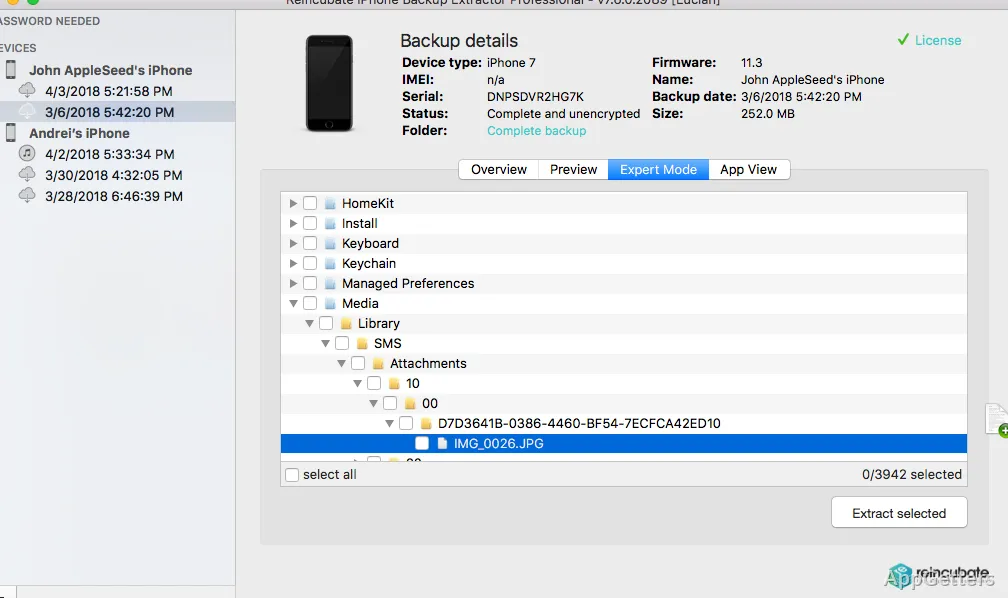
Need one old WhatsApp chat or a few photos from a backup without wiping the phone to restore it? iPhone Backup Extractor reads iTunes backups and iCloud data, so you can browse supported records without restoring an entire backup to a device.
Can I look through a backup before restoring it?
Yes. The program lets you inspect backup contents and choose specific items to recover. That approach can preserve newer information already on a device, since it avoids replacing the device’s contents with a complete backup.
It works with iTunes backups, including encrypted ones, and can access iCloud data. Encrypted backups require the backup password to unlock their contents.
What kinds of iPhone data can it extract?
Supported records include everyday phone data as well as information from specific apps. Recovery options include:
- Photos, videos, contacts, notes, calendars, and voice memos
- SMS and iMessage conversations, WhatsApp messages, and Viber messages
- Call history and location data
- Data saved by other installed apps
How can I save or transfer recovered data?
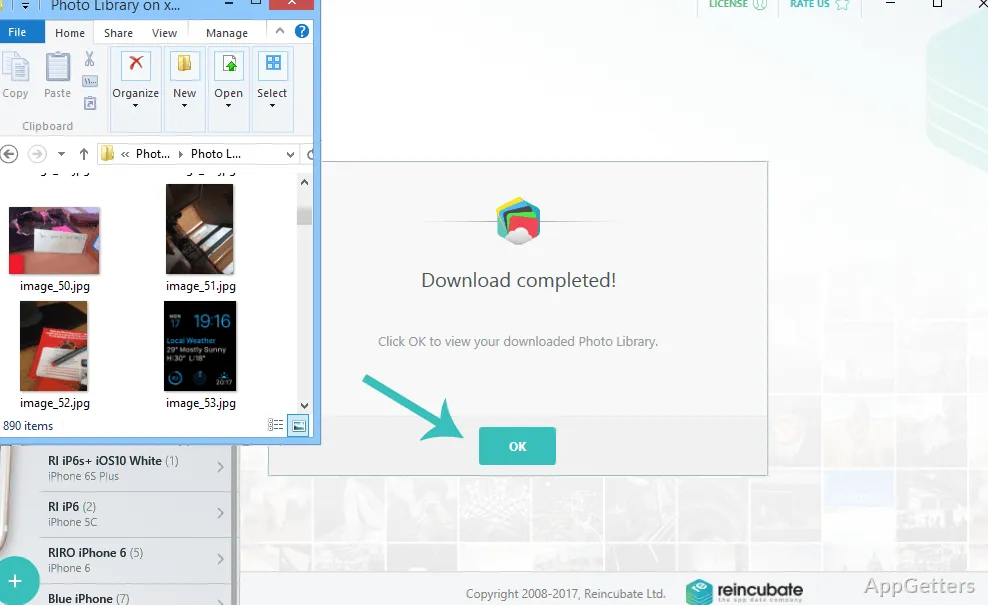
After selecting records, export them in a format suited to the next step: PDF or CSV for viewing and working with records, VCard for contacts, or ICAL for calendar data. The program also supports copying and printing text conversations, and transferring photos from an iPhone to a PC.
Access to iCloud photos and contacts is also supported.
Pros
- Extracts selected records without a full device restore
- Reads encrypted iTunes backups
- Exports data as PDF, CSV, VCard, or ICAL
- Includes WhatsApp and Viber message recovery
System requirements: Windows 7, Windows 8, Windows 8.1, Windows 10, Windows 11
Can iPhone Backup Extractor read an encrypted iTunes backup?
Yes. It supports encrypted iTunes backups; you need the password to access their contents.
Does it recover WhatsApp messages?
Yes. WhatsApp messages are among the supported app data, and conversations can be copied or printed.
Can I extract data from iCloud?
Yes. The program can access iCloud data, including photos and contacts.