When a document needs printing or a paper copy needs scanning, HP Smart brings those tasks together with printer management. The Windows app can find HP devices on a Wi-Fi network, show printer information, and provide tools for everyday documents.
Adding an HP printer over Wi-Fi
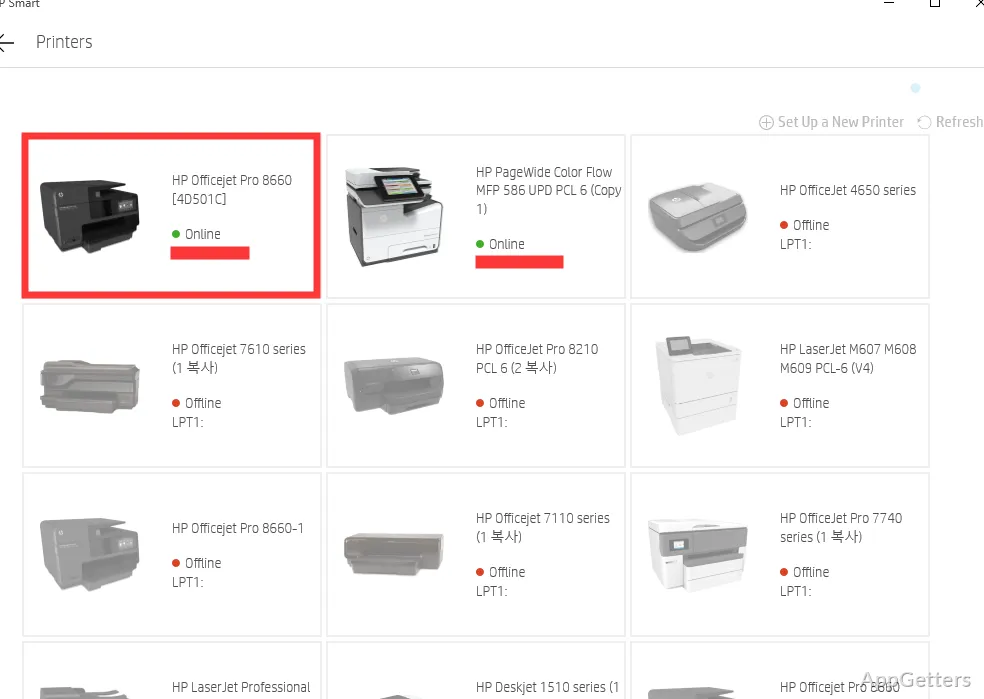
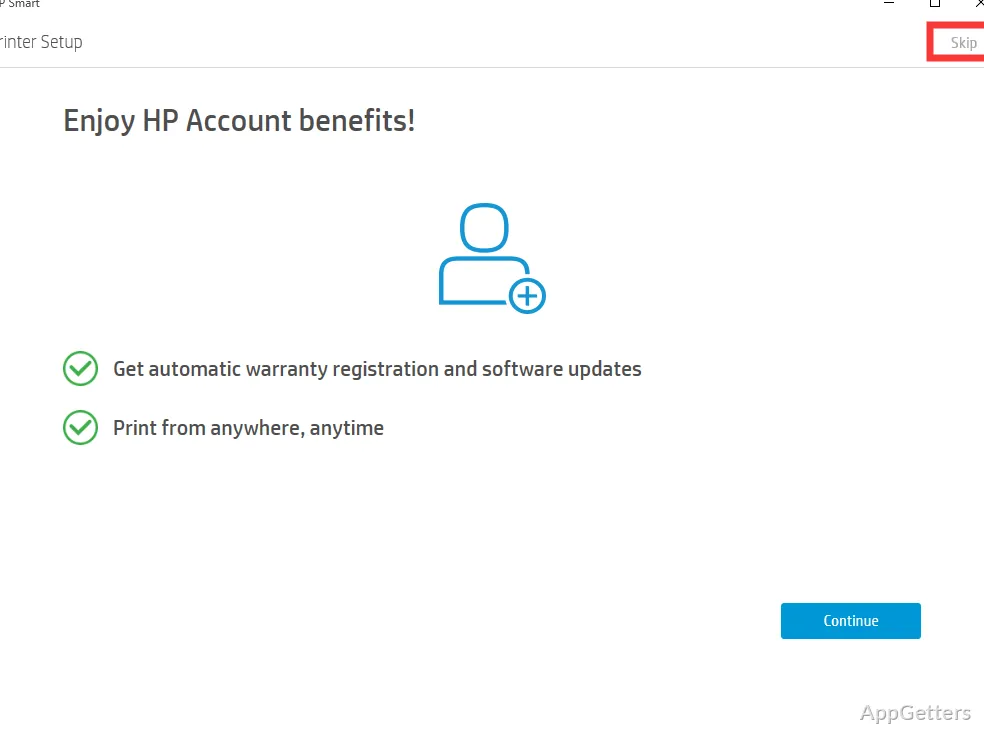
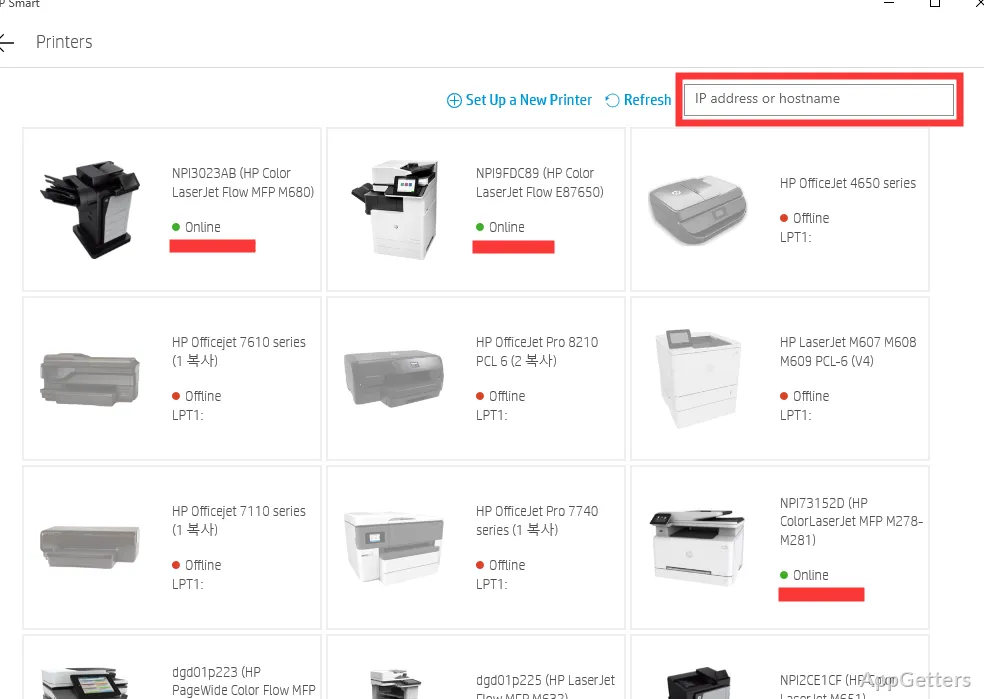
After signing in with an HP account, HP Smart searches the Wi-Fi network for available HP printers and other HP devices. The printer needs to be powered on to appear in the device list. Select a detected printer to add it and set up its printing and scanning options.
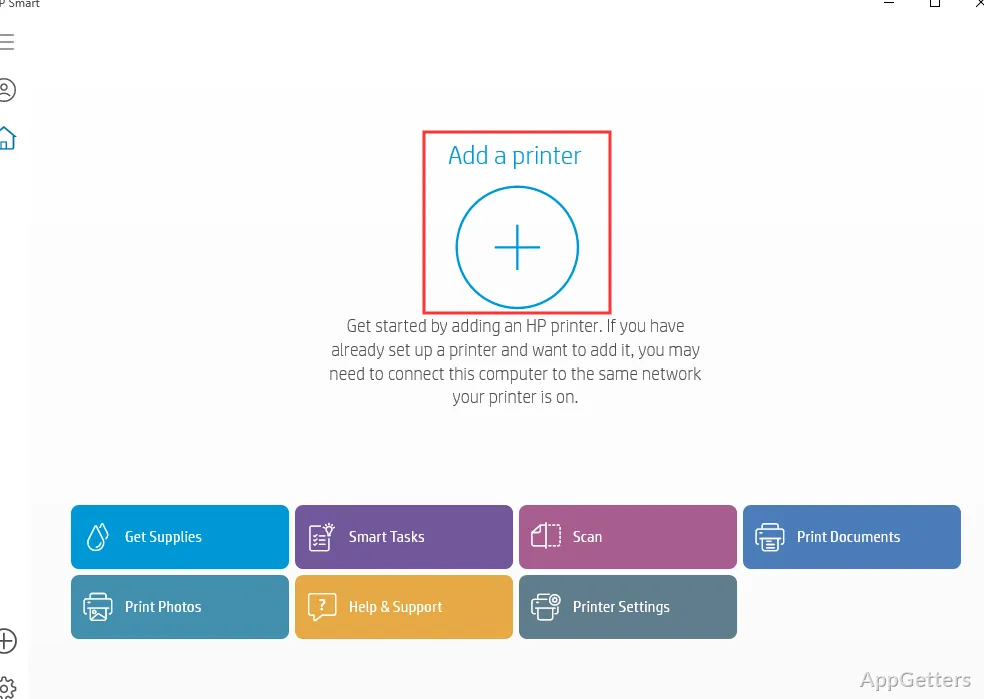
The app's dashboard brings common printer actions into one place. From there, users can send documents or photos to print and open scanning tools when the connected printer has a scanner. Multifunction printers can also make copies.
What can you do with scanned documents?
HP Smart can send a scan from a compatible printer to the PC and save it as a PDF. That gives paper documents a straightforward route into a digital file for storage or sharing. The scan option depends on having a printer with scanning hardware.
- Scan documents from a connected multifunction printer.
- Create a PDF from the scanned document.
- Print everyday documents and photos from the same app.
Printer controls and mobile printing
HP Smart displays printer details such as ink or toner levels, connection status, and alerts. The app also provides access to the printer's network management menu, where device settings can be adjusted.
That menu can link the printer with HP's mobile app for Android or iOS. Once connected, a phone or tablet can send files to the printer. HP Smart also includes options for ordering ink and enrolling in HP Instant Ink.
Pros
- Prints documents and photos from the app
- Scans documents and saves them as PDFs
- Searches the Wi-Fi network for HP devices
- Connects with HP's Android and iOS printing apps
Cons
- Some older HP printer models may not work correctly with the app
System requirements: Windows 10, Windows 11 · HP printer · HP account recommended
Can HP Smart save a scan as a PDF?
Yes. A compatible HP printer with a scanner can scan a document and create a PDF.
How does HP Smart find a printer?
After sign-in, it searches the Wi-Fi network for HP devices. The printer must be turned on to appear.
Can I print from a phone or tablet?
Yes. HP Smart can link the printer with HP's Android or iOS app for sending files from a mobile device.