Disk partitions can be created, resized, moved, copied, or deleted from a bootable desktop outside the installed Windows session. GParted Live starts the GParted partition editor from bootable media, so you can work on disks without launching the editor inside Windows.
Boot GParted Live from prepared media
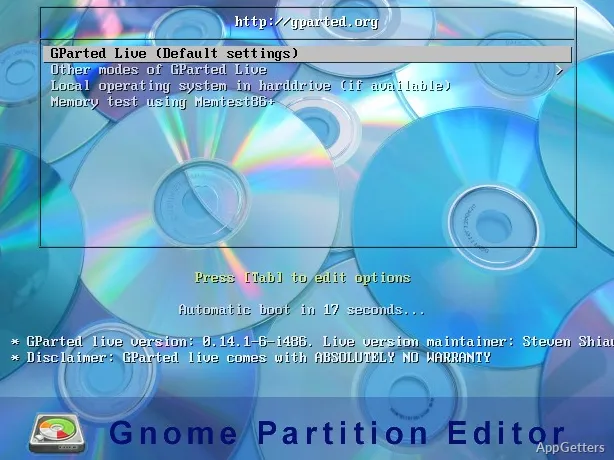
GParted Live is a bootable GNU/Linux environment that runs the GParted graphical partition editor. Prepare it on a USB drive or CD, then start the computer from that device. The live environment can also be set up on a PXE server or hard disk.
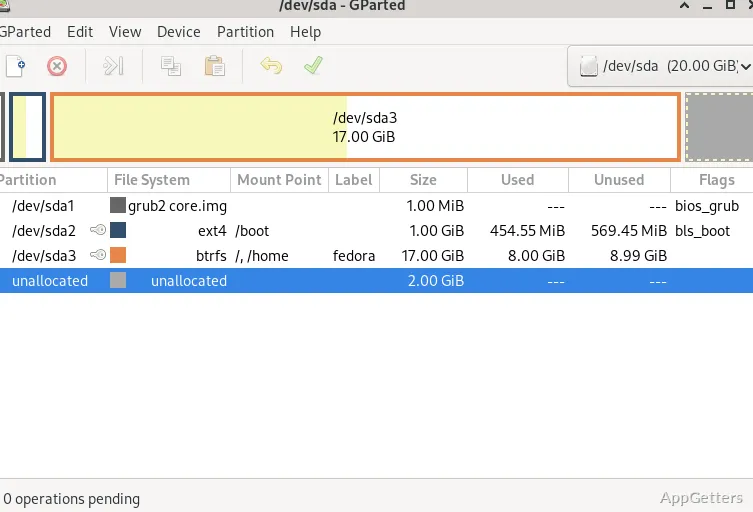
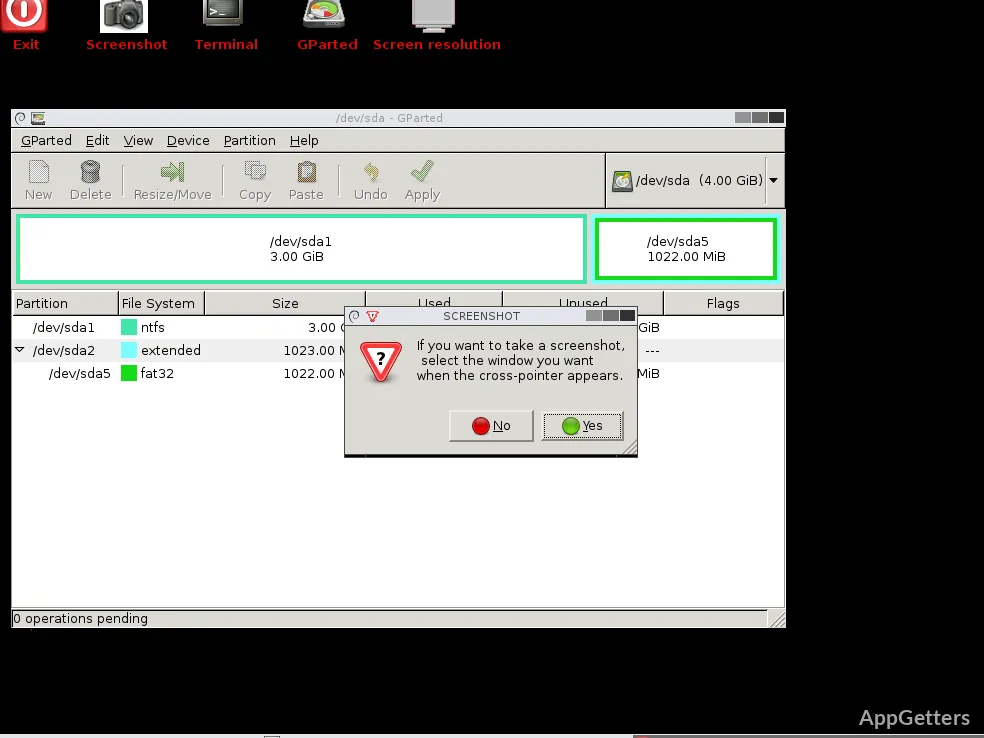
After startup, use the graphical editor to select a disk and view its partitions. This approach gives the editor access to partitions outside the running Windows session, including ones that are currently in use by the installed system.
Queue changes to partitions
Select a partition to resize or move it, copy it, or change its label or UUID. The editor also offers create, delete, and check actions. Changes are staged in the interface and applied as a batch, so you can inspect the planned operations before carrying them out.
- Resize a partition to adjust its allocated space.
- Copy and paste a partition when arranging disk contents.
- Create or delete partitions as part of a disk layout change.
Choose operations for the file system
GParted works with a range of file systems, including NTFS and FAT16/FAT32 used by Windows, exFAT, Linux ext2/ext3/ext4, btrfs, and XFS. Available actions depend on the file system and the specific operation.
Partition changes can result in data loss. The project recommends making a whole-disk or partition image backup before resizing or moving partitions. GParted Live also includes utilities such as Partclone for partition imaging and TestDisk for attempts to recover lost partitions.
Pros
- Create, resize, move, copy, and delete partitions
- Set partition labels and UUIDs, or check partitions
- Supports file systems including NTFS, exFAT, ext4, btrfs, and XFS
- Includes tools such as TestDisk and Partclone
Cons
- Requires booting from prepared media or another bootable setup
System requirements: 64-bit only · Minimum 1 GB RAM
Does GParted Live run inside Windows?
No. It boots into a separate GNU/Linux environment from prepared media, where the GParted partition editor runs.
What partition changes can GParted make?
It can create, delete, resize, move, and copy partitions, and can check partitions or set their labels and UUIDs.
Which file systems does GParted support?
Examples include NTFS, exFAT, FAT16/FAT32, ext2/ext3/ext4, btrfs, and XFS. Available operations vary by file system.