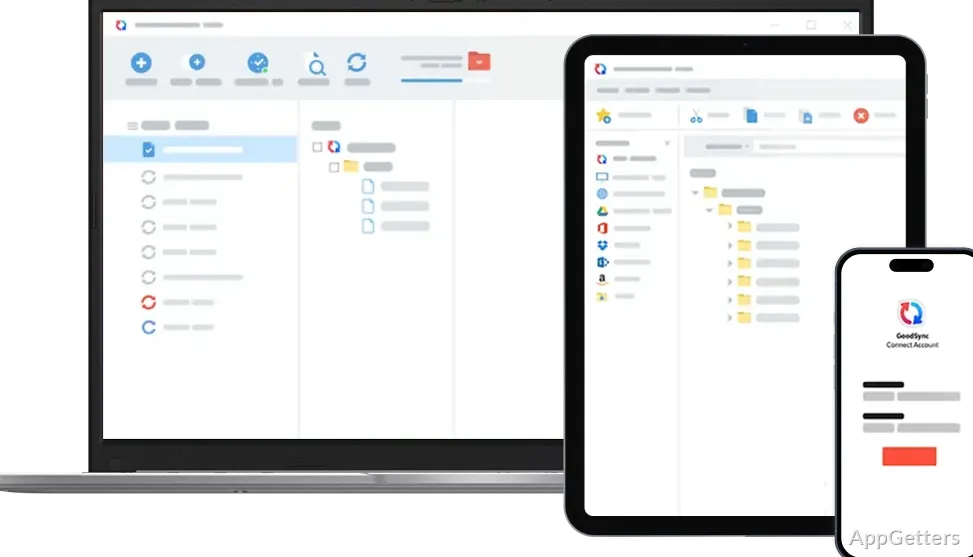
When project files need to stay current on a computer and an external drive, or have a separate backup in cloud storage, GoodSync can manage the copying as a repeatable job. In GoodSync for Windows, each job compares selected locations and can back up changes in one direction or synchronize changes on both sides.
One-way backup and two-way sync jobs
A GoodSync job pairs a source and destination, then applies the chosen direction. One-way jobs copy changes from the source to the destination for backup. Two-way jobs compare both locations and propagate changes between them, including file additions, edits, and deletions.
Jobs can connect folders on local drives, external disks, network shares, and cloud services such as Dropbox, Google Drive, or OneDrive. This lets a project folder, for example, sync with a remote location while a separate job backs up a broader folder to an external drive.
Analyze and Sync Tree
Before applying a job, use Analyze to compare the selected locations. GoodSync displays the planned file actions in its Sync Tree, where you can see which files will be copied, updated, or deleted. Run Sync to carry out those actions after reviewing the comparison.
The job options include filters for controlling which files are included or excluded. GoodSync also tracks synchronization state so it can account for changes made on either side, including deletions.
Job automation
A job can run manually or be set to run automatically. GoodSync offers real-time, periodic, and scheduled automation, so recurring backups or syncs do not have to be started one at a time.
- Use a scheduled job for backups that should run at set times.
- Choose real-time automation when changes should trigger a job.
Pros
- Jobs support one-way backup and two-way synchronization
- Analyze previews detected changes before a job runs
- Automation includes real-time, periodic, and scheduled options
- Supports local, network, external-drive, and cloud locations
System requirements: Windows 10, Windows 11
What is the difference between a GoodSync backup and a sync job?
A backup job copies changes one way from its source to its destination. A two-way sync job propagates changes between both locations.
Can GoodSync sync files with cloud storage?
Yes. It supports cloud services including Dropbox, Google Drive, and OneDrive, alongside local, external, and network locations.
Can I see what a job will change before it runs?
Yes. Analyze compares the locations and shows proposed file actions in the Sync Tree before you run Sync.