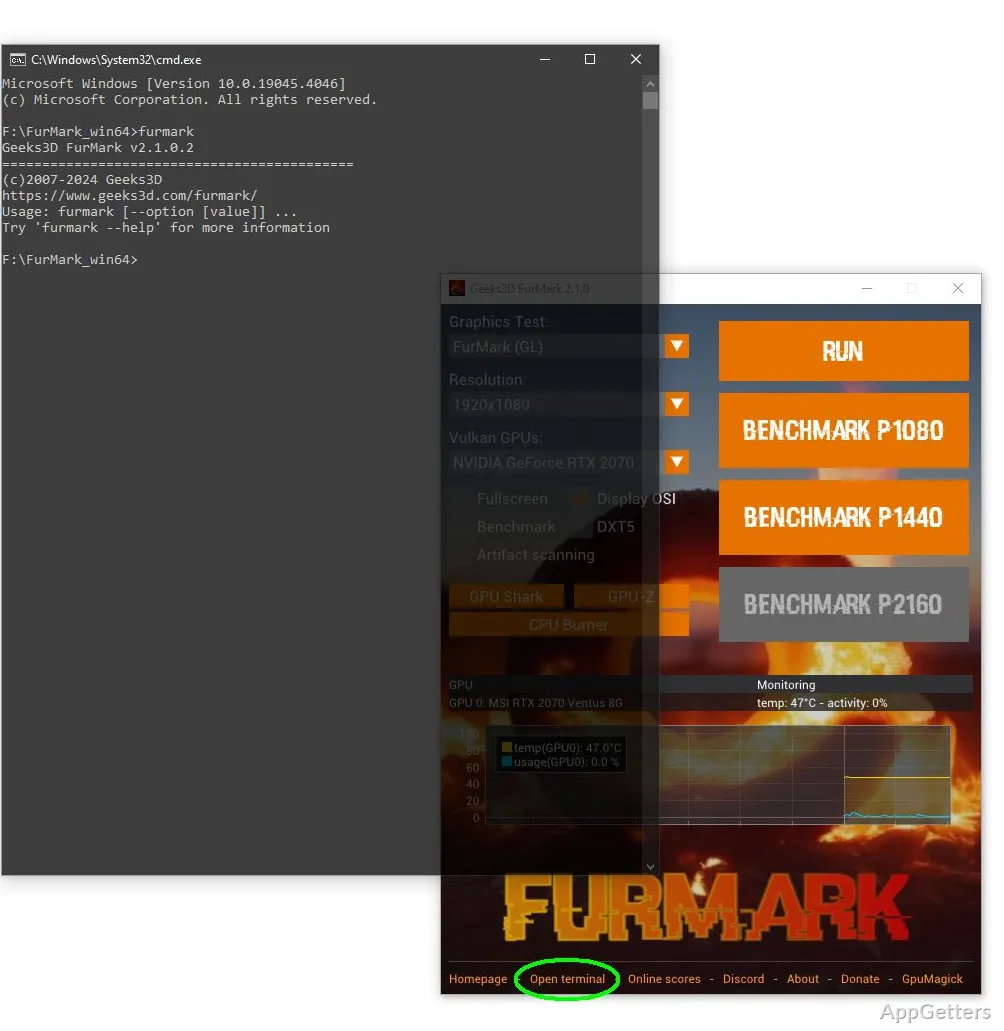
Is your graphics card overheating, or crashing under load? FurMark renders a demanding 3D scene to load the GPU, while on-screen readings show temperature and frame rate during the test.
GPU stress-test controls
FurMark’s demanding 3D workload keeps the graphics processor under sustained load. Choose a window size or fullscreen mode, adjust MSAA, and set a time limit for a run. Temperature and frame-rate readings appear during testing, giving you a view of how the GPU behaves as the scene continues to render.
The fixed, repeatable workload is suited to checking cooling and system stability after a hardware or driver change. Some graphics cards recognize this type of stress test and adjust their behavior to limit heat or power use, so results may differ from a game workload.
Benchmarks and GPU monitoring
FurMark includes OpenGL and Vulkan graphics benchmark modes. Benchmark presets target common display resolutions, and a completed run can show a score for comparison. GPU monitoring can be disabled or enabled, and sensor data can be written to a CSV file for later review.
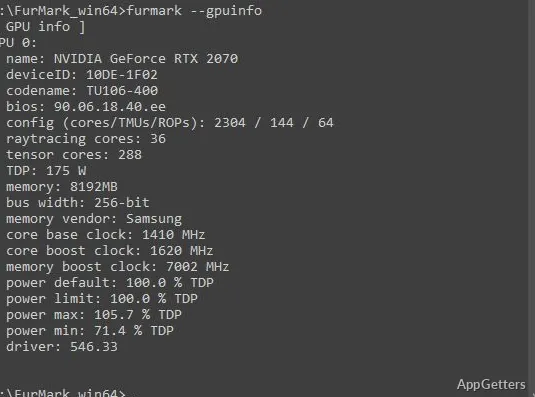
The artifact scanner checks the rendered image for visual errors. FurMark also provides GPU and graphics-API information, including OpenGL and Vulkan reports, which can help identify which device or API is active.
Command-line runs
The command line can launch a named demo, set its width and height, choose fullscreen mode, and apply an MSAA setting. Use a maximum time or frame count to end a stress test automatically; benchmark runs can use a preset or custom settings. Monitoring and data logging have separate command-line options, which suits repeatable tests or scripted runs.
Pros
- OpenGL and Vulkan benchmark modes with online scores
- Test controls include resolution, MSAA, and run duration
- GPU monitoring data can be logged to CSV
- Built-in artifact scanner checks rendered output
Cons
- Sustained stress can trigger thermal throttling or protective GPU behavior
System requirements: 32-bit and 64-bit
What does FurMark test?
It places a sustained 3D rendering load on the GPU to test stability and observe temperature and performance behavior.
Can FurMark run a Vulkan benchmark?
Yes. FurMark provides both OpenGL and Vulkan graphics benchmark modes.
Can GPU readings be saved for later?
Yes. GPU monitoring data can be logged to a CSV file.