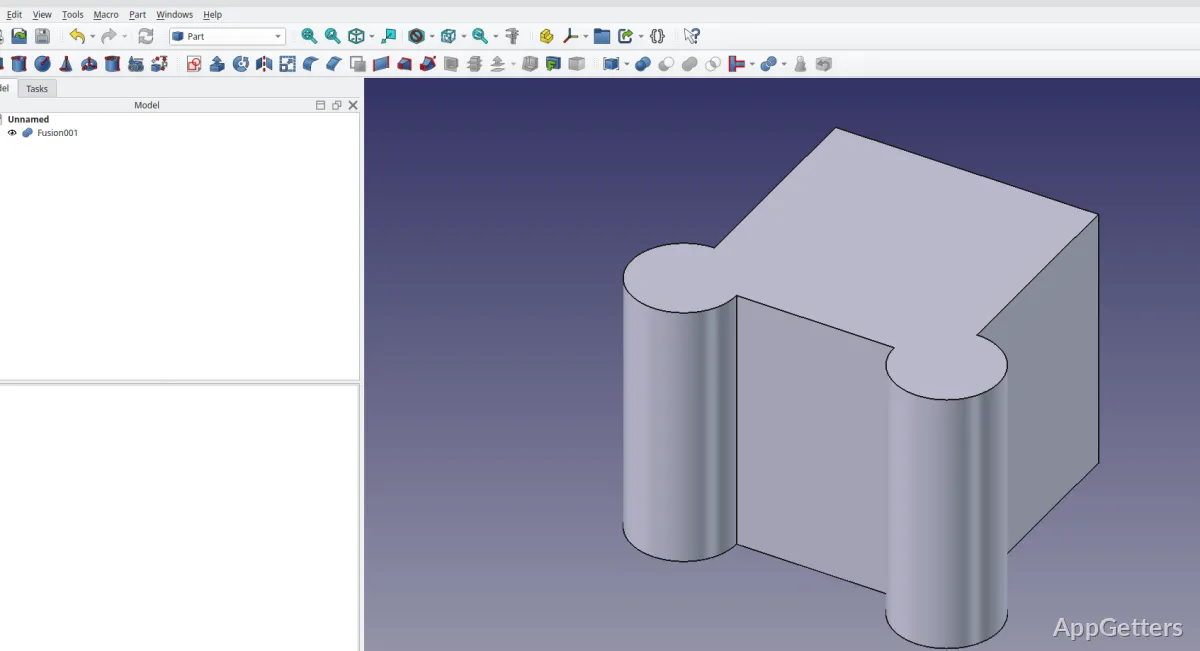
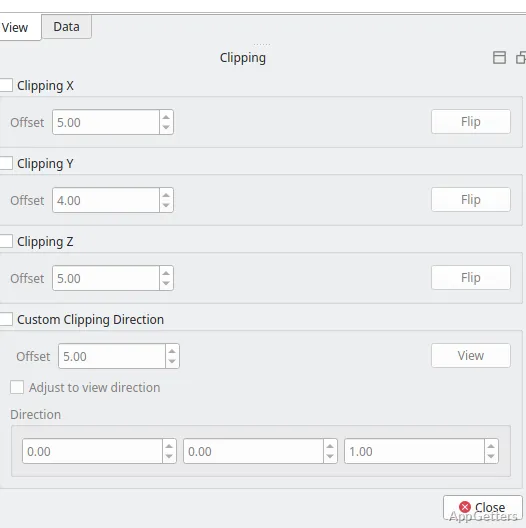
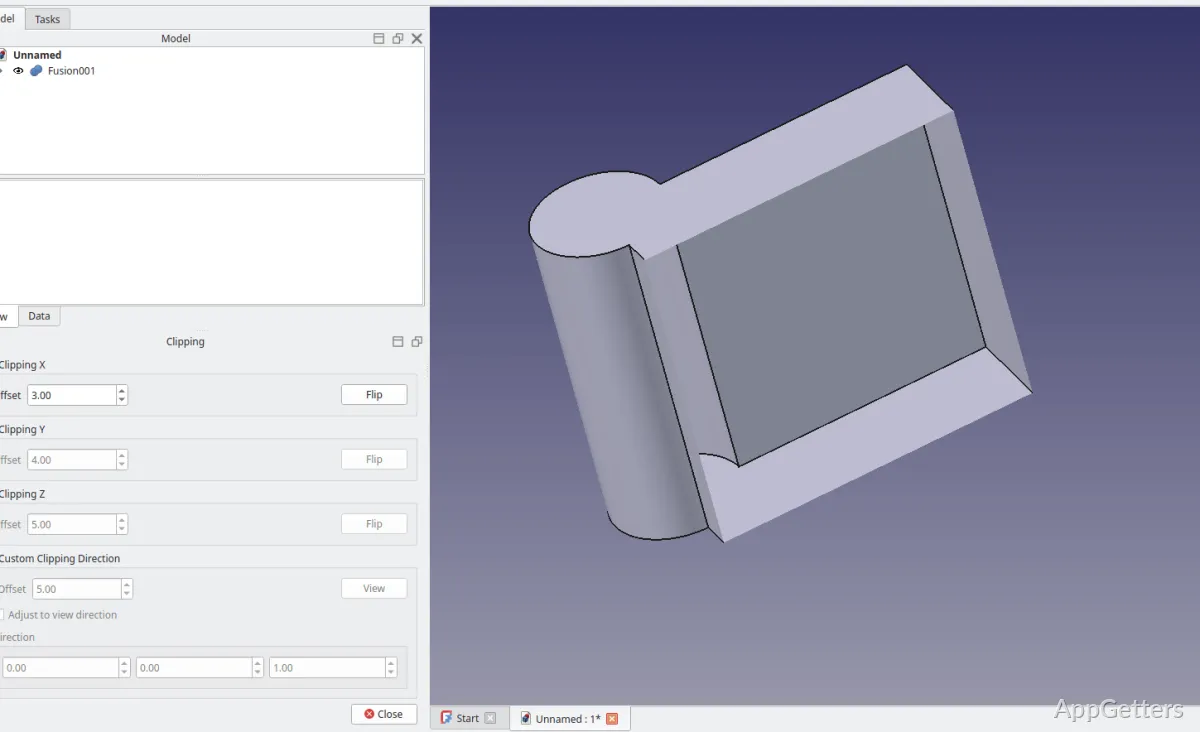
Many times, folks who are using CAD software with Windows aren’t necessarily looking for the most complicated engineering software. What they really want is a handy tool that lets them create technical drawings, simple three-dimensional models, or mechanical parts without having to pay for pricey commercial licenses. This is the point whenever FreeCAD is mentioned. It is a free and open-source parameter modeling tool that mainly targets students, hobbyists, makers, and technically-minded users who are looking for a better quality of control than simplified design tools generally offer.
Actually, FreeCAD gives the feel of being more of an engineering tool than a drawing app for beginners. The software expects users to know sketches, constraints, dimensions, and staged modeling processes. This may make the very first attempt a bit slow. But it is also what gives the software that multiple-use aspect that most lightweight CAD programs don’t have.
Parametric-Centered Design as a Workspace
FreeCAD’s workflow with parameters is a feature that defines it above other software. To the software, objects are not simple, fixed shapes. Instead, they become a series of model-building editable operations and constraints. This eventually proves vital to a user creating mechanical parts or designing adjustable elements. Changing the dimensions does not require building the whole thing again.
The sketch interface is sufficiently technical for serious work. However, those who are new to it may feel that it lacks flexibility as compared with more visual modeling software. The constraints, references, and dependencies may take a user by surprise, especially when it comes to bigger projects. However, once a workflow is known, the software manages changes just like a human would expect. This fact is a big help to students who are using the software to work on their prototypes and also learning the fundamentals of CAD.
The user interface of the program is more utilitarian than aesthetically pleasing. Tools get spread between workbenches rather randomly, and making the switch between them the first few times can be a bit disorienting until the layout is quite familiar.
Great for the Study of Technical CAD and Creating Hobby-oriented Designs
For engineering students, 3D printing fanatics, and hobby users, FreeCAD is a good choice since it can handle a very wide scope of operations. One does not have to get a subscription for a paid software version. Typically, in a Windows environment, the software works smoothly even on modest hardware. Large assemblies are usually the exception, depending on the complexity of the project.
If one is interested in 3D printing, the program is suitable for making dimension-based models, brackets, enclosures, and custom components. Besides being straightforward, the exporting options are good enough not to hamper the user’s work. As far as printing from a functional point of view is concerned, the accuracy of the program strikes the right balance of being both correct and practical. As if that were not enough, the software also offers the ability to create technical drawings. This is of great benefit to those preparing manufacturing documentation as well as working on educational assignments.
Nevertheless, FreeCAD is far from perfect in everyday use. There are times when the software gives very distinct impressions of being less polished than commercial CAD platforms. Some tools behave inconsistently depending on the currently active workbench. On the whole, users coming from highly polished industry software may sense these areas in the software in terms of navigation roughness and even certain delays in the rendering of the viewport. Moreover, the documentation level is something that varies widely since so much of the ecosystem depends on community contributions.
Extending FreeCAD Through Community-Driven Development
The most important element of FreeCAD, propelling its user base growth, is its free software nature. The program is coming out with new releases as the developers keep adding features. Meanwhile, the community keeps on pitching in with different extensions. It also creates tutorials and makes the solutions more user-friendly. For users who get intrigued by technology, it offers an environment that can be bent into different forms quite freely. The CAD standard is only one of them.
Users who love automation or are after unusual workflows get attracted by the fact that the software can be scripted and customized. Meanwhile, in a very similar vein, this openness is almost certainly what causes many users to feel the platform is quite broken. Some tools look very much developed to a point of excellence, while others still seem to be at the stage of being experimental or just a bit incomplete.
Community support is a major practical advantage, too. Since many users turn to FreeCAD for learning, there exists a plethora of forum discussions and walkthroughs aimed at solving common problems. A newbie who is willing to invest time to learn the software usually discovers so many resources. The path to steady progress is no longer a daunting one, even though the learning curve turns out to be a lot steeper initially than anticipated.
What FreeCAD is Suitable for on Windows
FreeCAD will be the right choice for those who, above anything else, value the experience of being in control and the feeling of getting the job done with exact technicality. They also value the foresight of having the flexibility to change things as the project progresses. Rather than the simplicity of interface, students who are learning CAD, hobby engineers who are printing parts, and home users who are working on personal fabrication projects are ideal FreeCAD users.
It simply cannot be expected to substitute high-end commercial engineering software suites in production situations. In those environments, besides raw power, stability, and joint effort tools, advanced simulation workflows are really critical. But as far as independent users on Windows are concerned, who need a parametric modeling platform without a license cost, FreeCAD is one of the most reasonable ones available.
A lot depends on how patient a user is. In general, those who consider the software’s approach will most definitely be able to discover a feature-rich, practical design environment. It doesn’t simply facilitate rudimentary visual modeling but even enables them to undertake actual technical work.