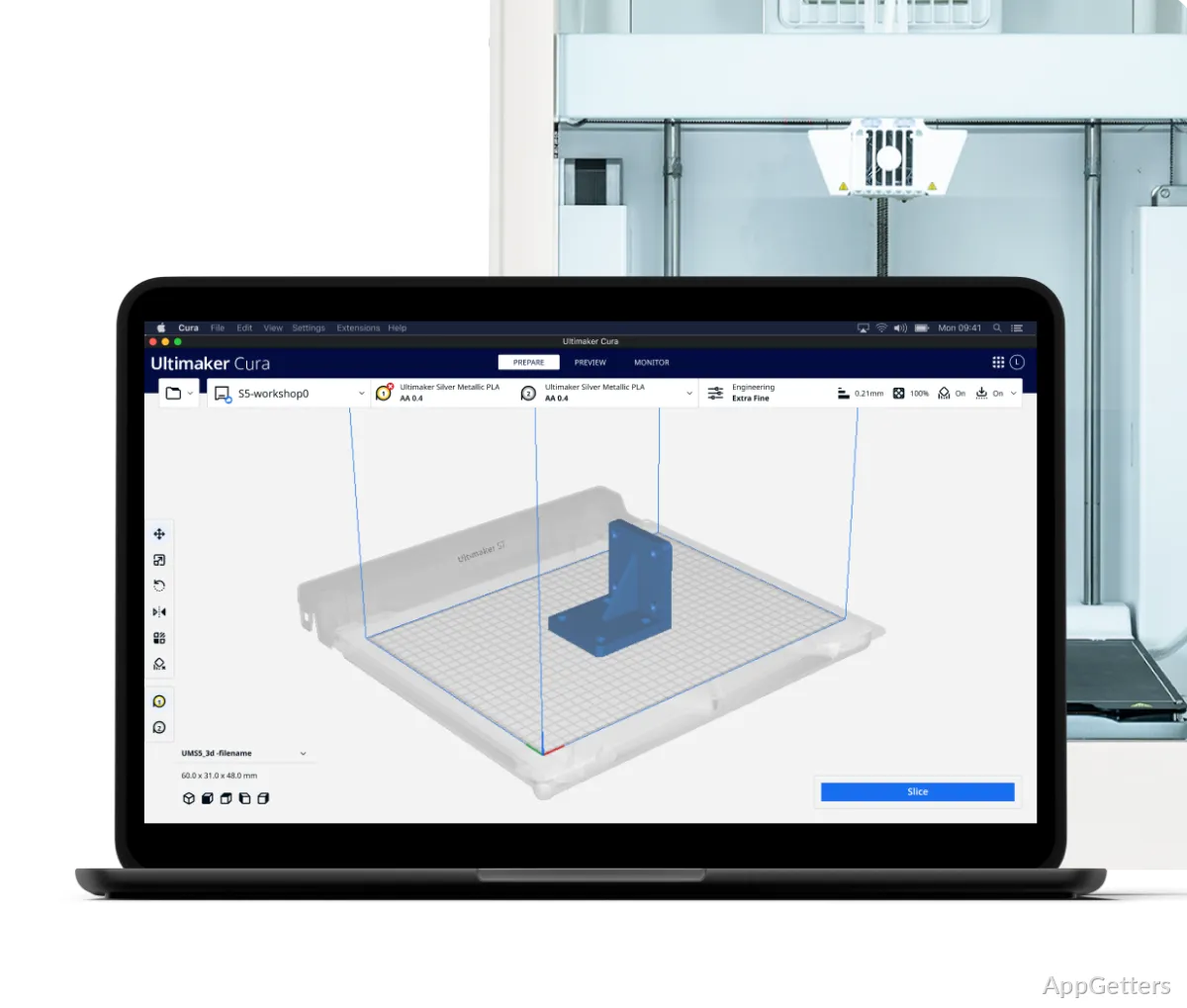
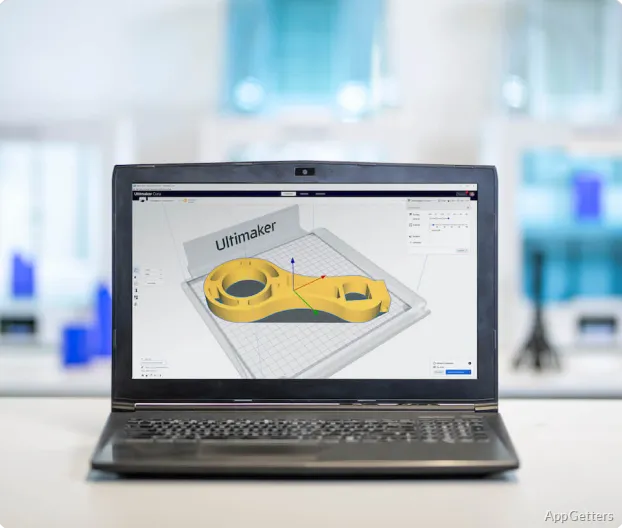
When it comes to 3D printing, the real challenge is often not the printing itself but the preparation of the model. Many learn the hard way that the slicing software is the real hurdle, especially when a print goes wrong because of incorrect settings rather than hardware issues. Ultimaker Cura is a top choice slicer for Windows by a large number of users. This is because it makes much of the process less challenging, yet does not completely hide the technical side of printing. Its main purpose is to help beginners get results fast. At the same time, it leaves the door open to advanced users to have greater control over their projects. To put it simply, Cura dedicates less time to fancy presentation. It spends more time making printing a steadier and more manageable task.
A New Workflow Based on Usability
The fact that Ultimaker Cura still keeps running among amateurs and students can be credited in part to the fact that it has many features. Even so, the user interface of this slicer is still quite easy compared to many other alternatives. As a matter of fact, the main things users are going to do include importing models, putting them on the build plate, and getting files ready for printing. These follow a simple workflow. This entails hardly any prerequisite knowledge. Profiles for the most commonly used printers also come pre-installed. This helps minimize the initial trial and error.
Due to this, it turns out that for the users who mainly use downloaded models and don’t want to waste hours adjusting the technical side of print, this makes a real difference. On the other hand, Cura is not that rigid and does not keep users tethered to basic controls only. When the need arises, the availability of the advanced settings assures that users can make their choices more effectively. This happens as the knowledge of print speed, wall thickness, supports, or material traits improves.
Dependability in Regular 3D Printing
In terms of usual home and educational printing needs, especially with PLA printing being the norm, Ultimaker Cura works efficiently on low to medium-tier machines. Usually, the slicing process does not take very long on Windows. The program doesn’t crash or become unstable even when you load in complex or detailed models. Also, before running any print, the user can check where support structures are needed. They can also review layer paths and other weak points by making use of the preview feature.
Sometimes the software is capable of teaching the user more efficiently through trial and error regarding print quality, rather than by merely explaining the profile function. This is because it may be a bit complicated for many users. Although the default configurations are provisionally suitable, there are certain print types that require manual tweaking. By showing so many options to the user, Cura causes first-timers to be mildly puzzled. The interface, in most cases, does not provide any explanation of the difference between similar options.
Stretching the Use of Cura Beyond Just Hobbyists
Despite the fact that many users associate Ultimaker Cura with the low-key printing done on desktop machines, the reality is that it can also be the right software tool even for the most conventional setups. These include classrooms, maker spaces, and small prototyping workflows. Instead of just focusing on one single ecosystem of devices, the software supports a broad range of printer brands. This makes it very viable for mixed-device environments. Besides that, users hardly run into problems with the standard model formats thanks to broad file compatibility.
In the case of schools or any other shared environments, it is certainly beneficial if multiple people can use one and the same printer setup at once. Incidentally, the availability of the plugins greatly increases the total functionality. Nevertheless, as the proverb says, an abundance of plugins might cause the system to crash. It might also make the interface so complicated that new users who were already quite overwhelmed by the domain-specific terms might find it difficult.
Cura’s Place on Windows Machines
If you want to get the best out of your 3D printer without having to be a technical guru, then Cura is the right slicer for you. Beginners may get great results faster than they expect. More advanced users also have the opportunity to try new things in slicing behavior. This happens as they learn more and more about it. It is only required to have a Windows system that runs comfortably on the latest hardware to get the software working. That’s why it’s a no-brainer for students and home users. They can just as well be hobbyists using standard desktop PCs or laptops.
If your ideal slicing experience is one with the most minimalist interface possible, or your prints are prepared wholly automatically, then Cura is not your best bet. For reliable and excellent printing results, the user will still have to go through some study of printing fundamentals. Its position among the most reliable and versatile slicer options today remains firm for those who are into 3D printing workflows and are not heavy on automation.