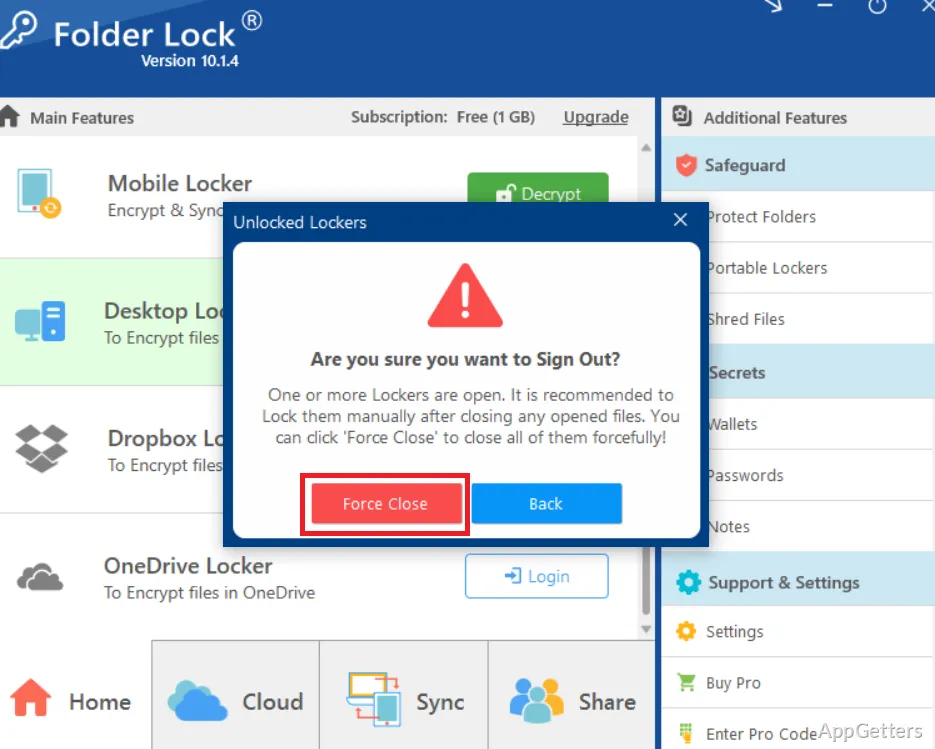
Need to keep private files out of view or protect them with encryption? Folder Lock combines folder locking and hiding with file encryption, plus tools for USB drive protection, secure deletion, syncing, and online backup.
How does Folder Lock protect files and folders?
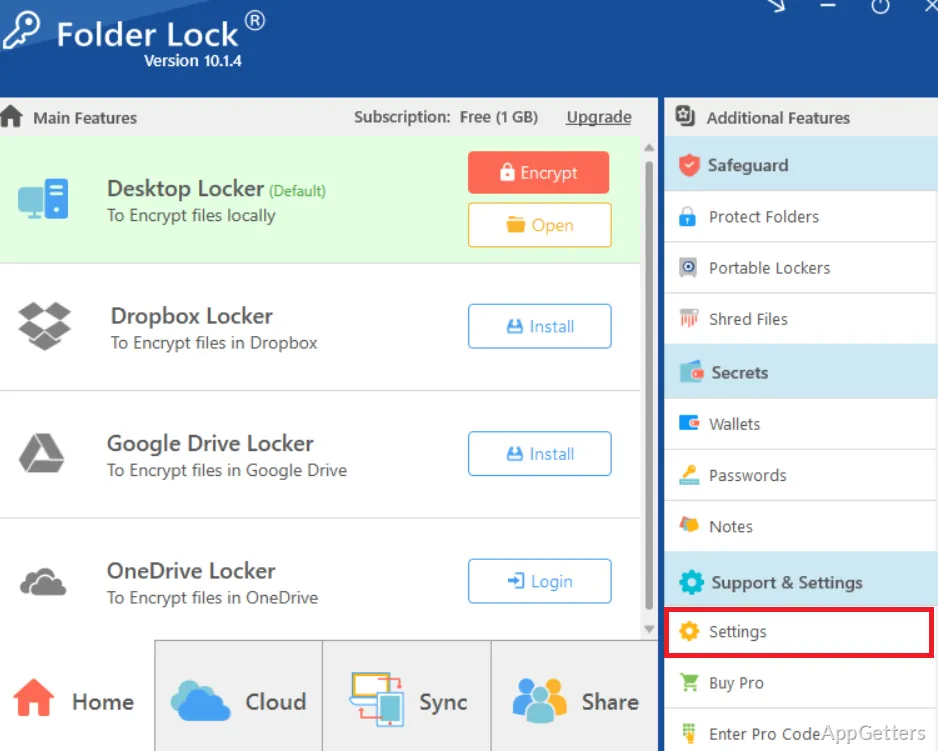
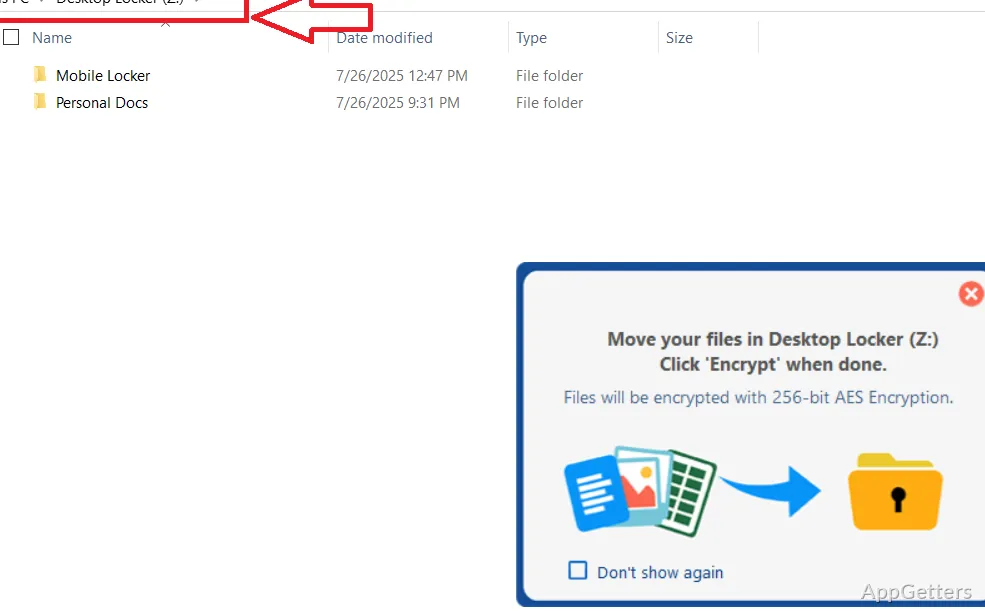
Folder Lock lets you lock or hide files and folders, and it can encrypt files with AES 256-bit encryption. These options cover different tasks: locking or hiding controls access or visibility, while encryption protects the data itself. The software also supports password protection for folders and USB drives.
The tools are intended for personal or confidential material, such as documents and other files you want to keep private. Folder Lock also includes a way to permanently delete sensitive files. The source does not specify the deletion method, so the exact data-removal process should not be assumed.
Can it protect a USB drive or keep data backed up?
Yes. Folder Lock includes USB drive protection, real-time sync, and online backup. These features extend its file-protection options beyond locking items on the computer. The product information does not explain how sync is configured, which storage services online backup uses, or what happens when a drive is disconnected.
- Password-protect folders and USB drives
- Sync data in real time
- Back up data online
What should you know about its encryption and deletion tools?
AES 256-bit encryption is the named encryption method. Folder Lock also offers permanent deletion for sensitive files, alongside its locking and hiding tools. These functions address separate needs: protecting stored data, limiting access, and removing files. Keep track of any passwords used to secure content, since access to password-protected items depends on having the right credentials.
Pros
- Locks or hides files and folders
- Encrypts files with AES 256-bit encryption
- Includes USB drive protection and secure deletion
- Offers real-time sync and online backup
Cons
- Runs only on 64-bit Windows 10 and 11
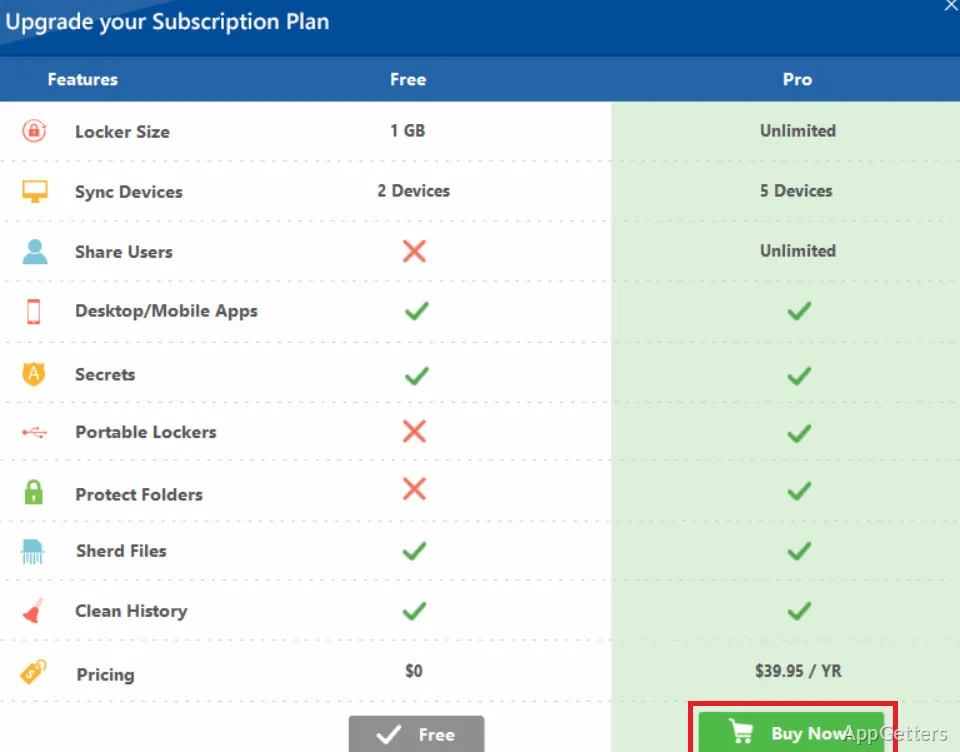
- The listed license is a trial
System requirements: Windows 10, Windows 11 · 64-bit only
Does Folder Lock encrypt files?
Yes. It encrypts files using AES 256-bit encryption.
Can Folder Lock protect USB drives?
Yes. It supports password protection for USB drives.
Does Folder Lock include backup or file deletion tools?
Yes. It offers online backup and real-time sync, as well as permanent deletion for sensitive files.