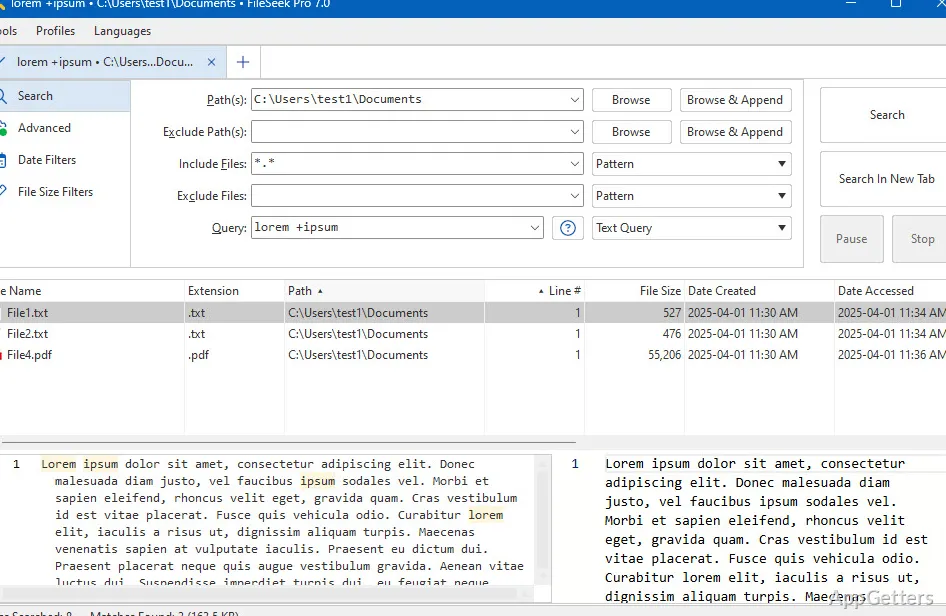
FileSeek searches for files by name or content, with support for simple queries, its own query language, and regular expressions. Search profiles save criteria for reuse, while tabs let you start another search without waiting for the current one to finish.
Queries and saved profiles
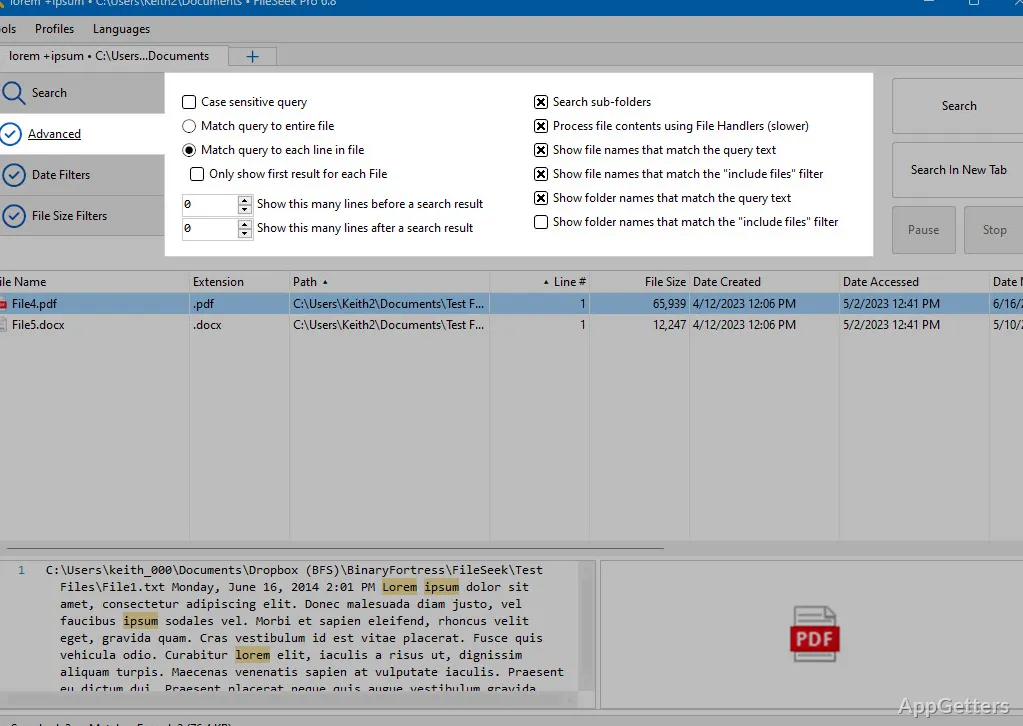
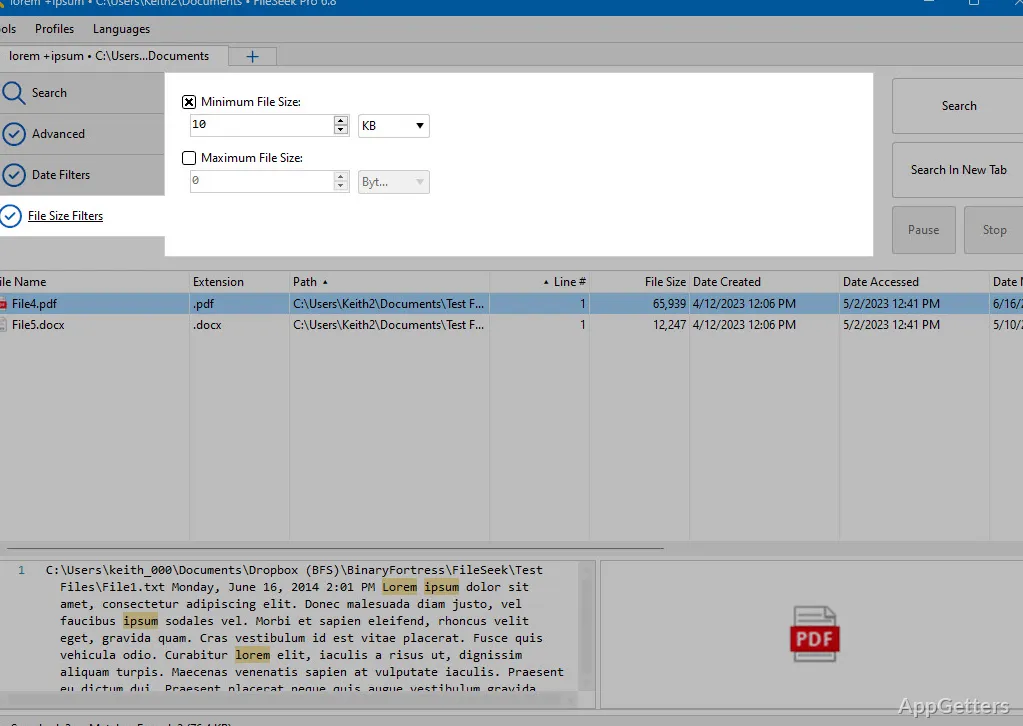
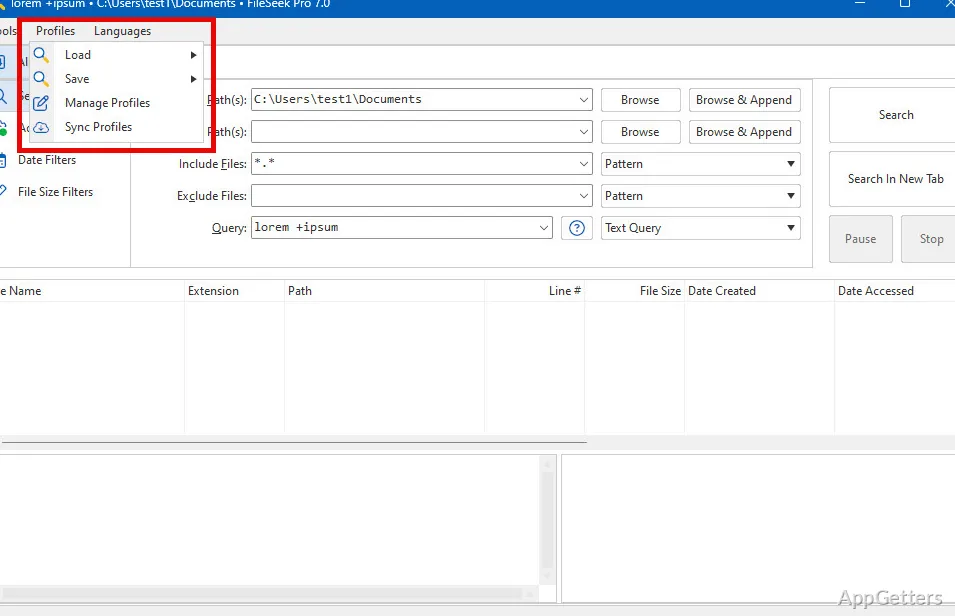
Choose a simple query for a straightforward lookup, or use FileSeek's query language and regular expressions to narrow a search for particular information in files or folders. The search profiles feature stores criteria so they can be loaded again, adjusted, or saved for recurring tasks.
Profiles are also the settings FileSeek can sync between computers. Synchronization keeps those saved searches current across the computers where the profiles are used.
Can another search run at the same time?
Yes. Each search can run in its own tab, so a new one can be started while an earlier search is still underway. This keeps multiple search tasks inside one FileSeek window.
Search result actions
FileSeek lets you save results in different formats for later reference. Results can also be copied, deleted, or dragged into another application.
Double-click behavior is configurable: select one of the available actions to determine what FileSeek does when a result is opened this way.
Searches without background indexing
FileSeek uses multithreading during searches and does not run a background search index when it is closed. Searching and profile management are handled in the app, with results available for follow-up actions or saving.
Pros
- Searches file and folder contents with queries or regular expressions
- Saves, reloads, and edits search profiles
- Runs concurrent searches in separate tabs
- Offers configurable actions for search results
System requirements: Windows 10, Windows 11 · ARM64 and x64 · Windows 10 version 1607 or later · x86 compatible · Microsoft .NET 10 desktop runtime required · Microsoft WebView2 runtime required
Can FileSeek search inside files?
Yes. It searches file contents as well as names, and supports queries and regular expressions for more specific matches.
Can I save a search to run again later?
Yes. Save its criteria as a search profile, then load or modify the profile when needed.
What can I do with search results?
Save them in different formats, copy or delete them, drag them into other applications, or set an action for double-clicking.