EXE
Home » Disc Files » Explorer Plus Plus for Windows
Explorer Plus Plus for Windows

Explorer Plus Plus for Windows

  • By David Erceg
  • OpenSource
  • Version: 1.4.0
  • 2.28 MB
  • Security Report:

Besides the typical tasks, managing files on Windows can turn out quite frustrating. For simple navigation, the default File Explorer is enough, and yet, you may find it slow and limited if you are dealing with multiple folders, organizing large file sets, and switching between different locations you frequently. Hence, Explorer Plus Plus comes as a tool that provides users with a flexible interface capable of adjusting well to the real file management process instead of trying to change it completely.

It is quite a familiar layout on the surface, which creates a feeling of comfort, and hence, users can quickly start using it. However, their gradual familiarity with the new features will reveal how these minor tweaks can turn their handling of files into a quicker and more productive experience.

Simple Familiar Look Yet with Necessary Additions

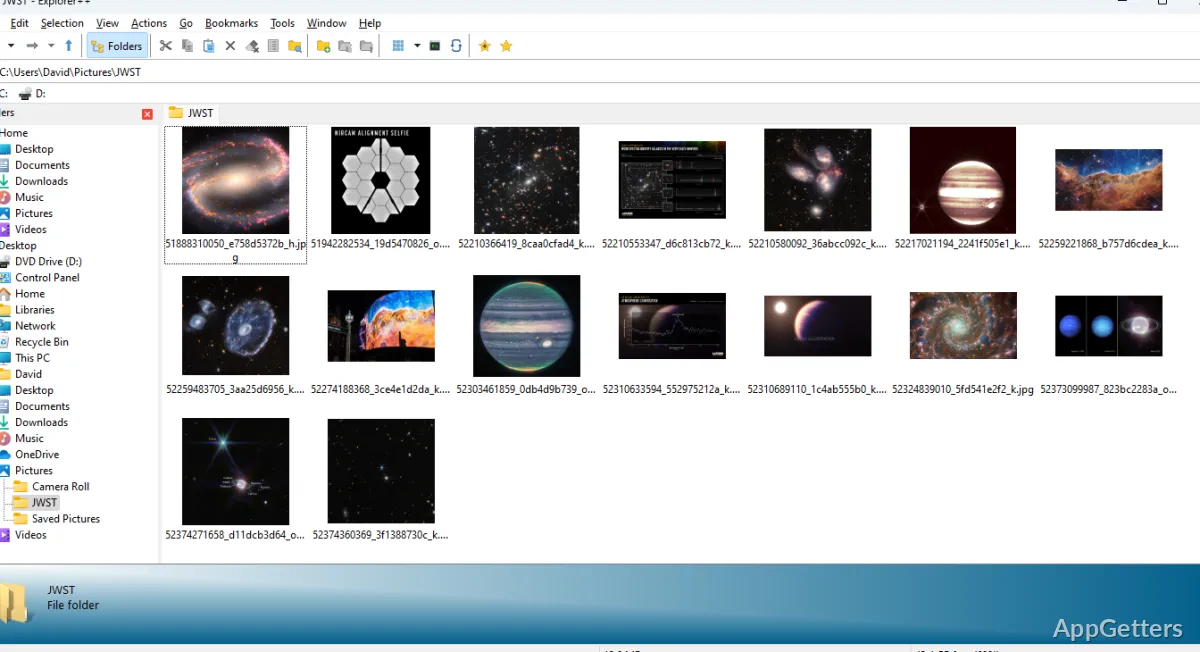
Sparking off the list of features, one of the things that grabs your attention is that Explorer Plus Plus is almost identical to the Windows file manager. This cannot be just a coincidence. The developers have deliberately kept it very straightforward, with the folder tree in one panel and the file listing in the other. Hence, even new users will have absolutely no problem operating this program.

Arguably, the most beneficial feature is tabbed browsing. Say goodbye to multiple open windows. Now you can have several directories opened side by side in one single interface. They become so easy to switch back and forth, especially during reconciliation, batch grouping, or any other operation. It efficiently reduces clutter on the desktop and allows for better navigation in general.

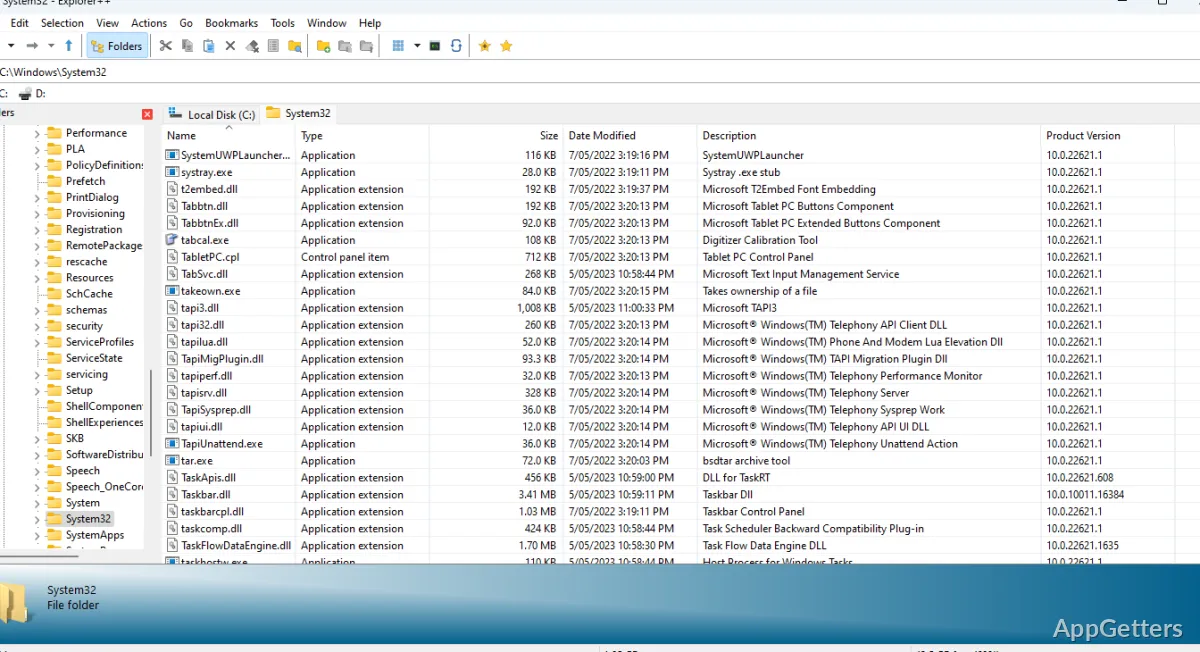
Not to mention the little user comfort enhancements that are present in the form of adjustable columns and the ability to sort in several ways. These could not be immediately evident, but will definitely contribute to workflow improvement.

Lightweight Everyday File Management Tool

Going through the highlights of software like Explorer Plus Plus, one cannot help but point out its light SLA that comes straight from the silicon factory. The launch phase takes a blink of an eye. Even after expanding the folder to its full might, it still responds immediately. On low-spec performance machines, such as old laptops and shared computers (besides simplicity), it does not require you to spend money on an upgrade.

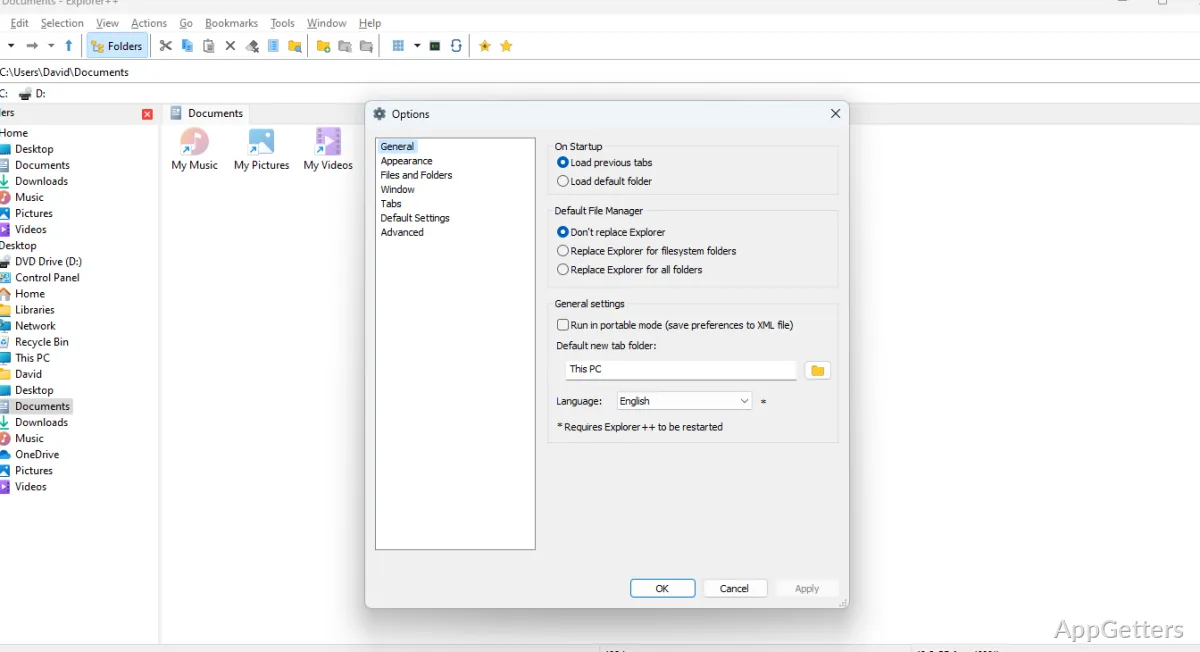
When you no longer have to worry about installing software simply because the compliance/IT team is prohibiting that, or when you want to make the changes to the new system where no software is installed, then a portable solution is your safe option. Plug a USB in, launch it, and you are ready to go. Students, technicians, and nomadic workers should especially target this portability as their major benefit.

When sitting for a long period of time running this program, one is unlikely to experience memory leaks, degradations, and other consequences of putting a heavier program to work opening up massive directories. All that is equally true with the file manager, which will not run any unwanted activities and/or background tasks.

Navigating and File Organizing Becomes More Fun

The real advantage of Explorer Plus Plus is that it is part of the user’s natural environment and interacts with the computer seamlessly. Facilities include moving files from one folder to another, batch renaming, and quickly browsing through the file list. All at once, this feels very unforced and efficient.

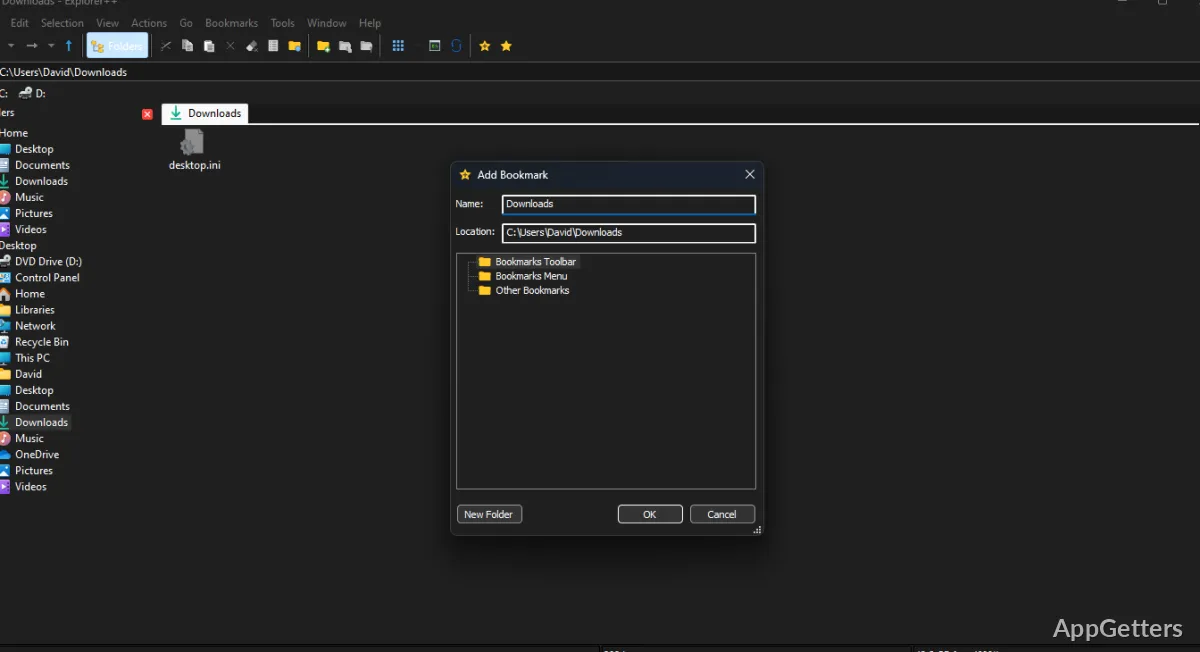
Bookmarks enable access to the most regularly used locations that, when combined with tabs, create an environment where users are mostly at their most used folder(s). Keep in mind, however, that it is not meant to be an advanced file management suite, and its components, which include deep automation, scripting, or advanced search filters, fall short of more complex tools. For most home users, this would not really be a downside, while power users would be on the lookout for their boundary.

Disadvantages May Hurt Some Users

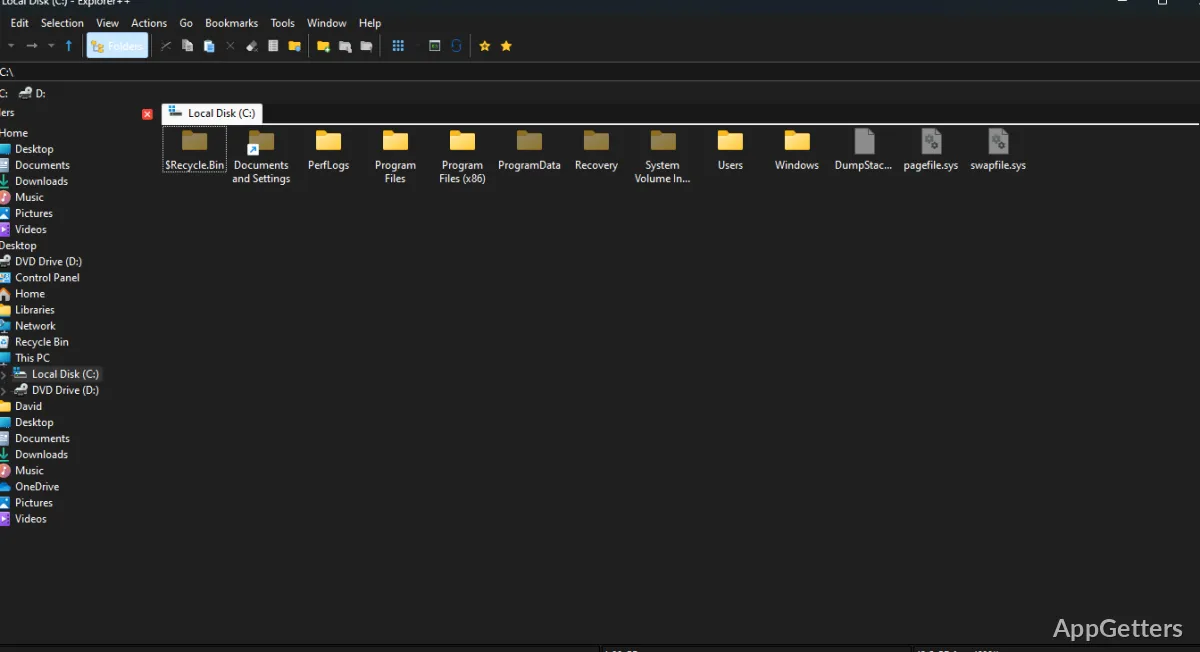
Even though Explorer Plus Plus enhances user-friendliness and the application’s interface, it doesn’t really add much in terms of new features. Consumers who were hoping for a fully-fledged modernization of the UI or numerous levels of customization really might be disappointed. It is a good design, but it lacks the aesthetic touch, and the look of the new UI is a bit conventional.

Besides, integration with new Windows system features is quite scarce. As an example, some context menu entries or other system-level interfacing could be slightly out of step. This is with what brand-new Windows makes their users clear about. These definitely won’t spoil the show, but they can be the very moments that interrupt the user’s flow sometimes.

Besides these drawbacks, the software has quite a standing as a dependable one. It’s a matter of quality, not of quantity, here. Therefore, the company opts for a handful of features that they can perform splendidly instead of trying to cover all possible scenarios.

What Windows Users Can Do with Explorer Plus Plus Every Day

If you want a slightly quicker, more orderly method of working with files yet without changing your habits entirely, then Explorer Plus Plus would be right up your street. Students working on their assignments, home users sorting out their media, and professionals dealing with several folders can all utilize its capability to load tabs. It performs in a lightweight manner.

It is more efficient to consider it as a secondary tool alongside, rather than a total substitution of, the stock file manager. A lot of users still stick to using the default File Explorer for certain tasks. They go into more active file management sessions with Explorer Plus Plus.

Its main advantage for the average user is consistency and simplicity. It sheds complexity aside, and using it, you will feel how file navigation has been subtly improved. This is actually one of the major things that matter most.

Software Details of Explorer Plus Plus 1.4.0

License
OpenSource
Version
1.4.0
File Size
2.28 MB
Downloads
0
Language
English
Category
Op. System
Windows
Developer
Last Updated
February 2, 2026

Version History

1 version
1.4.0
Latest
2.28 MB
February 2, 2026

Leave a Comment

Your email address will not be published. Required fields are marked *

Software Icon
Security Report

Loading scan data...

Scroll to Top