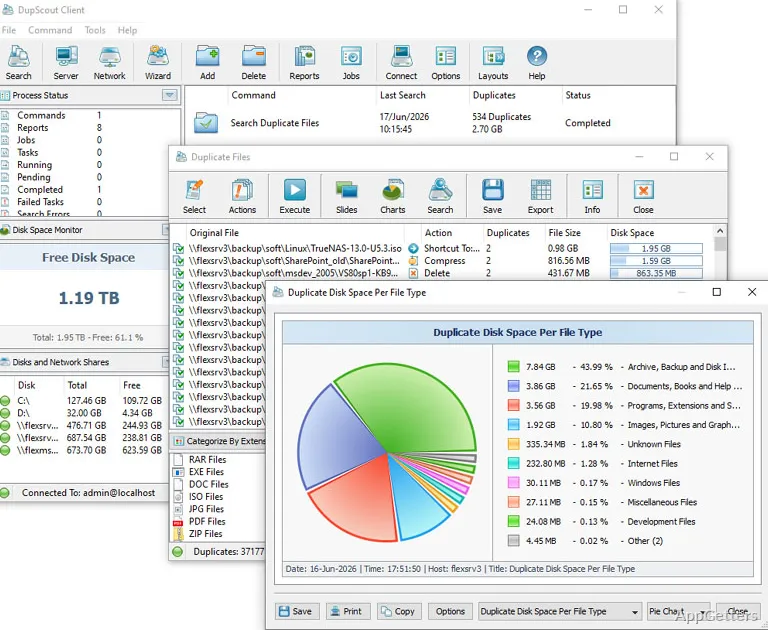
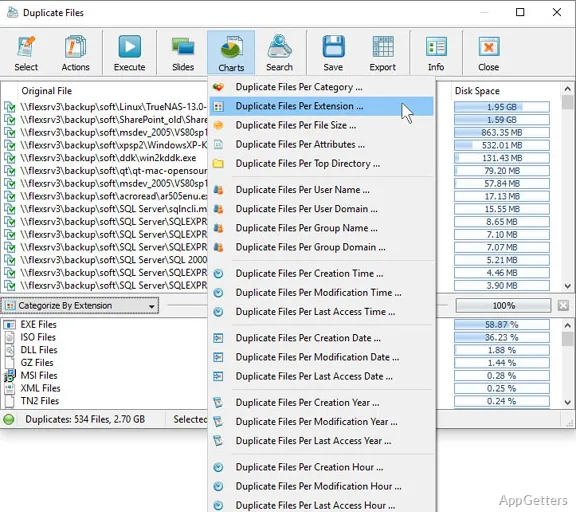
The duplicate-search results view presents files DupScout finds during a scan, with tools for sorting the findings into categories and viewing statistics. The program searches local disks, network shares, NAS devices, and enterprise storage, then lets you decide how to handle duplicate copies.
Choose locations and search rules
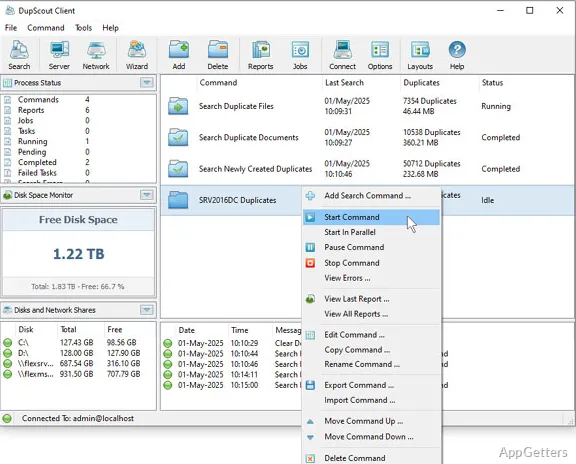
Select the storage locations to scan, including local disks and shared network or NAS storage. DupScout searches for duplicate files in those locations and can apply search rules to shape which files it examines.
Use categories and filters to narrow the results by file group or other available criteria. The search rules provide a way to tailor repeated scans to the files and locations you want to inspect.
Sort and review duplicate groups
After a scan, inspect the duplicate groups and use the statistics and pie charts to see how the findings are distributed. Categories and filters help focus the report on particular portions of the results.
Saved search reports preserve findings for later review. DupScout can also export results to an SQL database, which suits workflows that need to retain or query scan data outside the main results view.
Choose how to clean up copies
DupScout offers several actions for handling duplicates: delete files, move them to another location, or replace duplicate files with links. Review the grouped results to identify which copies to act on, then select the appropriate cleanup action.
The command-line utility provides another way to run duplicate-file search operations. It can fit into scripted workflows alongside the graphical search and reporting tools.
Pros
- Scans local disks, network shares, NAS, and enterprise storage
- Offers duplicate categories, filters, statistics, and pie charts
- Can delete, move, or replace duplicates with links
- Exports results to reports or an SQL database
System requirements: 32-bit and 64-bit · 2 GHz or better dual-core CPU · 4 GB system memory · 100 MB free disk space
What locations can DupScout scan?
It can search local disks, network shares, NAS storage, and enterprise storage systems.
What can I do with duplicate files after a scan?
You can delete them, move them to another location, or replace duplicates with links.
Can DupScout save or export scan results?
Yes. It can save reports and export results to an SQL database.