Want an early warning before a hard drive or SSD fails? The free CrystalDiskInfo reads each drive's S.M.A.R.T. data and shows its health status, temperature and technical details. Select a detected drive to inspect its readings and warning status.
Reading a drive’s status
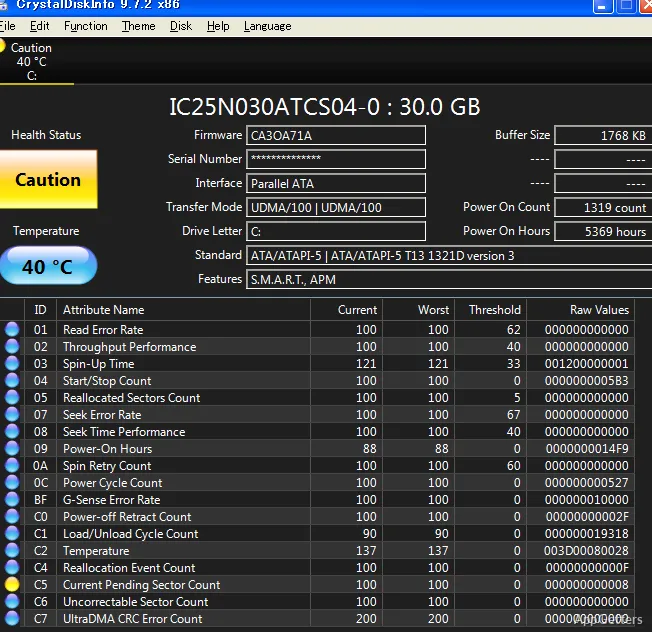
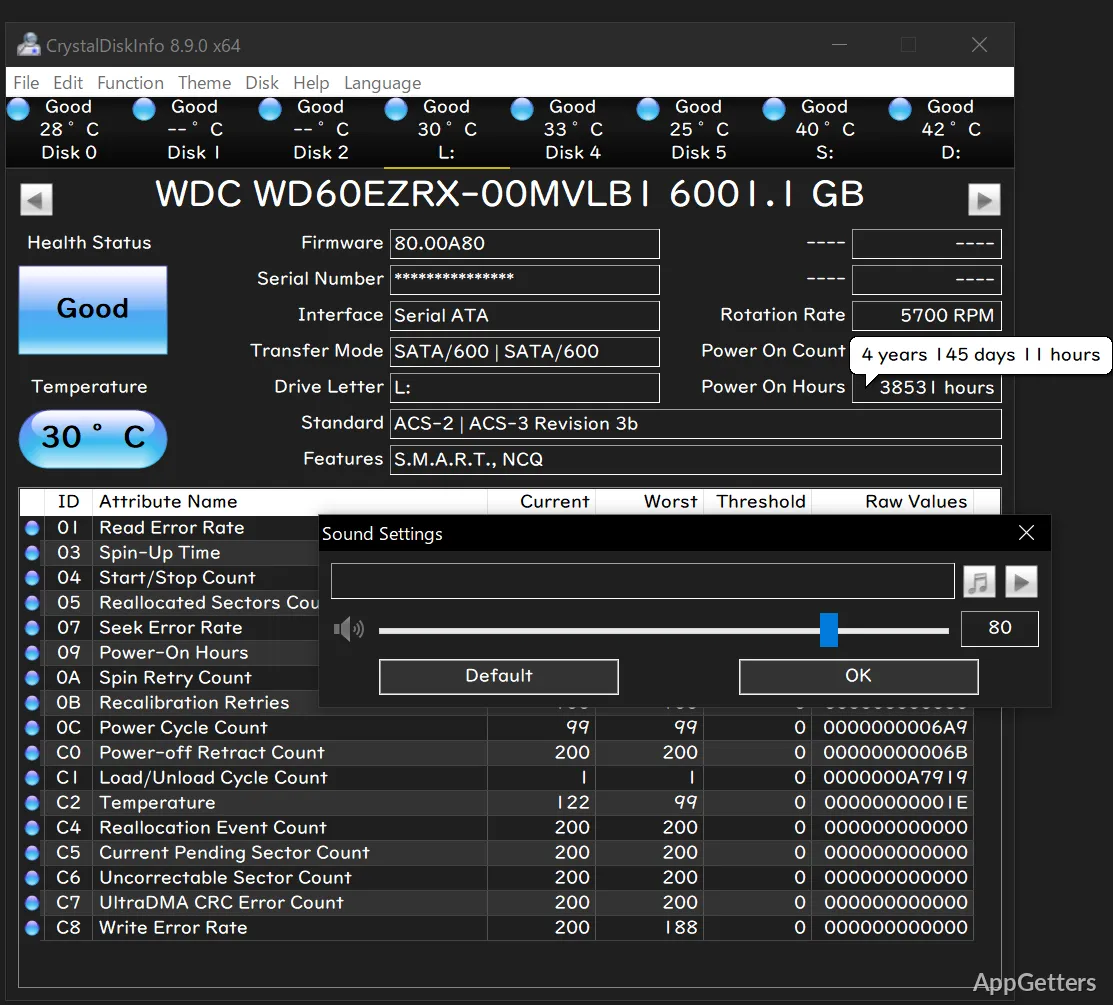
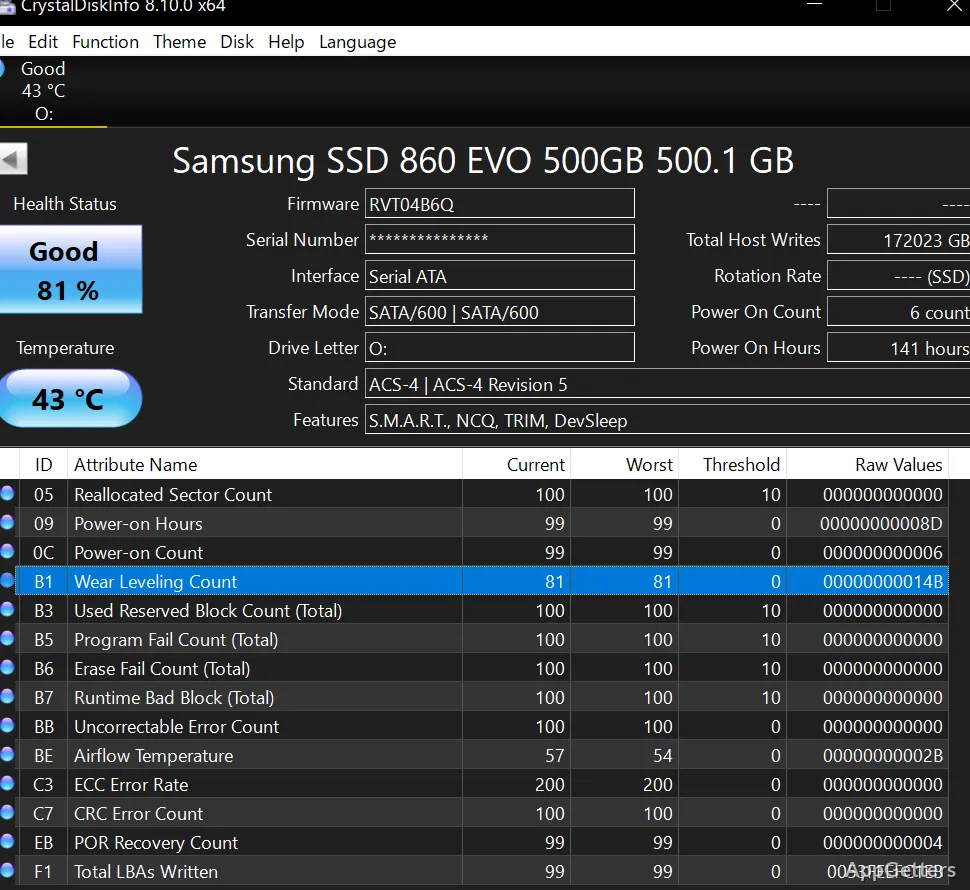
The main view brings together a selected drive’s health indicator and temperature with its S.M.A.R.T. information. A table of attributes exposes the values the drive reports, while device details such as its model, firmware, and interface help identify which disk is being examined.
When several supported drives are detected, choose one from the drive selector to view its readings. CrystalDiskInfo can report on hard drives and SSDs, including supported SATA and NVMe devices. The information available depends on the drive and its connection.
What do Good, Caution, and Bad mean?
CrystalDiskInfo summarizes reported drive health with status labels, so a potential warning is easier to spot than by scanning every attribute first. Caution or Bad signals that the drive’s health data warrants attention; the underlying S.M.A.R.T. readings provide more detail about what the device is reporting.
Temperature appears with the health information, making it straightforward to notice when a drive is running hot. These readings describe the drive’s own reports, not a guarantee about how long it will continue working.
Background monitoring and alerts
The program can remain in the system tray and refresh drive information periodically. Startup and resident options suit users who want it running while they use other applications. Alert settings include sound and email notifications, so a change in a monitored condition can draw attention without keeping the main window open.
- Use the main window to inspect a drive’s status and attribute readings.
- Configure resident behavior and alert options through the program’s settings.
Pros
- Displays drive temperature alongside S.M.A.R.T. attributes
- Shows Good, Caution, or Bad health status
- Can stay resident and provide sound or email alerts
System requirements: Windows 7, Windows 8, Windows 8.1, Windows 10, Windows 11 · ARM64 and x64
What does CrystalDiskInfo monitor?
It displays drive health, temperature, and S.M.A.R.T. attributes for supported hard drives and SSDs.
What does a Caution or Bad status indicate?
The drive’s reported health data has raised a warning. Inspect its S.M.A.R.T. attributes for more detail.
Can CrystalDiskInfo alert me while it is in the background?
Yes. It can stay resident and offers sound and email alert settings.