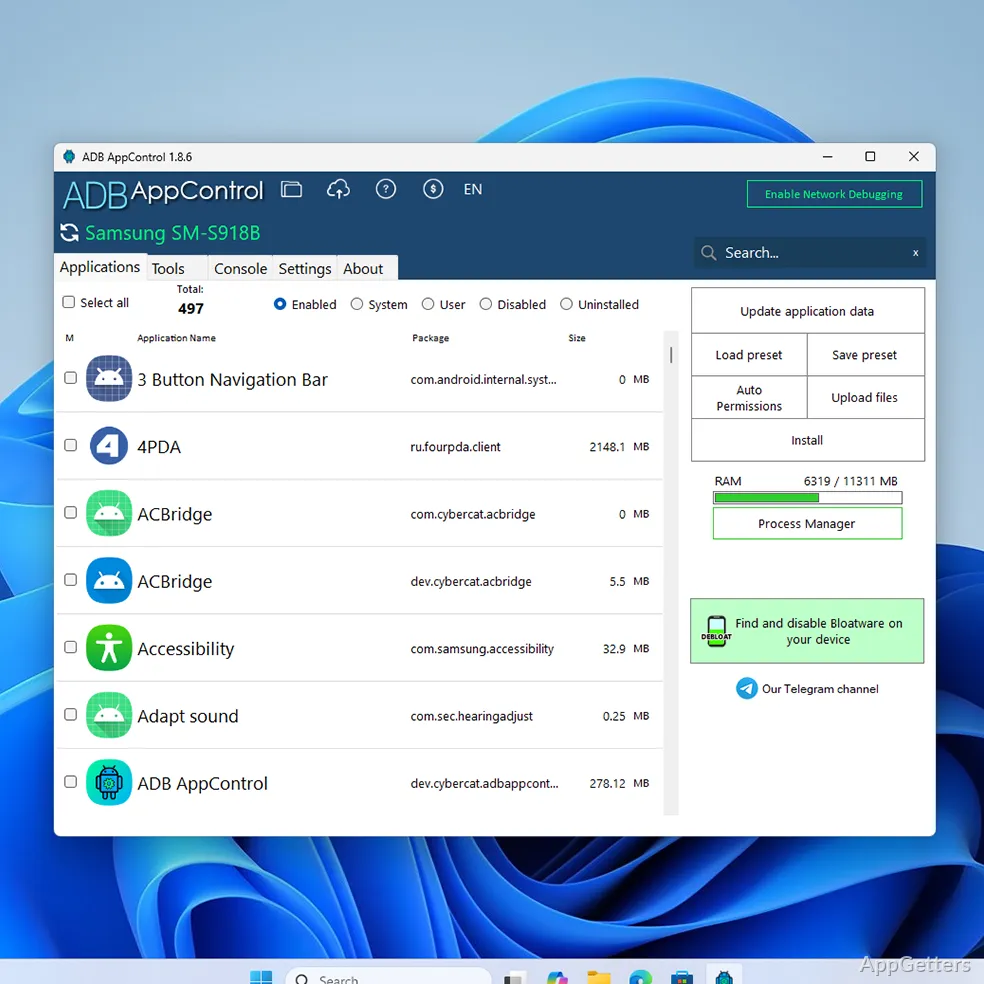
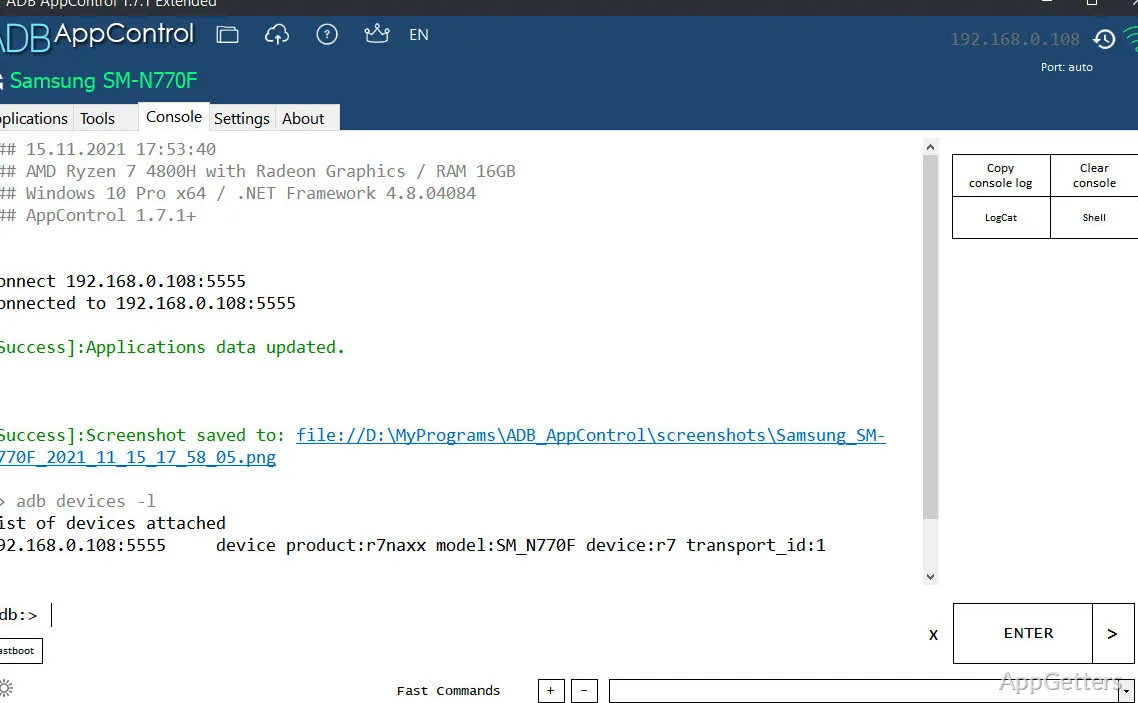
Controlling an Android device using a Windows PC can get very complex. Especially when users demand a deeper level of control than what standard options provide. Most of the time, you won’t be able to uninstall preinstalled apps. You’ll feel that app permissions are quite restricted. Performing significant system changes might force you to resort to command-line tools, which are quite intimidating for beginners. To a lot of people, Android Debug Bridge (ADB) is a very effective tool, but quite hard to get one’s hands on. ADB AppControl tries to be that middleman. It gives users a friendly graphical interface that not only makes device management easier but also retains the flexibility of advanced features.
Making ADB Simple for Non-Experts
Actually, ADB AppControl solves one of the major problems with ADB, which is the ADB itself. It does this in a way that the user will find it very friendly. Without the need to enter commands into a terminal window, users will be able to use a well-organized interface. Their connected devices are spotted at the very beginning. All functions have clear descriptions. Uninstalling or disabling system apps, or just checking what kinds of permissions you have, won’t be a problem anymore. You won’t have to memorize commands either.
It’s a whole new ballgame for those who are new to it. Enabling developer options and USB debugging is still a must for the setup phase. However, when the connection is established, most tasks will feel like being directed rather than just being technical. Hence, it can be a very good companion to students or any other people who like to try device cleanup or optimization for the first time.
But a little bit of knowledge of the Android world might still be needed to truly get the hang of it. The interface might have lessened the complexity. But it doesn’t mean users should not know the purpose of the system apps before getting rid of them.
Effective Device Management
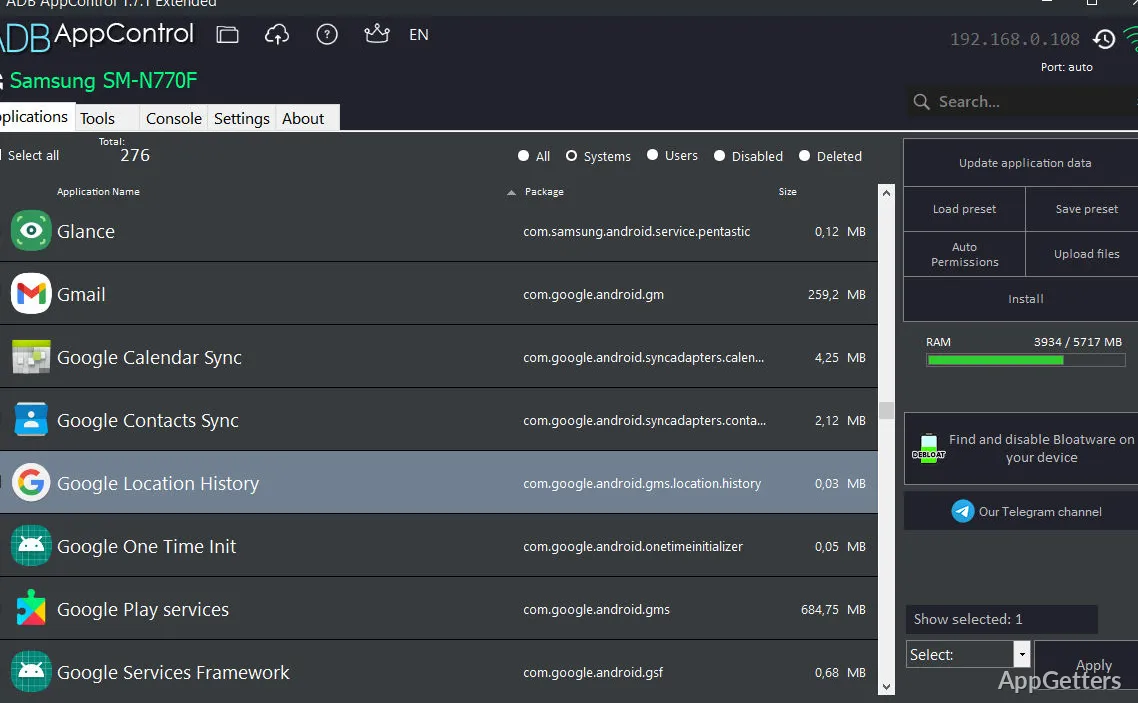
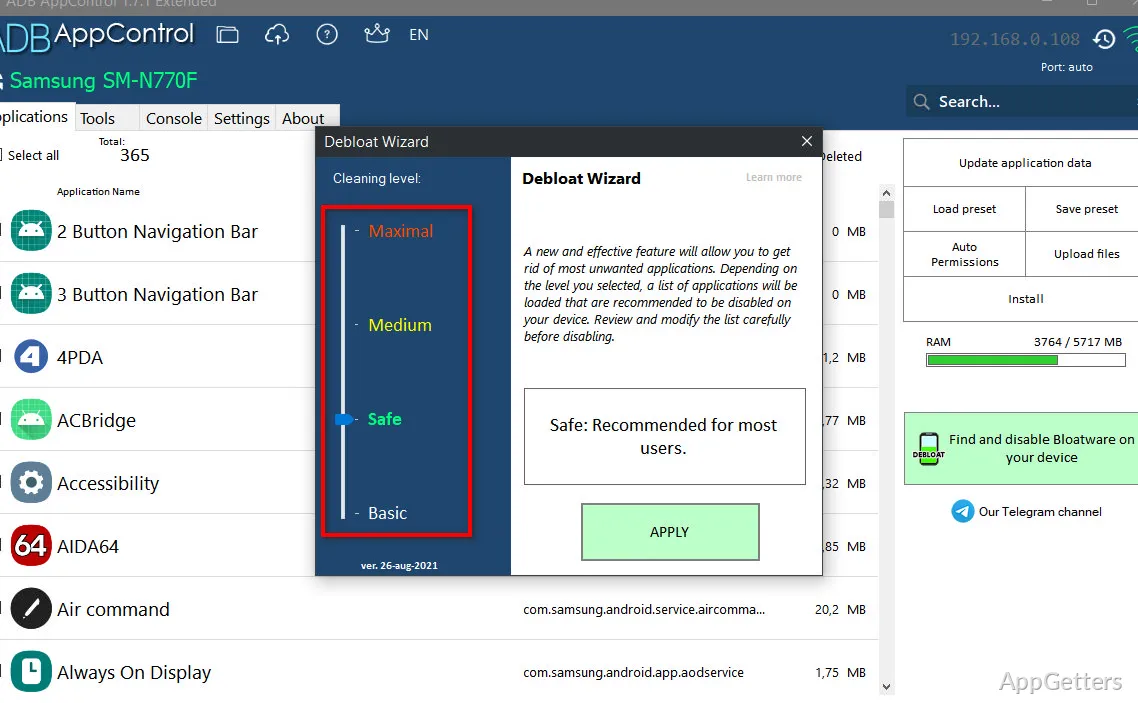
The most common reason why, in fact, ADB AppControl has been used is to get rid of or disable the bloatware. A lot of Android devices come with preinstalled apps. You cannot simply delete them using the ordinary settings. The app helps users to turn off or uninstall these app packs for the current user only. This way, you can release some space. You will also have fewer background operations at the same time.
In general, the method is effective. The modifications are made at once. Users get to know very clearly what exactly has been changed. Besides, the possibility to bring back the previously removed apps is there. It should be reassuring to users who tend to experiment.
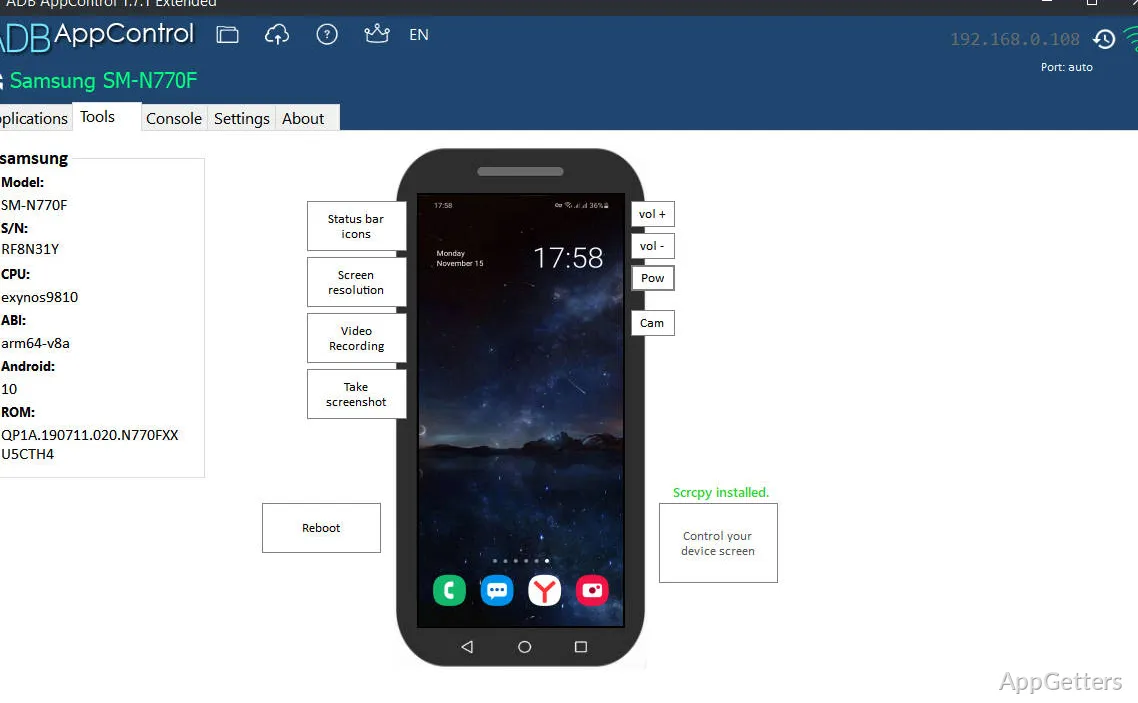
In addition to app management, there are other nice-to-have features, such as permission control or access to device info. Nonetheless, a majority of users return to the tool only for the purpose of app cleanup. Not for the tool itself as a means of device monitoring.
The Impact on Stability and Workflow
ADB AppControl works uniformly well on almost all Windows platforms, as long as the drivers are properly installed. Once the device has been identified, their procedures are off the charts speed-wise. They hardly stumble midway through the operation. This aspect of dependability promotes it for repeated usage. Especially among those who work with multiple devices.
In terms of productivity, compared to the manual ADB command, it definitely is a time saver. You can easily change what normally takes several steps into merely a couple of clicks. The ones who are regularly resetting or setting up devices will start to understand the value of this productivity after some time.
Nevertheless, the device and the installed Android operating system are partly responsible for the stability. Certain manufacturers may have added restrictions. These prevent certain kinds of operations. The software portrays these restrictions in such situations rather than overcoming them.
Downsides and things to consider
ADB AppControl is really good and comfortable to use. But the problem is that it can’t guarantee 0 risks. This happens when you decide to go under the hood of your system by disabling base system apps. Disabling apps that are critical for the system might cause an unpredictable operation of the device. This is especially true in cases when users don’t understand what they are doing. Although the app displays warning messages cautioning the user, the user is solely responsible.
Besides that, it is not a replacement for a set of system management tools or root methods. It just operates within the limits of standard ADB authorization. If users are educated enough, in a way, they can be satisfied with it for the quick and simple tasks. But when it comes to long and serious control, they will still prefer command-line tools.
Finally, remember that some features of the program may require device components that may be unavailable. While it does work without problems with most popular Android devices. You can always run into difficulties with highly customized ones.
Absolutely Great for Tidy Android on Windows
Those wanting effective control over their Android handsets but not wanting to get acquainted with the command-line style of work would find the ADB AppControl to be their best companion. Removing unwanted applications, permission management, and quick device changing from a Windows PC are only some of the ways. These are the ways that it helps users to get what they want.
With this tool, students as well as home users and gadget lovers get a neat package of features. They can both understand and control them. Technical stuff can be kept at a minimum. At the same time, the possibilities inside the debugging tools of a standard Android are respected. For those who wish to clean up and manage their devices in an efficient manner, the ADB AppControl is a safe middle ground. It is not a full-blown replacement for the advanced tools.